TrustRadius: an HG Insights company

ISL Light

Score9.5 out of 10

101 Reviews and Ratings

What is ISL Light?

ISL Light is remote support and remote access software that enables SMBs and large enterprises to offer fast and efficient support and maintenance for Windows, Mac and Linux computers as well as mobile device support for Android and iOS.

Categories & Use Cases

Media

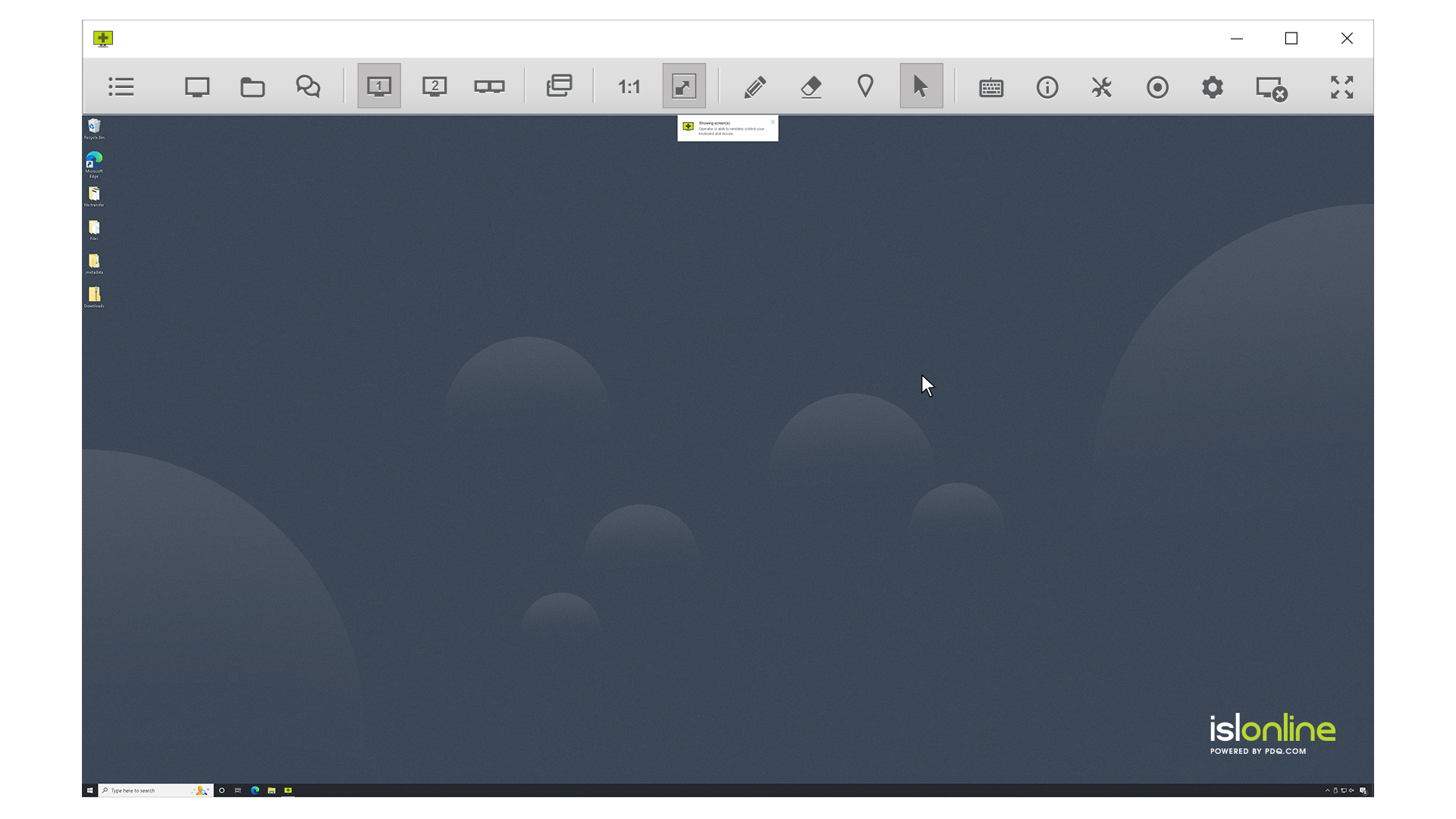
remote access control in ISL Light.
unattended access setup. Access can be allowed to as many computers as desired.
a connection with a remote client, which can be set up by sending an email or sharing a link.
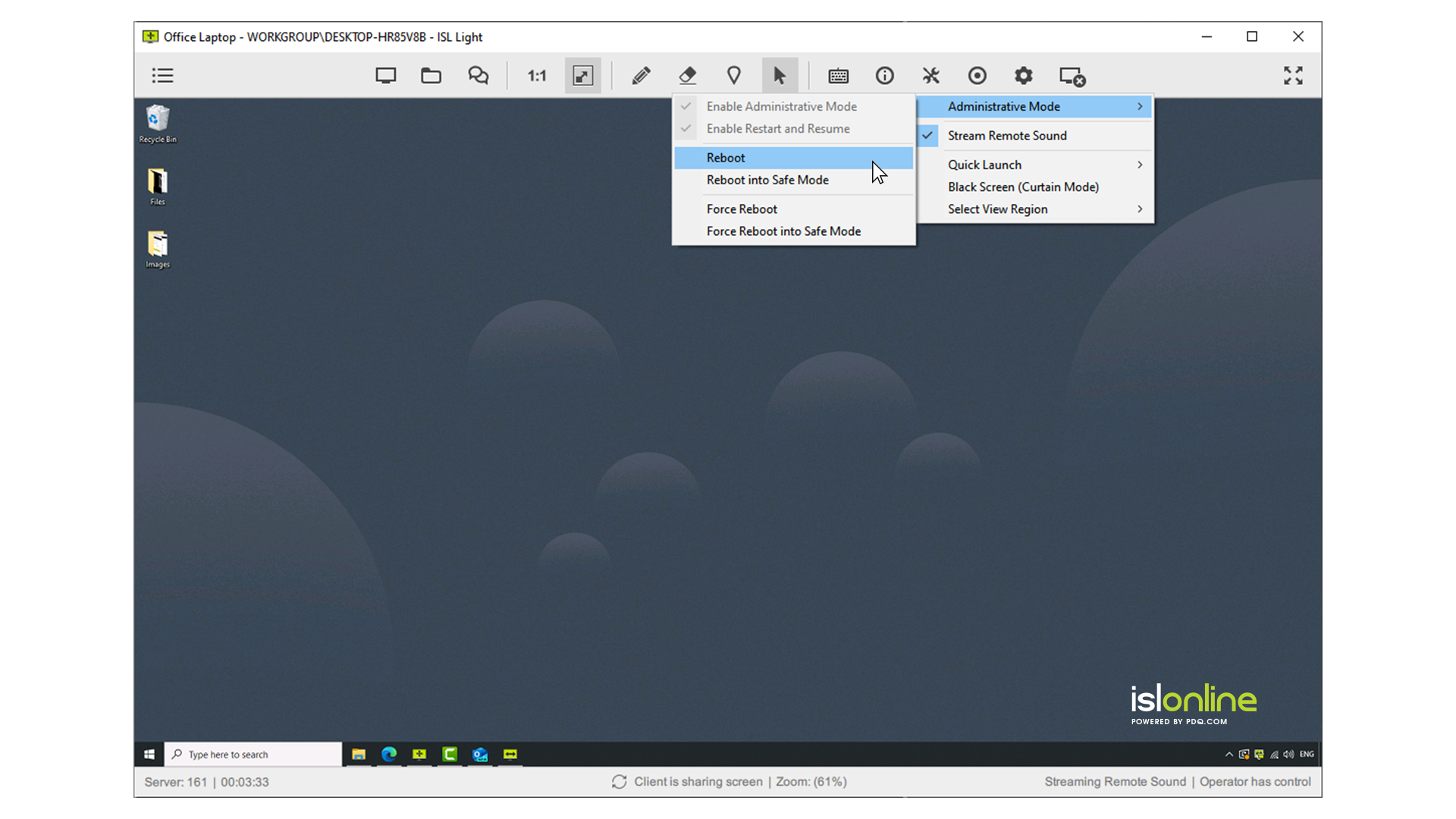
interactions with the Windows UAC on a remote device.
the dual panel File Manager, used to transfer files.
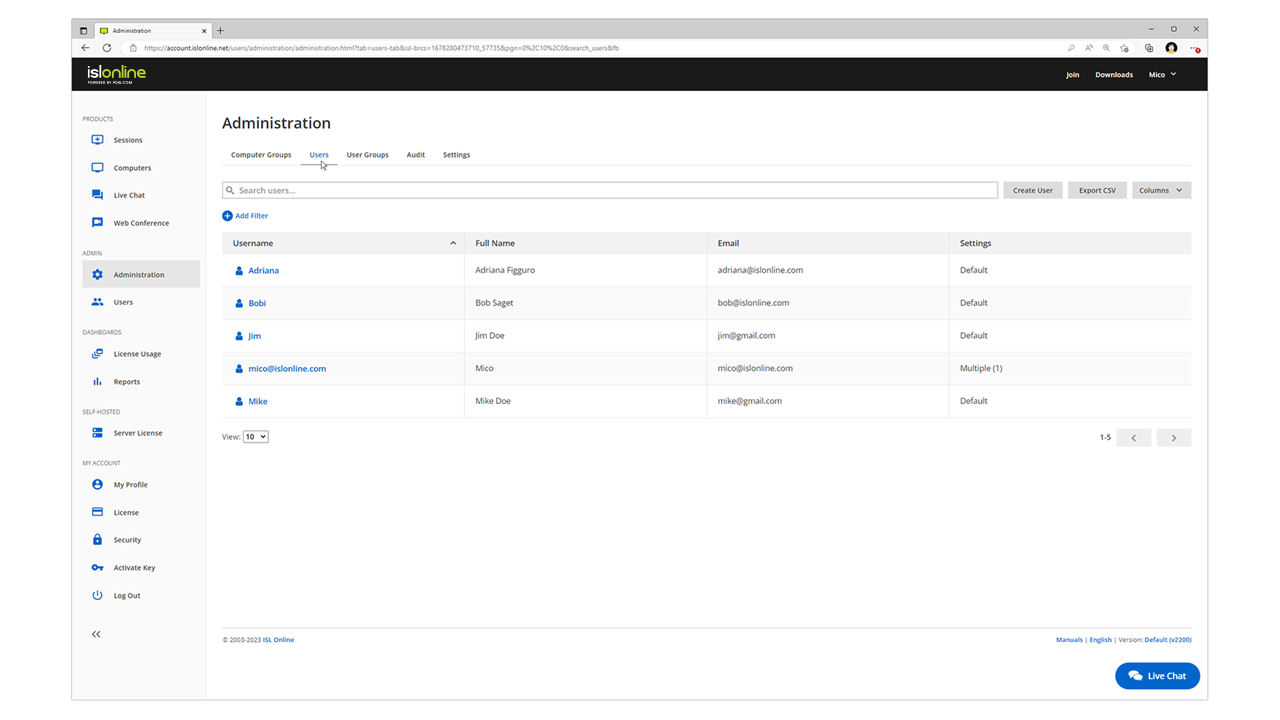
the web console where remote desktop sessions can be managed from a web browser.

1 / 6

Top Performing Features

  • Remote Active Directory® management

    Remotely unlock user accounts, reset passwords, manage Organizational Units, edit Group Policy, etc.

    Category average: 6.7

  • Over-the-Internet remote session

    Establish secure remote connection with computers outside the network firewall.

    Category average: 9.4

  • Remote management of servers & workstations

    Server reboot, start/stop services & processes, clear logs, manage disks, shares, etc. without having to initiate remote control.

    Category average: 8.4

Areas for Improvement

  • File transfer

    Securely exchange files with remote computer without having to use email or FTP.

    Category average: 8.6

  • Instant message

    Ability for administrator to communicate via instant message with remote user.

    Category average: 7.3

  • Access to sleeping/powered-off computers

    Remote access and troubleshooting of out-of-band computers.

    Category average: 5.5

Must Use

Use Cases and Deployment Scope

Test

Pros

  • test

Cons

  • test

Return on Investment

  • three

Usability

Alternatives Considered

Celonis

Other Software Used

Celonis

ISL Light review after switching from alternative solutions

Use Cases and Deployment Scope

Our organization uses ISL light to provide remote support to our many customers who rely on fast response times and ease of providing remote assistance. ISL light, with its ISL Light Client and its ISL Always On agent, provides all the necessary features to achieve these goals.

Pros

  • Ability to sort customers in their own groups
  • ISL always on agent provides seamless connections to customers remote machines with minimal coordination required between a consultant and remote customer
  • Seamless switching between various user accounts on a customer machine if necessary
  • Ability to establish RDP connections
  • One-click silent install for ISL Always On based on pre-determined parameters (customer, group, password).

Cons

  • Program is lacking copy-paste functionality for data files, only text clipboard can be copy-pasted between two machines. Integrated file browser and transfer tool is insufficient and a hassle to use.
  • Usernames and passwords are not stored for RDP connections, requiring consultant to re-enter them whenever establishing RDP session trough a secure tunnel.
  • Passwords for accessing remote machines are stored only locally and not in the user's account. Requires user to enter passwords separately on every machine they want to establish connections from.
  • Establishing a connection from a windows to apple machine works as it should, however mouse clicks do not register in a consistent way, sometimes requiring multiple mouse clicks to register a command.
  • Mouse 4 and 5 buttons do not work on remote sessions.
  • Keyboard strokes have a noticeable delay even on ultra-fast connections, which is annoying in certain situations when lots of text input is required.

Return on Investment

  • Ease of use, can provide support to users behind NAT firewalls in seconds
  • Much faster response times compared to classic on-site support

Usability

Alternatives Considered

TeamViewer

ISL Light is very reliable and useful.

Use Cases and Deployment Scope

We use ISL Light for remote accessing customer machines, which it is absolutely great for. We rely on it over any other remote access software, as it allows us to seamlessly troubleshoot for customers with no issues, including entering admin usernames and passwords.

Customers also find it easy to connect to, and it can be rolled out via automatic policies to user machines.

Pros

  • Remote access with no downsides
  • Entering of admin credentials
  • Seamless connection

Cons

  • Perhaps scaling of the display - some can be quite grainy depending on the auto resolution
  • Otherwise, no other issues!

Return on Investment

  • Saved a lot of time in comparison to using QuickAssist or AnyDesk, as local install allows access at a moments notice with no user input
  • Time also saved in comparison to others as it can be installed via Intune policy, so can be rolled out automatically.
  • Very reliable - we previously had an issue entering admin credentials using any other software as the screen will freeze. No such issue with this software allowing us to support remote users.

Usability

ISL Light review

Use Cases and Deployment Scope

Customer support , needed on premise installation, stable working and easy to use, good support, fair price

Pros

  • user friendly
  • stable working
  • simple usage
  • lots of functions

Cons

  • Everything is doing well

Return on Investment

  • ROI about 55%

Usability

Alternatives Considered

TeamViewer, Zoho Assist and AnyDesk

Other Software Used

TeamViewer, AnyDesk, Zoho Assist

ISL Light the best decision

Use Cases and Deployment Scope

We decided to use ISL Light primarily because of its privacy-focused approach. Since there's no home or free version, we ensure that it's fully business-friendly. Furthermore, all its features and compatibility with different operating systems and hardware are excellent for everyday use in our support areas.

Pros

  • Security
  • Compatibility
  • Easy implementation

Return on Investment

  • We see our return in the practicality of our customer service.

Usability

Alternatives Considered

AnyDesk and TeamViewer

Other Software Used

QuickBooks Desktop Enterprise