GoToMyPC is a remote administration offering from GoTo (formerly LogMeIn) with mobile deployment to work on files, programs, and networks from home or while traveling.
$28
per month per computer
ISL Light
Score9.3 out of 10
Small Businesses (1-50 employees)
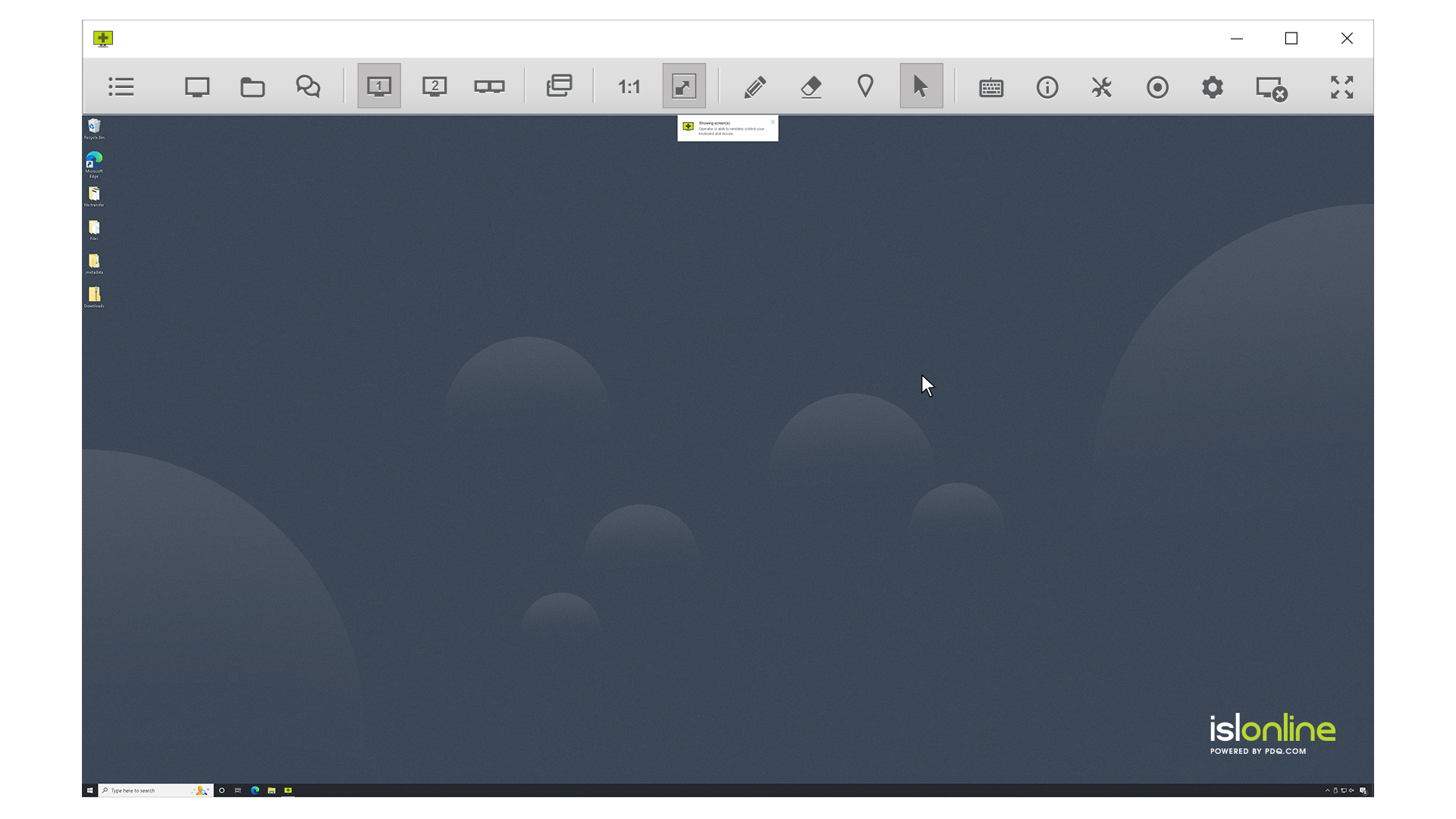
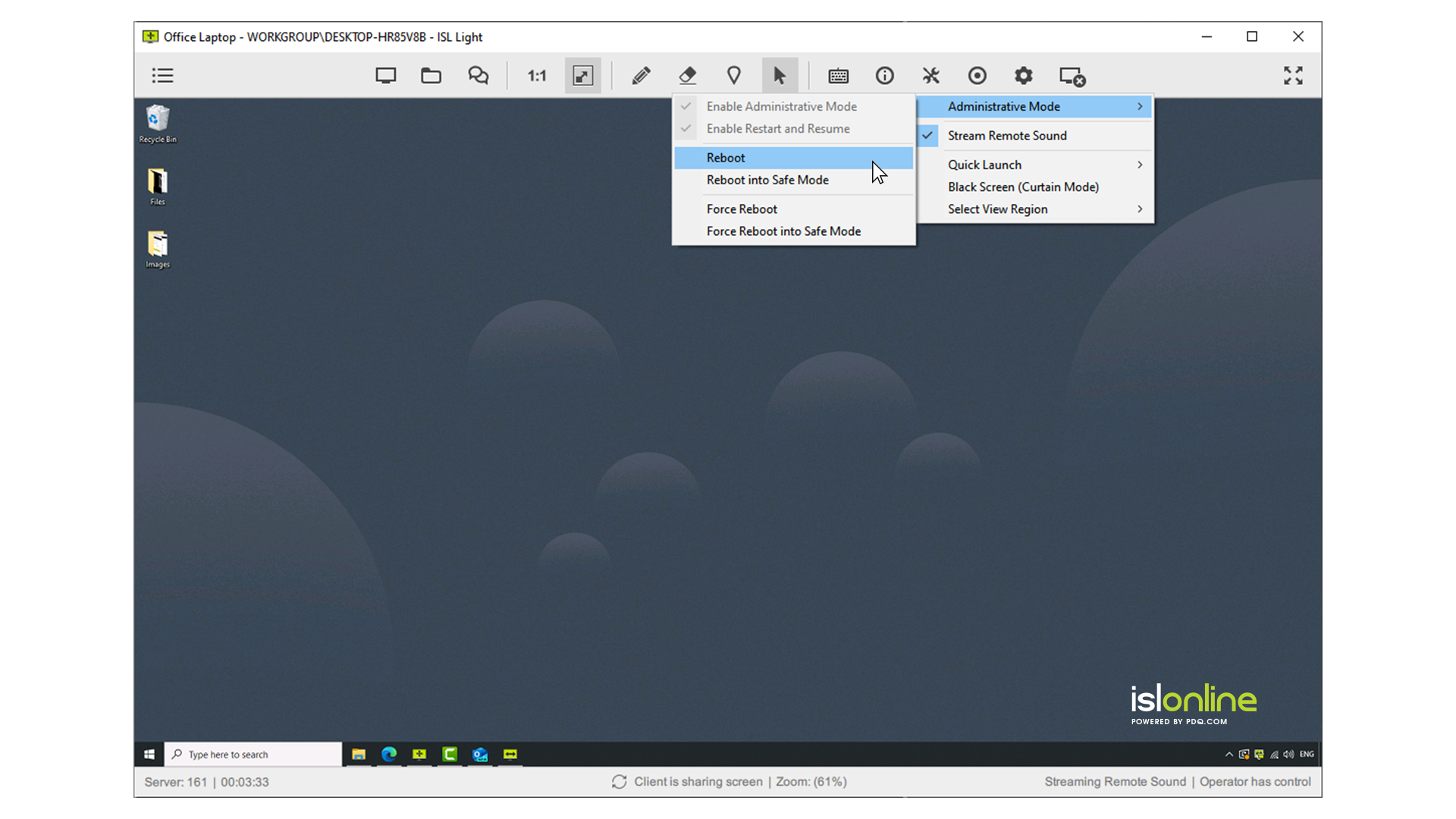
ISL Light is remote support and remote access software that enables SMBs and large enterprises to offer fast and efficient support and maintenance for Windows, Mac and Linux computers as well as mobile device support for Android and iOS.
$418
per year (1 concurrent user)
Pricing
GoToMyPC
ISL Light
Editions & Modules
Corporate
$28
per month per computer
Pro
$33
per month per computer
Personal
$35
per month per computer
Standard
$34.90
per month (billed annually) per concurrent user
Self-Hosted
$44.90
per month (billed annually) per concurrent user
Premium
$54.90
per month (billed annually) per concurrent user
Enterprise (Managed Private Cloud)
$23,976
per year 20 concurrent users
Offerings
Pricing Offerings
GoToMyPC
ISL Light
Free Trial
No
Yes
Free/Freemium Version
No
No
Premium Consulting/Integration Services
No
Yes
Entry-level Setup Fee
No setup fee
No setup fee
Additional Details
—
ISL Online's pricing model considers the number of licenses purchased, which determines the maximum number of concurrent users within the organization. A concurrent user is defined as anyone running one or more sessions simultaneously from any device. There are no restrictions on the number of ISL Light users within a company or the remote devices managed.
For example, with three licenses, an unlimited number of people in a company can use ISL Light and can access an unlimited number of remote devices, but only three users can use it concurrently. When one of these three users ends their session, a fourth user can begin their session, and so on.
More Pricing Information
Community Pulse
GoToMyPC
ISL Light
Considered Both Products
GoTo (formerly LogMeIn)
No answer on this topic
ISL Online
Verified User
Chose ISL Light
ISL Light is easy to use and covers all our permanant access devices but is also easy to manage our ad-hoc clients, the only negative over some is you can't automate remote tasks
A de minimis incentive was given to thank the reviewer for their time. The incentive was not used to bias or drive a particular response, nor was the incentive contingent on a positive endorsement. More Info
Verified User
Chose ISL Light
ISL is considerably more cost effective for us, partly because we've opted to self-host it. Not many other providers offer this approach.
A de minimis incentive was given to thank the reviewer for their time. The incentive was not used to bias or drive a particular response, nor was the incentive contingent on a positive endorsement. More Info
I think GoToMyPC is well-suited for any scenario I have encountered, although I only have experience using it in a small firm setting. Otherwise, for working from home and traveling or file retrieval, it has proved more than adequate. I have not encountered a scenario that I thought was less than appropriate.
A de minimis incentive was given to thank the reviewer for their time. The incentive was not used to bias or drive a particular response, nor was the incentive contingent on a positive endorsement. More Info
ISL light is suitable for anyone who plans to provide remote assistance services on a medium to large scale. Due to the high entry price, it is less suitable for consultants with a smaller number of clients or remote stations that need management. Their smallest package in which minutes are rented does not seem suitable for most cases.
A de minimis incentive was given to thank the reviewer for their time. The incentive was not used to bias or drive a particular response, nor was the incentive contingent on a positive endorsement. More Info
I have been using GotomyPC for 20 years and it's gotten better with time. It's the best remote app that I've tried. The others were harder to use and not as functional. It allows us to work from anywhere just as if we were in the office. Even being able to print to my remote location is a wonderful way of doing work. I don't have to drag it to my remote device, It will just print without any hassle
A de minimis incentive was given to thank the reviewer for their time. The incentive was not used to bias or drive a particular response, nor was the incentive contingent on a positive endorsement. More Info
Really easy to use-even if you forget your password frequently like me. The reset password feature is not cumbersome and does not require phoning Customer Service. Just a few clicks and a bit of creativity to come up with a new password. I like this "easy button" approach. Definitely recommend.
A de minimis incentive was given to thank the reviewer for their time. The incentive was not used to bias or drive a particular response, nor was the incentive contingent on a positive endorsement. More Info
Everything works well and quickly, and that's all we need. ISL Light always works, and we've never had a situation where the server was inaccessible or the website was down. It simply gives us a 100% guarantee that we can always log in to our customers' systems. We can install the ISL Light client at our customers' sites without any problems, even though security is high.
A de minimis incentive was given to thank the reviewer for their time. The incentive was not used to bias or drive a particular response, nor was the incentive contingent on a positive endorsement. More Info
We had issues with mouse skipping on mobile devices. Support is immediatly availabe, they examined our case and in one of the new versions of the app this problem was gone.
It set up quickly and assigning log ins to various computers was simple. I don't think you need many insights into the product. It's easy to implement and easy to use. Since it's a work tool, it needs be that way. I wouldn't want the tool to have any learning curve when some of the people using it are not tech savvy. They are accessing their work computers for files or to work on apps that their remote devices might not have loaded.
A de minimis incentive was given to thank the reviewer for their time. The incentive was not used to bias or drive a particular response, nor was the incentive contingent on a positive endorsement. More Info
I can use it on all of my devices - even my Galaxy phone. Once you log into your device, you work on it as if you were physically in front of it. Not much complexity in that. If you can work on your own device, you can work on it through another device - even a phone.
A de minimis incentive was given to thank the reviewer for their time. The incentive was not used to bias or drive a particular response, nor was the incentive contingent on a positive endorsement. More Info