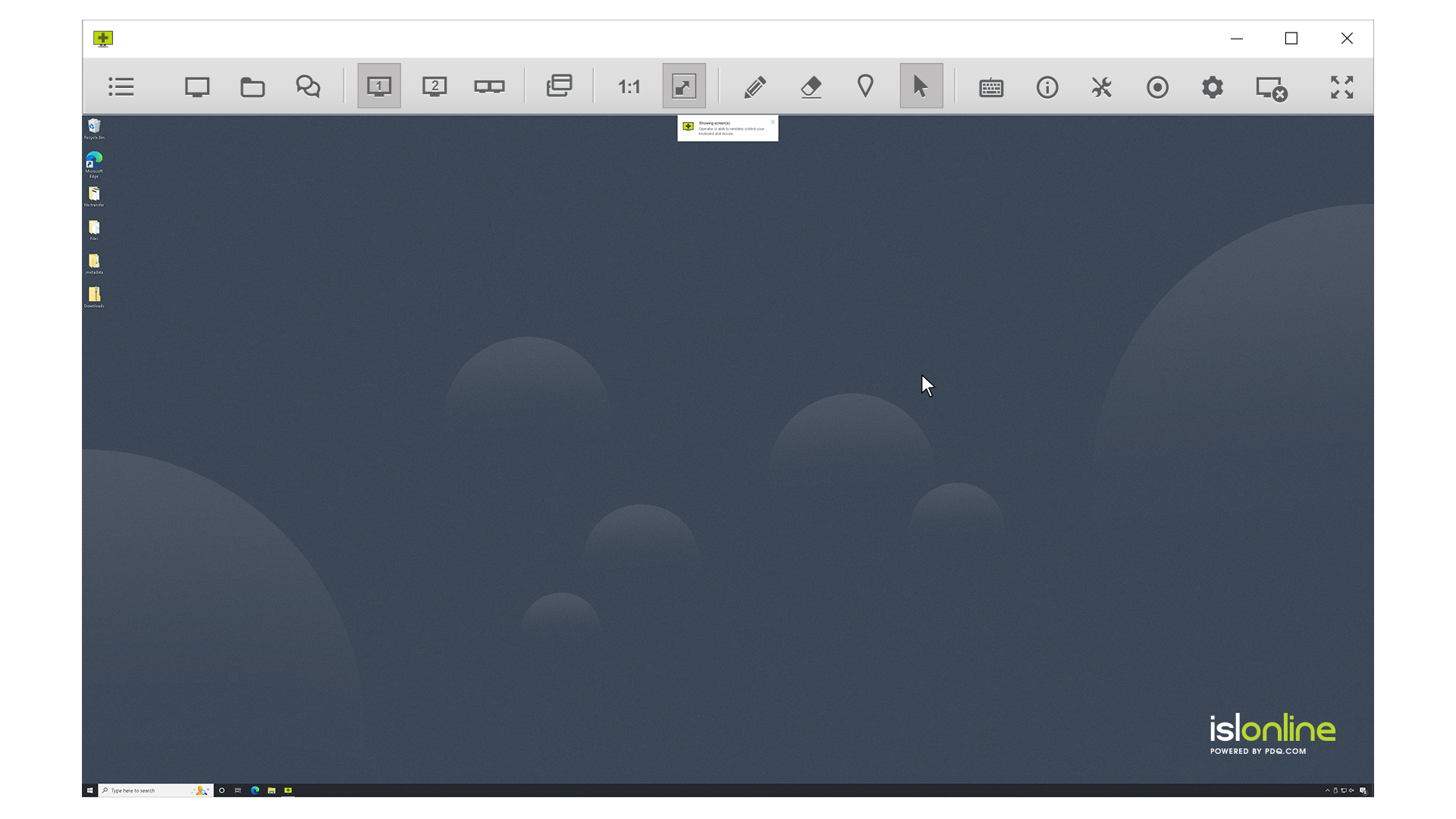
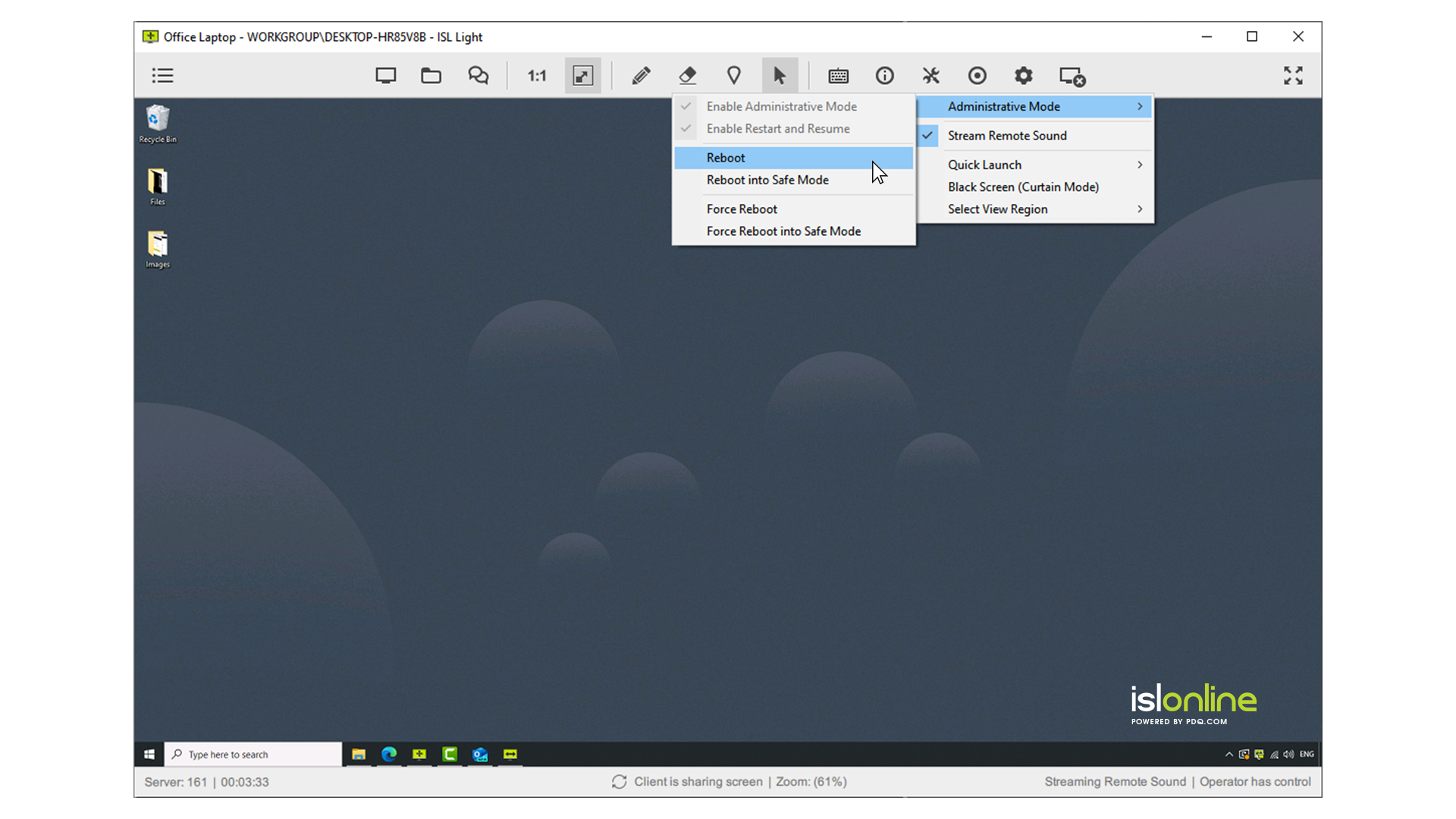
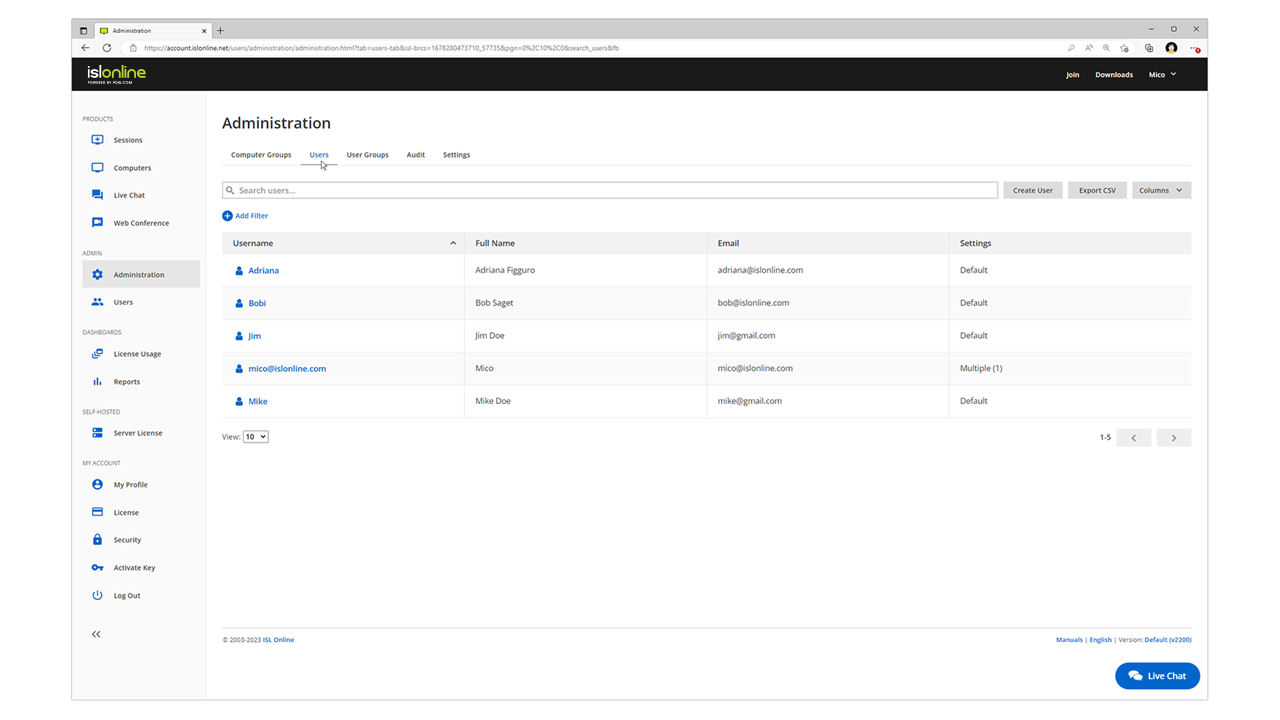
ISL Light is remote support and remote access software that enables SMBs and large enterprises to offer fast and efficient support and maintenance for Windows, Mac and Linux computers as well as mobile device support for Android and iOS.
$418
per year (1 concurrent user)
TeamViewer
Score8.5 out of 10
N/A
TeamViewer provides software for both remote management and online collaborations. With TeamViewer, users have access to fully integrated online conference solutions for audio and video communication, including interactive screen sharing and remote access features.
$299
per year
Pricing
ISL Light
TeamViewer
Editions & Modules
Standard
$34.90
per month (billed annually) per concurrent user
Self-Hosted
$44.90
per month (billed annually) per concurrent user
Premium
$54.90
per month (billed annually) per concurrent user
Enterprise (Managed Private Cloud)
$23,976
per year 20 concurrent users
Remote Access
$24.90
per month (billed annually) 1 Licensed User
Business
$50.90
per month (billed annually) 1 Licensed User
Premium
$102.90
per month (billed annually) 15 Licensed Users
Corporate
$206.90
per month (billed annually) 30 Licensed Users
Offerings
Pricing Offerings
ISL Light
TeamViewer
Free Trial
Yes
Yes
Free/Freemium Version
No
Yes
Premium Consulting/Integration Services
Yes
Yes
Entry-level Setup Fee
No setup fee
Optional
Additional Details
ISL Online's pricing model considers the number of licenses purchased, which determines the maximum number of concurrent users within the organization. A concurrent user is defined as anyone running one or more sessions simultaneously from any device. There are no restrictions on the number of ISL Light users within a company or the remote devices managed.
For example, with three licenses, an unlimited number of people in a company can use ISL Light and can access an unlimited number of remote devices, but only three users can use it concurrently. When one of these three users ends their session, a fourth user can begin their session, and so on.
—
More Pricing Information
Community Pulse
ISL Light
TeamViewer
Considered Both Products
ISL Online
Verified User
Chose ISL Light
Fast, quick, nonsense free, can downgrade picture quality for clients on mobile broadband
The three above mentioned softwares like CWA, Splashtop and TeamViewer can require you to lookup information on how to use the software, in-comparison to ISL where it's easy graphically.
A de minimis incentive was given to thank the reviewer for their time. The incentive was not used to bias or drive a particular response, nor was the incentive contingent on a positive endorsement. TR verified that a representative sample of customers was invited. More Info
Verified User
Chose ISL Light
TeamViewer is too expensive and I don't like the unattended management. AnyDesk doesn't have the functions that I like most about ISL Light.
TeamViewer es demasiado caro y no me gustó la gestión desatendida. AnyDesk no tiene las funciones que más me gustan de ISL Light.
A de minimis incentive was given to thank the reviewer for their time. The incentive was not used to bias or drive a particular response, nor was the incentive contingent on a positive endorsement. More Info
Verified User
Chose ISL Light
Price fit our needs, and it had all the functions we needed. The others all had issues that were preventing me from using it as we do on a day to day basis. TeamViewer especially has declined to a horrible state, and they trap you in with forced renewals which is seriously …
A de minimis incentive was given to thank the reviewer for their time. The incentive was not used to bias or drive a particular response, nor was the incentive contingent on a positive endorsement. More Info
CEO in Information Technology at GRID d.o.o. Ljubljana (Information Technology & Services, 1-10 employees)
Chose ISL Light
Much cheaper licence then TeamViewer and much more user friendly than UltraVNC for example. Better performance then AnyDesk or Chrome Remote Desktop. It has simple user interface which can be immediatly understood. But if you dig deeper you see there is in depth capabilites for …
A de minimis incentive was given to thank the reviewer for their time. The incentive was not used to bias or drive a particular response, nor was the incentive contingent on a positive endorsement. More Info
Information Technology Security Specialist in Information Technology at Paratus Telecom (Internet, 501-1000 employees)
Chose ISL Light
Support is always quick and responsive, although I only had to contact support for license renewals over the past few years, so in essence, once a year. We made use of ISL Online at other companies too, at that time there was no real contender in the market according to my …
A de minimis incentive was given to thank the reviewer for their time. The incentive was not used to bias or drive a particular response, nor was the incentive contingent on a positive endorsement. More Info
A de minimis incentive was given to thank the reviewer for their time. The incentive was not used to bias or drive a particular response, nor was the incentive contingent on a positive endorsement. More Info
Verified User
Chose ISL Light
ISL Light is easy to use and covers all our permanant access devices but is also easy to manage our ad-hoc clients, the only negative over some is you can't automate remote tasks
A de minimis incentive was given to thank the reviewer for their time. The incentive was not used to bias or drive a particular response, nor was the incentive contingent on a positive endorsement. More Info
A de minimis incentive was given to thank the reviewer for their time. The incentive was not used to bias or drive a particular response, nor was the incentive contingent on a positive endorsement. More Info
Verified User
Chose ISL Light
Multi-monitor handling is super easy with ISL Light. The licensing model of ISL Light's self-hosted version is unbeatable. Great technical support, which often used before I purchased. The unbelievable price increase during and after the covid time of remote tools, has ended, …
A de minimis incentive was given to thank the reviewer for their time. The incentive was not used to bias or drive a particular response, nor was the incentive contingent on a positive endorsement. More Info
Head of general affair and informatics sector at JMSS Maribor (Real Estate, 11-50 employees)
Chose ISL Light
More user-friendly. More affordable. A Slovenian product (which means it supports the Slovene language). User support is very satisfactory and responsive. Simple installation and does not require additional knowledge from colleagues.
A de minimis incentive was given to thank the reviewer for their time. The incentive was not used to bias or drive a particular response, nor was the incentive contingent on a positive endorsement. More Info
CEO in Information Technology at InstaText d.o.o. (Information Technology & Services, 1-10 employees)
Chose ISL Light
At first we were impressed by how easy it is to get help from a remote partner. Later we found out that ISL Light is also a local product and we are happy to support local businesses.
A de minimis incentive was given to thank the reviewer for their time. The incentive was not used to bias or drive a particular response, nor was the incentive contingent on a positive endorsement. More Info
Verified User
Chose ISL Light
While these are all good products and provide a solution in other use cases, at the time we were searching, ISL Light fit our use case best. It is a completely self-contained and privately hosted solution with a tool for each step, user contact, information gathering, remote …
A de minimis incentive was given to thank the reviewer for their time. The incentive was not used to bias or drive a particular response, nor was the incentive contingent on a positive endorsement. More Info
A de minimis incentive was given to thank the reviewer for their time. The incentive was not used to bias or drive a particular response, nor was the incentive contingent on a positive endorsement. More Info
Verified User
Chose ISL Light
While both apps have their strengths, we found ISL Light to be a better fit for our usecase.
A de minimis incentive was given to thank the reviewer for their time. The incentive was not used to bias or drive a particular response, nor was the incentive contingent on a positive endorsement. More Info
Verified User
Chose ISL Light
Easier to use, easier to install and easier to manage. No dropping in connectivity and the GUI is much better than any other program.
A de minimis incentive was given to thank the reviewer for their time. The incentive was not used to bias or drive a particular response, nor was the incentive contingent on a positive endorsement. More Info
Verified User
Chose ISL Light
We chose ISL Light because of ease of use for our customers and end users, as it's the fastest way of getting a connection to the mentioned user or PC. A big role also plays the reliability of secure connection.
A de minimis incentive was given to thank the reviewer for their time. The incentive was not used to bias or drive a particular response, nor was the incentive contingent on a positive endorsement. More Info
A de minimis incentive was given to thank the reviewer for their time. The incentive was not used to bias or drive a particular response, nor was the incentive contingent on a positive endorsement. More Info
Verified User
Chose ISL Light
ISL has better and simpler pricing also thie support is 10/10.
A de minimis incentive was given to thank the reviewer for their time. The incentive was not used to bias or drive a particular response, nor was the incentive contingent on a positive endorsement. More Info
A de minimis incentive was given to thank the reviewer for their time. The incentive was not used to bias or drive a particular response, nor was the incentive contingent on a positive endorsement. More Info
automation expert in Customer Service at Gen Group™ (Horticulture, 51-200 employees)
Chose ISL Light
With ISL Light, I send a link to customers and they can set specific /particular passwords, and also with global password we can login to an unattended remote desktop.
A de minimis incentive was given to thank the reviewer for their time. The incentive was not used to bias or drive a particular response, nor was the incentive contingent on a positive endorsement. More Info
Owner / developer in Information Technology at Palmans IT Solutions (Information Technology & Services, 1-10 employees)
Chose ISL Light
When I performed a little market research I found out that ISL Light has great competitive pricing. Especially a major benefit for me personally, is that there is the possibility to purchase the license on per-credit use (besides per subscription). Also, on the technical side, …
A de minimis incentive was given to thank the reviewer for their time. The incentive was not used to bias or drive a particular response, nor was the incentive contingent on a positive endorsement. More Info
Computer and Information Systems Manager in Information Technology at Triple PC Ltd. (Computer Software, 1-10 employees)
Chose ISL Light
The ability to install ISL Light on our own server and manage the connections securely ourselves made a huge impact on our decision. Other systems require cloud connectivity to third-party servers we cannot vouch for. ISL's licensing terms are very reasonable in comparison as …
A de minimis incentive was given to thank the reviewer for their time. The incentive was not used to bias or drive a particular response, nor was the incentive contingent on a positive endorsement. More Info
Verified User
Chose ISL Light
It's easy to answer this. ISL Light has practical advantages with a normal or RDP connection. Always-on seems to work better for us and only one number to connect to a client is also more practical than entering numbers and passwords. Also, faster opening and always the …
A de minimis incentive was given to thank the reviewer for their time. The incentive was not used to bias or drive a particular response, nor was the incentive contingent on a positive endorsement. More Info
A de minimis incentive was given to thank the reviewer for their time. The incentive was not used to bias or drive a particular response, nor was the incentive contingent on a positive endorsement. More Info
ISL light is suitable for anyone who plans to provide remote assistance services on a medium to large scale. Due to the high entry price, it is less suitable for consultants with a smaller number of clients or remote stations that need management. Their smallest package in which minutes are rented does not seem suitable for most cases.
A de minimis incentive was given to thank the reviewer for their time. The incentive was not used to bias or drive a particular response, nor was the incentive contingent on a positive endorsement. More Info
If someone were to ask me for a recommendation, I would honestly say that it was the best option for me. Many times, my team members, other therapy department consultants, or doctors have encountered a problem with their systems that they are unable to resolve on their own. They just reached out to me and explained their concerns. Once their system is connected to me, I can resolve their situation in a very short amount of time.
A de minimis incentive was given to thank the reviewer for their time. The incentive was not used to bias or drive a particular response, nor was the incentive contingent on a positive endorsement. TR verified that a representative sample of customers was invited. More Info
A de minimis incentive was given to thank the reviewer for their time. The incentive was not used to bias or drive a particular response, nor was the incentive contingent on a positive endorsement. TR verified that a representative sample of customers was invited. More Info
Need a control toggle at least on AlwaysOn. User moves the mouse and you lose all control instantly.
Clipboard features are a bit wonky still, and your clipboard seems to get emptied a lot. So if you're trying to copy and paste you might lose something
Passwords for the systems are saved per machine, so if you work from multiple devices it can be tricky if you have complex passwords
A de minimis incentive was given to thank the reviewer for their time. The incentive was not used to bias or drive a particular response, nor was the incentive contingent on a positive endorsement. More Info
The update Cycle of the Desktop app is sometimes unstable. We downloaded the latest TeamViewer Desktop App from the official site, and it immediately asks us to update.
Pricing tier for small teams can be improved.
Live subtitles for audio from remote device can be implemented.
A de minimis incentive was given to thank the reviewer for their time. The incentive was not used to bias or drive a particular response, nor was the incentive contingent on a positive endorsement. TR verified that a representative sample of customers was invited. More Info
We need this tool in our day to day business. It is what we do all day remoting into clients devices. In this day and age we can access devices all over the world as long as we have secure internet connection. It certainly saves money in gas, and even if you are away you can help.
A de minimis incentive was given to thank the reviewer for their time. The incentive was not used to bias or drive a particular response, nor was the incentive contingent on a positive endorsement. TR verified that a representative sample of customers was invited. More Info
Everything works well and quickly, and that's all we need. ISL Light always works, and we've never had a situation where the server was inaccessible or the website was down. It simply gives us a 100% guarantee that we can always log in to our customers' systems. We can install the ISL Light client at our customers' sites without any problems, even though security is high.
A de minimis incentive was given to thank the reviewer for their time. The incentive was not used to bias or drive a particular response, nor was the incentive contingent on a positive endorsement. More Info
TeamViewer is a reliable and really strong tool for accessing remote IT platforms secure and fast. We don't know any product that provide us such strong functionality to make our life as a internationally recognized MES provider with DIAMES with an international clientele so easy. We look forward for any new TeamViewer functionality that supports us even more.
A de minimis incentive was given to thank the reviewer for their time. The incentive was not used to bias or drive a particular response, nor was the incentive contingent on a positive endorsement. More Info
A de minimis incentive was given to thank the reviewer for their time. The incentive was not used to bias or drive a particular response, nor was the incentive contingent on a positive endorsement. More Info
A de minimis incentive was given to thank the reviewer for their time. The incentive was not used to bias or drive a particular response, nor was the incentive contingent on a positive endorsement. More Info
We had issues with mouse skipping on mobile devices. Support is immediatly availabe, they examined our case and in one of the new versions of the app this problem was gone.
the few times i have had to contact teamviewer support, they were very responsive and give me quick answers and seemed to understand my problems quickly and easily. I did not have to sit on the phone for hours on hold or get passed around to multiple phone support techs before finding a solution to my issues, so i would rate their support very highly.
A de minimis incentive was given to thank the reviewer for their time. The incentive was not used to bias or drive a particular response, nor was the incentive contingent on a positive endorsement. More Info
As expected without any problem! Alternate in-person training is another efficient way to learn how a product works. There are many third party supporters for TeamViewer courses available that can give additional ideas how to use TeamViewer for specific functions and features as we did require in respect of our usage.
A de minimis incentive was given to thank the reviewer for their time. The incentive was not used to bias or drive a particular response, nor was the incentive contingent on a positive endorsement. More Info
I have never used the online training either. I have watched a few informational videos that were helpful when learning how to do a specific procedure within TeamViewer and get the most out of the software by utilizing one of the many features that are available with the software. Again, 5 if for neutral.
A de minimis incentive was given to thank the reviewer for their time. The incentive was not used to bias or drive a particular response, nor was the incentive contingent on a positive endorsement. More Info
We used TeamViewer within our scope of a unified endpoint management. Access rights are managed by location and user, both in regard to the state legislation and the company’s regulations. Our IT dashboard has now integrated the remote support KPIs which i derived from TeamViewer usage data.
Multi-monitor handling is super easy with ISL Light. The licensing model of ISL Light's self-hosted version is unbeatable. Great technical support, which often used before I purchased. The unbelievable price increase during and after the covid time of remote tools, has ended, when I found ISL Light. ISL Light is really a underdog in the remote utility market. I'm glad that I found it.
AnyDesk, despite being relatively light on system utilization, didn’t offer some of the pro collaboration features that we required. All the functionalities that were part of TeamViewer matched well with the functionality, ease, and cost aspects needed to support our team's work.
A de minimis incentive was given to thank the reviewer for their time. The incentive was not used to bias or drive a particular response, nor was the incentive contingent on a positive endorsement. TR verified that a representative sample of customers was invited. More Info
A de minimis incentive was given to thank the reviewer for their time. The incentive was not used to bias or drive a particular response, nor was the incentive contingent on a positive endorsement. More Info
A de minimis incentive was given to thank the reviewer for their time. The incentive was not used to bias or drive a particular response, nor was the incentive contingent on a positive endorsement. More Info
Almost immediately. We could not support our clients effectively without TeamViewer. Its reliable, fast and allows us to do our work in a moments notice.
The core of our business is providing remote IT support to unmanned stations. Without a program like TeamViewer, we would be unable to operate.
On numerous occasions, we have avoided having to travel to site on top as well as raise a callout with local agents, saving us many thousands.
We can work from home or support our service technicians on the field any place, any time.
A de minimis incentive was given to thank the reviewer for their time. The incentive was not used to bias or drive a particular response, nor was the incentive contingent on a positive endorsement. More Info