BeyondTrust Remote Support vs. ISL Light

Overview
ProductRatingMost Used ByProduct SummaryStarting Price
BeyondTrust Remote Support
Score 8.9 out of 10
N/A
BeyondTrust Remote Support (formerly Bomgar) helps support teams of all sizes improve business performance by enabling secure, controlled remote support to nearly any device or system, anywhere in the world. BeyondTrust offers deployment options that can fit a company’s business needs. The vendor says their on-premises physical and virtual appliances have helped enterprises satisfy regulatory requirements for years. Additionally, the vendor says the unique segmentation capabilities of…N/A
ISL Light
Score 9.4 out of 10
Small Businesses (1-50 employees)
ISL Light is remote support and remote access software that enables SMBs and large enterprises to offer fast and efficient support and maintenance for Windows, Mac and Linux computers as well as mobile device support for Android and iOS.
$34.90
per month (billed annually) per concurrent user
Pricing
BeyondTrust Remote SupportISL Light
Editions & Modules
No answers on this topic
Standard
$34.90
per month (billed annually) per concurrent user
Self-Hosted
$44.90
per month (billed annually) per concurrent user
Premium
$54.90
per month (billed annually) per concurrent user
Enterprise (Managed Private Cloud)
$23,976
per year 20 concurrent users
Offerings
Pricing Offerings
BeyondTrust Remote SupportISL Light
Free Trial
YesYes
Free/Freemium Version
NoNo
Premium Consulting/Integration Services
NoNo
Entry-level Setup FeeNo setup feeNo setup fee
Additional DetailsISL Online's pricing model considers the number of licenses purchased, which determines the maximum number of concurrent users within the organization. A concurrent user is defined as anyone running one or more sessions simultaneously from any device. There are no restrictions on the number of ISL Light users within a company or the remote devices managed. For example, with three licenses, an unlimited number of people in a company can use ISL Light and can access an unlimited number of remote devices, but only three users can use it concurrently. When one of these three users ends their session, a fourth user can begin their session, and so on.
More Pricing Information
Community Pulse
BeyondTrust Remote SupportISL Light
Features
BeyondTrust Remote SupportISL Light
Remote Administration
Comparison of Remote Administration features of Product A and Product B
BeyondTrust Remote Support
9.1
Ratings
4% above category average
ISL Light
7.9
Ratings
3% below category average
File transfer8.80 Ratings7.10 Ratings
Instant message9.10 Ratings6.80 Ratings
Access to sleeping/powered-off computers6.00 Ratings6.70 Ratings
Session record9.10 Ratings8.20 Ratings
Annotations8.90 Ratings8.30 Ratings
Screen sharing00 Ratings7.60 Ratings
Secure remote access with Smart Card authentication00 Ratings7.90 Ratings
Over-the-Internet remote session00 Ratings8.60 Ratings
Initiate remote control from mobile00 Ratings7.50 Ratings
Remote management of servers & workstations00 Ratings8.50 Ratings
Remote Active Directory® management00 Ratings8.70 Ratings
Centralized management dashboard00 Ratings8.30 Ratings
Monitoring and Alerts00 Ratings7.90 Ratings
Multi-platform remote control00 Ratings8.20 Ratings
User Ratings
BeyondTrust Remote SupportISL Light
Likelihood to Recommend
9.3
(0 ratings)
8.0
(0 ratings)
Likelihood to Renew
10.0
(0 ratings)
9.1
(0 ratings)
Usability
9.2
(0 ratings)
7.5
(0 ratings)
Availability
8.8
(0 ratings)
9.1
(0 ratings)
Performance
8.4
(0 ratings)
9.1
(0 ratings)
Support Rating
9.7
(0 ratings)
9.1
(0 ratings)
In-Person Training
9.1
(0 ratings)
-
(0 ratings)
Online Training
8.8
(0 ratings)
-
(0 ratings)
Implementation Rating
10.0
(0 ratings)
9.1
(0 ratings)
Configurability
8.2
(0 ratings)
-
(0 ratings)
Ease of integration
9.1
(0 ratings)
-
(0 ratings)
Product Scalability
9.1
(0 ratings)
9.1
(0 ratings)
Vendor post-sale
9.1
(0 ratings)
-
(0 ratings)
Vendor pre-sale
9.1
(0 ratings)
-
(0 ratings)
User Testimonials
BeyondTrust Remote SupportISL Light
Likelihood to Recommend
I've been working with BeyondTrust's teams, with multiple customers and environments, and they consistently offer top-shelf support whether your environment has 250 users or 25000. Their staff is always patient and friendly in answering questions, working to resolve technical issues (should they occur), and they provide the information to help you understand how to do it yourself rather than perpetually relying on their technical consultants or engineers. They support Android, iOS, Linux, Windows, and macOS, providing instructions on how to interface with each system and make it as simple as possible to help your users regardless of what system they are working on.
Read full review
Perfect for remotely accessing user machines. Better than any of the competitors such as Anydesk etc. Feels a lot safer and the auto rollout makes it perfect for large organisations and small Cannot think of a case when it's less appropriate!
Read full review
Pros
  • Probably top most on my list is the support from Bomgar - they use their own product and take their support very seriously. They have always been available when I've needed help. They even set up a temporary host on their server when my IT crew, mistakenly plugged into the wrong port.
  • Talk about documenting a support session. We have the complete recording of what a tech will do to help a customer. There are no ambiguities as to what was done or not done. Not that any of our customers have complained about a support session - quite to the contrary all customers that give reviews after a support session rate the experience as either high or very high.
  • Best of all...I can help my mother in law with her computer without having to go to her house.
Read full review
  • Prikaz strani na kateri se nahaja uporabnik
  • Prikaz kontaktov uporabnikov
  • Zgodovina pogovorov s strankami
  • Možnost spreminjanja statusa dosegljivosti
  • Nalaganje datotek, zajemov slik,..
  • Klepetalnik, ki je enostaven za uporabo
  • Nas obvesti, da smo dobili sporočilo, tudi če smo izven klepetalnika
  • Display the page the user is on
  • Displaying user contacts
  • Customer conversation history
  • Ability to change availability status
  • Uploading files, capturing images, etc.
  • An easy-to-use chatbot
  • Notifies us that we have received a message, even if we are outside the chat room
Read full review
Cons
  • I would like to see a voice chat capability added to the system.
  • I would like to have access to canned scripts through a web interface. This would be useful those limited times I am actually working on a pc in person.
  • I would like to be able to use files in the filestore for canned scripts rather than having to upload them a second time.
Read full review
  • Need a control toggle at least on AlwaysOn. User moves the mouse and you lose all control instantly.
  • Clipboard features are a bit wonky still, and your clipboard seems to get emptied a lot. So if you're trying to copy and paste you might lose something
  • Passwords for the systems are saved per machine, so if you work from multiple devices it can be tricky if you have complex passwords
Read full review
Likelihood to Renew
Bomgar has improved the support we have given as an ICT department and improved the ICT department reputation within the organisation. We have had no issues with Bomgar as a product and it works well. The team at Bomgar are also a pleasure to work with, they follow up with us to see how they can help us use more of the features of the system and really take time to get to know their users and how they use the product.
Read full review
We are renew the license for 10 years now and we do not see why would change that. It just gets better with every new version.
Read full review
Usability
Just like any other remote support tool, BeyondTrust Remote Support is very easy to use, all you do is make sure the host machine has the bomgar agent active in it and then all you do is remote into the said host machine once that is out of the way you are able to do what you need to do in that host machine.
Read full review
It is very easy to use. You hardly need any computer knowledge to learn how to use it, as everything is displayed in easily recognizable icons. Although its appearance does not look cutting-edge, it could have a more modern look, but it must be said that everything is understandable, and with just a couple of taps on each icon that appears, you already know what each thing is for, and it allows you to use it skillfully and fluidly. Everything is perfect in this regard.
Read full review
Reliability and Availability
As far as uptime is concerned, Since Bomgar creates the Hardware and Software, they can make it the most reliable box in our datacenter, and they also have options for availability and redundancy that we didn't need to utilize, we have a manual fail-over process that we can invoke, but there are configurations that would allow for an automated failover as well.
Read full review
During the entere time of use, I have never come across any availability issues.
Read full review
Performance
There is no lag-time at all, no matter how many users we have on the box, it is always entirely dependant on the customers internet speed (as we have a very fast connection), that is the only issue I've EVER seen with Bomgar, no matter how many sessions we run the box is always up, always fast, always working.
Read full review
High performance!
Read full review
Support Rating
We have been using this tool since March and it has enabled us to provide full support to our users while we are all working from home. Even after we return to the office it will allow us to provide better support to our users in other buildings. There are a number of features we haven't yet used, but it is good to know that we have a reliable tool to use to help us provide quality support.
Read full review
We had issues with mouse skipping on mobile devices. Support is immediatly availabe, they examined our case and in one of the new versions of the app this problem was gone.
Read full review
In-Person Training
we didn't have in-person training because their online training was so overwhelmingly well done. Start by looking at the docs: http://www.bomgar.com/docs/content/index.htm if that alone doesn't answer all your questions, there will be a window that pops up asking if you would like to chat with a sales representative, or a support engineer. Either of them can answer all of your questions as easily as if they were standing there with you, or talking to you on the phone, it is truly the power of Bomgar!
Read full review
No answers on this topic
Online Training
Since we have installed and been running Bomgar software for quite some time now, we have taken the opportunity to attend various web trainings, and they are always very prompt, informative and open to questions/discussions. We appreciate the work that Bomgar does to keep their customer community informed of new features and discussions of further product developments.
Read full review
No answers on this topic
Implementation Rating
It was easy to get going. You have to pick your features to enable disable and then configure any customizations for the enabled features. It could not be easier to get started. The number of options can be a bit overwhelming at first
Read full review
It was so easy!
Read full review
Alternatives Considered
We have used TeamViewer and LogMeIn Rescue in the past. Both products offer the abilities to make remote connections, but LogMeIns monitoring capabilities are minimal and TeamViewer is costly for what you get...or more of what you don't get. Also, there have been some weird cybersecurity malware detections on team viewer lately that was causing concern
Read full review
In our specific case user console simplicity in ISL light is a major positive for ISL light. ISL always on agent for unattended access is vastly superior to TeamViewer's solution. TeamViewer has become bloated in recent years, changing things for the sake of changing them, rather than improving their offering. One advantage TeamViewer has is a copy-paste file function that does not require the use of cumbersome file transfer tool.
Read full review
Scalability
Since the Bomgar Box is BOTH hardware and software, it can be purchased in any capacity deemed necessary, so scalability isn't an issue, Bomgar has the experience necessary to create a design that can support as many customer and agent sessions as you can throw at it. We have never had any issues with the Bomgar box and licenses that we have installed.
Read full review
Easy to deploy onto new devices. Ability to group devices so they can managed remotely efficiently.
Read full review
Return on Investment
  • We've used Bomgar for 10 years. Our company was probably too small when we started using it but over the years we have grown. As our team has gotten bigger we rely more heavily on bomgar and it's become an indispensable tool.
  • It saves us a tremendous amount of time / cost over having to go onsite as any remote screen sharing tool will do.
  • The ability to easily and security manage remote access to hundreds of computers over dozens of different companies is a huge benefit to our company.
Read full review
  • We can now help our customers within minutes. Sending a technician could take hours or even days.
  • We can immediately help customers who are stuck and unable to refuel so that they can continue their journey.
  • We can now quickly resolve warranty cases, so that it hardly costs us any money.
Read full review
ScreenShots

ISL Light Screenshots

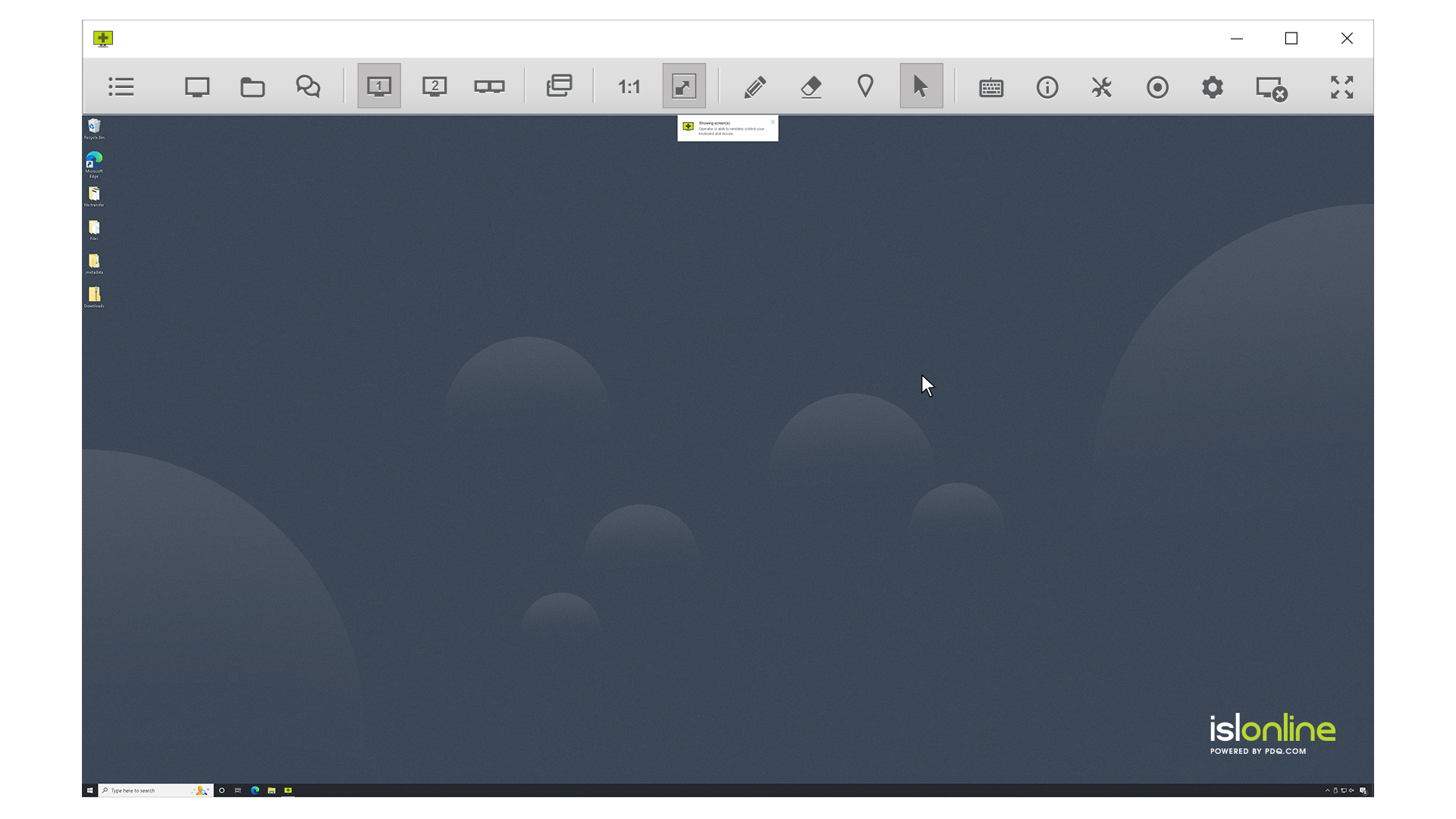
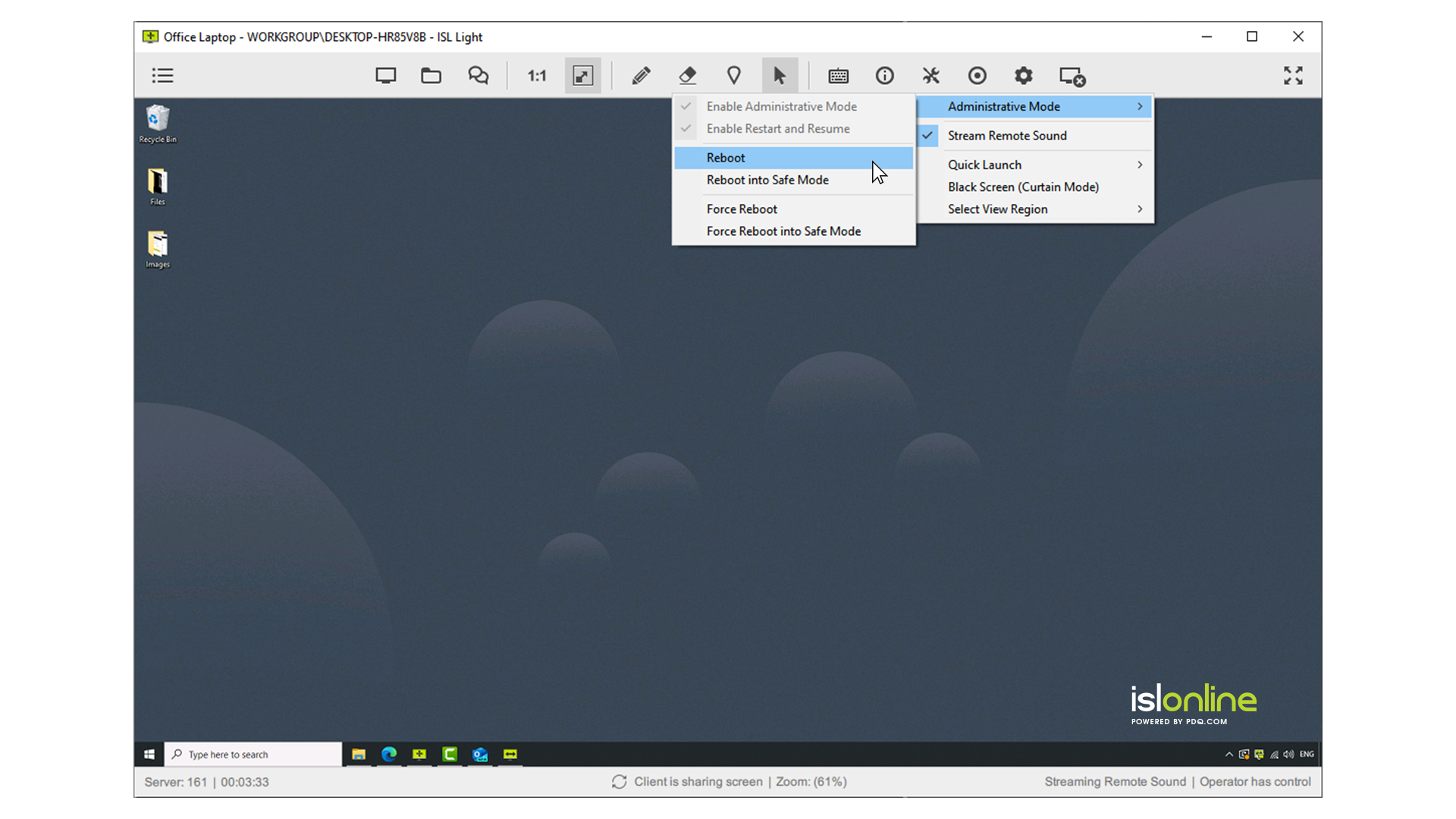
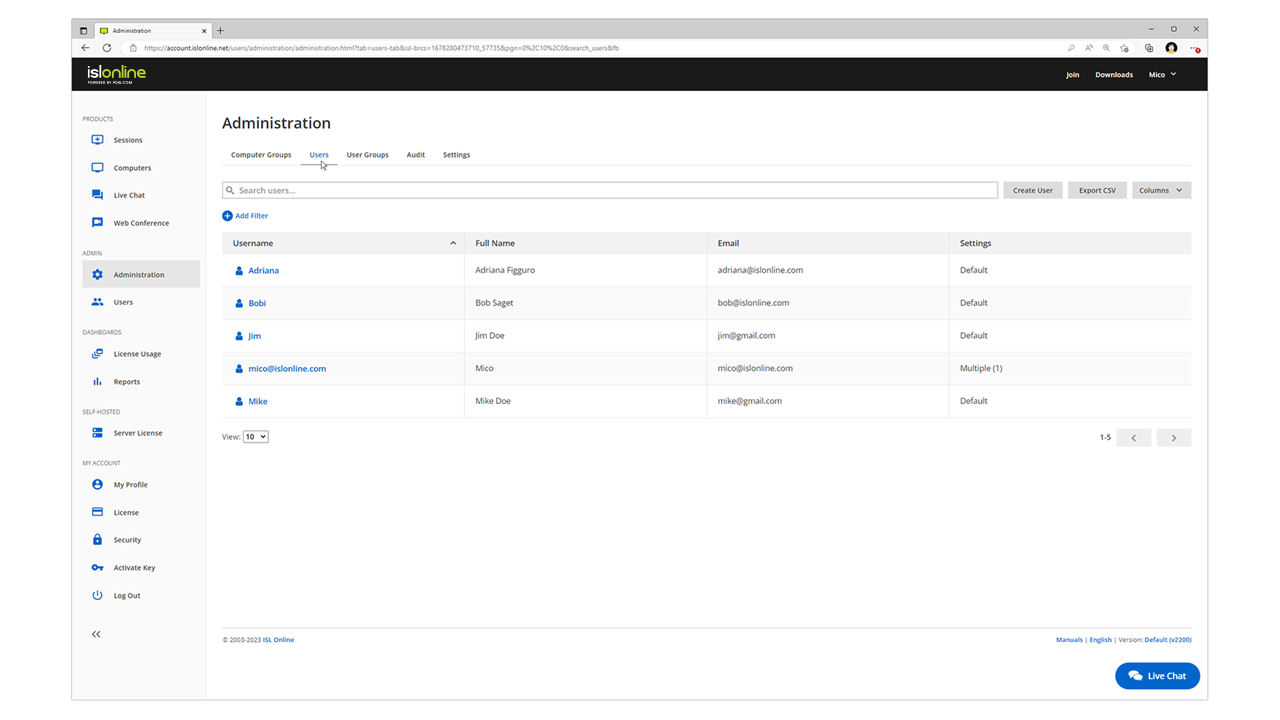
Screenshot of remote access control in ISL Light.Screenshot of unattended access setup. Access can be allowed to as many computers as desired.Screenshot of a connection with a remote client, which can be set up by sending an email or sharing a link.Screenshot of interactions with the Windows UAC on a remote device.Screenshot of the dual panel File Manager, used to transfer files.Screenshot of the web console where remote desktop sessions can be managed from a web browser.