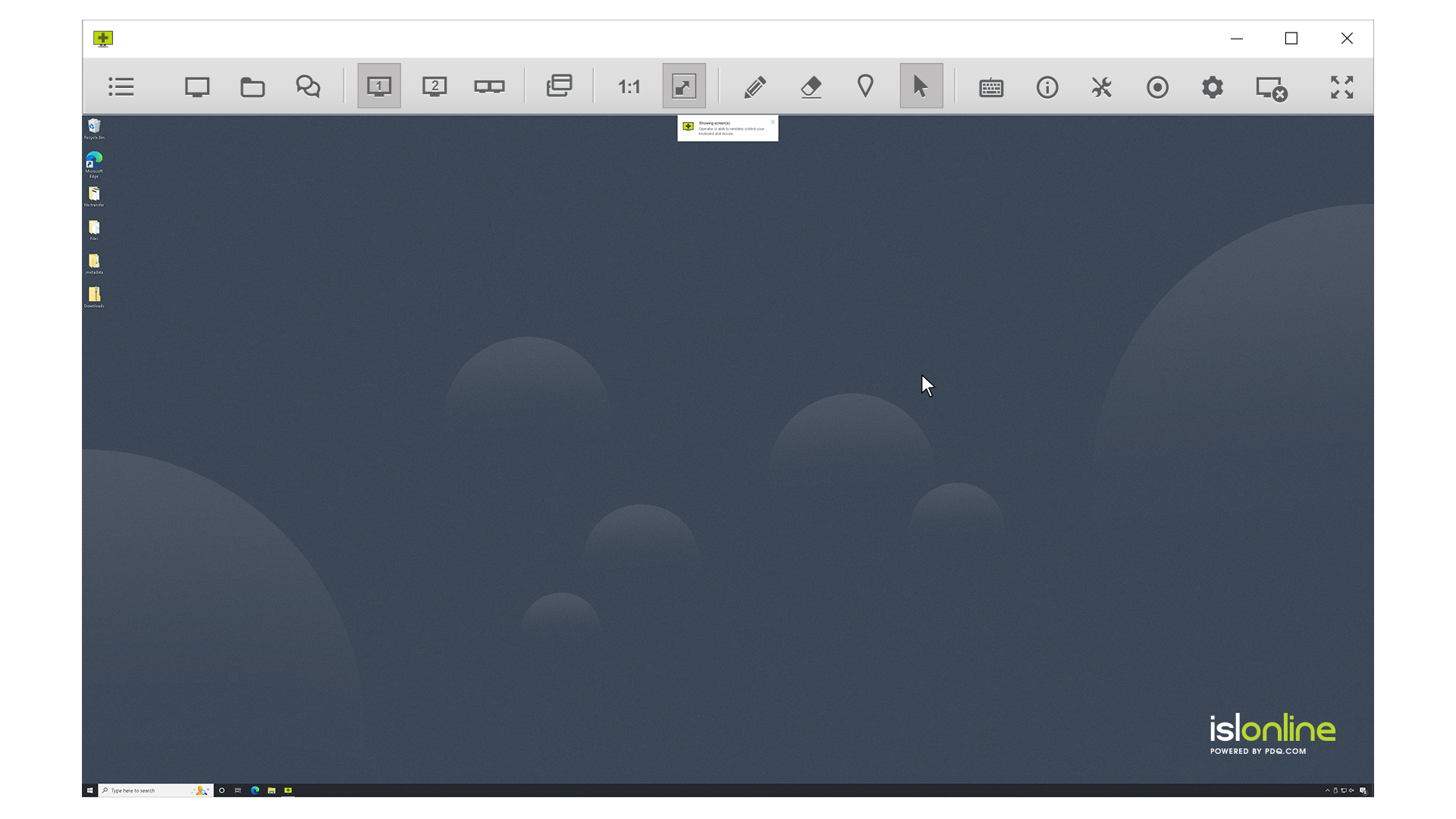
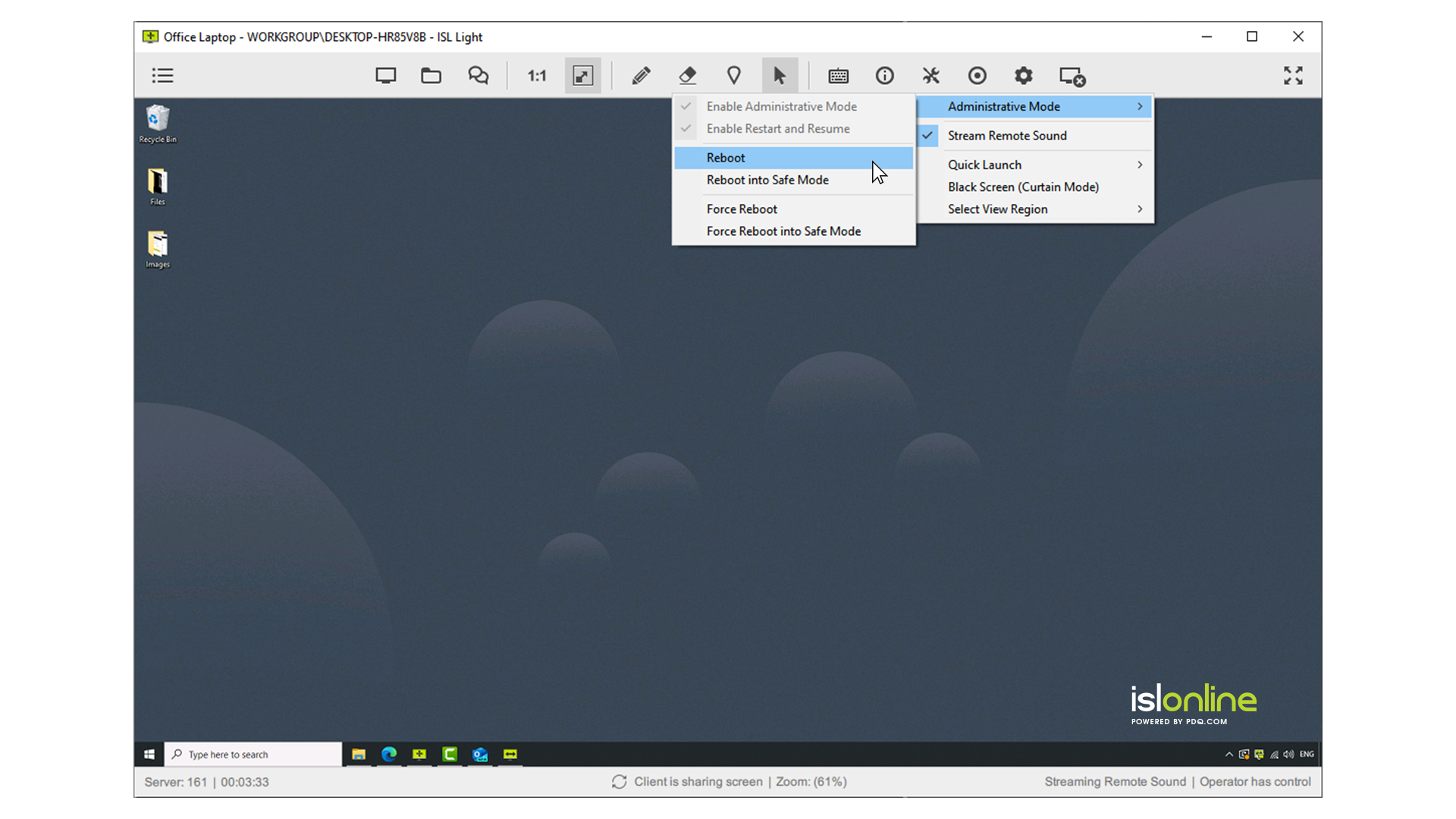
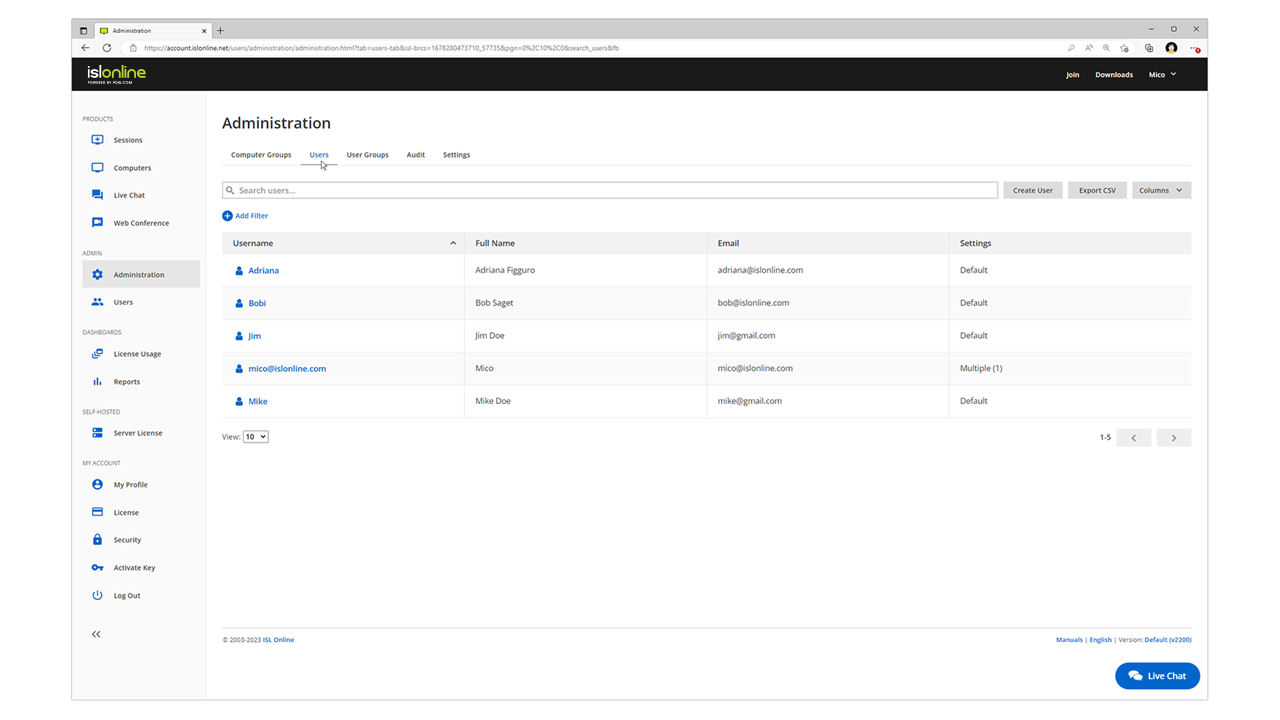
ISL Light is remote support and remote access software that enables SMBs and large enterprises to offer fast and efficient support and maintenance for Windows, Mac and Linux computers as well as mobile device support for Android and iOS.
$418
per year (1 concurrent user)
LogMeIn Rescue
Score8.7 out of 10
N/A
LogMeIn Rescue is a remote
support solution for PCs, Macs, and mobile devices. LogMeIn Rescue is designed to help IT teams to
offer fast technical support and ensure a secure remote
support session for both the IT professional and the end user. From small
teams of IT helpdesk technicians to enterprise-level organizations, LogMeIn Rescue…
$1,299
per year
Pricing
ISL Light
LogMeIn Rescue
Editions & Modules
Standard
$34.90
per month (billed annually) per concurrent user
Self-Hosted
$44.90
per month (billed annually) per concurrent user
Premium
$54.90
per month (billed annually) per concurrent user
Enterprise (Managed Private Cloud)
$23,976
per year 20 concurrent users
No answers on this topic
Offerings
Pricing Offerings
ISL Light
LogMeIn Rescue
Free Trial
Yes
Yes
Free/Freemium Version
No
No
Premium Consulting/Integration Services
Yes
No
Entry-level Setup Fee
No setup fee
No setup fee
Additional Details
ISL Online's pricing model considers the number of licenses purchased, which determines the maximum number of concurrent users within the organization. A concurrent user is defined as anyone running one or more sessions simultaneously from any device. There are no restrictions on the number of ISL Light users within a company or the remote devices managed.
For example, with three licenses, an unlimited number of people in a company can use ISL Light and can access an unlimited number of remote devices, but only three users can use it concurrently. When one of these three users ends their session, a fourth user can begin their session, and so on.
—
More Pricing Information
Community Pulse
ISL Light
LogMeIn Rescue
Considered Both Products
ISL Online
Verified User
Chose ISL Light
I used LogMeIn Rescue for several years, and it has more features rich but is horrifically expensive compared to ISL Light, which was the main reason I changed. Chrome Remote Desktop must be viewed as a threat in the remote desktop application sphere. The features and usability …
A de minimis incentive was given to thank the reviewer for their time. The incentive was not used to bias or drive a particular response, nor was the incentive contingent on a positive endorsement. More Info
Verified User
Chose ISL Light
Cheaper and more reliable. ISL gets the basics right.
A de minimis incentive was given to thank the reviewer for their time. The incentive was not used to bias or drive a particular response, nor was the incentive contingent on a positive endorsement. More Info
CEO in Information Technology at GRID d.o.o. Ljubljana (Information Technology & Services, 1-10 employees)
Chose ISL Light
Much cheaper licence then TeamViewer and much more user friendly than UltraVNC for example. Better performance then AnyDesk or Chrome Remote Desktop. It has simple user interface which can be immediatly understood. But if you dig deeper you see there is in depth capabilites for …
A de minimis incentive was given to thank the reviewer for their time. The incentive was not used to bias or drive a particular response, nor was the incentive contingent on a positive endorsement. More Info
Senior Technical Lead in Information Technology at Xuper (Information Technology & Services, 51-200 employees)
Chose LogMeIn Rescue
LogMeIn Rescue stands victorious when it comes to remote support of customers across the world comparing to some other products because of how well it work across multiple platforms, providing a vast of different support tools, ease of use and availability. LogMeIn Rescue works …
A de minimis incentive was given to thank the reviewer for their time. The incentive was not used to bias or drive a particular response, nor was the incentive contingent on a positive endorsement. More Info
ISL light is suitable for anyone who plans to provide remote assistance services on a medium to large scale. Due to the high entry price, it is less suitable for consultants with a smaller number of clients or remote stations that need management. Their smallest package in which minutes are rented does not seem suitable for most cases.
A de minimis incentive was given to thank the reviewer for their time. The incentive was not used to bias or drive a particular response, nor was the incentive contingent on a positive endorsement. More Info
Most of the time it is great. Sometimes with iPads it is not great or too expensive for orgs to pay for an option to allow iPads to be logged into along with computers and windows computer tablets. When needing to view something a client is talking about. It is great to use login to understand the issue and possibly fix any issues we need.
A de minimis incentive was given to thank the reviewer for their time. The incentive was not used to bias or drive a particular response, nor was the incentive contingent on a positive endorsement. More Info
A de minimis incentive was given to thank the reviewer for their time. The incentive was not used to bias or drive a particular response, nor was the incentive contingent on a positive endorsement. More Info
Need a control toggle at least on AlwaysOn. User moves the mouse and you lose all control instantly.
Clipboard features are a bit wonky still, and your clipboard seems to get emptied a lot. So if you're trying to copy and paste you might lose something
Passwords for the systems are saved per machine, so if you work from multiple devices it can be tricky if you have complex passwords
A de minimis incentive was given to thank the reviewer for their time. The incentive was not used to bias or drive a particular response, nor was the incentive contingent on a positive endorsement. More Info
A de minimis incentive was given to thank the reviewer for their time. The incentive was not used to bias or drive a particular response, nor was the incentive contingent on a positive endorsement. More Info
It may not be used often in our smaller organization but it really is the only option with a remote workforce. We do not want to learn a new product so it is much better to keep with what we know works well and our staff is used to utilizing
A de minimis incentive was given to thank the reviewer for their time. The incentive was not used to bias or drive a particular response, nor was the incentive contingent on a positive endorsement. More Info
Everything works well and quickly, and that's all we need. ISL Light always works, and we've never had a situation where the server was inaccessible or the website was down. It simply gives us a 100% guarantee that we can always log in to our customers' systems. We can install the ISL Light client at our customers' sites without any problems, even though security is high.
A de minimis incentive was given to thank the reviewer for their time. The incentive was not used to bias or drive a particular response, nor was the incentive contingent on a positive endorsement. More Info
I believe that LogMeIn Rescue is extremely suitable for users of all levels of technical prowess. The user interaction is minimal, and the agent is available to take over at every step of the way. From problem resolution to training, LogMeIn Rescue can take care of it all. LogMeIn Rescue makes the user support process easier and faster so the user can have the issues resolved in a timely manner.
A de minimis incentive was given to thank the reviewer for their time. The incentive was not used to bias or drive a particular response, nor was the incentive contingent on a positive endorsement. TR verified that a representative sample of customers was invited. More Info
A de minimis incentive was given to thank the reviewer for their time. The incentive was not used to bias or drive a particular response, nor was the incentive contingent on a positive endorsement. More Info
A de minimis incentive was given to thank the reviewer for their time. The incentive was not used to bias or drive a particular response, nor was the incentive contingent on a positive endorsement. More Info
A de minimis incentive was given to thank the reviewer for their time. The incentive was not used to bias or drive a particular response, nor was the incentive contingent on a positive endorsement. More Info
We had issues with mouse skipping on mobile devices. Support is immediatly availabe, they examined our case and in one of the new versions of the app this problem was gone.
I'd say support for LogMeIn is ideal because I haven't ever been in a situation where additional support was necessary. The program runs so efficiently and simply that nothing was needed beyond initial training that was provided by my company. I am saying this as a user that strictly uses the technician console
A de minimis incentive was given to thank the reviewer for their time. The incentive was not used to bias or drive a particular response, nor was the incentive contingent on a positive endorsement. More Info
A de minimis incentive was given to thank the reviewer for their time. The incentive was not used to bias or drive a particular response, nor was the incentive contingent on a positive endorsement. More Info
A de minimis incentive was given to thank the reviewer for their time. The incentive was not used to bias or drive a particular response, nor was the incentive contingent on a positive endorsement. More Info
Multi-monitor handling is super easy with ISL Light. The licensing model of ISL Light's self-hosted version is unbeatable. Great technical support, which often used before I purchased. The unbelievable price increase during and after the covid time of remote tools, has ended, when I found ISL Light. ISL Light is really a underdog in the remote utility market. I'm glad that I found it.
Truth be told, Rescue is the first and so far only solution from LogMeIn I started to use. However since it offers a wide range of tools specifically designed for remote support, it is highly effective for resolving technical issues. Additionally, Rescue provides various connection methods and customizable interfaces, allowing support teams like mine to tailor the experience to specific needs.
A de minimis incentive was given to thank the reviewer for their time. The incentive was not used to bias or drive a particular response, nor was the incentive contingent on a positive endorsement. More Info
A de minimis incentive was given to thank the reviewer for their time. The incentive was not used to bias or drive a particular response, nor was the incentive contingent on a positive endorsement. More Info
A de minimis incentive was given to thank the reviewer for their time. The incentive was not used to bias or drive a particular response, nor was the incentive contingent on a positive endorsement. More Info
It helps us to increase our remote resolution from offshore personnel, so you can redeploy the activity of a local resource at your facility to specifically address more of the hardware or physical IT problems.
Increase FCR "First Call Resolution" if you have this within your SLA
Improve end user experience, Non IT personnel doesn't have to struggle explaining an issue, it makes it very easy once you get on the affected user computer.
A de minimis incentive was given to thank the reviewer for their time. The incentive was not used to bias or drive a particular response, nor was the incentive contingent on a positive endorsement. More Info