TrustRadius: an HG Insights company

Vidyard

Score9.5 out of 10

332 Reviews and Ratings

What is Vidyard?

Vidyard is an enterprise video platform built to turn viewers into customers with in-depth insights and robust integrations with different customer relationship management (CRM) and marketing automation platforms.

Media

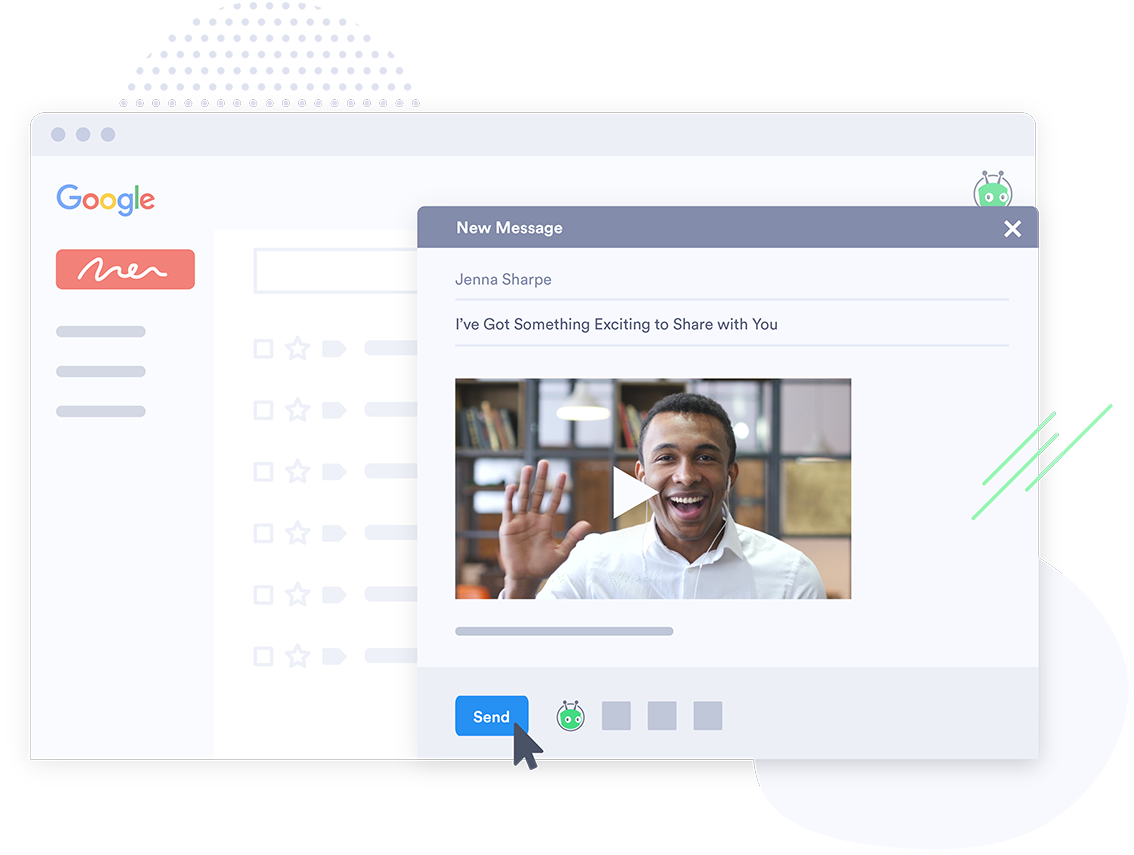
where users can record and send sales videos from a browser, desktop, or phone to connect, convert, and close—all while remote.
how screen recording can be used to deliver effective product demos, presentations, and proposal walkthroughs that build buyer consensus across the full sales cycle.
some insights into viewer behavior, displayed within Vidyard's video analytics. Here, viewers can track video views, engagement, and drop-off rates to understand how an audience interacts with content and optimize video strategy for maximum impact
how CRM integrations push video view data to lead and contact records. Viewing data can be used to surface high-intent leads, and measure videos’ impact on pipeline and revenue.
Vidyard's customizable calls-to-action (CTAs), used to drive conversions and capture leads. Clickable buttons and forms can be added directly to videos to encourage viewers to take the next step, whether it's downloading a resource or signing up for a demo.
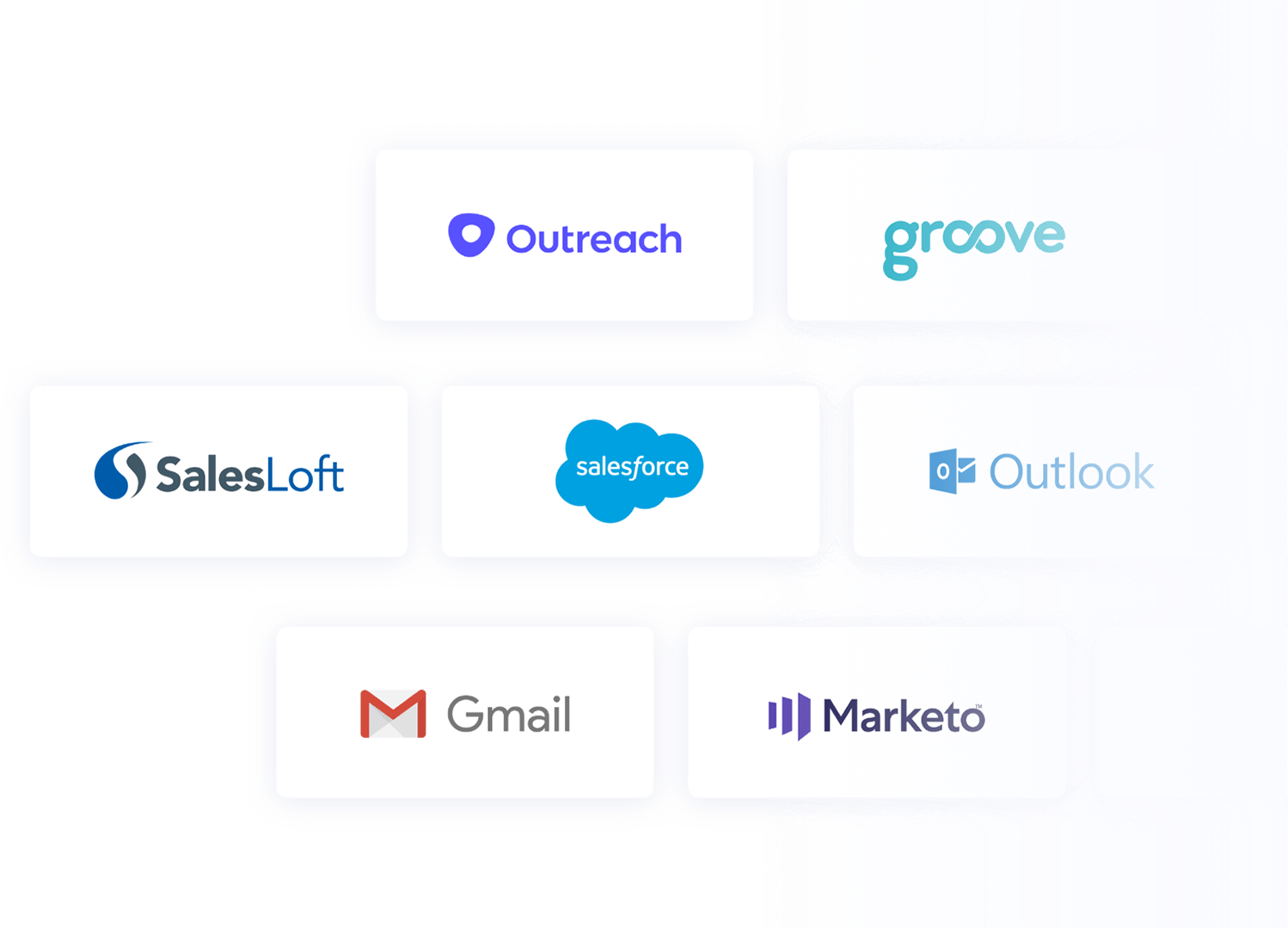
some of Vidyard's integrations.
Vidyard's Video Sales Agent (VSA), which automates the creation and delivery of personalized AI Avatar sales videos, triggered by prospect behaviours to deliver the right message at the right time.
AI Avatars, used to generate and send personalized video messages to customers even when you’re not in front of the camera.

1 / 8

Top Performing Features

  • Video link sharing

    Allows users to generate hyperlinks for sharing individual videos or players.

    Category average: 9.7

  • Per viewer tracking

    Tracks behavior of individual viewers as they engage with videos.

    Category average: 9.1

  • Per video tracking

    Tracks engagement trends across all viewers of a particular video.

    Category average: 9

Areas for Improvement

  • Integration to Marketo

    The video platform integrates with Marketo marketing automation software.

    Category average: 4.5

  • Integration to Salesforce.com

    The video platform integrates to the user's Salesforce CRM system.

    Category average: 3.5

  • eCommerce

    The platform supports paid viewing, with a mechanism to receive payments in exchange for a media license.

    Category average: 4.8

Vidyard, using videos for your success!

Use Cases and Deployment Scope

I currently use Vidyard to record videos that I send to prospects and/or customers. These videos consist of recordings I do on a desktop or laptop as well as videos recorded on my mobile phone.

For these videos you can either do a screen record, include your face or a combination of both. You can also do a voice recording as you record your screen.

Pros

  • Captures screen recording of a tab in a browser
  • Captures the full screen recording
  • Captures video

Cons

  • Quality of the recordings
  • The add-in for Chrome sometimes doesn't work
  • User interface

Return on Investment

  • Provides a better a better service to your prospects
  • Provides a better service to your customers
  • Ability to re-use videos - less marketing resources

Usability

Other Software Used

Salesforce Lightning Platform, Microsoft Teams, ChatGPT

The best way/tool to get your foot in the door for a salesperson!

Use Cases and Deployment Scope

I use Vidyard as an additional touchpoint for sending videos to my sales prospecting. I feel having a customized video gives a much better experience than just a phone call or an email.

Pros

  • Custom content.
  • Professional looking.
  • Analytics

Cons

  • I am pretty happy with what is offered now.

Return on Investment

  • I can say that the subscription cost is well worth it if I want certain people to respond to me based on my video.

Usability

Other Software Used

Salesforce CMS, ZoomInfo Sales

You have two options, Vidyard is one, and the rest really don't work.

Use Cases and Deployment Scope

We used it for two things. First, it was used as a training and communication tool. We used it as a step-by-step demonstrator of processes; we even attached them to some of our SOPs. It also allowed us to avoid a ton of meetings. Instead of jumping on a call, explaining, and walking things through, we saved a ton of time for everyone by just shooting a video and sending it. Second, as videos for prospecting. Using a different outreach method allows a more personal and educational touch.

Pros

  • Screen Recording.
  • Video Sharing.
  • Data analysis.

Cons

  • Better use of AI.

Return on Investment

  • We have saved 400 minutes of Zoom Meetings.
  • 30% of our departments training is self-training.
  • Just in one time revenues, it has generated $55k.

Alternatives Considered

Loom and BombBomb

Other Software Used

HubSpot CRM, Buffer, Semrush, Google PageSpeed Insights

HELPFUL TOOL FOR CUSTOMER RETENTION AND GROWTH!

Use Cases and Deployment Scope

Vidyard is a daily tool used within our Customer Success Department. Whether it's sending how-to videos for customers, welcome videos, or even conference videos--we love the platform.

Pros

  • Provides video analytics.
  • Can customize videos.
  • Easy storage and access to past videos.
  • Can upload external videos and generate new videos.

Cons

  • Inform me of product releases/new features.
  • Categorize videos based on content.
  • Integrate with other systems.

Most Important Features

  • Analytics
  • Ability to generate links for videos.
  • Ability to add scripts, links, etc., to the video content.

Return on Investment

  • Helps provide continuous education for our clients-- e..g retention increases.
  • We can use it to grow our customers via webinars and video links.

Other Software Used

Zendesk Support Suite, Microsoft SharePoint

Usability

Very easy to use and very impactful for our sales and marketing strategies!

Use Cases and Deployment Scope

Vidyard helps us connect with our customers and prospects in a very profound way. This is such a needed product now more than ever. We live in an age where email inboxes are way too cluttered and people hardly ever answer their phone if they don't recognize their number. Vidyard truly helps you stand out compared to other old-school sales teams. We use it for both outbound and inbound marketing/communication/sales reach-outs. It's helpful for every step of the process. Getting someone interested in attending a demo, following up with them after a demo, thanking them for signing up, and following up with them after they go through implementation to see if there are any other products that they could benefit from using.

Pros

  • It's easy to use on the chrome browser extension. I can quickly record videos to send to both other teammates, prospects, and customers.
  • It's very helpful to see if a video has been watched and how much of the video was watched.
  • It's easy to embed videos into emails.
  • It's easy to record one video to use for many different prospects/customers.

Cons

  • Sometimes the chrome browser doesn't work. I occasionally have to quit chrome and relaunch it. Seems to only be an issue on my second screen not on my regular laptop.
  • It would be awesome if there was some sort of onboarding library on how to use all of the functionality. Our rep helped us get started with Vidyard a long time ago, but now we have many new team members who we have all hired remotely. Our team definitely doesn't use the product to its fullest capacity
  • It would be nice if the videos could have some sort of quick survey afterward. Ex: a prospect watches a video and answers a couple of questions afterward.

Most Important Features

  • Chrome Extention for quickly recording videos
  • Automated emails that trigger when someone has watched your video
  • Being able to embed videos into emails for outbound campaigns

Return on Investment

  • Higher open and click rates for emails
  • Higher engagement for prospects post discovery call and post demo
  • Saving us tons of time by gathering who has clicked/watched videos and focusing on calling them instead of randomly calling people throughout our thousands of leads

Alternatives Considered

Wistia, Vimeo and CloudApp

Other Software Used

HubSpot CRM, Salesforce CMS, Stripe, Slack