
TrustRadius: an HG Insights company

FormAssembly

Score8.6 out of 10

42 Reviews and Ratings

Get a Demo

Contact about FormAssembly

Please fill out the form below to get in touch.

FormAssembly

Connect with FormAssembly

What are you interested in?

Already have an account?

You hereby consent to have TrustRadius share the information supplied on this form with FormAssembly so that FormAssembly and TrustRadius may contact you in regard to the information requested.

What is FormAssembly?

The FormAssembly Data Collection Platform helps organizations collect, connect, and protect data.


It features a no-code form builder that simplifies the process of collecting data in the most complex environments. Multi-stage workflows automate manual processes and business-critical integrations – including Salesforce, Google, and Microsoft – provide a connected data ecosystem that ensures data is where it’s needed, when it’s needed. Its operational standards, combined with inbuilt security features, help organizations protect sensitive data and support regulatory compliance.


KEY FEATURES

  • Drag-and-drop, customizable form builder
  • Salesforce integration allows users to create, update, or lookup any standard or custom Salesforce objects, and prefill forms
  • Integration with more than 30 other solutions
  • Advanced security features available, including HIPAA, PCI DSS Level 1 Certification, encryption at rest, and others
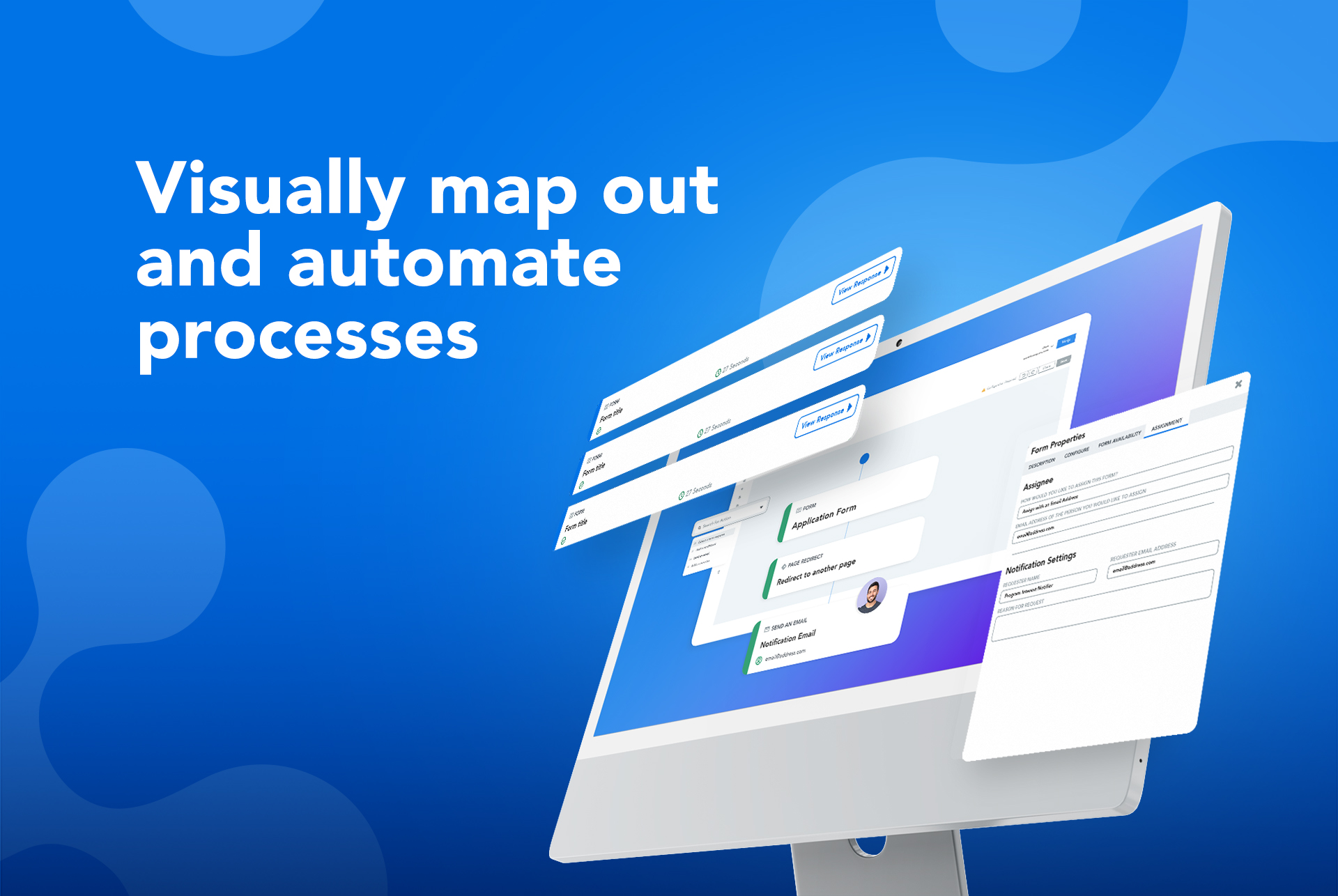
  • FormAssembly Workflow helps customers eliminate inefficient data collection with a visual, no-code workflow builder. Users can map the flow of data to carry out complex processes.

FormAssembly offers a free demo.

Media

FormAssembly
FormAssembly
FormAssembly
FormAssembly
FormAssembly

1 / 5

Top Performing Features

  • Custom logo/branding

    Allows the user to include their company logo (rather than the survey vendor’s logo) and/or create a company template so that branding is consistent across multiple surveys.

    Category average: 8.5

  • Changes to live survey

    Users can make changes to live surveys after they are published.

    Category average: 8.3

  • Question design help

    Includes educational material about question design for research, such as tips, recommendations, and information about best practices.

    Category average: 8.3

Areas for Improvement

  • Access controls

    Administrators can limit users’ ability to access data and edit content.

    Category average: 9

  • Analytics

    Allows users to run different types of analysis, such as statistical analysis, cross tabs, sentiment analysis, etc. within the tool.

    Category average: 8.2

  • Vendor-offered crowdsourcing

    Vendor offers access to an audience or panel of respondents.

    Category average: 8.1

FormAssembly.

Use Cases and Deployment Scope

We use FormAssembly within our Salesforce org to create a variety of different documents. We are a higher education institution and use FormAssembly for special program applications, appointment requests, event registrations, request for information forms, and several other documents as needed. FormAssembly is a great tool for us because it allows us to have one product to serve multiple needs in our office and institution as a whole.

Pros

  • More versatility than other form options.
  • Integration with our CRM is a smooth process.
  • The ability to pre-fill information helps eliminate data issues.

Cons

  • The information coming from Salesforce to use in the choices for an answer does not always appear as needed. (API vs name).
  • Ability for Admins to see and edit every user's forms. This would be useful in the event that someone is no longer with the institution.
  • When a form is cloned, it would be nice if the connector were also cloned but not active. This would allow us to verify and turn on without having to rebuild everything.

Return on Investment

  • FormAssembly has enabled our staff to reduce the time spent meeting with students by collecting all necessary information through a form and scheduling a meeting once the request is complete.

Usability

Other Software Used

Salesforce Sales Cloud, Informatica Customer 360 for Salesforce, TargetX, from Liaison, Axiom Software by Syntellis Performance Solutions

Excellent Tool for Forms and Workflows

Use Cases and Deployment Scope

Our main use of FormAssembly is for our lead form, which we put on our website landing pages and share with our lead vendor. This allows us to have one main front door into our Salesforce org. We also have an internal lead form that our staff use to fill out when speaking to leads on the phone. There are a few other forms and workflows in our organization that I'm excited to eventually move into FormAssembly. This will make the processes easier for both our staff and customers, and improve data integrity as we can connect the forms to Salesforce.

Pros

  • Easy basic form-building
  • Easy integration (Salesforce)
  • Helpful knowledge base

Cons

  • The option for an occasional call and screenshare would be nice.
  • Administration and setup (user management, granting access, etc.) could be simpler
  • While a basic form is easy to build, I wish customization (text, size, placement, etc.) were easier without knowing CSS.
  • It would be helpful to be able to subscribe to reports - that is, instead of manually downloading a CSV each week, receiving an email with the list of responses specified.

Return on Investment

  • Our lead form built with FormAssembly has had immeasurable impact on our business as this is our main front door to our CRM. The majority of our leads come through this way.

Usability

Other Software Used

Salesforce Service Cloud, Cirrus Insight

FormAssembly All-in-One SaaS Enterprise Solution

Use Cases and Deployment Scope

FormAssembly is our all-in-one form builder for online donation pages, program registration, and subscription signups. All our forms are integrated with Salesforce Org, we also integrate some of our forms with Google Sheets. Since FormAssembly is a software as a service (SaaS) platform, our website no longer crashes and reduces our IT workload.

Pros

  • Great Customer Service and Technical Support
  • Easy Form Builder
  • Third-party Integrations (specifically Salesforce)
  • Extensive Self-Help Documentation

Cons

  • Making grouped fields more visual in the back-end. Maybe offer a backend or front-end view options for form editing.
  • More options for response reports instead of just a dashboard style view. More filtering options.

Return on Investment

  • Reduced form build time by 50%

Usability

Alternatives Considered

Formstack Forms, Titan Forms and Formidable Forms

Other Software Used

Salesforce Nonprofit Cloud, Stripe Payments, DirectMail2.0

Flexible. Will get the job done. Beware of support timeframes.

Use Cases and Deployment Scope

We have over 200 active forms created with FormAssembly. These include applications for various credentials, students, and communities applying for affiliation. In addition, donation forms, licensing fee forms, plus others to simply gather data.

Pros

  • Relatively Flexible
  • Connects to Salesforce
  • Connects to Payment systems (Authorize.net and iATS)

Cons

  • Customer Support is weak. Often takes 5-7 business days before responding to support requests.
  • Initial support representative often (like 70% of the time) has to refer to a higher level/more technical individual
  • In the work-flow, links to forms expire in 48 hours, which is not usable in our environment

Return on Investment

  • We had around 50 forms as fillable PDF. Re-creating them using FormAssembly, has eliminated data input (since FA connects to Salesforce) and led to more accurate data and labor cost savings
  • As we have used the product to expand our data collection, additional users/stakeholders have emerged. Thus, we are capturing even more data than in the past.
  • Project times for new processes, that require forms has been greatly reduced.

Usability

Other Software Used

Salesforce Nonprofit Cloud, Salesforce Marketing Cloud, Microsoft SharePoint

LOVE FormAssembly

Use Cases and Deployment Scope

We use FormAssembly to gather information from clients, providers, vendors, and donors and get that information efficiently and accurately connected to our Salesforce instance. It has helped immensely with accuracy so we can better analyze our data in many different ways. We have hundreds of clients each year working with dozens of providers that are also connected to various partner organizations. We want to accurately and securely account for these interactions so we can expand services responsibly. We also have hundreds of donors participate in multiple and varied events each year and want to focus on the best "return on investment" to bring in fundraising dollars.

Pros

  • Allows for conditional logic and customization
  • Provides templates, predefined content, and cloning capabilities to decrease rework
  • Responds to customer support in a friendly and helpful way

Cons

  • Adding employees back to the chat/support team so wait/response times decrease
  • Adding drag and drop capabilities in the Salesforce connector

Return on Investment

  • Being able to more accurately account for and interact with clients helped us hire more staff to be able to expand our programs' reach and therefore its impact
  • Rerunning test responses to address errors before sharing a form live helps identify and fix issues before they come up for external users
  • Employees save time by not doing manual data entry and avoid mistakes

Usability

Alternatives Considered

Formstack Forms

Other Software Used

Salesforce Nonprofit Cloud, Slack
