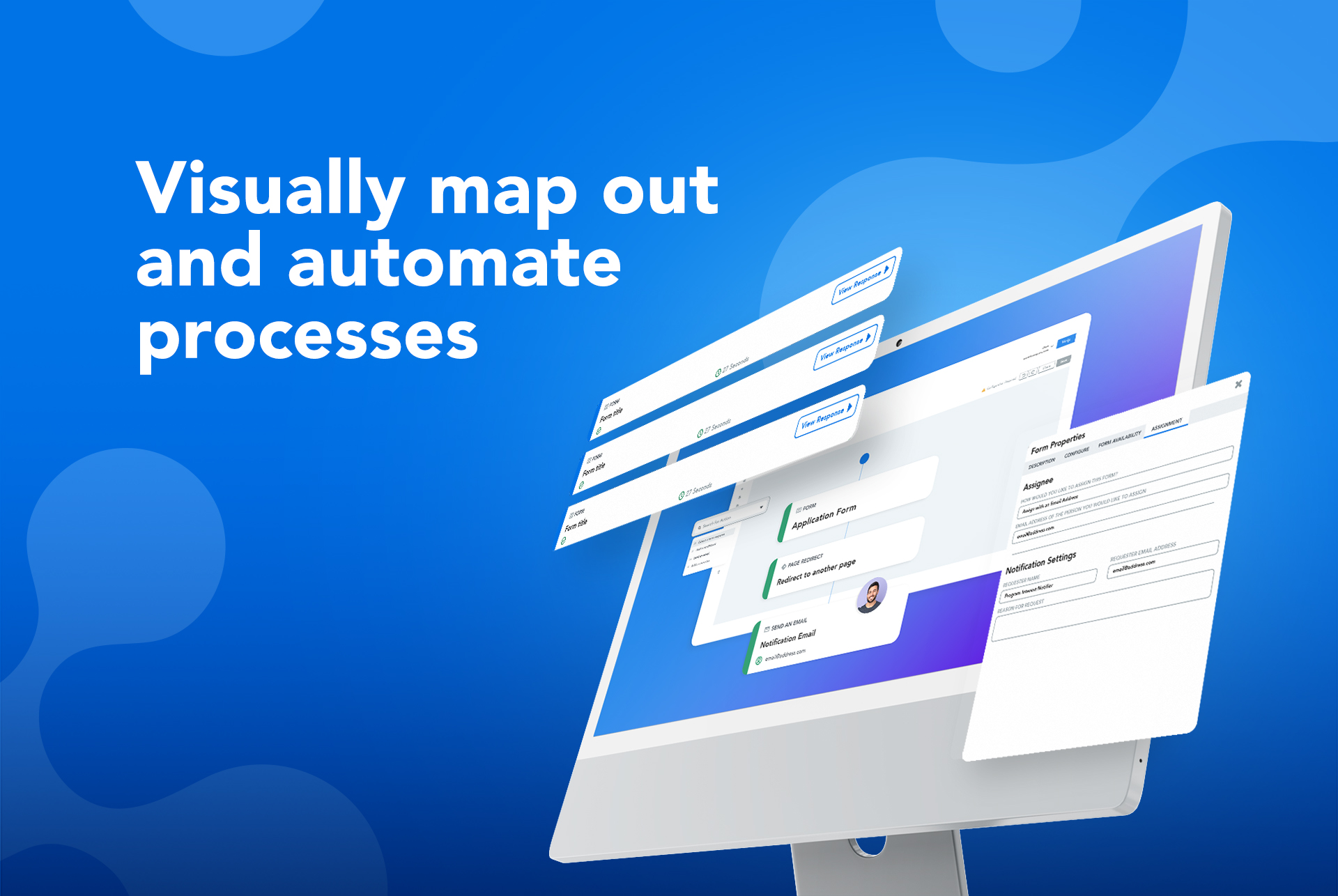
The FormAssembly Data Collection Platform helps organizations collect, connect, and protect data. It features a no-code form builder that simplifies the process of collecting data in the most complex environments. Multi-stage workflows automate manual processes and business-critical integrations – including Salesforce, Google, and Microsoft – provide a connected data ecosystem that ensures data is where it’s needed, when it’s needed. Its operational standards, combined with…
N/A
SurveyMonkey
Score 8.2 out of 10
N/A
SurveyMonkey provides free, customizable surveys, and a suite of paid, back-end programs that include data analysis, sample selection, bias elimination, and data representation tools. SurveyMonkey also offers large-scale, enterprise options for companies interested in data analysis, brand management, and consumer focused marketing.
$25
per month (billed annually) per user (starting at 3 users)
Pricing
FormAssembly
SurveyMonkey
Editions & Modules
Basic
Contact Sales
Enterprise
Contact sales
Government
Contact sales
Team
Contact Sales
Essentials
Contact Sales
Team Advantage
$25
per month (billed annually) per user (starting at 3 users)
Team Premier
$75
per month (billed annually) per user (starting at 3 users)
FormAssembly has been an essential tool to have in our back pocket. It's best when you need a form quickly and can compromise on some of the dynamic elements that would be possible in Visualforce. It serves a particularly critical need when skilled developers are at a premium, but clever admins are available.
SurveyMonkey really excels in the survey design aspect of the surveying process. They have so many different question types that you can use to create your questions. The analytics and reporting are basic but ok for those wanting simple insights into their survey answers. Their free plan should suffice for any business that needs the fundamentals of surveying - i.e. survey builder, sharing, and viewing answers.
SalesForce integration is really nice. You can map to specific fields with form values, or you can use detailed formulas. You can also choose to bypass assignment rules on a per-form basis, and create customized logic for when cases are created, when leads are created/merged, etc. It's very robust.
Form creation in general is very simple. They've gotten good over the years of creating an intuitive, drag and drop interface that's quick to edit. I like that you can also assign values to fields so conditional form building gets easy.
I like that you can customize how responses are viewed in the response window. Choose what columns show up so you can find records with ease, and with just one glance. OR you can download everything to excel in a snap too.
SurveyMonkey's survey programming features are extremely intuitive. Someone who has never used it before can, with little direction or training, easily set up a simple - or comprehensive - survey in a matter of minutes.
Real-time reporting and analytics tools are extremely helpful to keep everyone involved informed on an ongoing basis.
Virtually any kind of question or answer format can be programmed into your SurveyMonkey survey.
The information coming from Salesforce to use in the choices for an answer does not always appear as needed. (API vs name).
Ability for Admins to see and edit every user's forms. This would be useful in the event that someone is no longer with the institution.
When a form is cloned, it would be nice if the connector were also cloned but not active. This would allow us to verify and turn on without having to rebuild everything.
I think it's becoming pushed to the back-burner as more survey sites come out - it needs to come up with something to keep it more relevant as other survey sites are being more widely used.
Give more options to customize the look of your survey.
One major point for us is our migration to a completely Microsoft infrastructure. IN addition to that, the afore mentioned need to ingest external data resources means that we do have our eyes open toward the landscape so that we can fill these needs. This in no way indicates a move away from FormAssembly: their support is first rate, and so far the product has always stood up to the tests we've put it through.
Compared to other competitors in the market (including a few I've used internally), if you're looking for a survey application, this one does the job and it's quite inexpensive too. Considering the fact that it comes with a handy mobile application too (on iOS and Android), you also get flexibility thrown in the deal too.
Given how many sophisticated features appear in the form builder itself, the back-end management can feel strikingly skimpy at times. More dynamic or visually appealing confirmation messages/email notifications would realign these with the existing capabilities of the forms themselves. This is a small issue though because data capture is our primary priority in form fills and it is always excellent in Salesforce!
SurveyMonkey should suffice for most simple use cases to collect responses or feedback from clients. The templates that they offer are helpful as well as the guidance on question formulation. If you just need a stand alone software to distribute and collect surveys, then SurveyMonkey will meet your needs.
While it's not a true development package and misses some features like ingestion of external data for lists, etc... the product is fast, stable, easy to use, and will suit the needs of anyone needing online form functionality with SalesForce and other connectors available for your marketing needs.
I haven’t used the support function yet, but I have had colleagues that have and the issues they’ve faced have been resolved super quickly. They also have said the support people they have come in contact with have been extremely friendly. Those two things are what made me choose my rating
Form Assembly allows for advanced data mapping, pre-filling forms with Salesforce data, and working with custom objects. FormAssembly excels in Salesforce Integration, as it is highly specialized and deeply integrated. Often considered the industry leader for Salesforce forms, Formstack has strong integration, but may not offer the same level of granular control as FormAssembly.
Outside of creating our own surveys, no other tools have been used outside of SurveyMonkey. I have heard of a few others but would not be able to provide an honest opinion due to my lack of experience working with them.