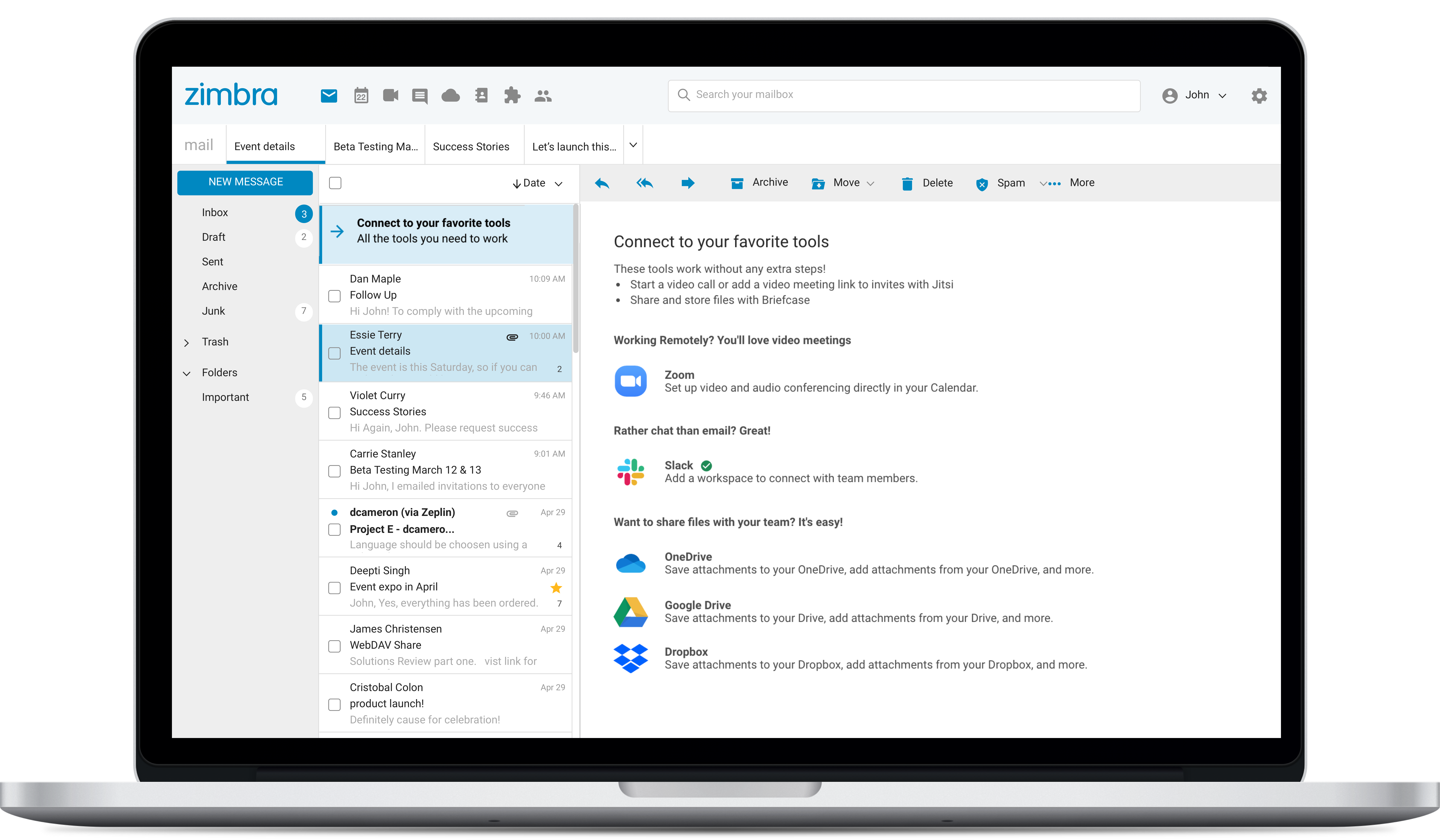
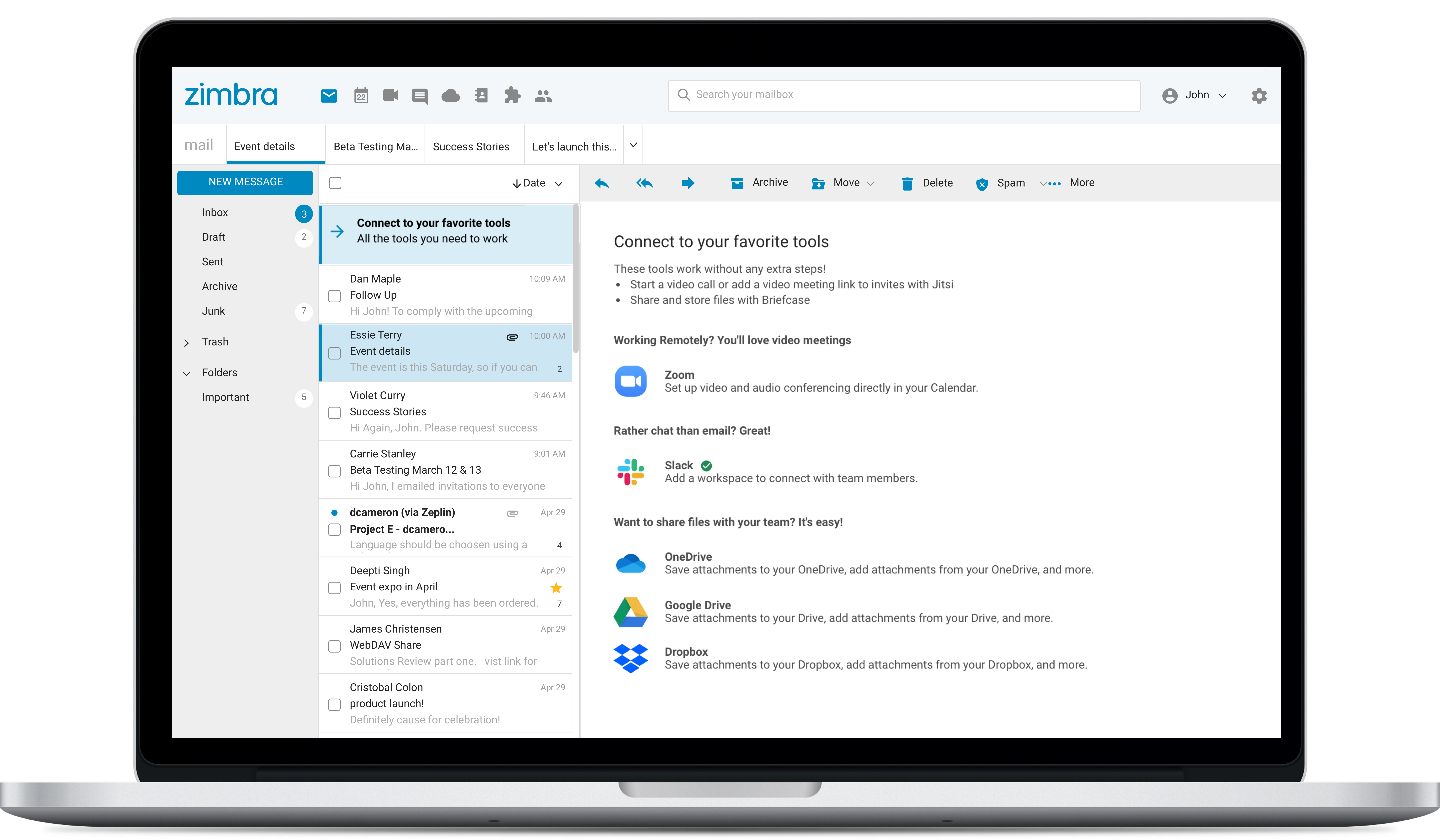
Zimbra is an email and collaboration platform and productivity suite that includes contacts, calendar, tasks, chat and file sharing, plus videoconferencing, document editing, and file storage.
N/A
Webex Calling
Score 8.7 out of 10
N/A
Webex Calling is Cisco’s flagship cloud calling solution with over 12 million users worldwide. It delivers an enterprise-grade calling experience that enables customers to replace PBX hardware with a cloud calling solution. Webex Calling's connectivity and collaboration experience includes calling, meetings, messaging, contact center, and integrated devices.
$17
per month per user
Pricing
Zimbra by Synacor
Webex Calling
Editions & Modules
No answers on this topic
Webex Call
$17
per month per user
Webex Suite: Meet + Call
$25
per month per user
Webex Enterprise
Contact Sales
Cisco Unified Communications Manager
Contact Sales
Offerings
Pricing Offerings
Zimbra
Webex Calling
Free Trial
Yes
Yes
Free/Freemium Version
No
No
Premium Consulting/Integration Services
No
Yes
Entry-level Setup Fee
No setup fee
Optional
Additional Details
—
Discount available for annual pricing.
More Pricing Information
Community Pulse
Zimbra by Synacor
Webex Calling
Features
Zimbra by Synacor
Webex Calling
Project Management
Comparison of Project Management features of Product A and Product B
Zimbra by Synacor
9.0
6 Ratings
16% above category average
Webex Calling
-
Ratings
Task Management
9.86 Ratings
00 Ratings
Gantt Charts
8.13 Ratings
00 Ratings
Scheduling
9.85 Ratings
00 Ratings
Workflow Automation
7.23 Ratings
00 Ratings
Mobile Access
9.76 Ratings
00 Ratings
Search
9.86 Ratings
00 Ratings
Visual planning tools
8.53 Ratings
00 Ratings
Communication
Comparison of Communication features of Product A and Product B
Zimbra by Synacor
6.6
9 Ratings
18% below category average
Webex Calling
-
Ratings
Chat
7.07 Ratings
00 Ratings
Notifications
5.18 Ratings
00 Ratings
Discussions
2.07 Ratings
00 Ratings
Surveys
7.72 Ratings
00 Ratings
Internal knowledgebase
7.73 Ratings
00 Ratings
Integrates with GoToMeeting
7.63 Ratings
00 Ratings
Integrates with Gmail and Google Hangouts
8.04 Ratings
00 Ratings
Integrates with Outlook
7.53 Ratings
00 Ratings
File Sharing & Management
Comparison of File Sharing & Management features of Product A and Product B
Zimbra by Synacor
5.5
10 Ratings
35% below category average
Webex Calling
-
Ratings
Versioning
5.19 Ratings
00 Ratings
Video files
1.39 Ratings
00 Ratings
Audio files
1.39 Ratings
00 Ratings
Document collaboration
5.19 Ratings
00 Ratings
Access control
8.75 Ratings
00 Ratings
Advanced security features
9.76 Ratings
00 Ratings
Integrates with Google Drive
6.62 Ratings
00 Ratings
Device sync
6.64 Ratings
00 Ratings
Performance & Compatibility of Online Events Software
Comparison of Performance & Compatibility of Online Events Software features of Product A and Product B
Zimbra by Synacor
-
Ratings
Webex Calling
8.3
17 Ratings
1% above category average
High quality audio
00 Ratings
8.216 Ratings
High quality video
00 Ratings
8.516 Ratings
Screen Sharing
Comparison of Screen Sharing features of Product A and Product B
Zimbra by Synacor
-
Ratings
Webex Calling
8.6
16 Ratings
7% above category average
Desktop sharing
00 Ratings
8.616 Ratings
Online Meetings / Events
Comparison of Online Meetings / Events features of Product A and Product B
Zimbra by Synacor
-
Ratings
Webex Calling
7.3
16 Ratings
12% below category average
Calendar integration
00 Ratings
6.916 Ratings
Meeting initiation
00 Ratings
6.915 Ratings
Record meetings / events
00 Ratings
8.115 Ratings
Online Events Collaboration
Comparison of Online Events Collaboration features of Product A and Product B
Zimbra by Synacor
-
Ratings
Webex Calling
7.6
14 Ratings
5% below category average
Live chat
00 Ratings
7.614 Ratings
Online Events Security
Comparison of Online Events Security features of Product A and Product B
Zimbra by Synacor
-
Ratings
Webex Calling
8.2
15 Ratings
7% above category average
User authentication
00 Ratings
8.115 Ratings
Participant roles & permissions
00 Ratings
8.315 Ratings
Cloud PBX
Comparison of Cloud PBX features of Product A and Product B
Zimbra by Synacor
-
Ratings
Webex Calling
7.7
153 Ratings
8% below category average
Hosted PBX
00 Ratings
7.1115 Ratings
Multi-level Interactive Voice Response (IVR)
00 Ratings
7.8104 Ratings
Directory of employee names
00 Ratings
7.1145 Ratings
Call Management
Comparison of Call Management features of Product A and Product B
Zimbra by Synacor
-
Ratings
Webex Calling
7.5
158 Ratings
12% below category average
Answering rules
00 Ratings
7.3142 Ratings
Call recording
00 Ratings
7.5136 Ratings
Call park
00 Ratings
7.1131 Ratings
Call screening
00 Ratings
7.4123 Ratings
Message alerts
00 Ratings
8.4124 Ratings
Business SMS/External Messaging
00 Ratings
7.810 Ratings
Online Fax
00 Ratings
7.27 Ratings
Voicemail Transcription
00 Ratings
7.215 Ratings
Mobile apps
Comparison of Mobile apps features of Product A and Product B
Zimbra by Synacor
-
Ratings
Webex Calling
8.4
151 Ratings
1% below category average
Mobile app for iOS
00 Ratings
8.4135 Ratings
Mobile app for Android
00 Ratings
8.4123 Ratings
Unified Communications Platform and Collaboration
Comparison of Unified Communications Platform and Collaboration features of Product A and Product B
Zimbra is great for an email system for a medium or large organization with appropriate IT staffing. The system is easy to use for end-users, and has a fantastic web interface. Unfortunately, it is overly complex, when considering staffing requirements and price, when compared with Office 365 or Google Apps for smaller organizations. For other education customers, it is hard to compete with Microsoft and Google providing their services for "Free" now though
Webex calling has efficient call monitoring systems and advanced call logging tools. Unlike other call management service providers, Webex calling has a flexible pricing plan and personalised customer care services. The product allows for customization to meet the unique needs of individual users. It has global coverage capabilities and unlimited implementation. Software user friendliness and availability of unlimited integration options.
Zimbra's mobile application leaves much to be desired; it is its weakest point.
This forces the use of third-party applications on smartphones, which only offer a more or less complete integration with the ActiveSync protocol.
Zimbra allows for an on-premise scenario, which is not for everyone, especially considering that the trend nowadays is to outsource email; in any case, it also offers this alternative.
The cost of Zimbra as a SaaS solution comes too close to that of more widely adopted competing options.
Zimbra lacks a robust integrated chat system, which its competitors offer.
Webex Calling supports limited codecs that are generally accepted all over the world but it would be good to see if they add transcoding support.
The local gateway option is designed more for on premise PBX communication. It would be good to see if it is developed more as a local PSTN breakout where local SIP trunk or local PRI is terminated.
We would like to see more of the dial plan features like CLI manipulation, translation, etc.
The service can be intermittent and the call forwarding feature will not always work perfectly. There will be periods of time where the calling feature will not work at all and people on the other end can hear me but I am unable to hear them. It also requires a fairly strong signal which can be an issue if you work somewhere remote or a building without much service.
The web usability of the solution is adequate, with all functions integrated into a single interface. However, it is important to note that in the desktop environment, it lacks its own application and relies on ActiveSync synchronization with reference solutions like Outlook or Thunderbird. Some features, such as the briefcase, will be excluded. The same happens on smartphones.It is also common for competing solutions to include integrated chat or video call tools, which Zimbra lacks. These shortcomings are among the most frequently requested by users.
Cisco Webex Calling is an outstanding cloud collaboration that includes enterprise-grade cloud phone system designed for the modern hybrid workplace. Webex Calling integrates calling, messaging, and meetings into a single, intuitive platform, empowering your teams with unparalleled flexibility and productivity. Benefit from advanced features like HD audio and video, voicemail to email, call forwarding, and intelligent call routing, ensuring crystal-clear communication and efficient workflows from any device, anywhere. Webex Calling prioritizes security and reliability, offering redundant data centers and end-to-end encryption to safeguard your conversations. Its scalable architecture effortlessly adapts to your envolving business needs, providing a future-proof communication foundation. Enhance collaboration and streamline operations with a solution that's not just a phone system, but a comprehensive communication hub.
I've not actually had it ever be unavailable when I needed to use it. As mentioned before, a network outage would take it down, but we have redundant systems for our network connections with automatic failover.
I don't really see this impacting any other system performance at all. The client is very light use on resources, even on my iPhone. I don't know what else it connects to behind the scenes other then the campus directory, but I haven't seen or heard of any impacts. It seems fairly self contained except for wherever it interfaces with the general telephone system connectivity outside the campus.
I have been working for a long time with Cisco as a provider and also Cisco TAC and Cisco Support Engineers. The support starts right beforehand in the documentation of the product you are interested in. From the start you have a good, complete, and detailed and easy to read datasheet and there's always someone available to answer any questions.
Overall, we were satisfied with the implementation. We perhaps should have spent more time consulting with Zimbra or others regarding best practices but as we got to know the system better we were able to make changes relatively easily after the fact.
Zimbra is a significantly cheaper option than one of the Microsoft solutions, such as Exchange. It is able to run in a free environment, as it is in the case of Linux. It offers the advantages of a powerful mail manager, such as indexed searches and the integration of contacts and notes, all in one platform. It is constantly updated and the operation of its connection in mobile equipment is remarkable and very efficient. Additionally, it is able to easily integrate with Outlook solutions with its connector, which brings all the benefits of Zimbra to the user under the interface known as "mail manager." So far, I have been using Zimbra for several years and I have not missed my previous work platforms.
The company uses Microsoft Teams. They do use Microsoft Teams right now and for a long time a lot of the different practices have been using on-premise, contact Call Manager and Unified Communications Express. But Cisco WebEx, the cloud-based product is one of the new ones. And some of our other site practices are also using RingCentral. So cloud calling is not new to the company. For those of us who are familiar with Cisco products, the transition to WebEx calling is not as difficult as it might be for some other products. Going from on-prem to RingCentral, there is more of a learning curve with.
So far it has been very reliable, with very little down time that was associated with the product itself. We have had network outages due to external factors such as construction cutting a fiber link, but other than that kind of thing not much for failures.
Zimbra is a cheaper email service than other similar platforms and in my point of view offers better features, that's why the company migrated services to this platform several years ago and without a doubt, it has been the best investment.
Zimbra has a more user-friendly interface for employees, this has improved response times to external customers of the company.
The implementation of Zimbra in the company motivated the IT engineering department to make improvements in open source to adapt it to the needs of the company.
Certainly when it comes to my client base, they certainly understand the benefits of the full end-to-end, Cisco stack. And when I talk about a calling platform in regards to it simply being a call from one end to another or a message from one end to another, Cisco provides so much more because it enables all that AI and I guess analytical data of which the endpoints cover. So when it comes to integrating with a meeting room experience and you're in a meeting room that can cater for up to 20 people, but say for example, only two or three people on average utilize that room, that type of safe spacing information gets transmitted into other business decisions that can benefit the business from an ROI perspective such as rearranging the interior design to create better outcomes for worker experiences. So much more than just a calling platform.