
TrustRadius: an HG Insights company

Adobe Firefly

Score8 out of 10

113 Reviews and Ratings

What is Adobe Firefly?

Adobe's Firefly models and services power generative AI features in Adobe creative apps, with features that can be used in Photoshop, Premiere Pro (beta), and the Firefly web app.

Categories & Use Cases

Media

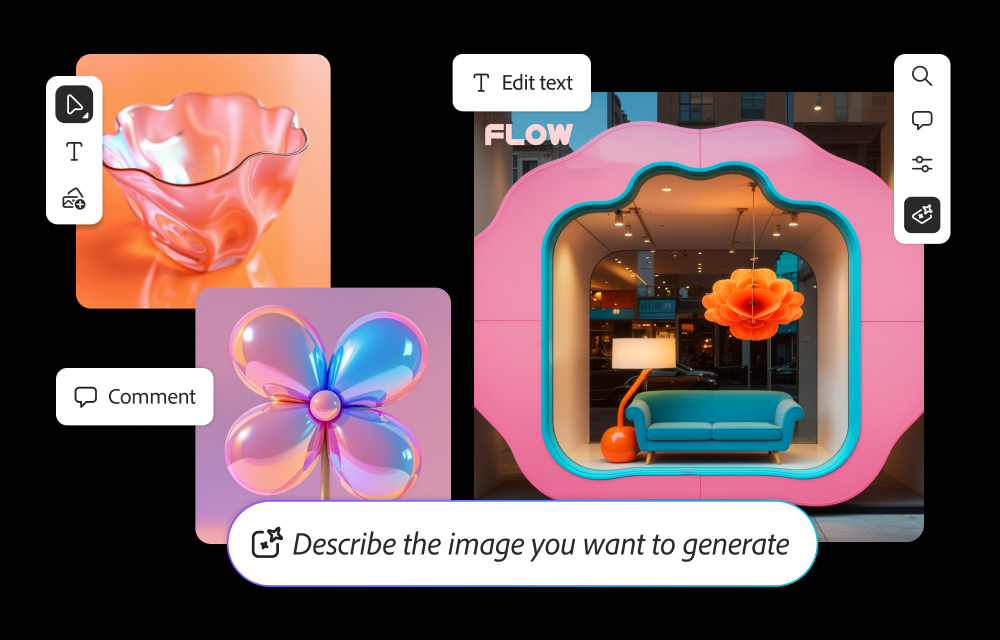
how to generate images from text prompts and edit them within Firefly.
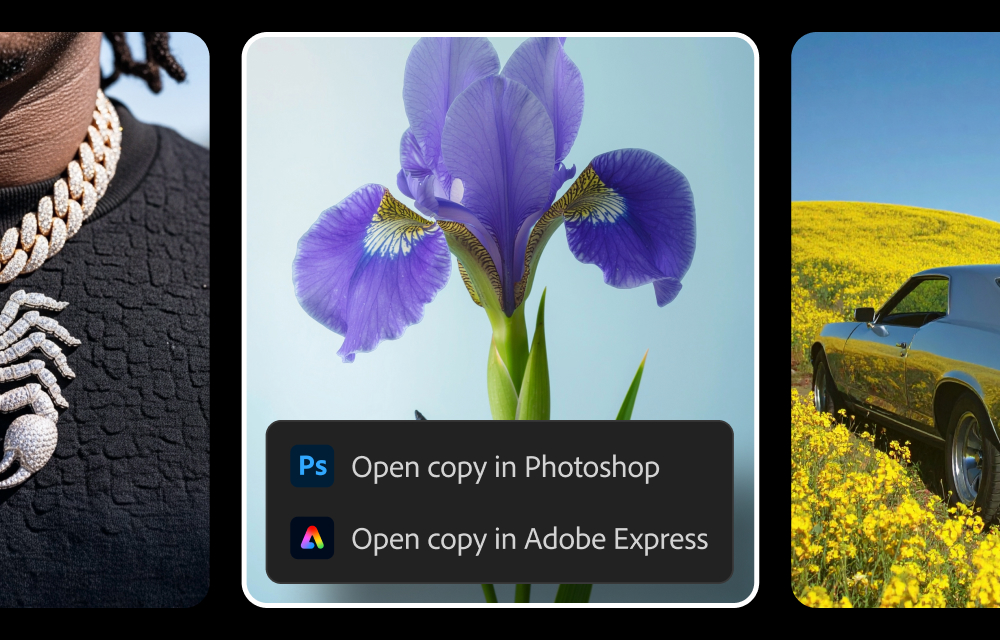
where to send generated images from Firefly to Photoshop and Express.
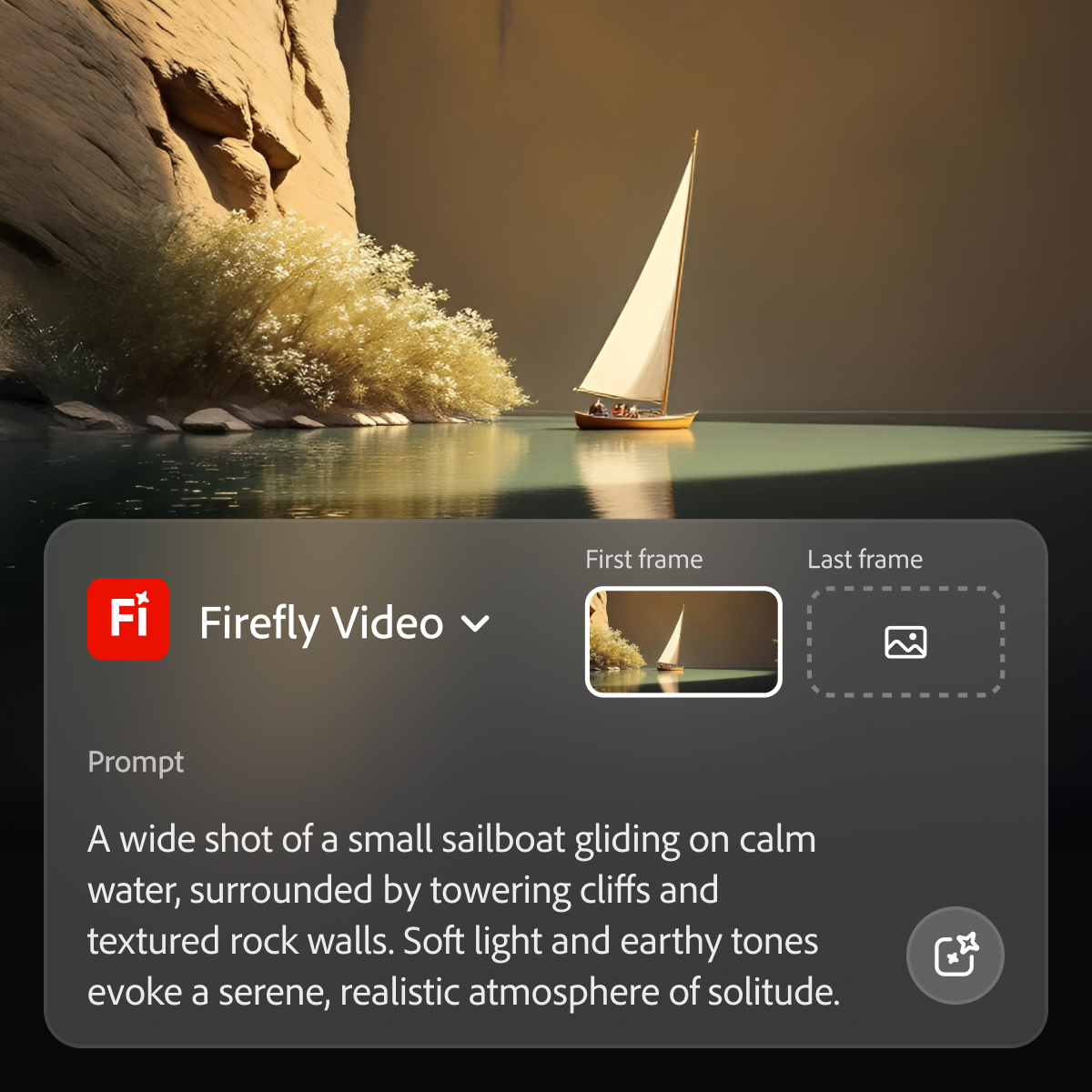
where to generate videos from prompts within Firefly.

1 / 3

My personal experience with Adobe Firefly

Use Cases and Deployment Scope

Adobe Firefly is a costly but very effective and versatile tool for creating different designs for our company. We have multiple events and marriages scheduled on our schedule. Each events have their own unique themes where Adobe Firefly helps me a lot to design and develop those themes without the involvement of multiple designers. It helps in me client boarding and to prepare pitchdecks. Social media regular posting is also became easy now. So this Adobe Firefly is a heavy tool helps in Branding and positioning of the company.

Pros

  • Text to image
  • Generative fills
  • Integration with different adobe tools

Cons

  • Limited cultural understanding of Indian or south asian
  • Still lacks on some complex design
  • Human image generator is still not very accurate

Return on Investment

  • Regular social media posts have boosted our enquiry
  • Word of mouth has made us to charge premium fees to our clients
  • Unique design and soothing visuals makes our clients even happier

Usability

Alternatives Considered

Adobe PhotoShop and Canva

Other Software Used

Adobe PhotoShop, Canva

Adobe Firefly

Use Cases and Deployment Scope

We've experimented with using Adobe Firefly to create blog post images for our clients. You can use Adobe Firefly to create images in the same style following corporate brand guidelines. The important thing to note is Firefly is trained on royalty-free images and includes this in the image metadata. Other image generating LLMs such as Midjourney have been trained on images from the internet, including artists and photographer's work, which will likely cause problems in the future.

Pros

  • Generating royalty-free images
  • Moodboards at the start of the design process
  • GenAI

Cons

  • Would like a desktop app

Return on Investment

  • Client expect quick turnaround times and Adobe Firefly helps

Usability

Alternatives Considered

ChatGPT, Canva, iStock, from Getty Images and Midjourney

Other Software Used

Adobe InDesign, Adobe Premiere Pro, Microsoft Visual Studio Code, CoPilot, GitHub, Microsoft Visual Studio Code, Microsoft Visual Studio Code

Great for Creative suites users looking for gen ai that links into their workflow

Use Cases and Deployment Scope

In our marketing department we've used Adobe Firefly to creating concepts, graphics and social media assets. In the past we were limited by budget which was resulting in repetitive content and visuals that were not having the impact we wanted. Now with Firefly we're able to develop multiple concepts and visual routes for internal stakeholders to review before we progress further and commit resources. We've also noticed an improvement in the quality of our artwork by using Firefly as well which has been well received by colleagues and led to great employee engagement on corporate content.

Pros

  • Generates visually engaging text lockups
  • Generates assets to use in other artwork projects
  • Generates still life images with more relevance to our brands and consumer audiences than stock options

Cons

  • Prompt controls could be built out to offer more options
  • Easier workflows for creating images that are consistent with each other
  • Option to create longer videos that stitch multiple prompts together

Return on Investment

  • Quicker responses to briefs shared with marketing
  • More visually interesting artwork that drives brand inpact
  • Flexibility with production of visuals that leads to more effective budget use
  • Reduced reliance on freelance designers and consultants

Usability

Alternatives Considered

Midjourney, ChatGPT and Google Gemini

Other Software Used

Midjourney, ActiveCampaign, Bazaarvoice, Brandwatch

Best AI Invention to be created for us media creators

Use Cases and Deployment Scope

Adobe Firefly baased tools help us to create design elements much faster than the traditional way. We are getting much faster color variations made, getting good suggestions in designs, and also using it to create and modify the stock images we use to create content for the company. The generated designs are decent and very usable.

Pros

  • Creating color-variations of illustrator graphics.
  • Extending of video clips in Premiere Pro.
  • Music Length Remix feature.
  • Generative AI in Photoshop to change and modify stock images.

Cons

  • Not limiting to 2 sec clip extension in Premiere Pro
  • The results can be better in Generative AI fill in Photoshop
  • Create a generative fill layer for text specific content

Return on Investment

  • This has helped us reduce production time by reducing the time required to search for appropriate images by a lot.
  • Making color variation designs are much faster
  • BGM adding is a breeze thanks to the Remix tool in Premiere. We do not need to search a music with appropriate length now. We can use any music we like.

Usability

Other Software Used

Adobe Premiere Pro, Adobe After Effects, Adobe Illustrator CC

A great resource for image creation

Use Cases and Deployment Scope

I use Adobe Firefly to create images for creating content for my organization if we can't find any images that we need. For content that would be social graphics, advertising, printed materials,etc.

Pros

  • High Quality
  • Fast
  • Different Selection Options
  • Image adjustments

Cons

  • Images of people are not always accurate. The fingers are a little off.

Return on Investment

  • Saves time and saves money with purchasing stock photos

Usability

Alternatives Considered

Canva

Other Software Used

Canva, Adobe PhotoShop