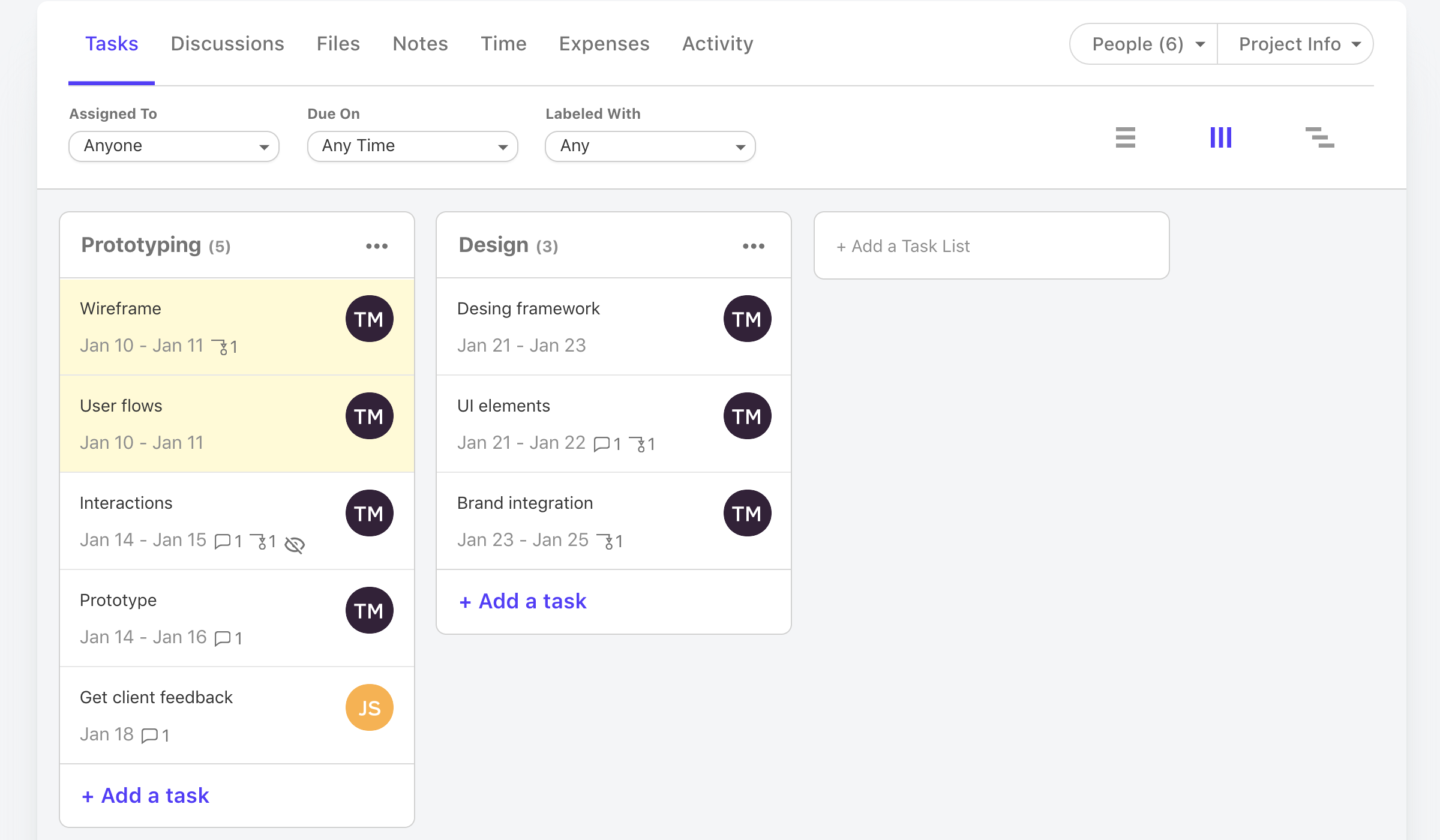
Our team attempts to use ActiveCollab to keep track of tasks allocated/in progress/delivered across a number of project types and clients - as the workload/scheduling function, in my opinion, is impractical and has a number of issues preventing its usefulness, we primarily use ActiveCollab as a store of task briefs and a place to communicate about tasks and share related files that is simpler to relocate things in than email threads/slack threads.
Pros
Notifications when people comment on tasks
Ability to upload files to tasks
Can assign tags to tasks in order to filter
Can manually enter time off so that team recieves OOO updates
Cons
It isn't possible to set members of staff as part time, so if someone is unavailable on certain days you must manually enter them as OOO every single day that they are not in, that other teammates work. Hours also can't be edited individually - everyone is treated as working the same hours in a day, rendering capacity planner useless for flexi working teams
Subtasks cannot be assigned their own hours and deadlines, meaning the To Do list view can't be seen in actual date order and capacity planner does not reflect all time allocated to an individual's schedule unless every task is set up as a separate task rather than subtask
There is no way to see all tasks of a certain type across multiple campaigns (e.g all copywriting tasks vs all technical tasks) - support team suggested exporting data and making spreadsheets
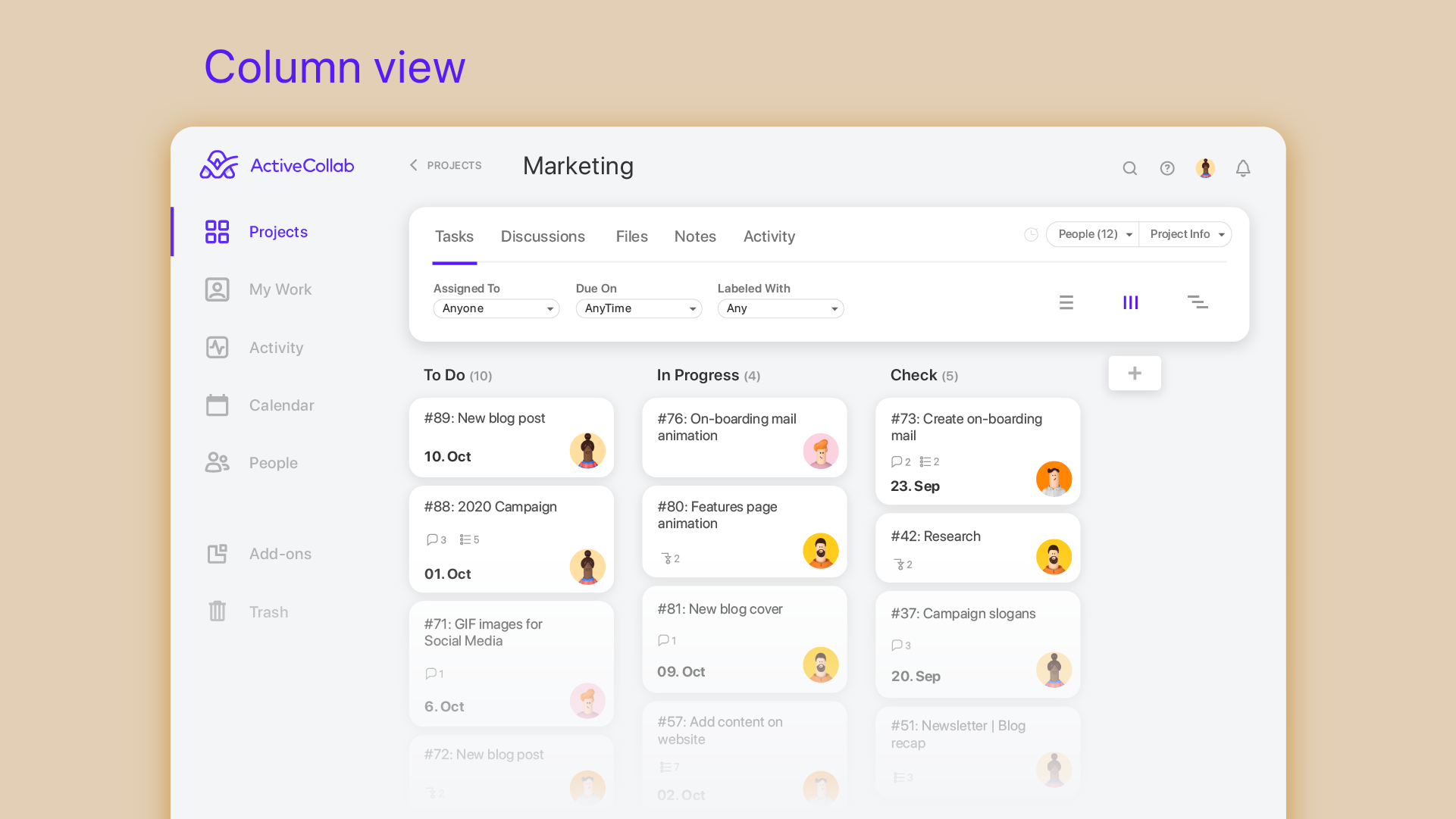
Kanban view isn't available for people's own task lists ('board' view here shows a list)
Not possible to have one task be assigned to more than one person
Notifications are not sent when tasks are updated, so you have to leave comments and tag people each time
Most Important Features
Ability to store and manage tasks in a central location
Return on Investment
Con: A lot of time is spent on avoidable admin tasks due to lack of certain features
Pro: We can provide clients with access to task lists to reduce comms
Alternatives Considered
Teamwork.com, monday.com, Rindle, Scoro, Klipfolio and Redbooth
A de minimis incentive was given to thank the reviewer for their time. The incentive was not used to bias or drive a particular response, nor was the incentive contingent on a positive endorsement. More Info
Director in Marketing at ROMI Lab (1-10 employees employees)
Pros
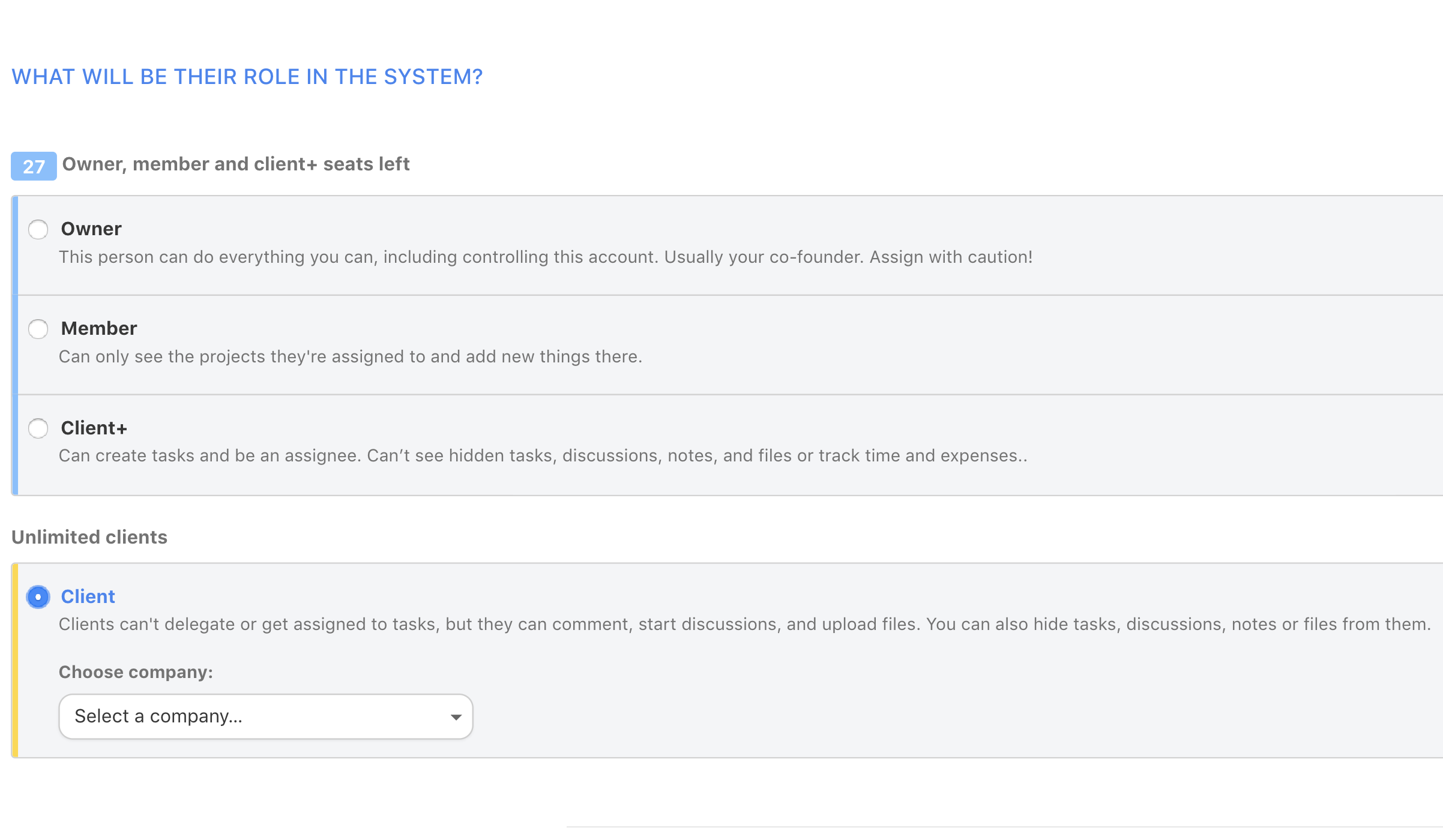
Easily add clients as guests and control the amount of access.
Clients can start discussions and respond to existing discussions via email.
Discussions have good formatting options to allow for improved readability.
Cons
Individual comments cannot be linked to. This makes it more difficult to reference a comment or question.
Unnecessary features cannot be turned off. Since we use it primarily for communication, it would be ideal to turn off tasks etc. that are not needed or be able to move discussions as the first screen.
There isn't an easy way to set up different projects under the same client.
Return on Investment
A central communication portal is used to keep all members of the team informed as to the status of specific projects. All staff have access to read past discussions to enable contribution to the current discussion.
We have found it difficult to get our clients to adopt usage of ActiveCollab for communication on a reliable basis.
The cost per person is high when using it as a communication center.
A de minimis incentive was given to thank the reviewer for their time. The incentive was not used to bias or drive a particular response, nor was the incentive contingent on a positive endorsement. More Info
Verified User
Employee (5001-10,000 employees employees)
Use Cases and Deployment Scope
ActiveCollab allows us to manage each of our sprints (which last two weeks) and our tasks within those sprints. Tasks are assigned accordingly, and we can track our time as well as the progress of each task and any impediments if necessary. We can also see tasks that other people are working on and add time to those (or view the status) if needed. We can categorize tasks where appropriate and get an idea of how long future tasks in that type of category will take.
Pros
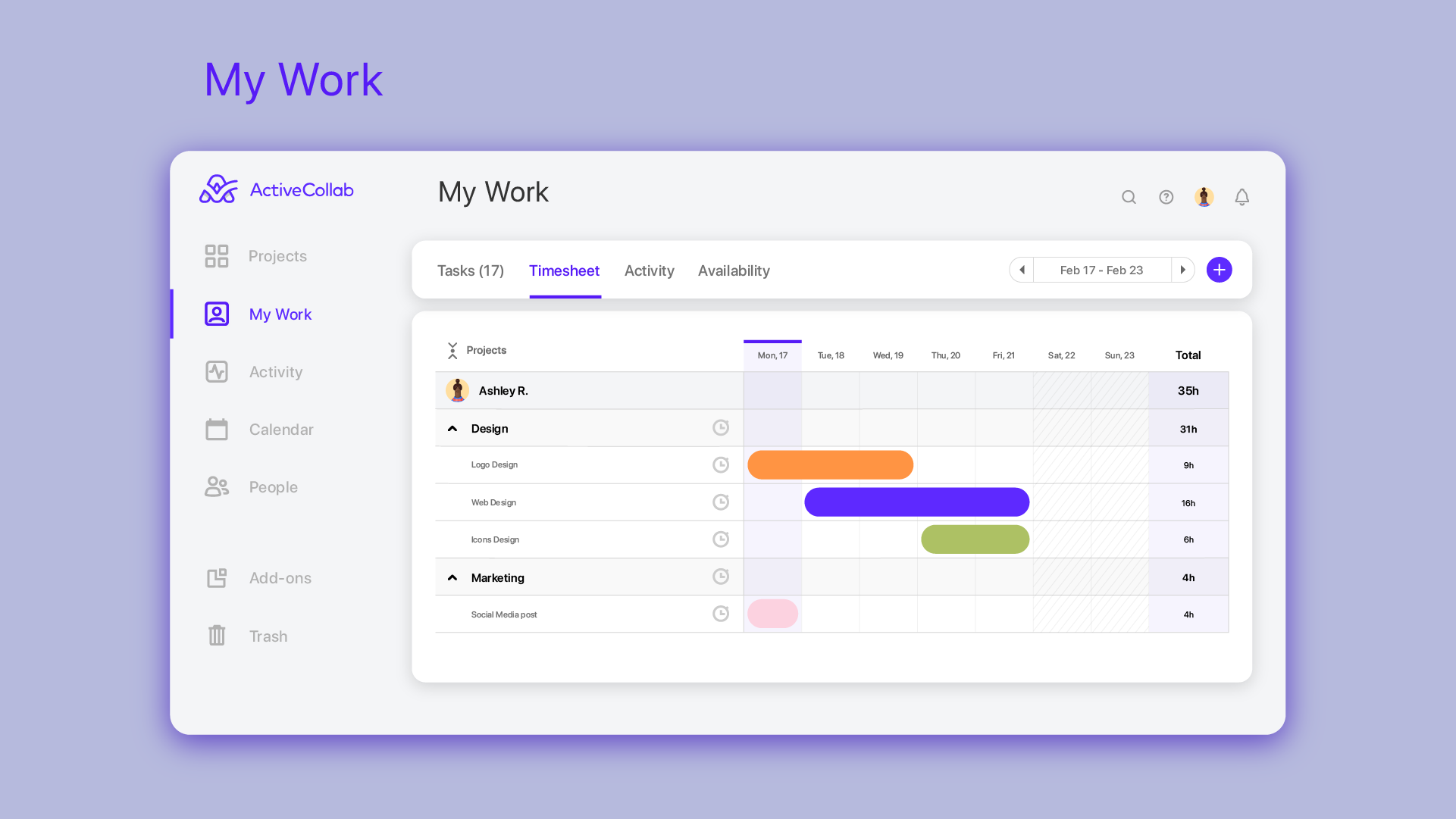
Track time for projects
See which tasks are easily assigned
Move tasks over from one project to another
Add notes for a particular project that carry over
Categorize tasks appropriately
Cons
Does not maintain default categories for tasks
Makes information difficult to share with others not on AC
Relies on other people to track their time correctly in categories for estimates
Mobile app is very hard to use and not user-friendly if you are working with multiple projects
Most Important Features
Tracking time
Categorizing time
Assigning tasks
View status of tasks
Return on Investment
Able to see what tasks each team member is working on
Able to get an idea of where our time is going
Able to estimate upcoming projects better on how long they will take
Able to see what tasks were worked on in a specific period of time (over the past 6 months, etc.)
A de minimis incentive was given to thank the reviewer for their time. The incentive was not used to bias or drive a particular response, nor was the incentive contingent on a positive endorsement. More Info