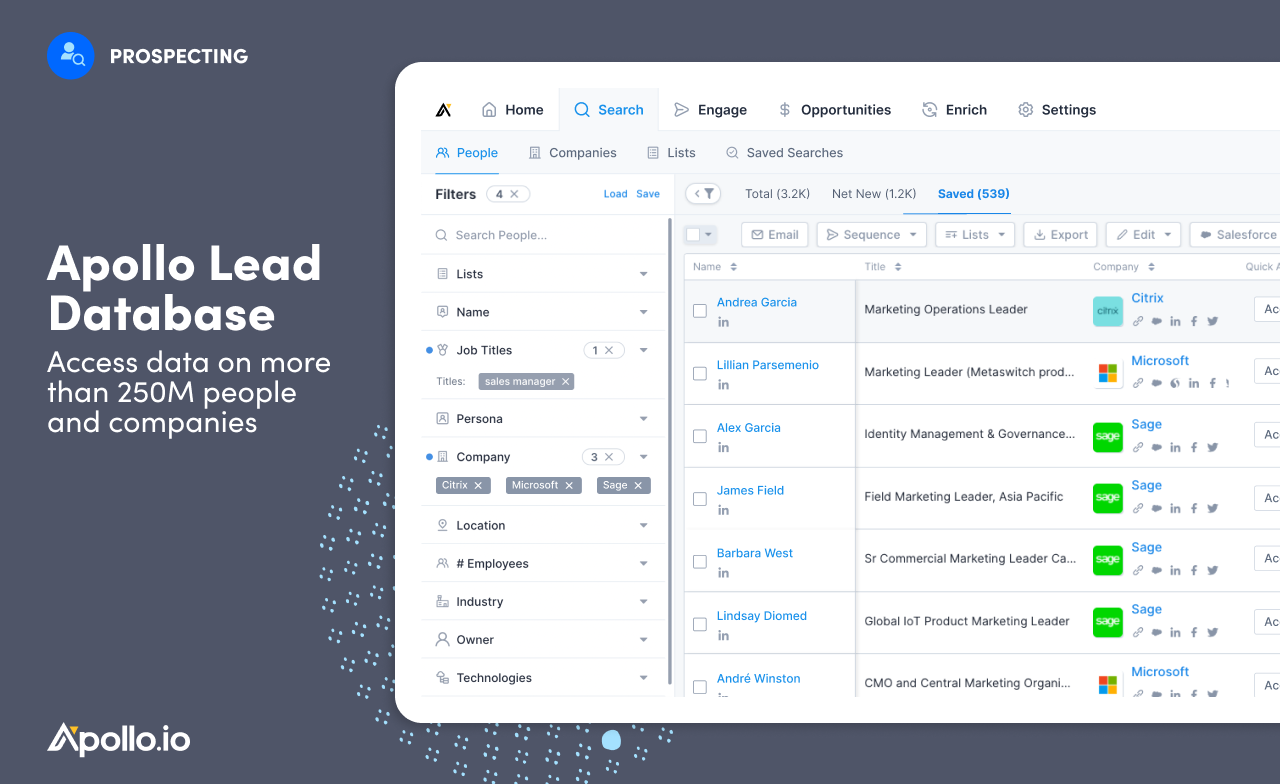
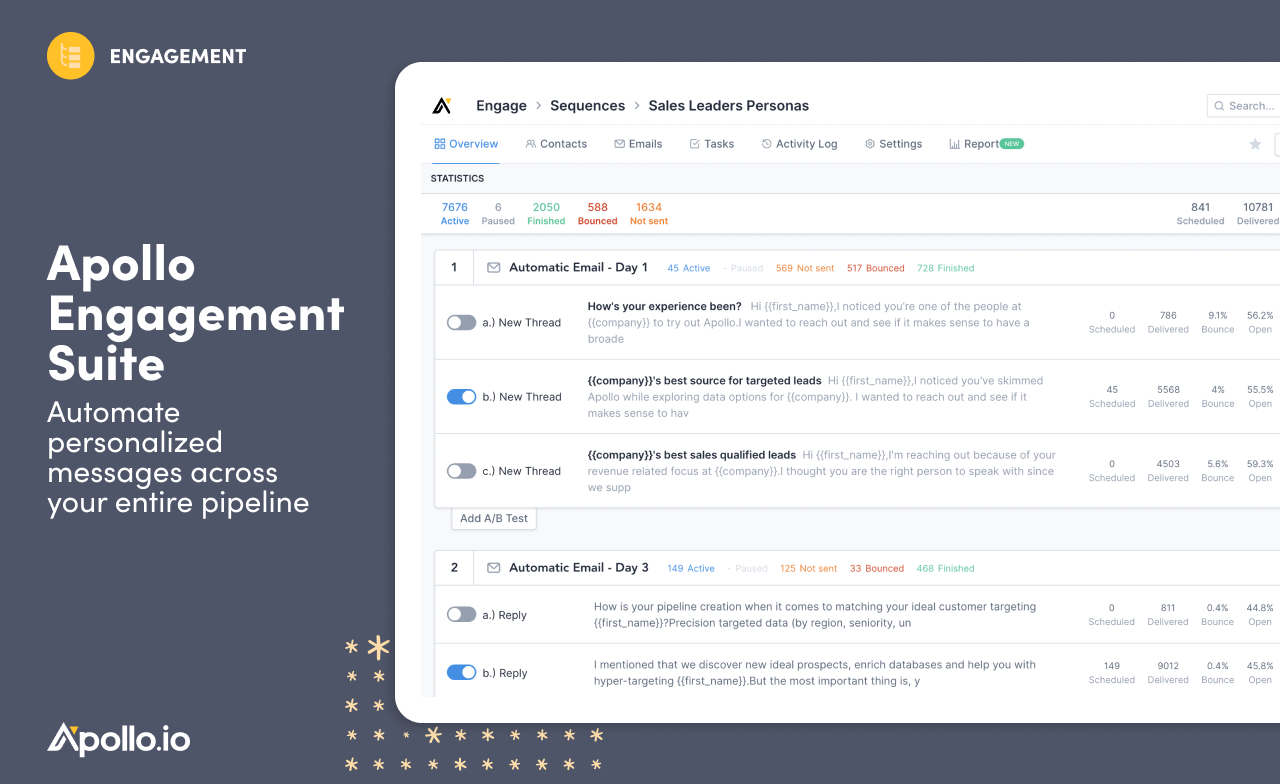
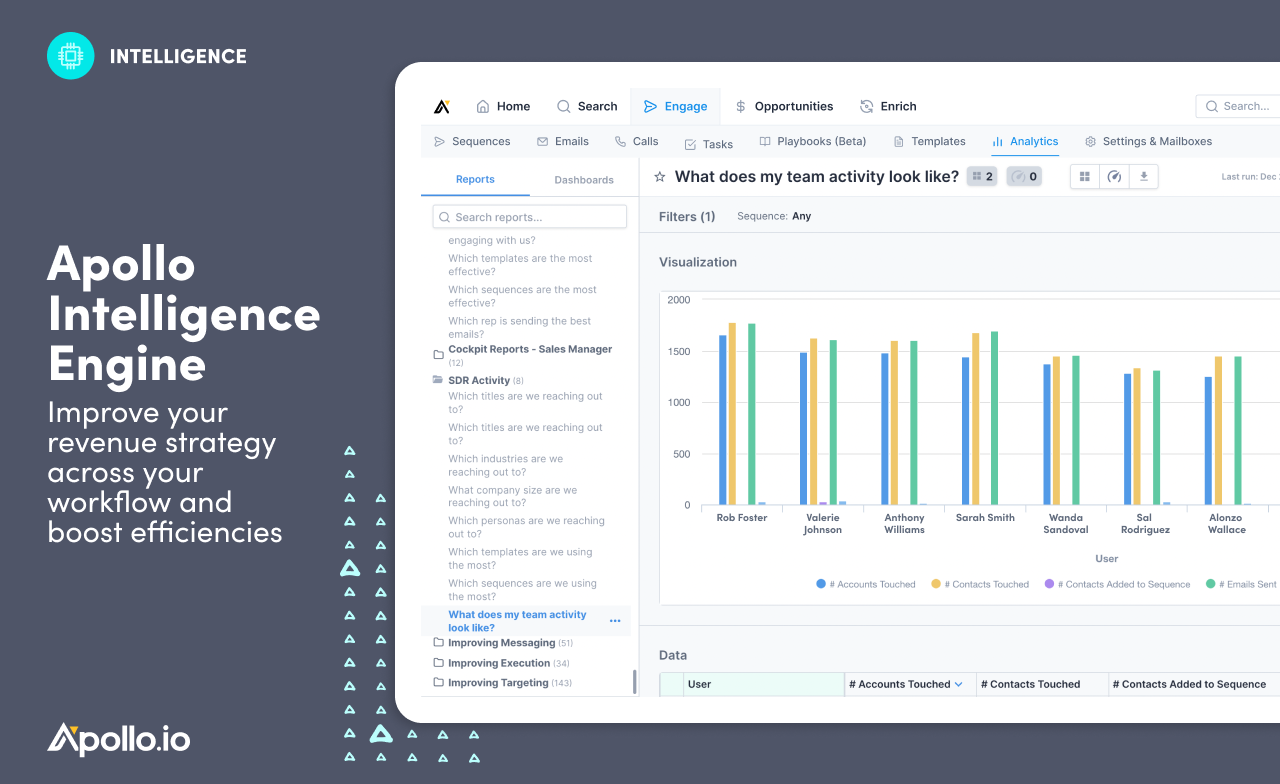
Apollo is a $1.6B AI-powered sales platform that helps revenue teams find and engage leads, automate outreach, manage deals, and enrich data. Boasting B2B database of more than 210 million contacts and 35 million companies, Apollo’s end-to-end platform helps businesses of all sizes unlock their full market potential with precision and ease.
With users among 500,000+ companies, including Autodesk, Cyera, and DocuSign, Apollo offers a go-to-market platform to…
$59
per month per user
LinkedIn Sales Navigator
Score 8.7 out of 10
N/A
LinkedIn Sales Navigator is a sales intelligence software solution offered by LinkedIn.
$79.99
per month
Pricing
Apollo.io
LinkedIn Sales Navigator
Editions & Modules
Basic
$59
per month per user
Professional
$99
per month per user
Organization
$1,188
per year per user
Professional
$79.99
per month
Team
$134.99
per license
Enterprise
Contact sales team
Offerings
Pricing Offerings
Apollo.io
LinkedIn Sales Navigator
Free Trial
Yes
No
Free/Freemium Version
Yes
No
Premium Consulting/Integration Services
No
No
Entry-level Setup Fee
Optional
No setup fee
Additional Details
20% discount for annual billing on the Basic and Professional plans.
—
More Pricing Information
Community Pulse
Apollo.io
LinkedIn Sales Navigator
Features
Apollo.io
LinkedIn Sales Navigator
Prospecting
Comparison of Prospecting features of Product A and Product B
Apollo.io
7.9
Ratings
2% above category average
LinkedIn Sales Navigator
7.5
Ratings
3% below category average
Advanced search
7.50 Ratings
7.90 Ratings
Identification of new leads
7.80 Ratings
7.50 Ratings
List quality
7.70 Ratings
7.60 Ratings
List upload/download
8.30 Ratings
6.90 Ratings
Ideal customer targeting
7.80 Ratings
7.80 Ratings
Load time/data access
8.30 Ratings
7.40 Ratings
Sales Intelligence Data Standards
Comparison of Sales Intelligence Data Standards features of Product A and Product B
Apollo.io
7.8
Ratings
1% above category average
LinkedIn Sales Navigator
7.1
Ratings
9% below category average
Contact information
7.80 Ratings
7.30 Ratings
Company information
8.20 Ratings
7.10 Ratings
Industry information
7.50 Ratings
6.80 Ratings
Data Augmentation & Lead Qualification
Comparison of Data Augmentation & Lead Qualification features of Product A and Product B
Apollo.io
7.7
Ratings
4% above category average
LinkedIn Sales Navigator
7.1
Ratings
4% below category average
Lead qualification process
7.80 Ratings
5.70 Ratings
Smart lists and recommendations
7.60 Ratings
7.10 Ratings
Salesforce integration
8.30 Ratings
6.30 Ratings
Company/business profiles
7.70 Ratings
8.50 Ratings
Alerts and reminders
7.00 Ratings
7.50 Ratings
Data hygiene
7.20 Ratings
6.40 Ratings
Automatic data refresh
7.30 Ratings
6.50 Ratings
Tags
7.70 Ratings
6.30 Ratings
Filters and segmentation
8.50 Ratings
9.10 Ratings
Sales Intelligence Email Features
Comparison of Sales Intelligence Email Features features of Product A and Product B
The automatic email feature is extremely helpful for quickly contacting more potential clients. It is user-friendly and easy to access all buttons, which helps you navigate the task efficiently. It could greatly help to acquire more clients for a project to be successful. I cannot see anything less appropriate for me to achieve the goal I am aiming for.
As a new scale-up business, we are heavily focused on winning new business; businesses like ours cannot function without it, as we would not be able to build target profiles, create new business lists, and establish product-market fit. It's a key tool in our sales and GTM strategy.
Search Functionality: LinkedIn Sales Navigator has one of the most powerful search functions. The filters are not unnecessary and some are very well thought of. You can drill down to finding a needle in a haystack of 20000 employee company when it comes to using LinkedIn Sales Navigator if done in the right manner.
Smart Links: Gone are the days of attached Decks. One can simply create their deck online using this feature on LinkedIn Sales Navigator, or even upload an existing ppt. A smart link is shareable as well as trackable for opens and clicks.
Fewer Clicks: With a single click, I can filter out decision-makers in any company. With a single click, I can import contacts from LinkedIn Sales Navigator to Salesforce. Lesser clicks are actually less stressful if you think.
This question is a no-brainer. The tool is the industry standard for anyone tied to sales and marketing. The name "LinkedIn Sales Navigator" is synonymous with streamlining relevant customer and account data in an easy to use format that is actionable and intelligent. The focus on continuous improvement and richer means of communicating with customers and prospects is evident each time new features are rolled out. The social component of the tool even includes a gamification component to ensure that peers remain relevant among each other, which is refreshing and enjoyable for those who engage the tool on a daily basis.
Apollo.io has an amazing amount of features. It's great being able to complete so many tasks in one space but it's also overwhelming. It took me a few days to work through all of the options when searching for a company or person. After a few days it started to provide companies for me which was confusing before I understood what was happening. At first, I was also confused about what a "sequence" was so maybe some of the jargon can be confusing. I think with time I will become more comfortable once I understand all of the options offered.
It lets you pull people with specific titles in specific areas and with the criteria you choose--job changes, mutual connections based on schools, roles, and companies, etc. It is easy to upload these lists into other software or download and save them to a drive.
The team wants to solve probelms, but we are finding that they don't know how to solve the more technical issues quickly. I suspect that they don't have a mature process for escalations, and they don't have a usable knowledge base article repository. They seems to push emails around to let us know that people are working on the issues to find solutions, but this takes weeks and oftentimes still leaves us without a resolution.
I would recommend LinkedIn Sales Navigator entirely. It has been the most user-friendly tool to use starting off in a sales role. I genuinely enjoy the navigation of the tool and how easy it is to save lists and see job changes within those lists. Generating leads and finding the most up to date information on prospects is all housed within this tool.
I am unsure of the rollout, as I was not involved. I was an early adopter, and I have had a lot of success with the tool personally at multiple organizations, but I have no idea whether the implementation process encountered any errors. I can personally say that it works, and that I have not encountered significant issues with the tool since adoption, although a few issues like messages showing up as being unread even though they have been opened have been an on-again/off-again issues throughout the past few years. Overall, the company is doing a great job, and our implementation seems to have been effective.
Apollo.io has all features of prospecting, outreach automation including email sequences, campaign tracking, lead scoring, and analytics in one interface which enables sales persons to manage their entire sales funnel without having any other extra tool. Another benefit is for pricing related which has been understand from our management team.
In my opinion, ZoomInfo and LinkedIn Sales Navigator serve different purposes. ZoomInfo is more for providing accurate contact information, while LinkedIn Sales Navigator is more for identifying the exact contacts you want to market to. Being built on top of the LinkedIn social network, it is ideal for nabbing the same person you need from each organization.
Increased # of booked meetings from outbound email outreach.
Our sales team's productivity has improved when prospecting/doing outreach (which has a monetary value, given our salaried status). This makes us more productive, enabling us to accomplish more and reach a greater number of people in a day.
We've only recently implemented this, so we're still waiting to close, but leads are on their way to doing so.