TrustRadius: an HG Insights company

LiveWebinar

Score9 out of 10

9 Reviews and Ratings

What is LiveWebinar?

LiveWebinar is a cloud-based tool that helps users manage online webinars, meetings, training, live streaming, chats, screen sharing, social media broadcasting and high definition (HD) recording via web browsers. It is a customizable solution that allows users to change logos, room colors, and design layouts, as well as create personalized registration forms to match their business's brand identity, and control email delivery and report designs.

LiveWebinar allows users to broadcast events, webinars. and training sessions on Facebook, YouTube, Vimeo, Periscope, external media sources, and other social media platforms. Besides broadcasting, the platform allows screen sharing and remote desktop access across PC, Mac, and Android devices, and provides add-ons for Opera, Chrome and Safari browsers.

Users can conduct live webinar tests, surveys, and polls to gather information, research reactions, analyze feedback and gain insights for business decisions. The platform also allows users to create single and multiple-choice surveys, plus share attachments and voice messages.

LiveWebinar integrates with multiple marketing automation and customer relationship management (CRM) tools to generate analytics into meeting and webinar statistics.

Media

live streaming
LiveWebinar branding
Room view on laptop and mobile
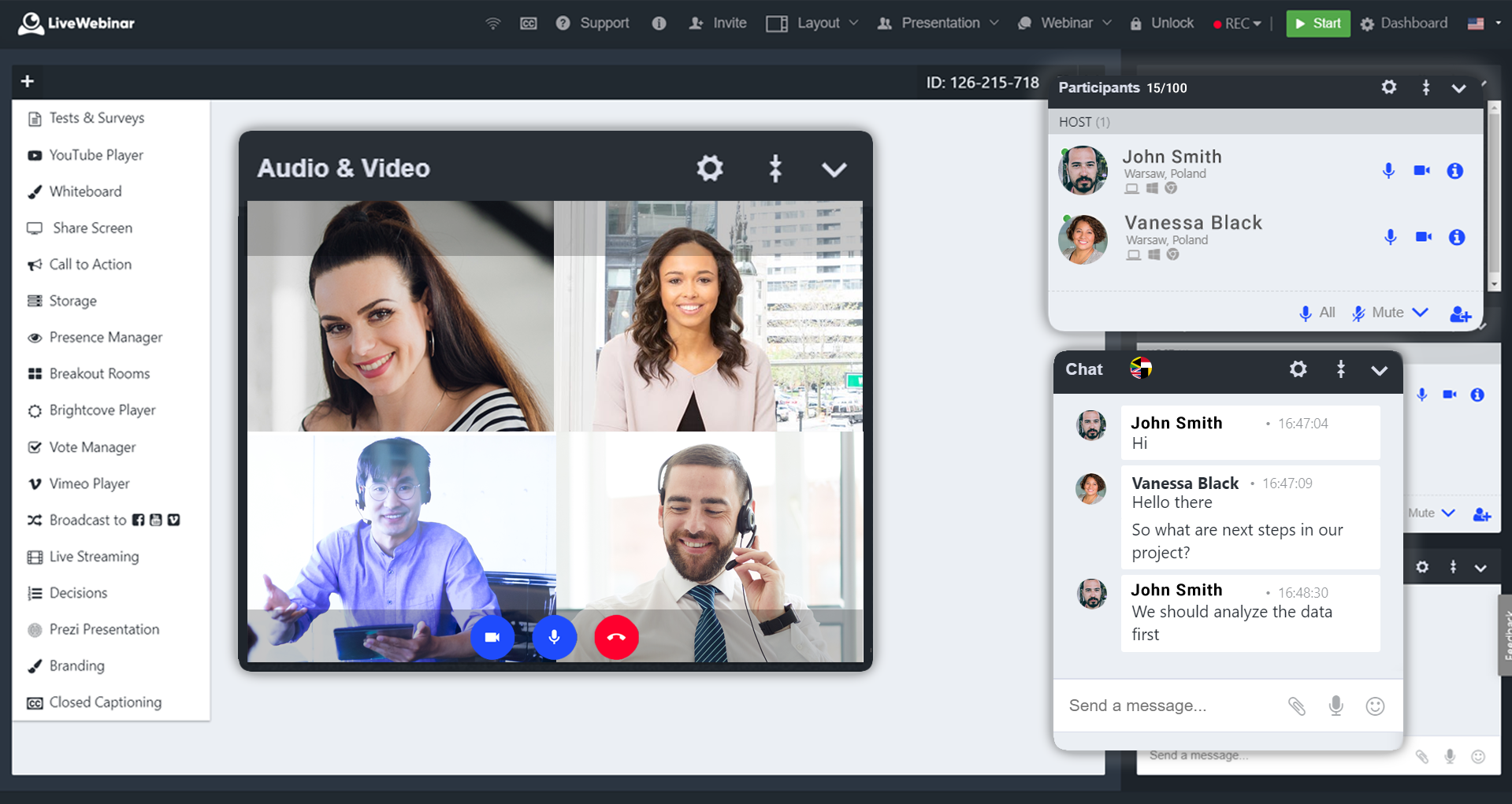
Room view with live chat and participants
Room view YouTube Player
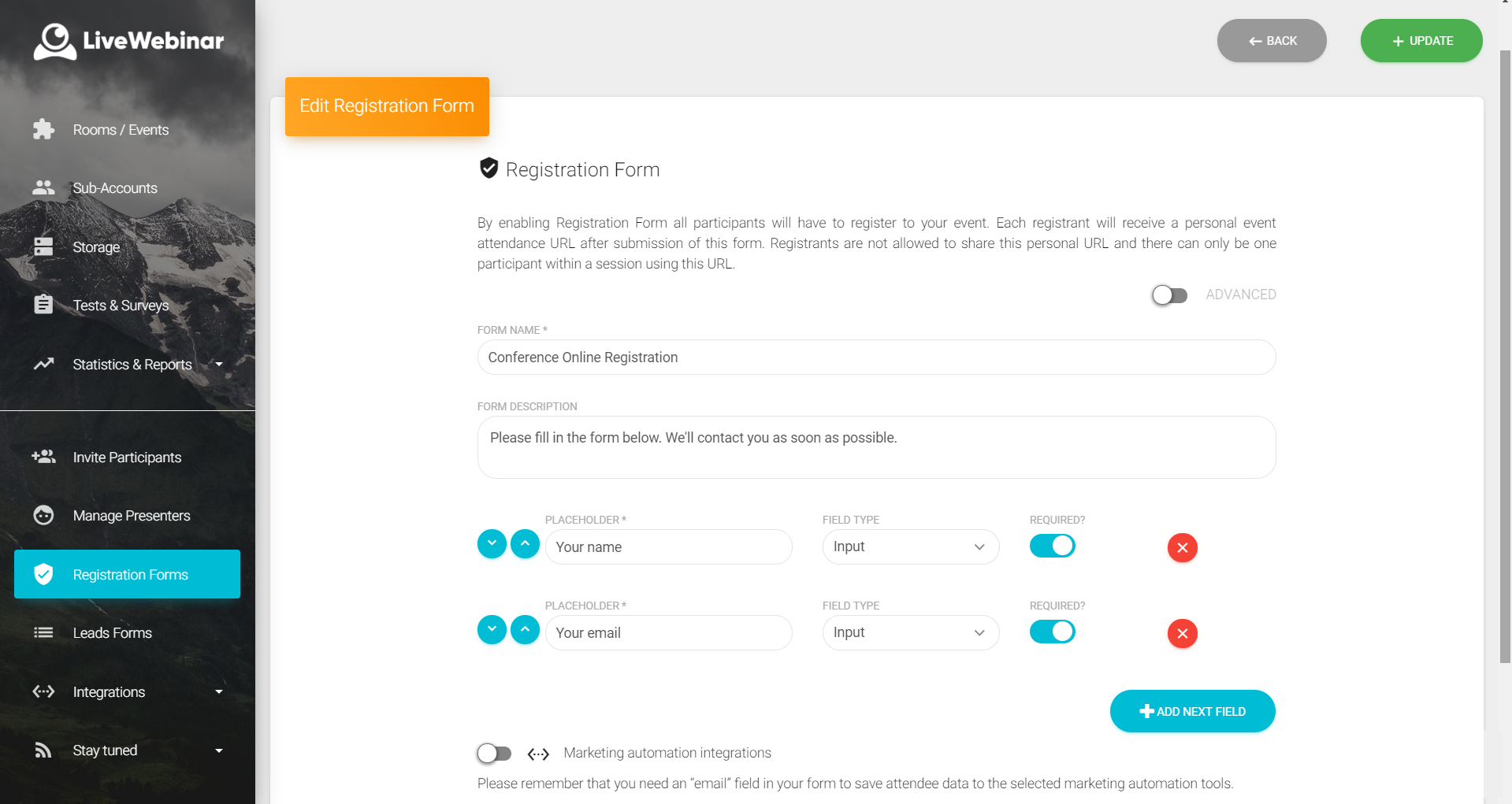
User panel - registration forms + automation
Room View - whiteboard
Room view - storage

1 / 8

Top Performing Features

  • High quality audio

    High quality audio connection is consistently available, with few or no interruptions.

    Category average: 8.6

  • Calendar integration

    Scheduling capabilities integrate with users’ Calendars.

    Category average: 8.1

  • Record meetings / events

    Meetings and webinars can be recorded for playback.

    Category average: 8.5

Areas for Improvement

  • Mobile support

    Attendees can access meetings/webinars from mobile devices.

    Category average: 7.4

  • Integration to Marketing Automation

    Webinar software integrates with users' MA systems to send out registration confirmations, email reminders about upcoming events, follow-up emails with webinar recordings, etc.

    Category average: 7.4

  • Dashboards

    Users can create, customize and share dashboards, which provide an overview of the most important metrics.

    Category average: 7.1

Going Live Quick and Easy with LiveWebinar

Pros

  • Permanent Rooms for adhoc meetings or webinars
  • Customizable Forms and Registration Pages
  • Evergreen events

Cons

  • People are having some issues joining LiveWebinar on mobile
  • Team Member access to create / setup live events in same account
  • Multi-day conferences which cuts across days or could be scheduled in the calendar

Return on Investment

  • Cost Savings on a similar subscription but with more features and participants
  • Cost savings on time charges for IT guy who installs Zoom apps
  • Cost savings on a polling / survey tool which is built into LiveWebinar

Alternatives Considered

Zoom

Other Software Used

eyeson, Vectera, MeetFox

Usability

LiveWebinar makes your meetings Lively and Wunderbar!

Pros

  • Let's you create dedicated (permanent) meeting rooms for recurring meetings/training.
  • Easy overview of all past events/webinars.
  • Branding of a meeting room with company logo possible.
  • Lots of features that make the meeting more professional.
  • No need to install software to connect to a webinar.

Cons

  • Call-in feature for meeting participants should be a standard feature. With my plan, I cannot access this.
  • Account assistant login is cumbersome.
  • Paintbrushes for whiteboard/presentation annotations could be improved and should include stamps (checkmarks, red big arrow, etc.).

Return on Investment

  • With the lifetime plan, we paid off this investment in 3-5 months vs. having a subscription-based solution. After that, the application is "free."
  • We spent quite some time researching and testing all the features before we could make a decision.
  • Positive effect on client relationships, as we don't have any additional cost to arrange another meeting.

Alternatives Considered

GoToMeeting, Zoom and Cisco Meeting Server

Other Software Used

LiveAgent, Microsoft 365 Business, Matomo Analytics (formerly Piwik), Oracle VM VirtualBox

Easy to get it going and go live!

Pros

  • LiveWebinar makes it easy to share video clips and offer explanations simultaneously.
  • LiveWebinar allows the host to turn off the chat function so individuals are not distracted during the teaching.
  • LiveWebinar offers the ability to switch between teacher visuals, videos and power points, just as if doing 'in person.'

Cons

  • Connectivity and streaming are not always reliable and a webpage needs to be reloaded.

Return on Investment

  • LiveWebinar has made coordinating schedules for training easier.

Alternatives Considered

Webex Meetings and Adobe Connect

Other Software Used

Adobe Connect, Aladtec