TrustRadius: an HG Insights company

ConnectWise Automate

Score8.3 out of 10

212 Reviews and Ratings

What is ConnectWise Automate?

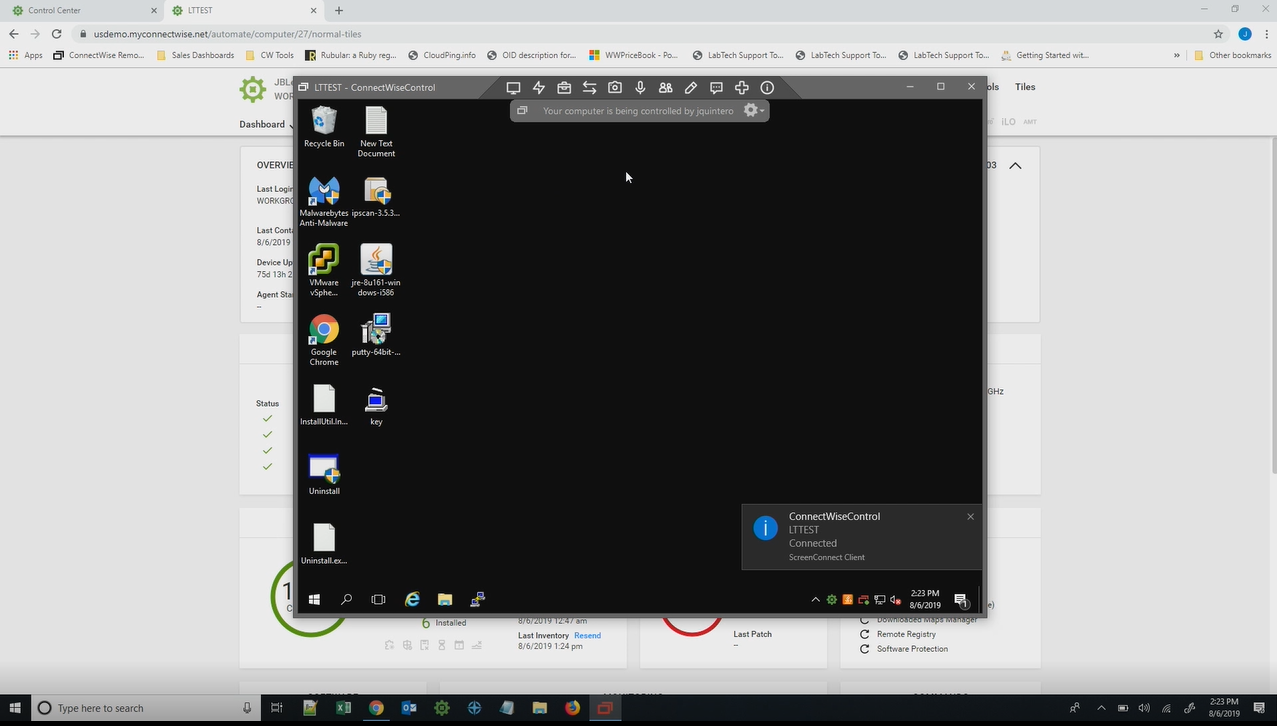
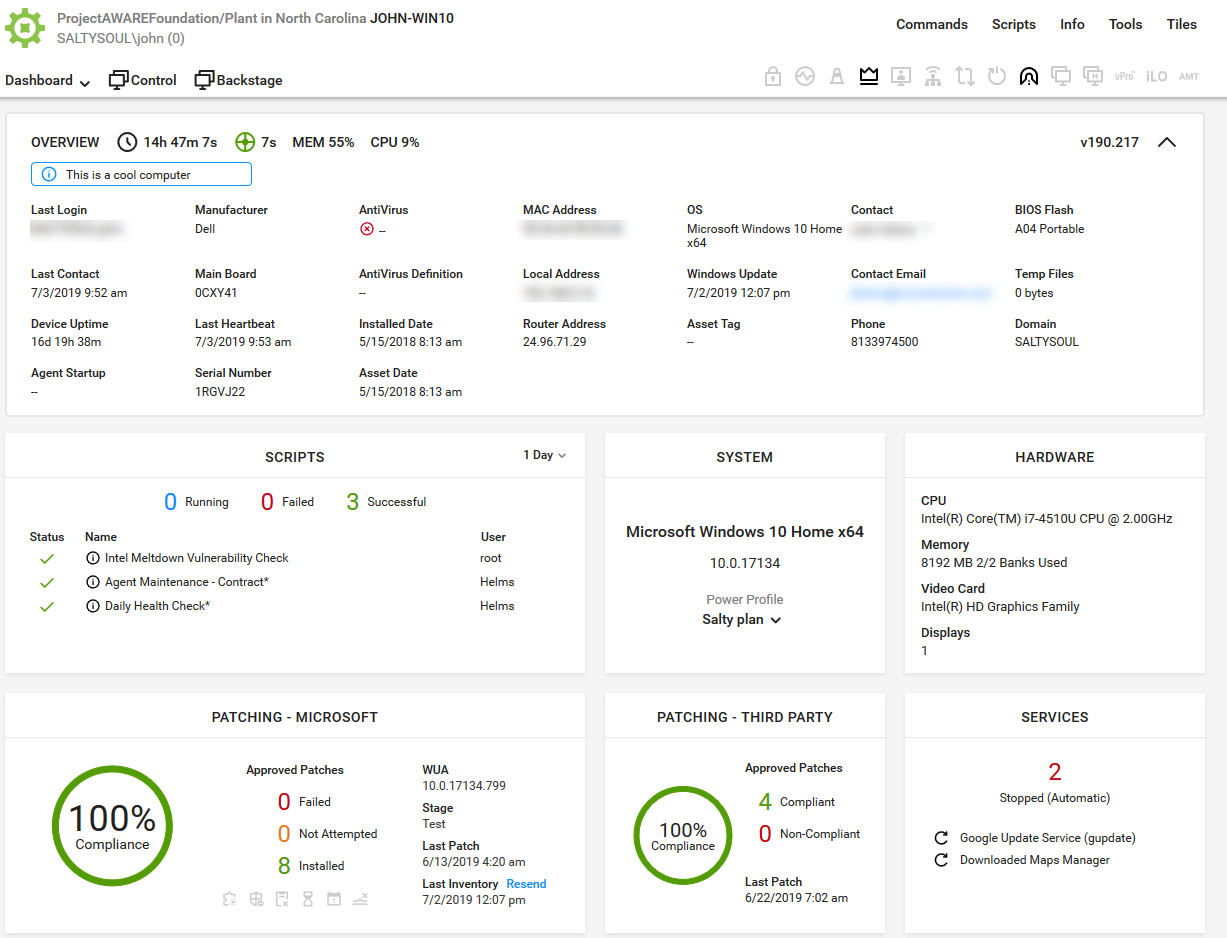
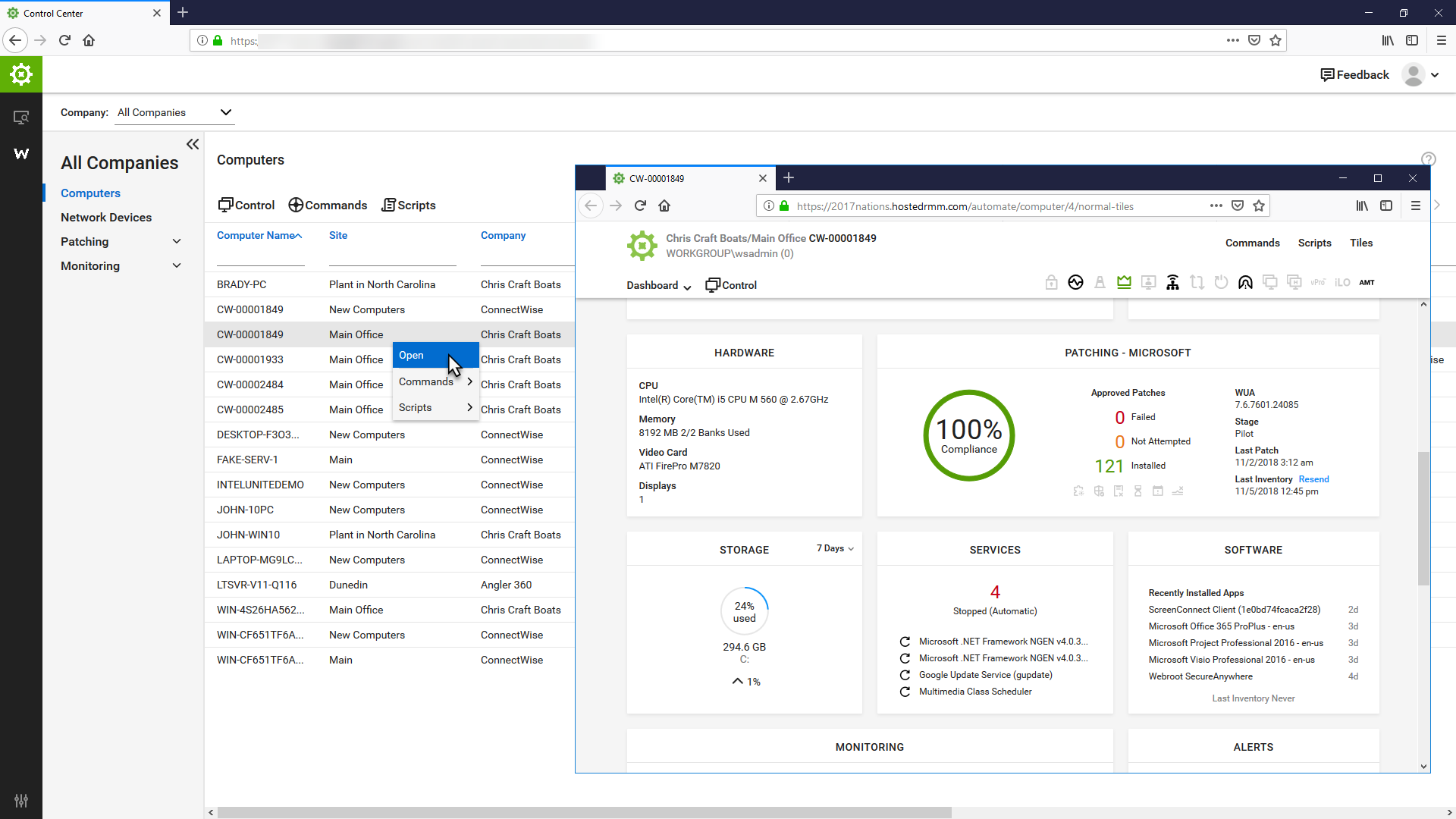
ConnectWise Automate, formerly LabTech, is a remote monitoring and management (RMM) platform. It provides powerful automation to discover and manage devices, monitor for problems, and scripts repetitive action.

Media

Monitor: Find problems

1 / 6

Top Performing Features

  • Remote monitoring

    Monitoring of network operational activities through the use of remote devices known as monitors or probes

    Category average: 9

  • Patch Management

    Patch management involves acquiring, testing, and installing multiple patches (code changes) to an administered computer system.

    Category average: 8.7

  • Attended device access

    The quality and reliability of connections to remote devices that are currently attended by an active user.

    Category average: 7.8

Areas for Improvement

  • Multiple concurrent sessions

    More than one user can access the same remote device at the same time.

    Category average: 6.8

  • Activity Monitoring

    The product's ability to monitor the activity of individual users, devices, or other entities.

    Category average: 8.1

  • Mobile device access

    The quality and reliability of remote connections to end-user mobile devices.

    Category average: 4

ConnectWise Automate The Best

Use Cases and Deployment Scope

We use ConnectWise Automate for our our clients we integrate multiple plugins to help with managing network hardware, specifically computers. Most of the business problems this product addresses are being able to have one platform where we can manage our clients and as well remote in as needed. It helps to get specs on hardware, run planned patches, gives our team alerts and disk errors and much more. We have used ConnectWise Automate for over 10 years and feel it always is something that is improving and per our use case we enjoy and feel it is part of our environment now and has always been.

Pros

  • Planned Patching
  • Integrated plugins accepted
  • Management
  • Reports

Cons

  • None

Return on Investment

  • Better Client Attainability
  • Value Added when New Clients Ask

Usability

Other Software Used

QuoteWerks

ConnectWise Automate - Automate Everything

Use Cases and Deployment Scope

Being a highly automated MSP, Connectwise Automate is the backbone of our company. Coupled with Connectwise Manage, ConnectWise Automate creates the alerts and tickets and autoremediates. With the robust scripting engine (yes it's a bit old and clunky but there is no other RMM tool out there with as much control as ConnectWise Automate) there is no limit, we can make scripts to resolve or partially resolve any issue that comes up.

Pros

  • Automation
  • Customized Alerting
  • Connectwise Manage integration

Cons

  • The fat client is not stable but they are working on a web client
  • The web client doesn't have all the features as the fat client
  • ConnectWise Automate Support not always the fastest at resolving known issues

Most Important Features

  • Scripting
  • Ticketing
  • Integration with the other Connectwise products

Return on Investment

  • It's our primary tool for automation

ConnectWise Automate for MSP Management is an Excellent tool

Use Cases and Deployment Scope

I am the RMM Manager for ConnectWise Automate. We use ConnectWise Automate for: Patch Management, Process Automation, Software Version Control, Monitoring, Remote Remediation, PC inventory/specification checks, Warranty Management, and Security Features.

Every computer that we manage gets ConnectWise Automate installed on it, and it handles installing the rest of our tools stack and gets those machines assigned to the proper client with the proper settings for that client

Pros

  • Alerting / Monitoring
  • Process Automation
  • Software Version Control
  • Selective Targeting of Automations

Cons

  • Patch Management - kind of clunky, but works well
  • Reporting
  • Endpoint user management

Most Important Features

  • Scripting / Automation
  • Monitoring / Alerting
  • Automatic Remediation
  • Software Version Control
  • Security Features

Return on Investment

  • Positive - ConnectWise Automate allows us to provide eyes on critical machines 24x7, allowing us to sell ourselves as a 24x7 shop
  • Automatic deployment of software allows for fast response to Client requests, earning us high marks every month/quarter in customer service from our clients and generating good references/word of mouth advertising
  • The ability to deploy vulnerability scans at the click of a button allows us to sell additional security services and generate good data on vulnerabilities that can be repaired

Alternatives Considered

NinjaOne and Addigy

Other Software Used

ConnectWise Manage, ConnectWise Control, Datto Alto, Huntress, ESET PROTECT

Usability

ConnectWise Automate: The Robust RMM of Choice

Use Cases and Deployment Scope

As an MSP, our RMM is one of our most used tools in our toolbox. ConnectWise Automate has been our best resource for remote support of our clients. We use it for our day-to-day monitoring, management, and script engine resources. It's integration with other ConnectWise products we use give us seamless management and analysis of our managed environments.

Pros

  • Silent tools and command access that works behind the scenes so clients aren't disturbed.
  • Easily assembled scripts from a robust scripting engine.
  • Event monitoring and alerting.

Cons

  • Integration with some SIEM products is lacking.
  • True event monitoring to support NOC activities isn't as robust as some competitor's.
  • UI is a little clunky and has not been updated in years.

Most Important Features

  • Scripting Engine
  • Integration with ConnectWise family of products.
  • Data analysis.

Return on Investment

  • Minimizes research time to pull information manually.
  • Allows work to be completed in Backstage that does disturb the end user.
  • Once setup and integrated, management is not a significant time suck.

Alternatives Considered

SupportNinja and Enable

Other Software Used

ConnectWise Manage, SentinelOne Singularity, BrightGauge

A fair RMM with some strong automation, but challenging to learn.

Use Cases and Deployment Scope

We use [ConnectWise Automate (formerly LabTech)] to manage and monitor client end points, as well to provide automation. We integrate it with ScreenConnect, Connectwise Manage, and ITGlue. Automation is one of the major functions it performs for us. With it we can push other tools like Logic Monitor, Screenconnect, AutoElevate and DeskDirector. We also have it send alerts to our ticketing system for reactive support.

Pros

  • Automation
  • Monitoring
  • Configuration reference

Cons

  • Automation can be difficult to implement
  • Discrepancy between web and installed client.

Return on Investment

  • Allows us to automate certain tasks, less employee time.
  • Been difficult to expand it's use to increase that automation

Alternatives Considered

Continuum Command, a ConnectWise solution and SolarWinds N-central

Other Software Used

ConnectWise Control (formerly ScreenConnect), ConnectWise Manage
