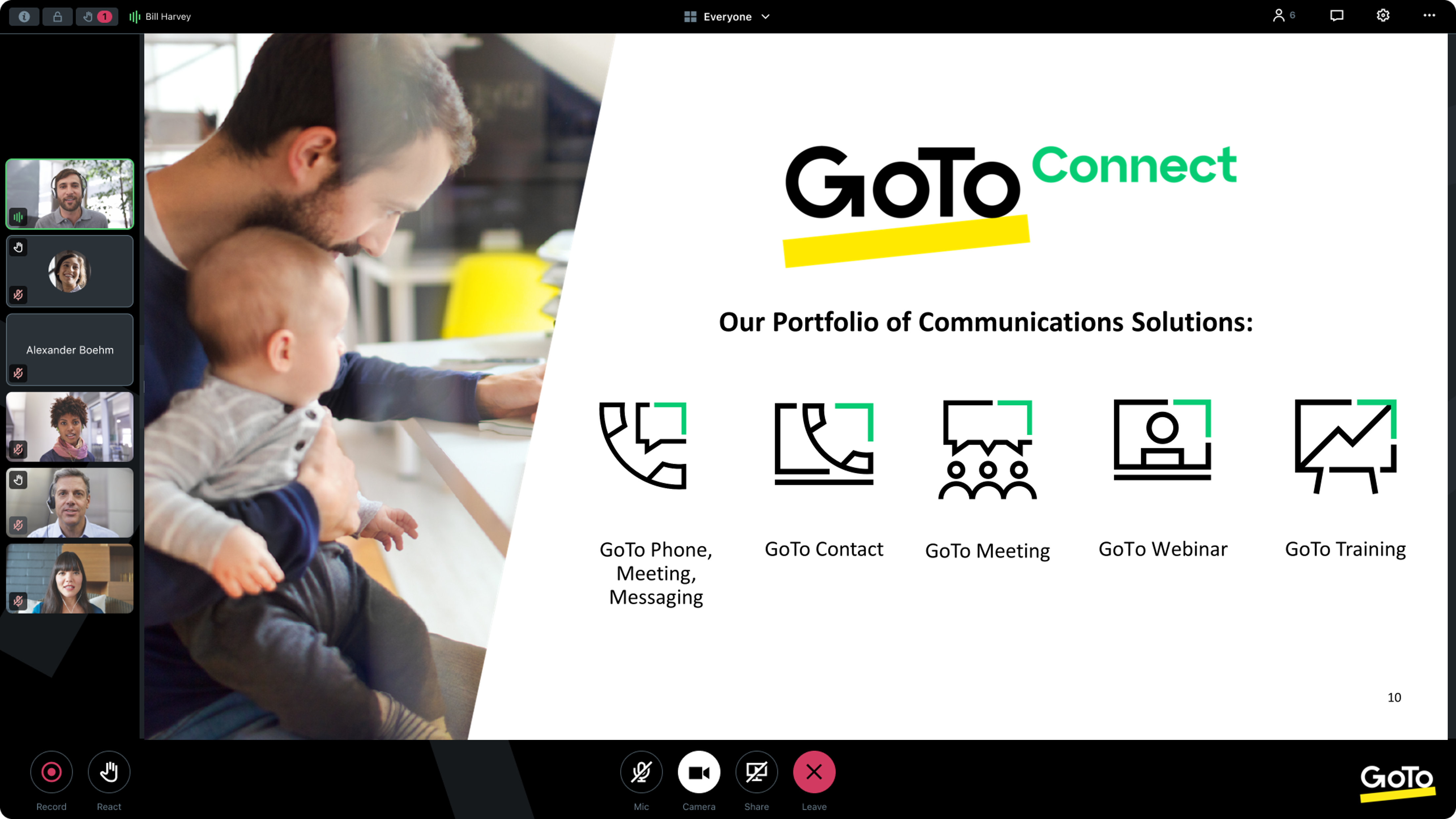
From GoTo (formerly LogMeIn), GoToMeeting is an online meeting, desktop sharing, and video conferencing software that enables users to connect via the internet. It hosts a suite of online meeting tools, including real-time screen sharing and integrated audio.
$12
Per Organizer / Per Month for 150 Participants [billed annually]
TeamViewer
Score 8.5 out of 10
N/A
TeamViewer provides software for both remote management and online collaborations. With TeamViewer, users have access to fully integrated online conference solutions for audio and video communication, including interactive screen sharing and remote access features.
$24.90
per month (billed annually) 1 Licensed User
Pricing
GoTo Meeting
TeamViewer
Editions & Modules
Professional
$12.00
Per Organizer / Per Month for 150 Participants [billed annually]
Business
$16.00
Per Organizer / Per Month for 250 Participants [billed annually]
Enterprise
Custom Pricing
3,000 Participants
Remote Access
$24.90
per month (billed annually) 1 Licensed User
Business
$50.90
per month (billed annually) 1 Licensed User
Premium
$102.90
per month (billed annually) 15 Licensed Users
Corporate
$206.90
per month (billed annually) 30 Licensed Users
Offerings
Pricing Offerings
GoTo Meeting
TeamViewer
Free Trial
Yes
Yes
Free/Freemium Version
No
Yes
Premium Consulting/Integration Services
No
No
Entry-level Setup Fee
No setup fee
Optional
Additional Details
Pricing available by monthly or annual subscription, with discounts for annual commitments.
—
More Pricing Information
Community Pulse
GoTo Meeting
TeamViewer
Features
GoTo Meeting
TeamViewer
Performance & Compatibility of Online Events Software
Comparison of Performance & Compatibility of Online Events Software features of Product A and Product B
GoTo Meeting
8.1
Ratings
2% above category average
TeamViewer
-
Ratings
High quality audio
8.80 Ratings
00 Ratings
High quality video
8.70 Ratings
00 Ratings
Low bandwidth requirements
7.00 Ratings
00 Ratings
Mobile support
8.00 Ratings
00 Ratings
Screen Sharing
Comparison of Screen Sharing features of Product A and Product B
GoTo Meeting
8.2
Ratings
3% above category average
TeamViewer
-
Ratings
Desktop sharing
8.20 Ratings
00 Ratings
Whiteboards
8.10 Ratings
00 Ratings
Online Meetings / Events
Comparison of Online Meetings / Events features of Product A and Product B
GoTo Meeting
8.1
Ratings
2% below category average
TeamViewer
-
Ratings
Calendar integration
8.00 Ratings
00 Ratings
Meeting initiation
8.40 Ratings
00 Ratings
Integrates with social media
7.70 Ratings
00 Ratings
Record meetings / events
8.10 Ratings
00 Ratings
Slideshows
8.10 Ratings
00 Ratings
Online Events Collaboration
Comparison of Online Events Collaboration features of Product A and Product B
GoTo Meeting
8.2
Ratings
0% above category average
TeamViewer
-
Ratings
Live chat
8.30 Ratings
00 Ratings
Audience polling
8.10 Ratings
00 Ratings
Q&A
8.40 Ratings
00 Ratings
Online Events Security
Comparison of Online Events Security features of Product A and Product B
GoTo Meeting
8.1
Ratings
0% below category average
TeamViewer
-
Ratings
User authentication
8.00 Ratings
00 Ratings
Participant roles & permissions
8.20 Ratings
00 Ratings
Confidential attendee list
8.20 Ratings
00 Ratings
Remote Administration
Comparison of Remote Administration features of Product A and Product B
Microsoft Teams has always given us issues if we run an extensive meeting with more than 30 participants. Often, HR would train many people at once, and call quality would degrade or crash. This provides a good alternative when Teams is not working correctly, but we must continue orientation or training. It is inappropriate for all meetings since we are embedded in the Microsoft ecosystem, and Teams integrates well with SharePoint.
Most suitable for large corporations who want to have real-time control of multiple devices in different countries. It is not suitable for scenarios where permissions for using the system need to be obtained from the user for every session if there is no support subscription in place.
Lack of security updates (Not sure if they are taking care of but they should make users aware of it frequently)
Brand recognition improvement (Specifically in the US market where many customers still prefer Zoom)
Many prospects still consider GoTo as a legacy platform compared to Meet, Teams, Zoom. This is not a missing feature but GoTo team should really position themselves as innovative rather than pre-existing perceived notion of being legacy.
We used other software like goto meetings but found it best because of its user friendly interface and easy interfacing. It helped us in COVID and now we can say we are depending on it and love it. We recommend it to our friends company and they are also using it. It is very affordable and easy to integrate with system
As long as I continue to provide remote support for my clients, it's a no brainier. For what I pay out, I probably make it back tenfold in the ability to provide remote support from wherever and whenever. Not to mention the saved gas money for a fix that only takes 5 minutes but it takes you 20 minutes to get there. As my business continues to grow, and I support more and more clients, my need for TeamViewer will only grow.
The simplicity of GoToMeetings desktop, mobile, and web-based applications make it a very robust and user-friendly meeting solution. At times, it may be more complex than needed, but it is nice to have so many features that can be used if needed. Once installed, it is very easy to use and navigate.
Compared to other products I've used (ConnectWise Control), TeamViewer is harder to set up and get connected. It is especially difficult to set up "permanent" unattended remote access, where you want to be able to connect to and control a remote computer without having to exchange codes and passwords every time you connect.
When we have issues, they seem to respond quickly and do everything they can to help us. They have even tried to find other ways we could get more use out of their product, or improve the way we are currently using it. Overall, their support has been fairly good for us.
The support from the Teamviewer team has always been top notch. Any support ticket that we have submitted has been handled very quickly and with the best possible resolution. We find in most cases, contacting for a support ticket is not even necessary, as the knowledge base is more than adequate.
As expected without any problem! Alternate in-person training is another efficient way to learn how a product works. There are many third party supporters for TeamViewer courses available that can give additional ideas how to use TeamViewer for specific functions and features as we did require in respect of our usage.
I have never used the online training either. I have watched a few informational videos that were helpful when learning how to do a specific procedure within TeamViewer and get the most out of the software by utilizing one of the many features that are available with the software. Again, 5 if for neutral.
Installation and configuration of the TeamViewer does not pose a huge problem and we were able to install the software in our network within one week. Helping staff was organized in the form of training sessions to understand the different aspects that it offers and because of its rich graphical user interface, adoption was easy.
GoTo Meetings has no time limit for sessions with more than x attendees. GoTo Meetings provides an easy way to allow attendees to share their screens. GoTo Meeting does not require membership/license/registration attendees; they are not required to download the desktop application. They can attend from the web if they choose to do so.
In my position, I have also used AnyDesk because we frequently utilize various software for different tasks. However, we opted for TeamViewer because our team members are not technically inclined. They are experts in other areas. TeamViewer was the ideal choice for us since we needed a software program that even non-techies could use.