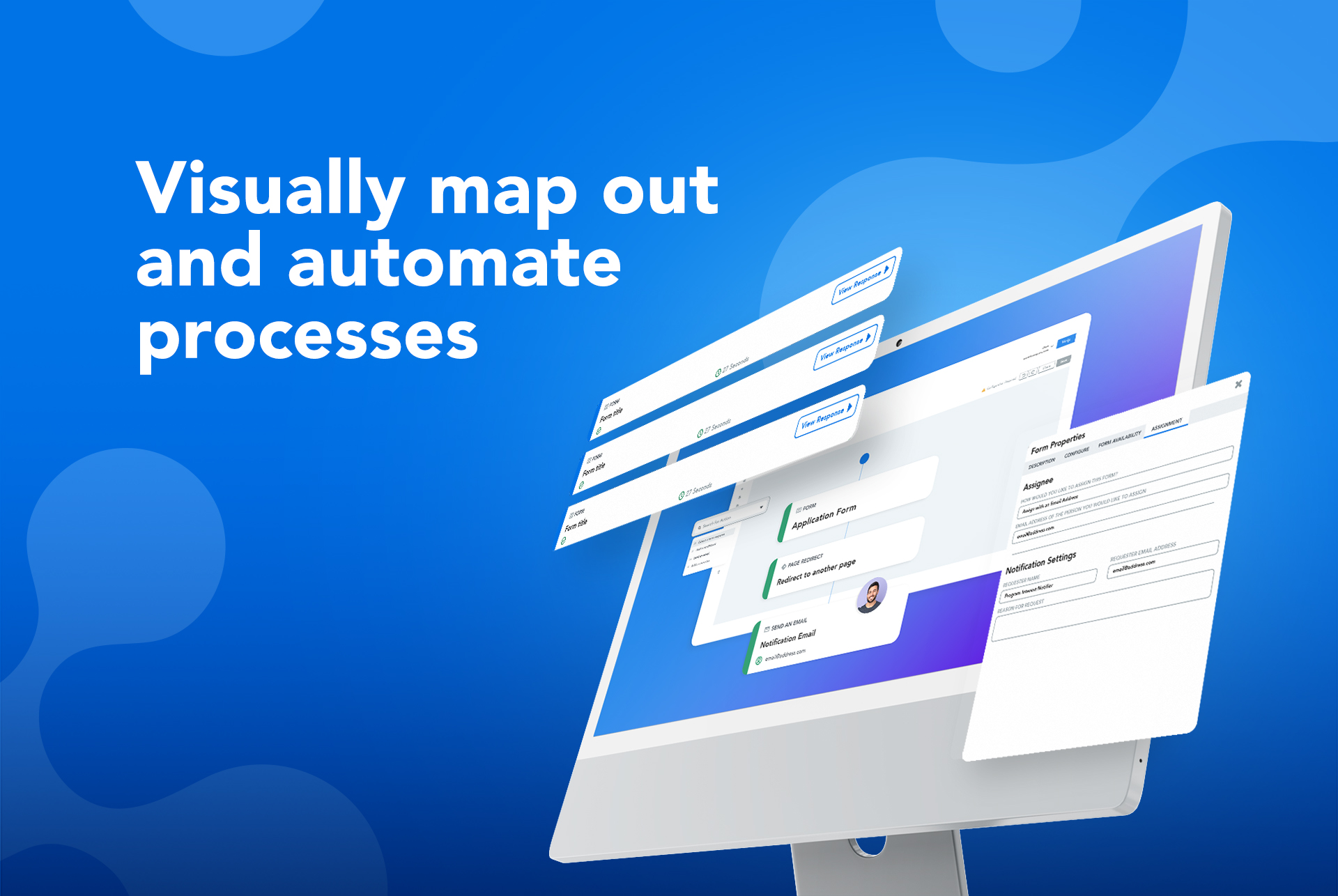
The FormAssembly Data Collection Platform helps organizations collect, connect, and protect data. It features a no-code form builder that simplifies the process of collecting data in the most complex environments. Multi-stage workflows automate manual processes and business-critical integrations – including Salesforce, Google, and Microsoft – provide a connected data ecosystem that ensures data is where it’s needed, when it’s needed. Its operational standards, combined with…
N/A
Qualaroo
Score6.1 out of 10
N/A
Qualaroo Insights allows you to survey or nudge site visitors at various stages of their visit, to gather insights and generate sales leads.
Digitizing your company's physical paper transactions. Once digitized, your staff/users can easily access it with their mobiles or anything that has a browser. This gives them convenience and saves paper waste. Some scenarios I think are when some people would like to treat from assembly as a document signing platform like DocuSign or Conva.
A de minimis incentive was given to thank the reviewer for their time. The incentive was not used to bias or drive a particular response, nor was the incentive contingent on a positive endorsement. More Info
It makes it easy to move from design to development. We collect highly targeted feedback without organizing a meeting to discuss every iteration, saving time and effort. The comments are open-ended and unorganized. But with survey Nudges, we can ask additional questions about design UI/UX.
It integrates well with Salesforce. It allows for bi-directional communication which is critical for our form. To provide the custom with a good UX, the form dynamically responds to their input, saves their choices as records in Salesforce and then puts in them in the next step in the process.
FormAssembly allows for custom scripts to be used (javascript, CSS and html). This has allow for our forms to align better with our branding and provide for a more robust and clean UX.
We can communicate from one form to another using dynamic url variables. Due to the complexity of our forms this is huge. It allows for our customers to input less, save their info in Salesforce and they stay in a natural workflow regardless of how many forms we need to incorporate.
A de minimis incentive was given to thank the reviewer for their time. The incentive was not used to bias or drive a particular response, nor was the incentive contingent on a positive endorsement. More Info
Qualaroo’s question engine connects fragmented data points spread across all the customer feedback gathered from varied sources.
Qualaroo allows us to connect with our customers’ questions directly so that we can focus on the most important ones on priority.
The insights we get from Qualaroo surveys help us prioritize which hypotheses to formally run as an experiment first, and which to implement straight away.
The information coming from Salesforce to use in the choices for an answer does not always appear as needed. (API vs name).
Ability for Admins to see and edit every user's forms. This would be useful in the event that someone is no longer with the institution.
When a form is cloned, it would be nice if the connector were also cloned but not active. This would allow us to verify and turn on without having to rebuild everything.
A de minimis incentive was given to thank the reviewer for their time. The incentive was not used to bias or drive a particular response, nor was the incentive contingent on a positive endorsement. TR verified that a representative sample of customers was invited. More Info
I wish the dashboard was a little more interactive so that you can do some deeper analysis - things like filtering out people who answered a certain way
I wish the building of the survey "nudge" was easier and more visual - it's a bit clunky and hard to reorder questions.
I wish there was a way to add more logic into questions, as you have to duplicate questions to get around this which can make the building process difficult
A de minimis incentive was given to thank the reviewer for their time. The incentive was not used to bias or drive a particular response, nor was the incentive contingent on a positive endorsement. More Info
FormAssembly continues to meet our needs, and the product functionality continues to grow, providing us with new opportunities to utilize the software. We've built many forms and associated processes on FormAssembly. It would require a large effort to migrate to another platform. We have invested a lot of time in learning FormAssembly.
A de minimis incentive was given to thank the reviewer for their time. The incentive was not used to bias or drive a particular response, nor was the incentive contingent on a positive endorsement. More Info
The micro-survey landscape is evolving very quickly and it seems like there is a new entrant almost every month. I'm generally happy with Qualaroo (we got what we expected) and I like the folks on the Qualaroo team (support is fast and friendly and rarely needed), but there haven't been real improvements to the platform in the last eight months. We will be re-assessing Qualaroo's features and price versus other competitors when our current contract is up.
Given how many sophisticated features appear in the form builder itself, the back-end management can feel strikingly skimpy at times. More dynamic or visually appealing confirmation messages/email notifications would realign these with the existing capabilities of the forms themselves. This is a small issue though because data capture is our primary priority in form fills and it is always excellent in Salesforce!
A de minimis incentive was given to thank the reviewer for their time. The incentive was not used to bias or drive a particular response, nor was the incentive contingent on a positive endorsement. More Info
We know the value of consumer feedback and believe that users actually want to be a part of the process. With Qualaroo, we have learnt that people like answering certain types of questions, especially if you ask them something about themselves — like what they want most and their motivations behind purchases — they can’t resist typing a response.
I've never experienced an outage where Qualaroo was unavailable. I don't think I've even gotten notices for scheduled down/maintenance time. The platform is always available.
Our developers complain that Qualaroo is just one of several similar site add-ons that slow down our site performance. I'm skeptical that Qualaroo has any measurable impact on our page load times, but don't have any hard evidence either way. The Qualaroo admin interface and reporting mechanisms are all quick and reliable.
While it's not a true development package and misses some features like ingestion of external data for lists, etc... the product is fast, stable, easy to use, and will suit the needs of anyone needing online form functionality with SalesForce and other connectors available for your marketing needs.
A de minimis incentive was given to thank the reviewer for their time. The incentive was not used to bias or drive a particular response, nor was the incentive contingent on a positive endorsement. More Info
I have only contacted customer support twice, and they have managed to solve my problem every time. There is a slight waiting time between the query and resolution, but other than that I don’t need to contact them time and again to understand things since their help section is sufficient most of the time.
Qualaroo doesn't offer full-blown online training, at least not that I've used or needed. The online help documentation is adequate and Qualaroo-sponsored webinars are informative.
Have your technical team set up the "Identify" feature right out of the gate - this is a "fire and forget" feature. Once it's set up, your data is much more valuable. Also, if there are very specific kinds of page targeting you might imagine doing, have a technical person set up and test at least 2-3 examples of using Qualaroo's regular expression features to achieve this targeting. With a couple good examples in place to work from, it becomes much easier to create your own regular expressions for custom targeting.
When we were researching options 2 years ago, FormAssembly beat other form tools hands down based on Salesforce integration features. The ability to declaratively set up prefill and post-submission data connectors supporting complex hierarchical data relationships was huge there. We also valued the ability to authenticate Salesforce users on the form. This allowed us to ensure that only authorized individuals could make updates to their records (and not other people's records) via the form. Since we embed it so heavily into Salesforce, we often compare FormAssembly to Salesforce's native Visualforce and Lightning Component frameworks when deciding how to fulfill a data capture requirement. Unless something very custom is called for, we very often choose FormAssembly first for the flexibility it gives us to build and iterate in the early phases of a new program.
A de minimis incentive was given to thank the reviewer for their time. The incentive was not used to bias or drive a particular response, nor was the incentive contingent on a positive endorsement. More Info
Qualaroo makes it very easy to launch a quick survey based on templates or custom questions with an intuitive user interface. It is also very flexible and can be easily integrated with AB testing thanks to the advanced options. Reports are getting better but analytics wise it's still not up to the refinement level of SurveyMonkey but it does beat the latter in terms of UI experience. When compared to SurveyGizmo, the flexibility on surveys is what stands out and how easy it is to create different survey flows.
A de minimis incentive was given to thank the reviewer for their time. The incentive was not used to bias or drive a particular response, nor was the incentive contingent on a positive endorsement. More Info
Qualaroo's simplicity has its down sides when it comes to scaling. Managing multiple nudges across multiple domains, at least in the Pro edition, is challenging. The active nudges all appear as a single list on the admin home page, automatically grouped by domains. Archived nudges are on a separate tab. It would be helpful to have a folder system to organize nudges. Also, once you have multiple active nudges that are targeted to different sections of your site using regular expressions, it's difficult to keep track of what is appearing where. It's also difficult, if not impossible, to figure out where you may have competing nudges. And there's no ability to assign reporting or configuration access to other members of your team. The Pro edition has a single login, which must be shared if you have multiple staff who want to use Qualaroo.
We used to use Joomla built-in forms on our site... oh wow, what an upgrade. FormAssembly is miles ahead. We've saved so much time - we get better, cleaner responses and our users don't have to waste time.
Updating our existing client records using FormAssembly is a godsend. It's super easy to direct our clients to the proper places.
We get creative, sometimes. We've built in a feature for our Excel reports that automatically pushes a response through FormAssembly, into SalesForce - so that when salespeople complete an Excel report, then can quickly/easily update SalesForce without logging into anything. Thanks for the workaround, FormAssembly!
A de minimis incentive was given to thank the reviewer for their time. The incentive was not used to bias or drive a particular response, nor was the incentive contingent on a positive endorsement. More Info
Qualaroo has proven to be extremely useful when it comes to improving conversions.
We deployed Qualaroo on our website to survey visitors and uncover their pain points about our landing page.
Using the feedback, we made several critical changes to our page, including the visibility of the CTA button, information on the page, and the quality of pictures. Since the implementation, there has been a significant increase in conversions, and our visitors have been getting a lot more value from the landing page.