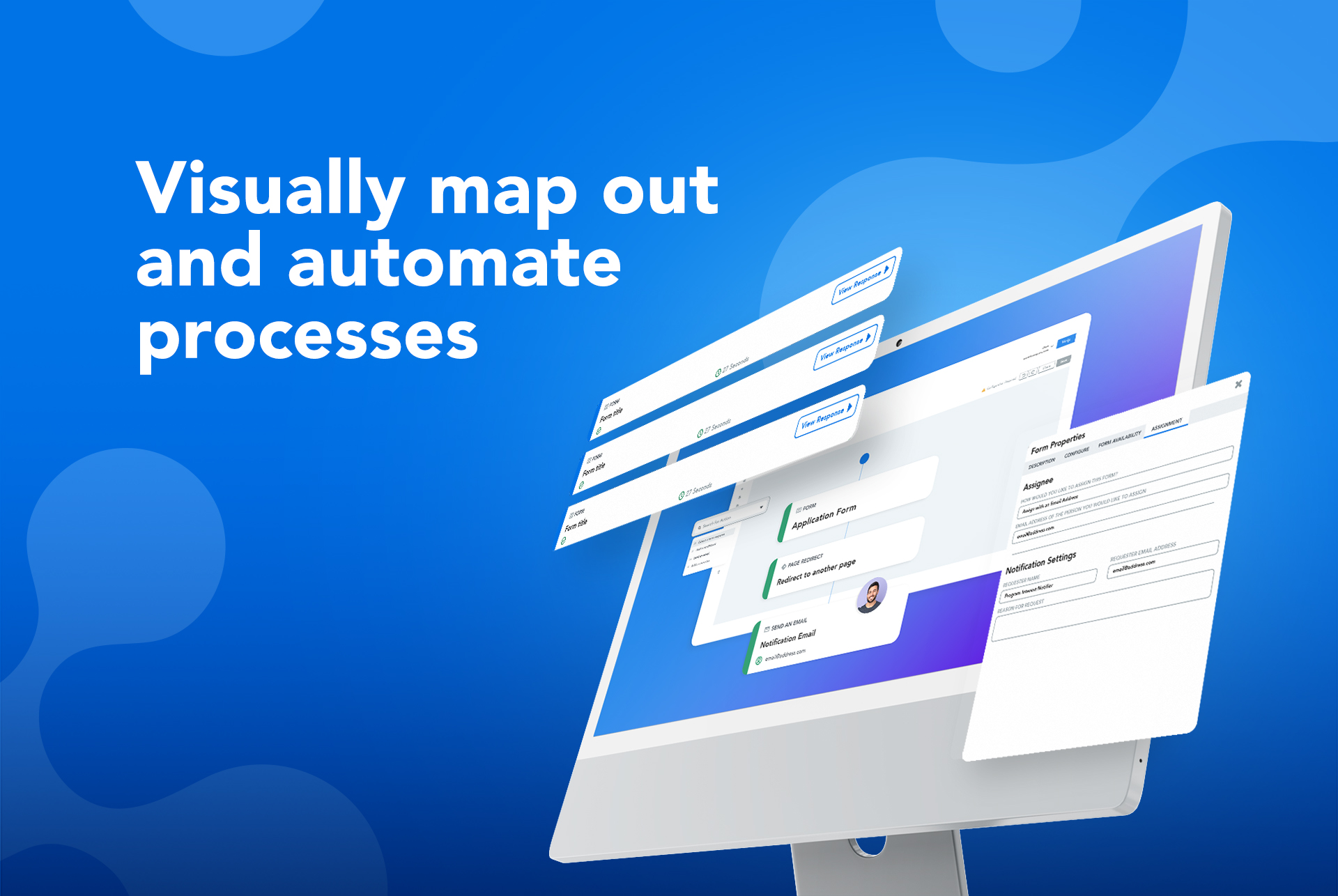
The FormAssembly Data Collection Platform helps organizations collect, connect, and protect data. It features a no-code form builder that simplifies the process of collecting data in the most complex environments. Multi-stage workflows automate manual processes and business-critical integrations – including Salesforce, Google, and Microsoft – provide a connected data ecosystem that ensures data is where it’s needed, when it’s needed. Its operational standards, combined with…
N/A
Microsoft Power Automate
Score 8.3 out of 10
N/A
Microsoft Power Automate is an advanced automation platform offering a range of features, including AI-powered automation, robotic process automation (RPA), business process automation (BPA), digital process automation (DPA), and process/task mining. The platform aims to empower organizations to securely automate their operations at scale by leveraging low-code and AI technologies.
FormAssembly has been an essential tool to have in our back pocket. It's best when you need a form quickly and can compromise on some of the dynamic elements that would be possible in Visualforce. It serves a particularly critical need when skilled developers are at a premium, but clever admins are available.
We replaced all the classic SharePoint and Nintex-based workflows with Power Automate. This saved extra licensing costs and getaways from managing legacy workflows. Power Automate Designer is very user-friendly and requires no additional learning curve. We also use it to replace RPA solutions created with other platforms using the Power Automate Desktop application.
SalesForce integration is really nice. You can map to specific fields with form values, or you can use detailed formulas. You can also choose to bypass assignment rules on a per-form basis, and create customized logic for when cases are created, when leads are created/merged, etc. It's very robust.
Form creation in general is very simple. They've gotten good over the years of creating an intuitive, drag and drop interface that's quick to edit. I like that you can also assign values to fields so conditional form building gets easy.
I like that you can customize how responses are viewed in the response window. Choose what columns show up so you can find records with ease, and with just one glance. OR you can download everything to excel in a snap too.
The information coming from Salesforce to use in the choices for an answer does not always appear as needed. (API vs name).
Ability for Admins to see and edit every user's forms. This would be useful in the event that someone is no longer with the institution.
When a form is cloned, it would be nice if the connector were also cloned but not active. This would allow us to verify and turn on without having to rebuild everything.
One major point for us is our migration to a completely Microsoft infrastructure. IN addition to that, the afore mentioned need to ingest external data resources means that we do have our eyes open toward the landscape so that we can fill these needs. This in no way indicates a move away from FormAssembly: their support is first rate, and so far the product has always stood up to the tests we've put it through.
Power Automate is a great product that has a vast array of options on how to use it. Your imagination is the only hurdle with using Power Automate as there is no limit to what can be done with the system. It has brought a lot of value to our business through the use of custom systems, connectors, and streamlining processes.
Given how many sophisticated features appear in the form builder itself, the back-end management can feel strikingly skimpy at times. More dynamic or visually appealing confirmation messages/email notifications would realign these with the existing capabilities of the forms themselves. This is a small issue though because data capture is our primary priority in form fills and it is always excellent in Salesforce!
For most tasks WinAutomation is great and easy to use. You just set up tasks on a step by step basis and you can even tell the program what to do when there is an error (such as continue with job). Sometimes with complicated web extraction jobs it would be good to be able to easily extract data from the web page source.
While it's not a true development package and misses some features like ingestion of external data for lists, etc... the product is fast, stable, easy to use, and will suit the needs of anyone needing online form functionality with SalesForce and other connectors available for your marketing needs.
both Community support and Microsoft official support typically respond to (and resolve) reported issues in a VERY expedient manner, usually going above and beyond for education and bugfixing. I have been thoroughly impressed with the level of support I had been provided in the past.
after reviewing the main features of Power Automate, the Microsoft trainer focused on some of our real life use cases implementation, from simple to more advanced.
although it was productive, it is more difficult to stay focused and in a 7 hours a day online training (including screen share issues and the fact that the trainer just can't precisely show the exact location of your mistake)
I had to migrate from Robocorp to Power Automate. The automation was using API and sharepoint. So it was better to use Power Automate instead of Robocorp so we did the migration. in some areas the migration was easy but creating flows and making it smaller codes was difficult. Debugging the code was tough so we took lots of time.
Form Assembly allows for advanced data mapping, pre-filling forms with Salesforce data, and working with custom objects. FormAssembly excels in Salesforce Integration, as it is highly specialized and deeply integrated. Often considered the industry leader for Salesforce forms, Formstack has strong integration, but may not offer the same level of granular control as FormAssembly.
Power Automate can do many things that most platforms can't do as a 'citizen-developer' with no access to coding tools and deployment. It allows you to develop and deploy low/no-cost automation flows quickly. The blocks in Powert Automate do the API work for you, where you only need to connect the key data points and actions taken.