Chose ScreenConnect
Cheaper than LogMeIn Rescue. More feature rich than TeamViewer.

| Product | Rating | Most Used By | Product Summary | Starting Price |
|---|---|---|---|---|
 ScreenConnect | N/A | ConnectWise ScreenConnect is a remote support, access, and meeting solution. With it, users can utilize remote support and access to repair computers, provide updates, and manage machines. Users can also conduct online seminars and presentations using remote meetings. | $39 per month | |
 TeamViewer | N/A | TeamViewer provides software for both remote management and online collaborations. With TeamViewer, users have access to fully integrated online conference solutions for audio and video communication, including interactive screen sharing and remote access features. | $299 per year |
| ScreenConnect | TeamViewer | |||||||||||||||
|---|---|---|---|---|---|---|---|---|---|---|---|---|---|---|---|---|
| Editions & Modules |
|
| ||||||||||||||
| Offerings |
| |||||||||||||||
| Entry-level Setup Fee | No setup fee | Optional | ||||||||||||||
| Additional Details | — | — | ||||||||||||||
| More Pricing Information | ||||||||||||||||
| ScreenConnect | TeamViewer | |
|---|---|---|
| Considered Both Products |  ScreenConnect  Sudhashen Naicker Co Owner Chose ScreenConnect Screenconnect just works and is less fiddly than TeamViewer. The UI and functionality make more sense. Less costly than TeamViewer licenses.  Rick Castellini Owner Chose ScreenConnect For cost and management capabilities, I found ScreenConnect to be the best option. Some of the other services offered easier connection opportunities for my clients, but overall, I liked the tools and price point of ScreenConnect.  Jonathan Armstrong Senior Systems Officer Chose ScreenConnect I prefer ScreenConnect's ability to self-host.  John Besedic Owner Chose ScreenConnect Used Logmein until it became too expensive to use. Used Teamviewer and again it is cost prohibitive for my company to use and afford. Labtech replace logmein, which was the last platform solution we used before moving to screenconnect.  Michael Nelson Owner Chose ScreenConnect ConnectWise Control is far superior just on price alone. Logmein Rescue's pricing is ridiculous in comparison. The ease of use from the end user is similar with both products. However, the technician side of the software is significantly better on the ConnectWise Control … |  TeamViewer  Eli Heller IT Consultant Chose TeamViewer I think AnyDesk might be a superior product and I might switch to it, screenconnect however is slower and is only accesible via a web interface  Robert Holman Network Administrator/ IT Operations Chose TeamViewer TeamViewer stacked up very well. Has most of the same type of features and It also has a free personal version to use. I like all the features and the direction TeamViewer is heading. We picked TeamViewer because of its ease of use and its secure connection. And the many …  Steve Smith owner Chose TeamViewer I have partnered with another company from time to time, and he uses it. I am not a big fan based on having to install their app on clients' computers and their lack of features or security.  Derek Schroeder Service Manager Chose TeamViewer LogMeIn Central remains the go-to product for remote desktop. Splashtop is on the same level as TeamViewer. GoToMyPC is more of a temporary, attended remote support application. VNC Connect is very basic, but also stable and feature-rich.  Tom Cheever President Chose TeamViewer Team Viewer is easier to use. Screen Connect offers a much better white label option. If your clients are going to have access to their remote computers as well, I recommend Screen Connect. If your team is the only one who needs access to remote computers, I recommend Team …  Marcelo Davis Help Desk Analyst, IT Chose TeamViewer Many times while using ConnectWise Control I can't find users laptops, the user has to reboot a few times or restart services which can be a tough task if the user is not very tech savy. TeamViewer's connection using ID and password makes it easy and comfortable to the user to …  Rahul Dhangar Senior Web Developer Chose TeamViewer I use the above-mentioned options when there is a need for connecting on a lower bandwidth internet or if the budget is stringent. Two more good alternatives I use are: AnyDesk and Ammyy Admin which works great. I wonder why these two software packages are not available in the …  Daniel Cauley Co-Owner Chose TeamViewer I selected TeamViewer over another provider because the cost is still less than most, and it's well known to my clients. It's not as cheap as ConnectWise ScreenConnect, but it's still very good and works well as my back-up remote client for my clients when recovery needs to be …  Tanner Campbell Principle and Narrator Chose TeamViewer Frankly, TeamViewer does not stack up against these other options, it competes with them to some degree but is, in my opinion, the least of the four. Where it does excel is in its advanced feature set - in that it has many features available - even though those features are …  Andrew Vawdrey IT Helpdesk Technician Chose TeamViewer TeamViewer is much more responsive than ScreenConnect when we tested them both out. I will say ScreenConnect did have better multiple monitor support but it is harder to get things done because the controlling of the endpoint isn't as responsive.  Sean VanderMolen Business Owner Chose TeamViewer Originally TeamViewer had great technology and a good price. What drew me to it was that it was cheaper than LogMeIn Rescue and you could purchase a perpetual license. It soon became clear that they broke functionality between older and new versions. If you plan on only …  Chris Hartwig Security Analyst Chose TeamViewer Teamviewer provides an easy to install and configure solution that is much easier to deploy than its competitor ScreeConnect. Pricing is competitive and support has been excellent. Teamviewer has been in the space longer than must companies and has the experience to provide a …  Kelly Tapani Project Manager - EMPI Duplicate Remediation Chose TeamViewer TeamViewer provides a solid platform for IT support, and I feel confident in implementing it from a security standpoint. The interface, install, and management is clean and well established, more so than many competitors. |
| ScreenConnect | TeamViewer | |||||||||||||||||||||||||||||||||||||||||||||
|---|---|---|---|---|---|---|---|---|---|---|---|---|---|---|---|---|---|---|---|---|---|---|---|---|---|---|---|---|---|---|---|---|---|---|---|---|---|---|---|---|---|---|---|---|---|---|
| Remote Administration |
|
| ScreenConnect | TeamViewer | |
|---|---|---|
| Small Businesses |  Getscreen.me Score 9.7 out of 10 | Getscreen.me Score 9.7 out of 10 |
| Medium-sized Companies |  Remote Desktop Manager Score 9.0 out of 10 |  Action1 Score 9.5 out of 10 |
| Enterprises | Remote Desktop Manager Score 9.0 out of 10 | Remote Desktop Manager Score 9.0 out of 10 |
| All Alternatives | View all alternatives | View all alternatives |
| ScreenConnect | TeamViewer | |
|---|---|---|
| Likelihood to Recommend | 9.0 (619 ratings) | 8.7 (521 ratings) |
| Likelihood to Renew | 10.0 (40 ratings) | 10.0 (64 ratings) |
| Usability | 7.9 (48 ratings) | 9.0 (57 ratings) |
| Availability | 10.0 (5 ratings) | 9.1 (5 ratings) |
| Performance | 10.0 (9 ratings) | 9.1 (5 ratings) |
| Support Rating | 8.2 (63 ratings) | 9.5 (50 ratings) |
| In-Person Training | - (0 ratings) | 9.1 (2 ratings) |
| Online Training | 7.5 (24 ratings) | 9.1 (4 ratings) |
| Implementation Rating | 10.0 (20 ratings) | 8.9 (80 ratings) |
| Configurability | 10.0 (5 ratings) | 9.1 (4 ratings) |
| Ease of integration | - (0 ratings) | 9.1 (5 ratings) |
| Product Scalability | 10.0 (16 ratings) | 9.1 (5 ratings) |
| Vendor post-sale | 10.0 (4 ratings) | 8.4 (5 ratings) |
| Vendor pre-sale | 5.0 (4 ratings) | 9.1 (5 ratings) |
| ScreenConnect | TeamViewer | |
|---|---|---|
| Likelihood to Recommend | ConnectWise
| TeamViewer
 Utkarsh Gaur Therapy Manager |
| Pros | ConnectWise
 Adam Friedli Level 2 Support Analyst | TeamViewer
 Sander de Beus IT Service Coördinator |
| Cons | ConnectWise
| TeamViewer
|
| Likelihood to Renew | ConnectWise
| TeamViewer
 Yvonne Graber President, Owner |
| Usability | ConnectWise
 Sam Segura IT Services | TeamViewer
|
| Reliability and Availability | ConnectWise
| TeamViewer
|
| Performance | ConnectWise
 Tresha Ivey Project Manager | TeamViewer
 Mike Robinson Internet Director / UNIX Administrator |
| Support Rating | ConnectWise
 Bradley Jones Co-Owner | TeamViewer
 Andrew Shannon Senior System Administrator |
| In-Person Training | ConnectWise No answers on this topic | TeamViewer
|
| Online Training | ConnectWise
 Michael Dodd Support Resource and Community Manager | TeamViewer
 Jordan Paquette IT Support Technician |
| Implementation Rating | ConnectWise
| TeamViewer
|
| Alternatives Considered | ConnectWise
| TeamViewer
 Juan Lopez Software Engineer |
| Scalability | ConnectWise
 David McCoy Provisioning Engineer | TeamViewer
|
| Return on Investment | ConnectWise
 Mike Vaughan AWS Infrastructure Architect - Contractor | TeamViewer
|
| ScreenShots | ScreenConnect Screenshots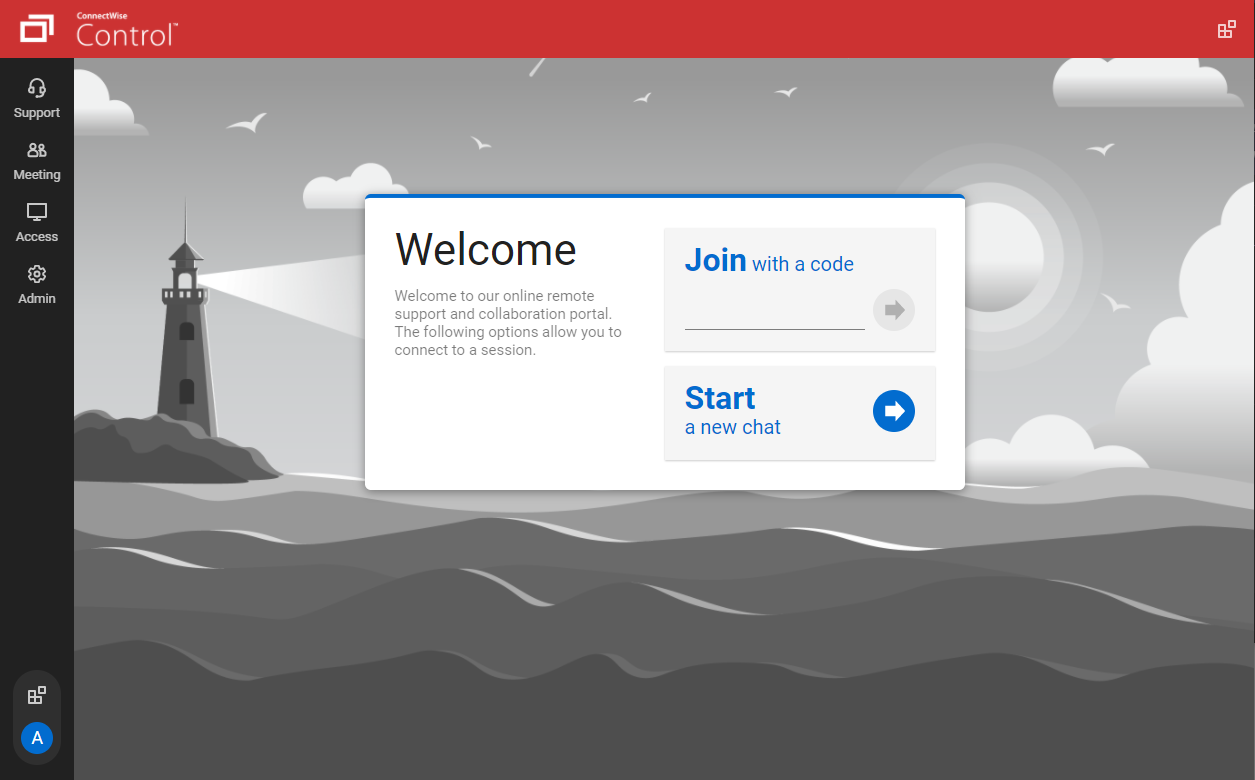   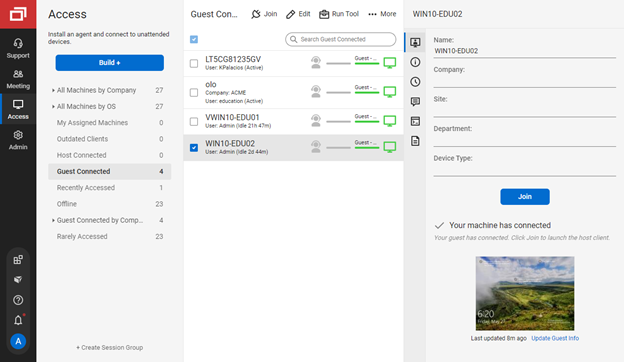   | TeamViewer Screenshots    |