


Get Serious with Your Agenda and Your Life with Workflowy

Use Cases and Deployment Scope
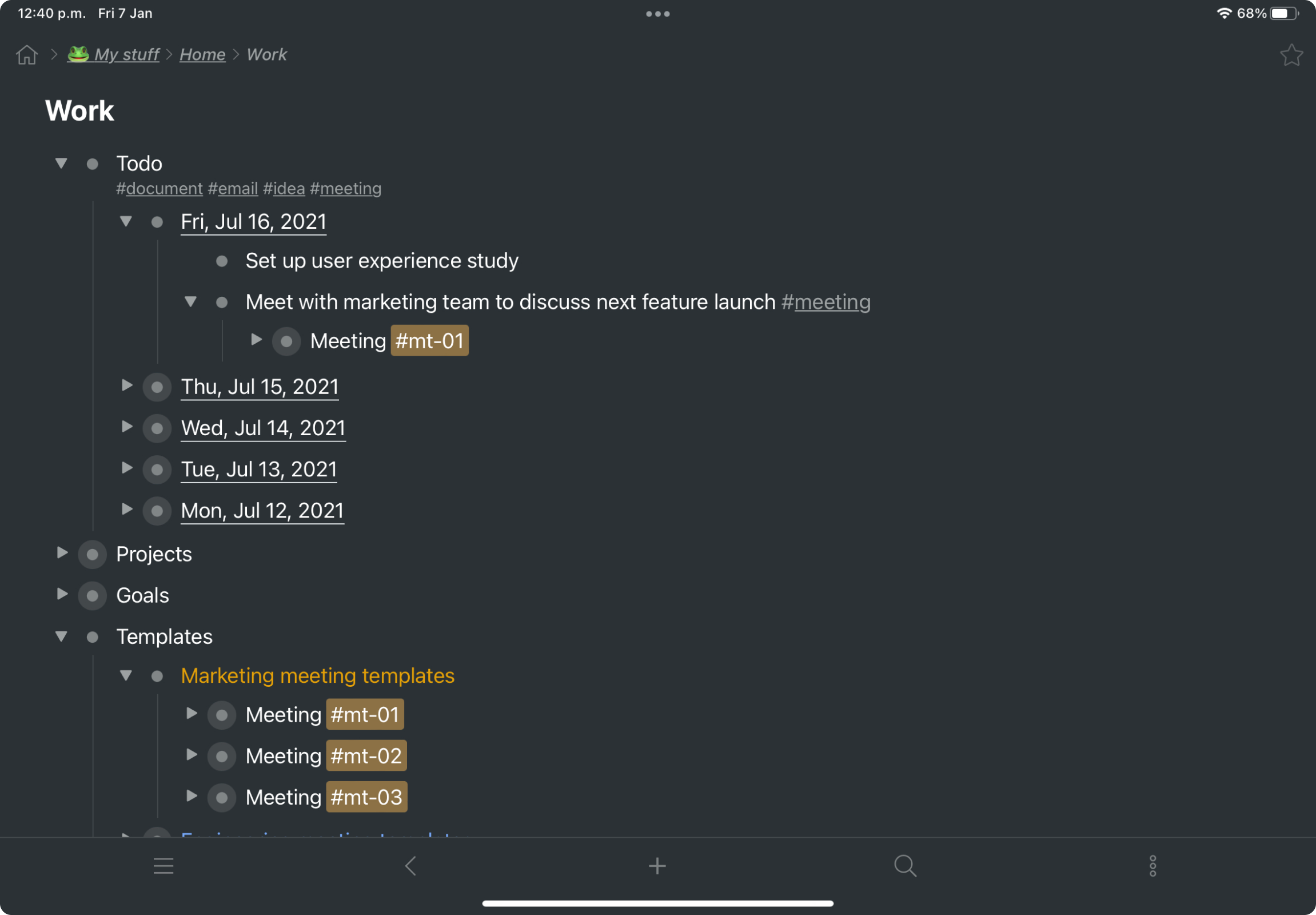
I use Workflowy for all aspects of my business: content planning, strategy and tactics, to-do's, meetings. Everything is in one place. No hunting around for scattered and lost files! Plus, I can use my keyboard and focus on what I'm thinking instead of reaching constantly for the mouse.
Pros
- Task management
- Planning - Short and long-term
- Viewing my information from different perspectives. I am visual so I can fully exploit the visual nature of Workflowy and still get granular if and when I need to
Cons
- Insert a more affordable Tier between Pro and Free
- Provide the capability to add separate files for different projects and areas of focus
Return on Investment
- I estimate that Workflowy easily saves me 1.5 - 2 hours each day in streamlined productivity. That calculates, for my organization approximaely $500.00 a month!
Usability
Alternatives Considered
Checkvist, Evernote, OneNote and Todoist
Other Software Used
OneNote


