TrustRadius: an HG Insights company

AccountEdge

Score6 out of 10

32 Reviews and Ratings

What is AccountEdge?

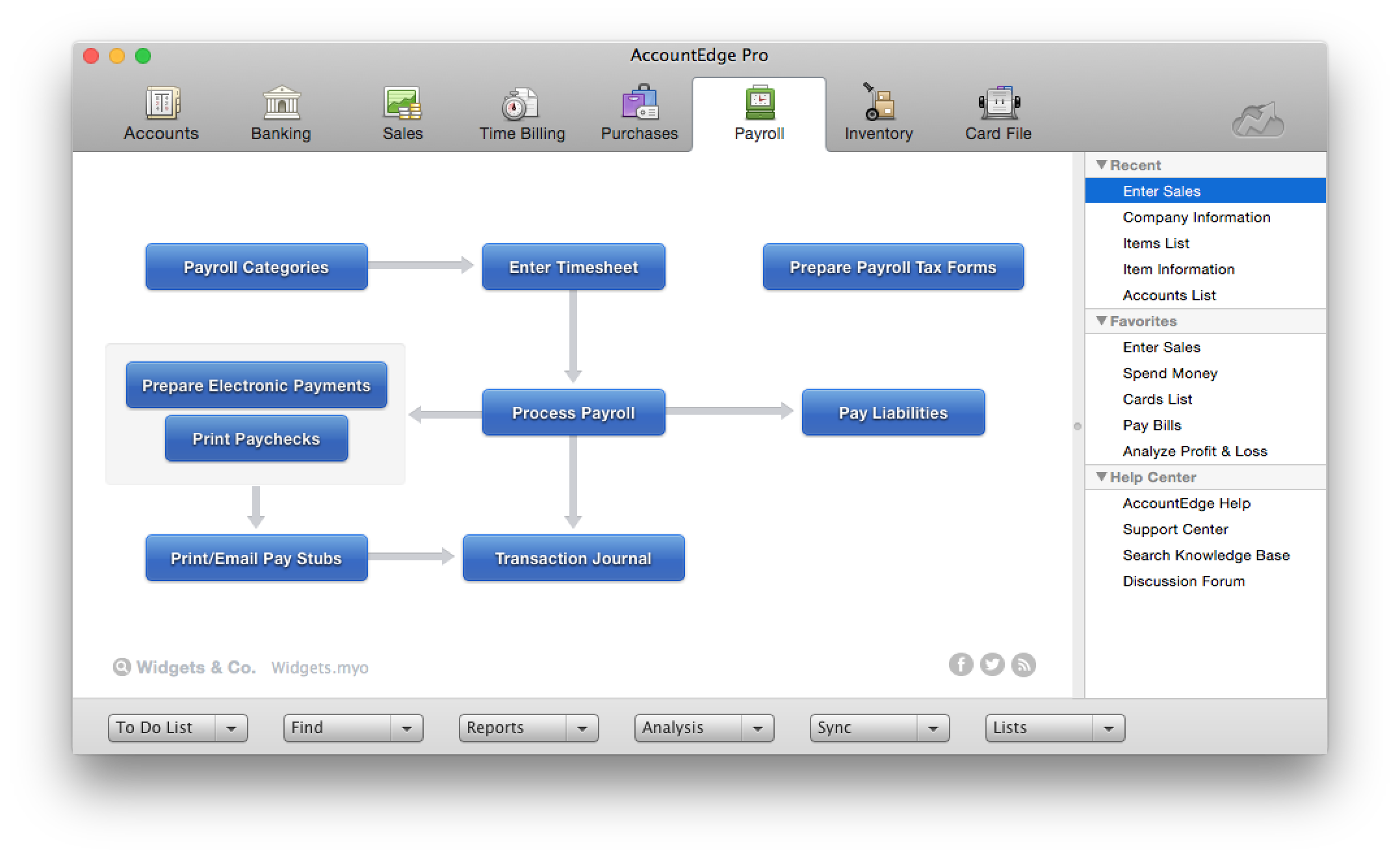
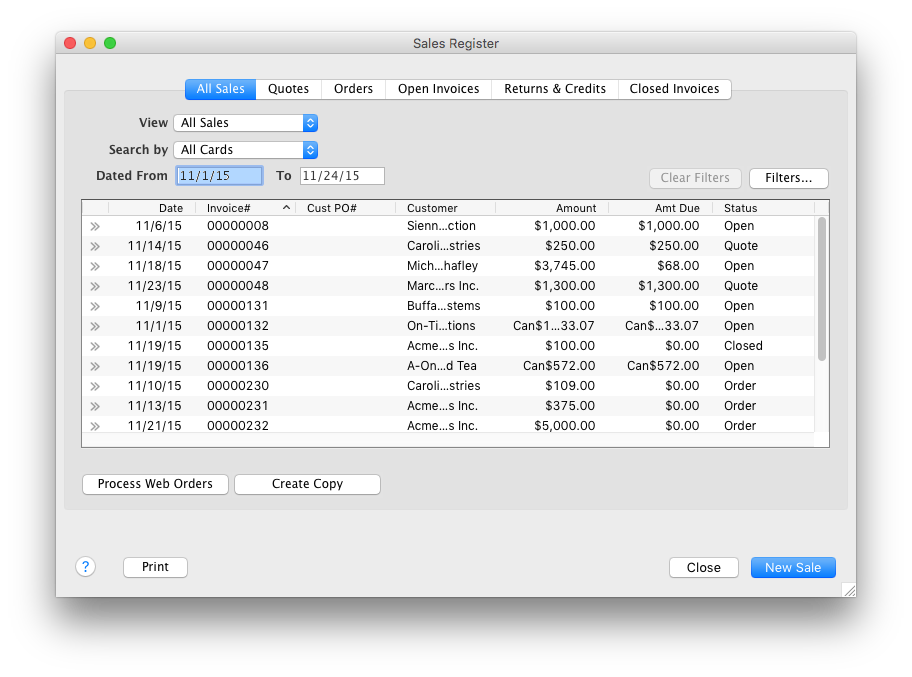
AccountEdge is a small business accounting software for Mac and Windows users. AccountEdge allows business owners to organize, process, and report on their financial information. Its features include accounting, integrated payroll, sales and purchases, contact management, inventory, and time billing. It was acquired by Priority Software in January 2018 to expand that company's small business portfolio.

Media

1 / 6

Top Performing Features

  • Pay calculation

    Pay calculation provides for computation of employee pay with state and federal deductions.

    Category average: 8.5

  • Role-based user permissions

    Permissions to perform actions or access or modify data are assigned to roles, which are then assigned to users, reducing complexity of administration.

    Category average: 8.8

  • Dashboards

    Users can create, customize and share dashboards, which provide an overview of the most important metrics.

    Category average: 8.1

Areas for Improvement

  • Plug-ins

    A number of third-party plug-ins are available to expand the core functionality of the software.

    Category average: 7.9

  • Reimbursement management

    Reimbursement management provides cash reimbursement for employee expenses related to business travel or other.

    Category average: 8

  • Self-service portal

    The software provides online portals for certain stakeholders to find information relevant to them, such as employees, vendors and customers.

    Category average: 8

Finally, a left-brained accounting program for us right-brained Mac users!

Use Cases and Deployment Scope

We use AccountEdge as our company's accounting platform. Used for invoicing customers, tracking sales, and payroll. We used to use Quickbooks, but a number of years ago when they announced that they would no longer be supporting Mac users, we needed to find an alternative, and AccountEdge (MYOB at that time) was the answer.

Pros

  • Supports Mac users. They have worked to overcome major changes implemented by Apple that were challenging.
  • Interface makes it easy for users at all levels to do what they need to in the program.
  • Does the heavy lifting for payroll, taxes, and accounts.

Cons

  • Probably our biggest beef is the sales pitch a while back to incorporate their POS system Checkout that was supposed to integrate hand in glove with AccountEdge (it never really did.) Now the company has abandoned the POS program (even the website is now a 404 error page). Checkout is glitchy, and rather than improving it, they just dropped it and left users like us who bought into it unsupported. That doesn't reflect well on the company's customer service in our view. We've been AccountEdge users from back when it was MYOB, but our confidence in their future dependability has been strongly impacted by this move, and if something else came along, our hard-earned loyalty might not be as firm as it has been in the past.
  • Some tasks in AccountEdge take a long time to complete (go get a coffee while the spinning beachball turns).
  • Don't know the feasibility, but it would be nice to have access to older transactions, maybe even in some kind of read-only format.

Return on Investment

  • As a Mac user, AccountEdge gave us a way to manage our accounts when others didn't support us.
  • Gives a nice professional presentation to documents given to our clients and vendors.

Alternatives Considered

QuickBooks Desktop for Mac

Other Software Used

Microsoft 365, Adobe PhotoShop, QuarkXPress

Usability

Great Accounting solution for the Mac (Supports Canada tax and payroll!)

Pros

  • Easy to use time tracker with multiple project codes
  • Easy to use interface
  • Flexible reporting system

Cons

  • Better custom reporting setup, current interface (AccountEdge Pro-2015) is rather dated.
  • I don't think the interface use for the custom reporting has been updated even in the 2018 version
  • Still has a bit of "wonky" interface when exporting Excel reports ( wants to over-right open files)

Return on Investment

  • Using AccountEdge has allowed me to do my own booking keeping thus saving money
  • Easlily produce and email invoices and statements to clients
  • Easily see me my AR and AP status

AccountEdge -22 years of experience

Pros

  • AccountEdge is great for running reports. It allows you to look up information in numerous ways. I like the fact that the Balance Sheet and Profit and Loss reports are interactive so in the screen view mode (as opposed to the printed report) you can easily drill down into accounts and transactions.
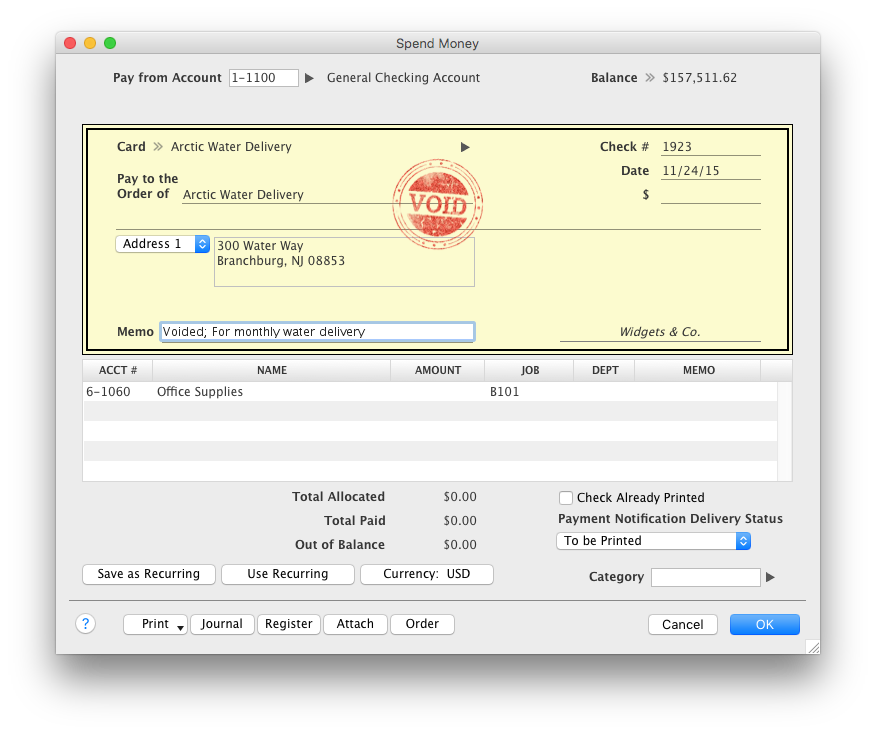
  • AccountEdge is also good at creating invoices and statements. Check printing and modifying check layout.
  • The software is quite easy to install and get up and running. The company provides a lot of information on their site, and there is a generous community on their user forum.
  • Reconciliations are fairly easy IF you are not expecting to be able to link your bank accounts to the software. AccountEdge does not do that yet (at least in the US). This is a major flaw in the software--one that I hope is addressed in the very near future.
  • I like that they offer merchant services and point of purchase sales support, but I have no experience in using those capabilities.

Cons

  • Linking directly to bank accounts. It seems to be the wave of the future, and it is a big glaring omission from the AccountEdge arsenal of tools.
  • AccountEdge allows printing of government tax forms from within the program, but it is at an additional cost and runs on a separate (but somewhat integrated) ap called Formviewer. This is somewhat clunky to use. I have never been able to get it to print US 1099/96 forms correctly. What's up with that?!
  • Similarly, AccountEdge offers direct filing of US government tax documents through a third party. This is also somewhat opaque and clunky. I bought the service this year and thought it was an "all in" purchase, only to find when I went to file W-2's that there was a per employee charge. Maybe I missed the memo as I was trying to sign up for this service, but I felt taken advantage of when I had to pull trig and pay twice.
  • Finally, it is needlessly opaque and complicated to figure out how to purchase and use the printable forms and government eFiling. It almost feels like a scam. I'm hoping that the new owners fix this, pronto. There is no room in today's world of consumer and business software for hidden costs and incomplete or missing information at the point of purchase and installation.

Return on Investment

  • I've used the software for 22 years now, and am very happy with the way it works.
  • I've been able to train people on it fairly well.
  • I look forward to the day when I do not have to download information from banks manually to reconcile. Time burner.

On The Edge with AccountEdge

Pros

  • AccountEdge allows us to control our services provided to in the steps from quote complete through invoice delivery.
  • AccountEdge seamlessly manages our customer base from individuals through to multi-employee and department businesses.
  • Order creation is simple and easy to understand and deploy

Cons

  • Transition between yearly version updates/upgrades could be smoother.
  • Multi-user deployment and use can frequently cause the program/app to crash or continue to display logged out users as logged-in.

AccountEdge Pro Goes The Distance

Pros

  • AccountEdge has a robust report menu that allows a user to slice and dice data for analysis. Report on projects for the life of the project across fiscal years. Report on different departments with segregated income statements.
  • For users who want to run payroll in house that is easily done through the payroll module. Print physical checks or direct deposit to employee's account, process payroll taxes and file year end W2s.
  • My personal favorites are time billing and retainers. As a service based business I can at my fingertips review how much money a client has on deposit with me and how much of that will be billed out at the end of the month. The integration with AccountEdge Mobile rounds it all out with being able to log my time on-site.
  • Last but not least AccountEdge Mobile in general, as the companion app for the desktop software is invaluable. My heaviest use is the spend money feature. Excellent for logging travel receipts & cash expenses while they are fresh on the brain. Really cuts back the data entry at the end of a trip and trying to recall what something may have been for.

Cons

  • While I absolutely love AccountEdge and feel it is a superior desktop solution there is always room for improvement. While all wish list items don't fit everyone's needs I think there is one we could universally agree upon. So, if I had to choose one thing I would like to see different I will have to say dynamic selection lists. While this is currently available on AE Mobile, it still hasn't come to the desktop. As someone who works on numerous files it would be incredibly helpful to be able to start typing either the name or account # and have AccountEdge narrow the selection down by character string.

Return on Investment

  • A big plus for me has been the overall organization that AccountEdge has allowed me. Aside from being the obvious, an accounting tool, I have everything I need in one place for customer service in a searchable format. The communication efficiency that results from having all the information available makes follow up with clients and vendors easy and meaningful.

Usability
