TrustRadius: an HG Insights company

Moovly

Score7 out of 10

2 Reviews and Ratings

What is Moovly?

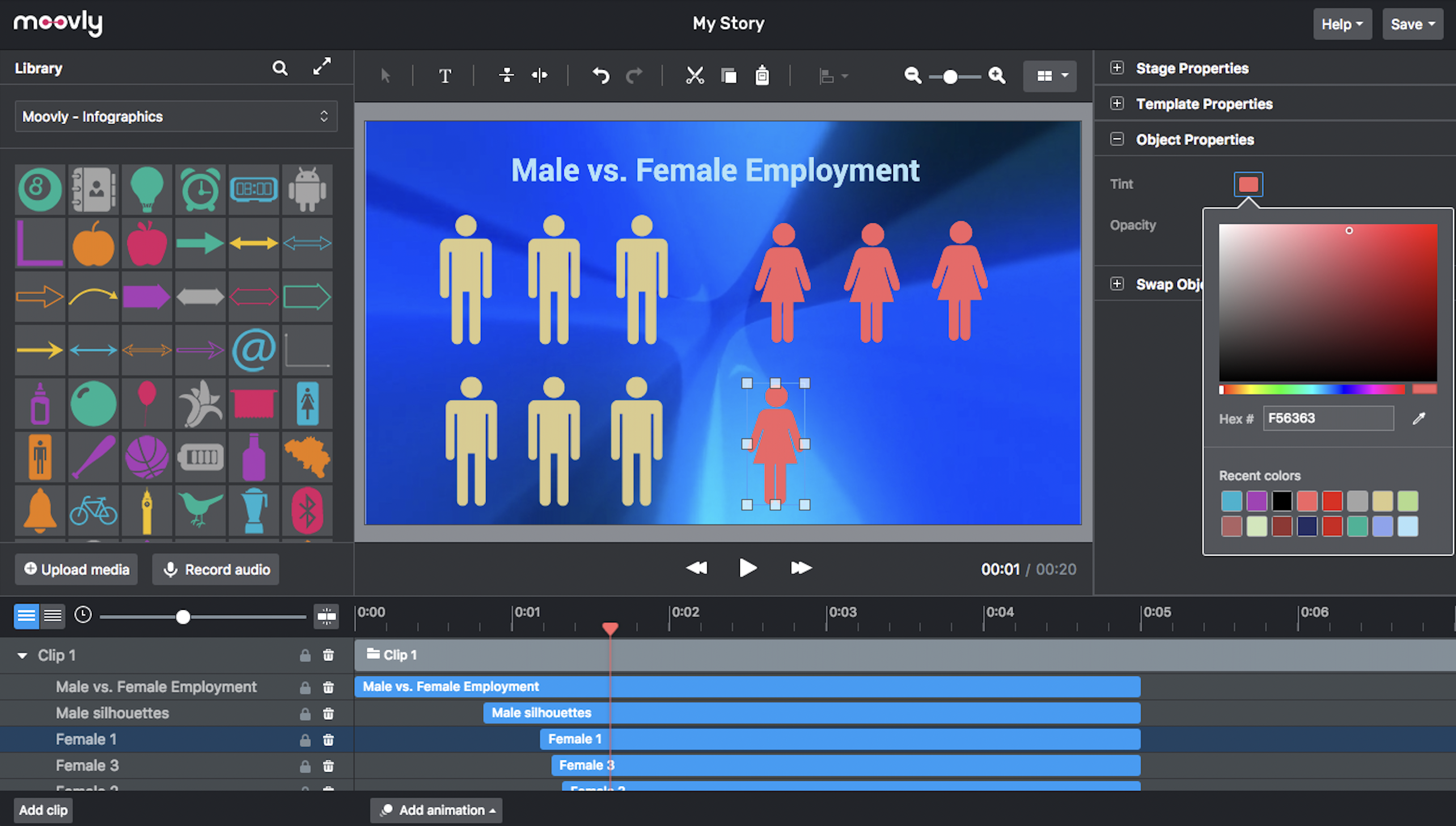
Moovly aims to enable users to create videos in any style without being an expert. Moovly's drag-and-drop interface lets users combine media objects from their libraries with the user's own uploaded media, as well as animate, synchronize, and time all objects in a timeline. Export content in any video format for online publishing, social media, projection, television, smartphone, or tablet. Moovly also includes more than a million royalty-free media objects to use freely.

Moovly is cloud-based so users need only a browser, with no software application to install. Whether ythe user is a self-employed professional, student, teacher, small business owner, or corporate user, Moovly provides different plans, and a free trial.

Moovly is also a very customizable and secure online platform that can be adapted to a corporate video tool for enterprises, including integration of brand libraries, custom colors, fonts, and templates. Integration partners can also offer their own white-labeled version of Moovly to their own audiences.

Other key features include:

- Animations and transitions

- Collaboration and workflow

- Customizable video templates

- Chroma keying

- green screen removal

- Webcam/screen recording

- Form-based video creation

- Automated video generation

- Subtitling (closed captions)

Categories & Use Cases

Media

Screenshot of An easy, browser-based editor application that does not require software installation.
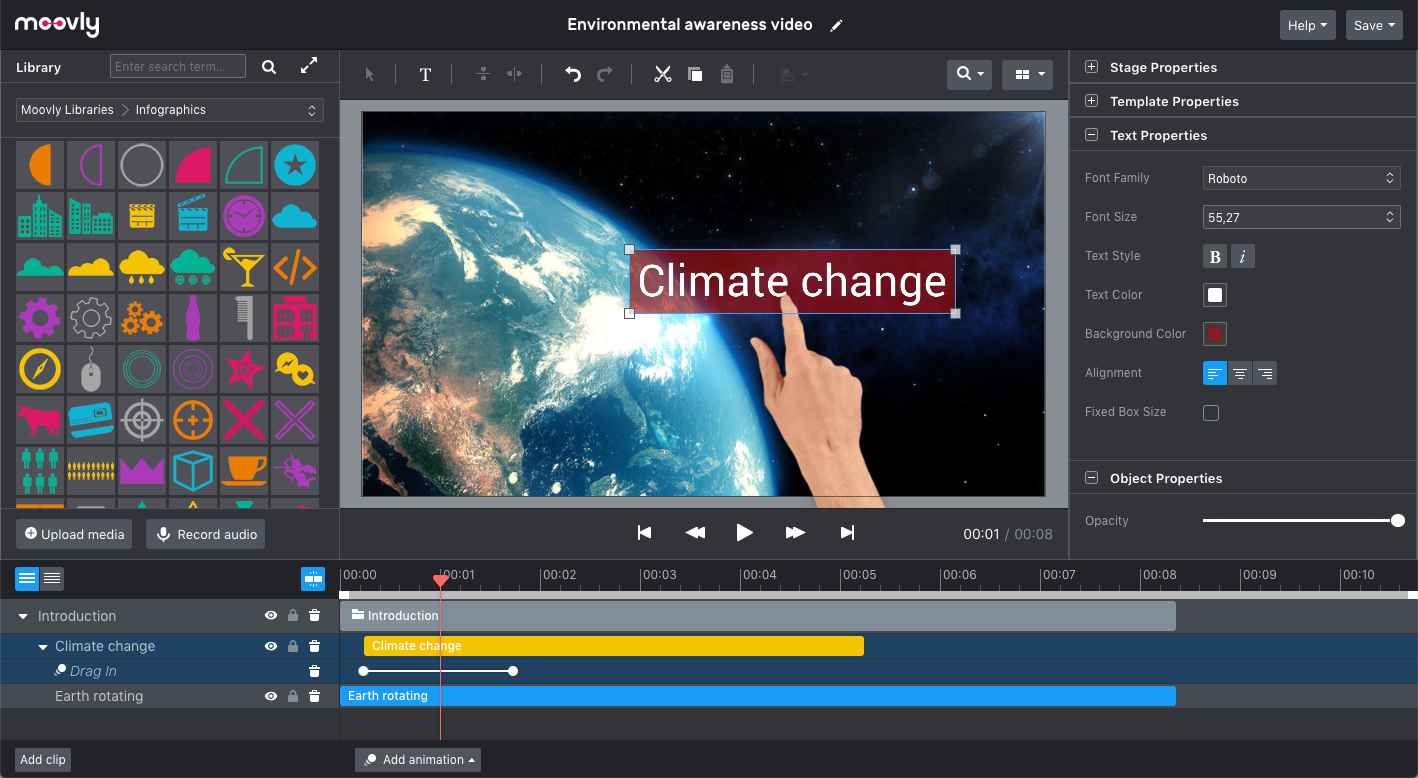
Screenshot of Moovly features many different styles, including the popular hand-drawing whiteboard style.
Screenshot of Choose objects from over free 1,000,000 stock videos, motion graphics, music and sounds, illustrations, and photos. Or browse the integrated Getty Images libraries (>75 million media objects) and purchase the used media when satisfied.
Screenshot of The Moovly interface can be adapted in line with the needs and guidelines of enterprises, brands or integration partners, including white labeling.
Screenshot of Preview, duplicate, publish, download or share your video projects from your dashboard.
Screenshot of Combine motion graphics with animated text, music, voice-over, sounds to create any type of video: explainers, promotion videos, communication content, e-learning, tutorials - you name it.

1 / 6

Screenshot of An easy, browser-based editor application that does not require software installation.

Top Performing Features

  • Video personalization

    Videos can be personalized based on unique details about the viewer, such as their name, company, photo, etc.

    Category average: 8.3

  • Video link sharing

    Allows users to generate hyperlinks for sharing individual videos or players.

    Category average: 9.7

  • Internal video

    Supports an internal use case, e.g. hosting and distributing videos to employees for training purposes or corporate communications.

    Category average: 8.8

Areas for Improvement

  • External video

    Supports using video for external use cases, e.g. broadcasting to a general audience, customer communications, advertising to prospective customers, etc.

    Category average: 8.8

Very Easy to use

Use Cases and Deployment Scope

I found Moovely because I was looking for a web-based video editing software. There are times when depending on the device on hand, a stand-alone software is not an option. And a web-based option to allow others to collaborate on is ideal.

Pros

  • Very easy and intuitive
  • A large audio/video library
  • Great tutorials

Cons

  • It would be perfect if green screen ability was available on the first tier
  • integrate with more cloud storage options

Most Important Features

  • web-based

Return on Investment

  • Reliability.
  • It saves a lot of time.

Other Software Used

Crikle, Pixelied, Closely