Moovly vs. Powtoon

Overview
ProductRatingMost Used ByProduct SummaryStarting Price
Moovly
Score 7.0 out of 10
N/A
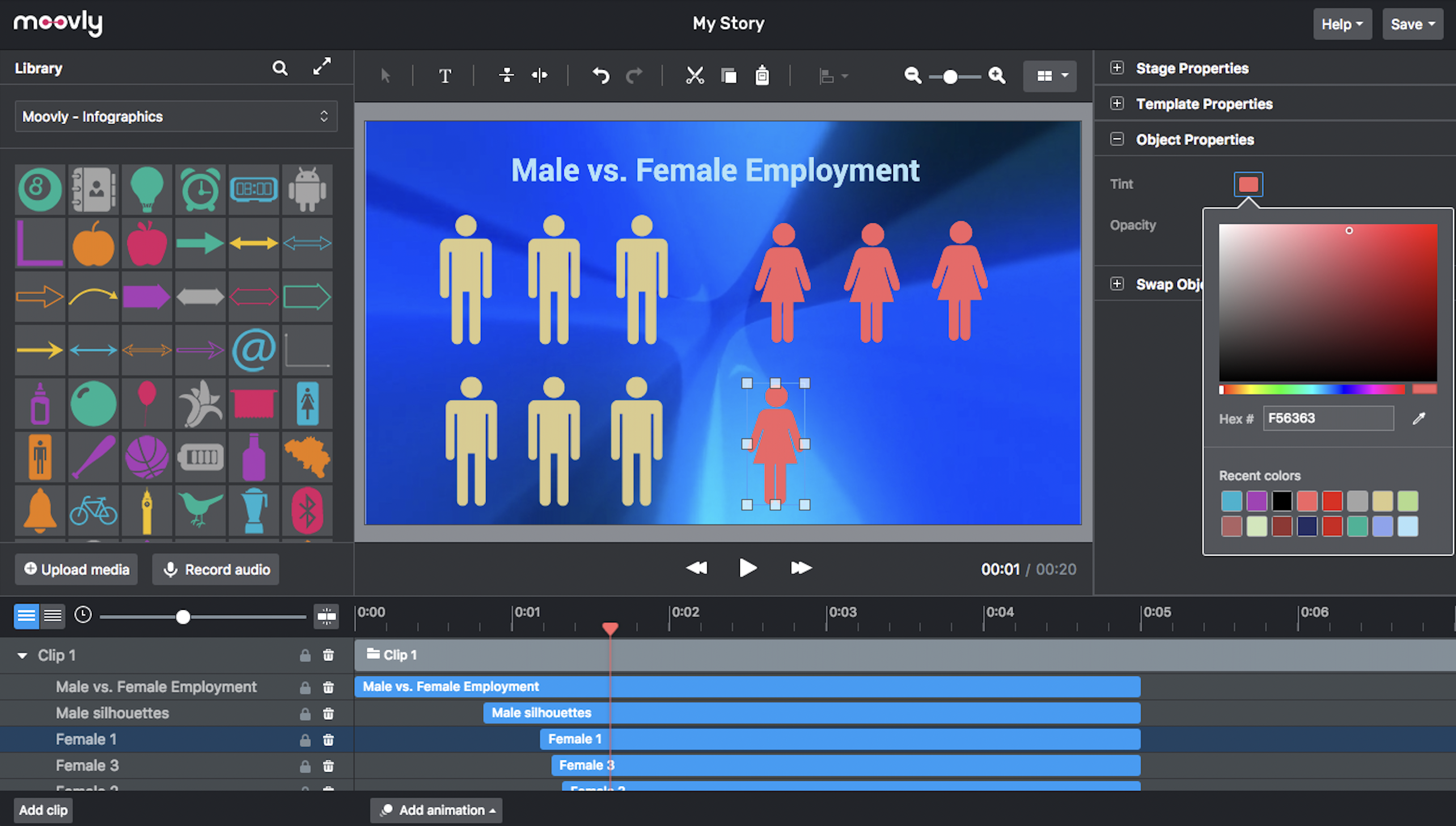
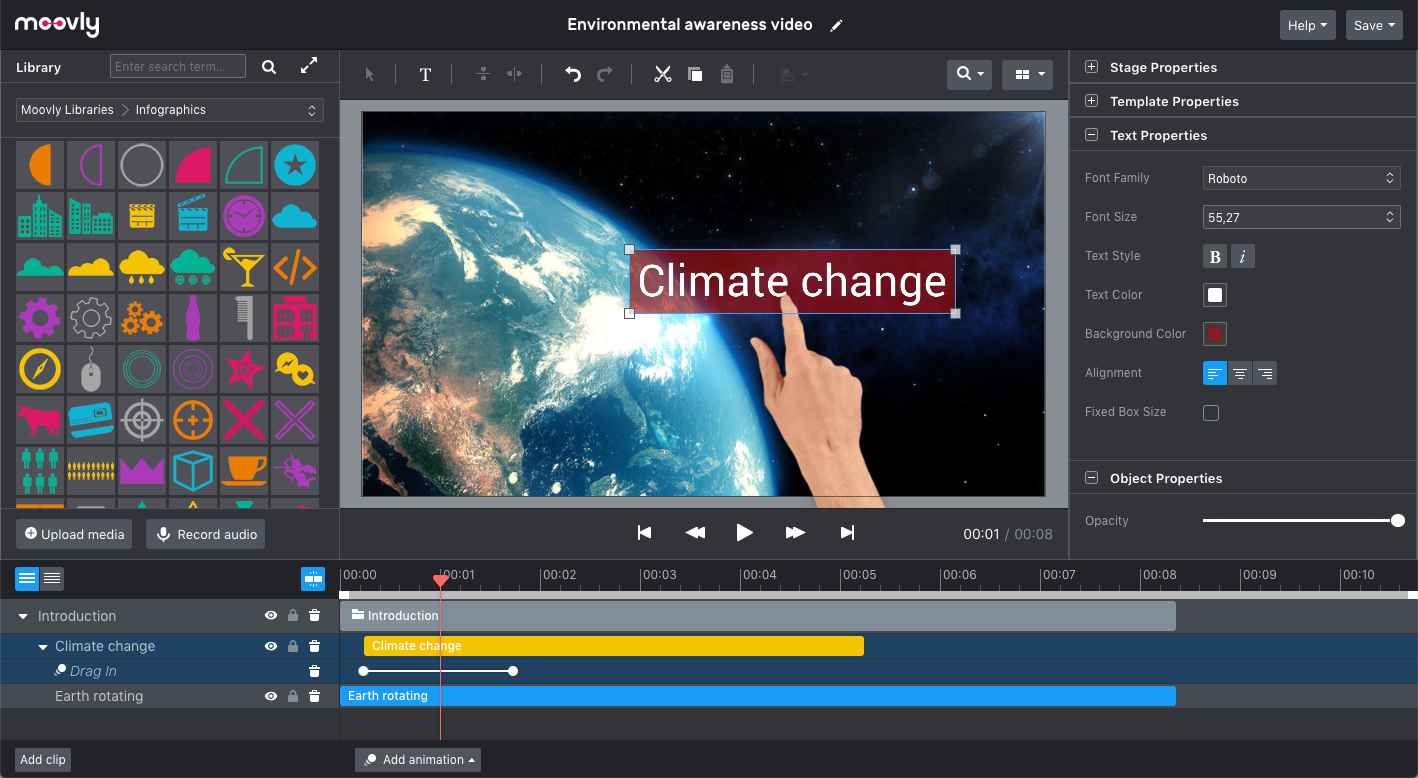
Moovly aims to enable users to create videos in any style without being an expert. Moovly's drag-and-drop interface lets users combine media objects from their libraries with the user's own uploaded media, as well as animate, synchronize, and time all objects in a timeline. Export content in any video format for online publishing, social media, projection, television, smartphone, or tablet. Moovly also includes more than a million royalty-free media objects to use freely. …N/A
Powtoon
Score 9.5 out of 10
N/A
Powtoon is an online video creation platform for making engaging short videos and presentations, from the company of the same name in London.
$89
per month
Pricing
MoovlyPowtoon
Editions & Modules
No answers on this topic
Pro
$89
per month
Pro+
$197.00
per month
Offerings
Pricing Offerings
MoovlyPowtoon
Free Trial
NoNo
Free/Freemium Version
NoNo
Premium Consulting/Integration Services
NoNo
Entry-level Setup FeeNo setup feeNo setup fee
Additional Details
More Pricing Information
Community Pulse
MoovlyPowtoon
Features
MoovlyPowtoon
Video Marketing
Comparison of Video Marketing features of Product A and Product B
Moovly
8.0
Ratings
6% above category average
Powtoon
-
Ratings
Video personalization8.00 Ratings00 Ratings
Video Security
Comparison of Video Security features of Product A and Product B
Moovly
8.0
Ratings
11% below category average
Powtoon
-
Ratings
Video link sharing8.00 Ratings00 Ratings
Internal video8.00 Ratings00 Ratings
External video8.00 Ratings00 Ratings
User Ratings
MoovlyPowtoon
Likelihood to Recommend
7.0
(0 ratings)
7.0
(0 ratings)
Support Rating
-
(0 ratings)
8.7
(0 ratings)
User Testimonials
MoovlyPowtoon
Likelihood to Recommend
It would really depend on the use case if I am going to recommend Moovely to someone else. There are just situations where a stand-alone software just makes more sense. However, I would recommend Moovely over other web-based products on the sheer amount of access of options for stock images/video, compared to some others on the market right now.
Read full review
Powtoon is a very capable suite of tools that help a developer create training videos that look way better than they should. I've used it to create fun, attention-getting commercials for new topics, I've used it to enhance what would otherwise be boring step-by-step tutorials, and I've used it to create all manner of "Explainer videos" for all kinds of topics - this is where it EXCELS! In my opinion, its biggest limitations are limits on imported video (max of 90 seconds), which mean that you have to do a lot of extra work to break up and import anything of substantive length. And because it presents your personal library of imported images and audio ONLY sequentially, it's VERY LIMITED in the re-usability of those assets - it's way faster to just import a new instance of an image and audio than to try to find it in your library.
Read full review
Pros
  • Very easy and intuitive
  • A large audio/video library
  • Great tutorials
Read full review
  • Powtoon is very easy to use; no previous experience is needed.
  • It has a lot of features (images, backgrounds, videos, sounds, etc.)
  • It automatically saves your work
  • After you have created your video, you can download it to your computer in different resolutions
Read full review
Cons
  • It would be perfect if green screen ability was available on the first tier
  • integrate with more cloud storage options
Read full review
  • Only one timeline to edit from which sometimes makes it difficult to select objects.
  • Animations can only be set to ½ seconds. Sometimes more precise amounts of time are needed.
  • Although there are a bunch of different actions you can place on a character, it's almost impossible to create a custom action within the program.
Read full review
Support Rating
No answers on this topic
I have never needed the support feature. As I mentioned, everything was intuitive to me however I have taught myself Adobe, Final Cut and iMovie so most of these programs became intuitive.
Read full review
Alternatives Considered
No answers on this topic
Powtoon has the advantage over traditional video editing software in terms of the library of characters and elements that can be easily dragged and dropped onto the canvas. Powtoon is easier to use and has a more intuitive user interface than Vyond.
Read full review
Return on Investment
  • Reliability.
  • It saves a lot of time.
Read full review
  • People love our "tips, tricks and troubleshooting" videos I have created which has helped our learners with their training
  • Our learners have been able to self train using videos I have created with Powtoon
  • It has decreased time and efficiency for our in person trainers and now they can refer them to our online training.
Read full review
ScreenShots

Moovly Screenshots

Screenshot of An easy, browser-based editor application that does not require software installation.Screenshot of Moovly features many different styles, including the popular hand-drawing whiteboard style.Screenshot of Choose objects from over free 1,000,000 stock videos, motion graphics, music and sounds, illustrations, and photos. Or browse the integrated Getty Images libraries (>75 million media objects) and purchase the used media when satisfied.Screenshot of The Moovly interface can be adapted in line with the needs and guidelines of enterprises, brands or integration partners, including white labeling.Screenshot of Preview, duplicate, publish, download or share your video projects from your dashboard.Screenshot of Combine motion graphics with animated text, music, voice-over, sounds to create any type of video: explainers, promotion videos, communication content, e-learning, tutorials - you name it.