TrustRadius: an HG Insights company

Helpjuice

Score2.6 out of 10

13 Reviews and Ratings

What is Helpjuice?

Helpjuice is a web app that companies can use to keep their help pages up-to-date. Instead of answering the same question repeatedly, companies can use Helpjuice to keep track of content. This app includes analytics that enable businesses to see the content their users are searching for the most as well as content that needs improvement. The vendor says that companies that manage a support page full of FAQs and user guides can benefit from using Helpjuice.

This app can be integrated with an existing web by inserting a line of code into the HTML. It can also be integrated into a company’s domain using a two step procedure called CNAME.

Helpjuice offers a handful of analytics tools that let businesses know if their customers and clients are actually finding the answers they're looking for when searching through an existing knowledge base.

Categories & Use Cases

Media

Matter
Intercom
Ideo
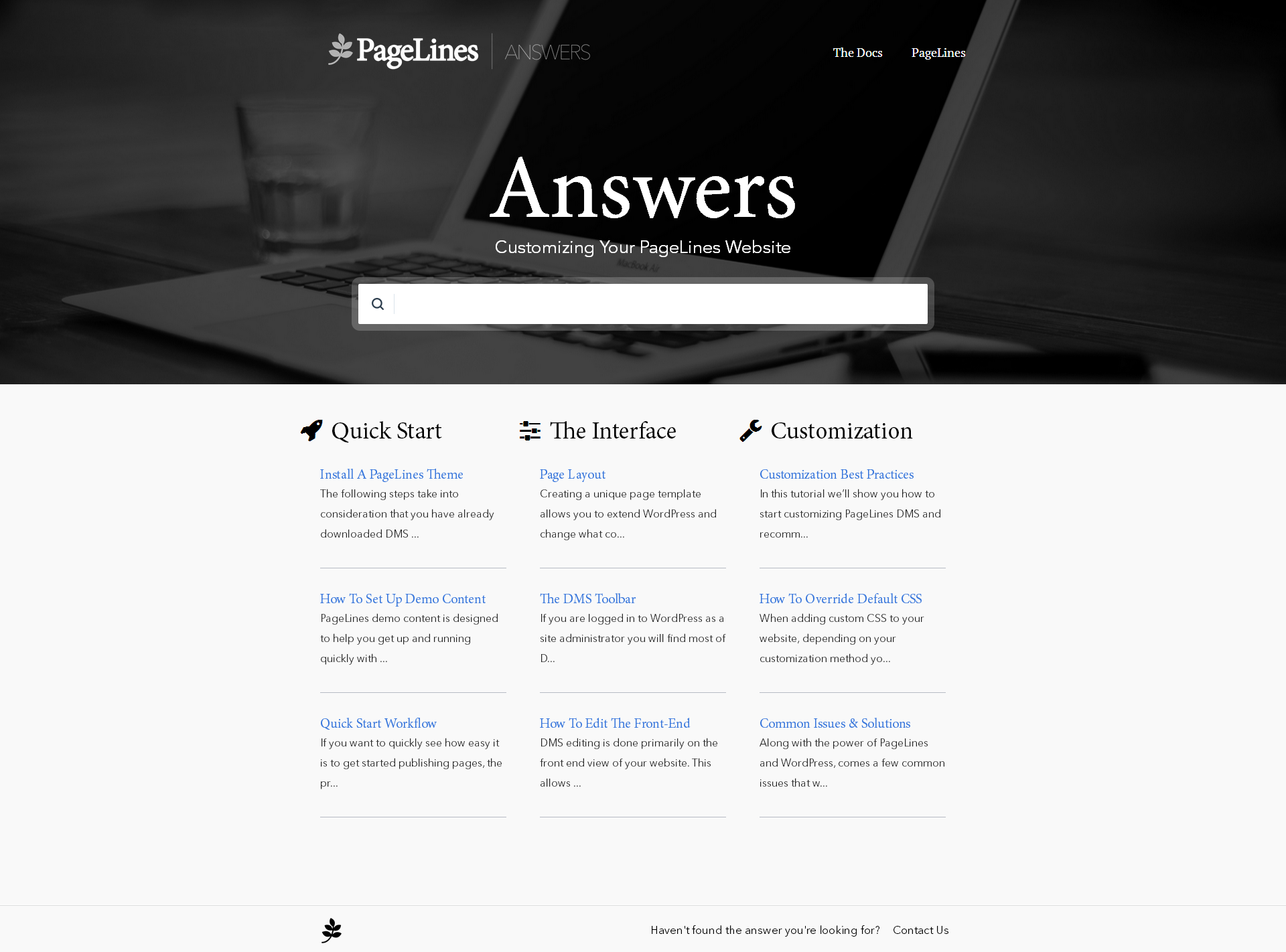
Pagelines
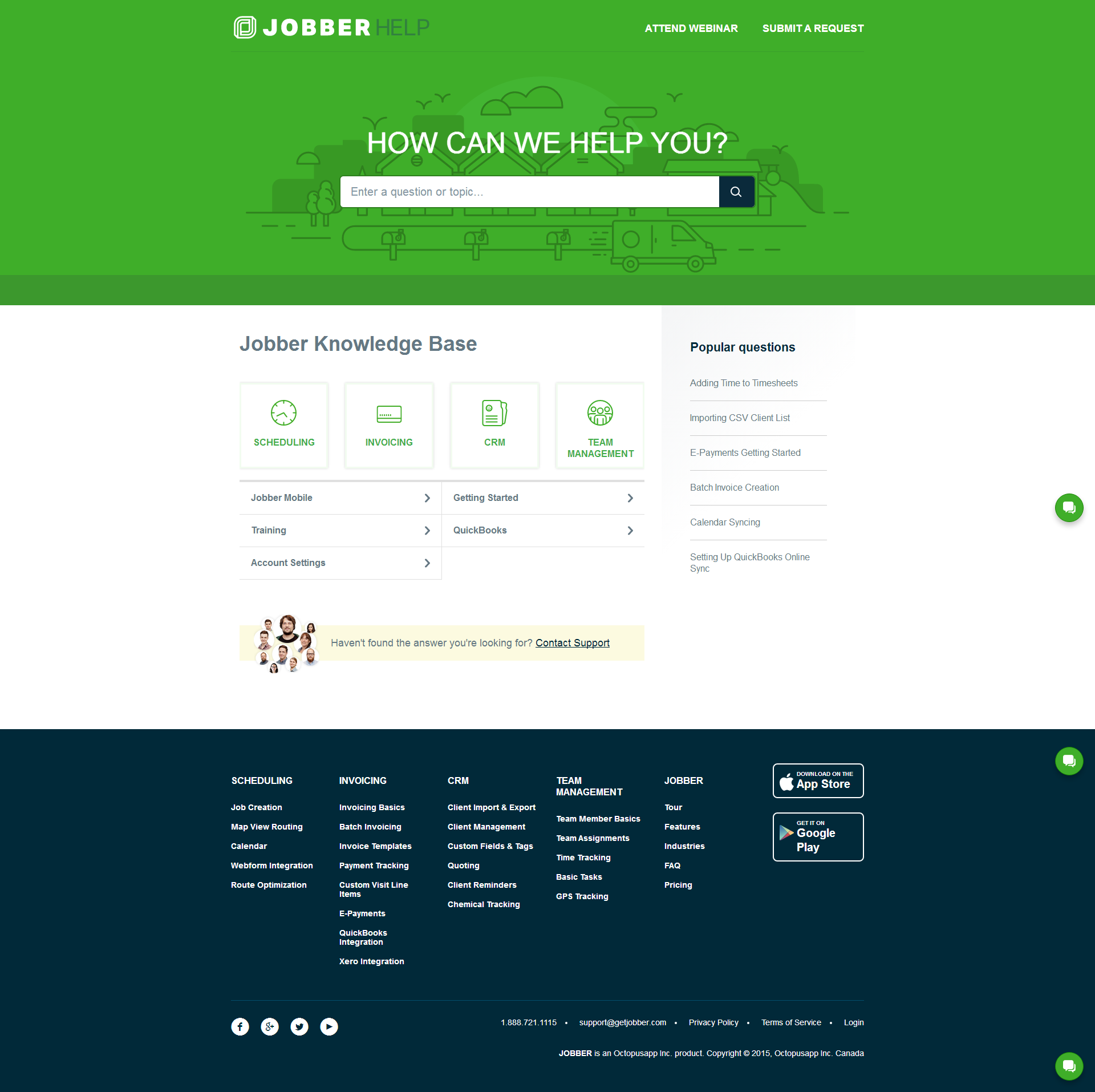
Jobber
Hightower
Clara
iWebCab
Timepad
Shift-it

1 / 10

Top Performing Features

  • Internal knowledge base

    Internal knowledge base helps agents answer customers' support questions.

    Category average: 8.1

  • Social integration

    Agents can communicate with customers via social networks like Facebook and Twitter; may also include brand activity monitoring/reporting capabilities.

    Category average: 8

  • Help Desk CRM integration

    Integrates with CRM so that tickets and support communications are coordinated with customers' records.

    Category average: 8.6

Areas for Improvement

  • Email support

    Integrates with email so that agents can send and receive information related to support tickets via email; email communications are attached to support tickets.

    Category average: 8.8

  • Organize and prioritize service tickets

    Prioritize tickets to ensure most urgent are tackled first

    Category average: 8.6

  • Subscription-based notifications

    Users subscribe to notifications for ticket updates

    Category average: 8.1

Helpjuice Knowledge base made easy

Use Cases and Deployment Scope

We use Helpjuice to manage our knowledge base for our proprietary recreation management software. We moved to Helpjuice from a HTML coded knowledge base that was built into our software. With this old model, updates to the help were difficult because they had to be HTML coded and each change to the help had to wait for the next product build cycle. With Helpjuice, we have the built-in editor that makes updates as easy as editing a MS Word document, and new information can be added as soon as it is available. Helpjuice has allowed us to create a one-stop shop for all our self-help resources. We can now provide deep dive topic documents, field-level help, question/ answer short-format articles, video content, modification listings, and so much more! With the addition of the Helpjuice AI, we have seen a huge positive response from our customers who find it is an incredibly accurate and useful resource for finding answers quickly. For me as a Helpjuice admin, I appreciate the broken link checker and the feedback feature, which combined help me clean up our articles and provide a better experience to our customers.

Pros

  • Content Management
  • AI search
  • Article creation

Cons

  • Article feedback disappears when resolved, would like to see a integration with Jira which we now use to track feedback changes.
  • Analytics for the AI search would be appreciated. Currently we have no idea how many people are actually using this feature.
  • A way to train the AI search bot. Currently there is no way to up/down vote answers or indicate how accurate or helpful an answer is.

Return on Investment

  • We see on average 300 searches every business day.
  • We see much more engagement with content now that we host everything on Helpjuice. Before that, content was scattered across multiple channels, and customers struggled to find what they were looking for (or even knew where to look).
  • Helpjuice makes file management easy, and we see our video content get the most engagement.

Usability

Other Software Used

Atlassian Jira, Microsoft Dynamics 365, Adobe Premiere Pro

Helpjuice Made Our Team Smarter Better Faster and Stronger

Use Cases and Deployment Scope

Helpjuice has become my company’s go-to platform for housing SOPs and different departments’ procedures. I work for a very large corporation and different departments utilize different methods of hosting and publishing their materials. For me, my departments were really old school. I was publishing items on Microsoft Publisher as PDFs and they were being stored on shared drives—very risky stuff. Helpjuice has not only modernized the way I publish and store SOPs, but it has eliminated the risks of creating files that could easily be deleted or manipulated on shared drives.

Pros

  • Coding options
  • Analytics/backend info
  • Customer support

Cons

  • Limited editor
  • Strange formatting

Return on Investment

  • Migrating to Helpjuice has reduced our SLA turnaround time for publishing from 41 business days to 21 days, a 49% difference, with some requests being published in as little as five business days, an astonishing 88% reduction in SLAs.
  • As a centralized platform, requests are sent directly to us directly and they are assigned to one writer, who will complete the entire process, beginning to end.
  • Publishing is now completed an average of 26 times faster, using an average of 85% fewer writers.

Usability

Alternatives Considered

Microsoft Publisher

Other Software Used

monday.com, Microsoft Copilot, Pixelmator Pro

Looking to build an internal wiki? Helpjuice has the answers you're looking for

Use Cases and Deployment Scope

When we started looking at platforms to build an internal wiki, Helpjuice far outperformed its competitors. One of the features we enjoy is the publishing access. All team members can write articles, but they must be approved by a member of management to ensure accuracy. We also really like the AI tool Wizardshot. It has helped reduce the time someone spends creating an article by allowing screenshots of the completed work. Once we are done building our internal platform, we like that Helpjuice offers an external feature we can turn on. If your organization is looking for a similar tool, I recommend Helpjuice.

Pros

  • We were looking for a publishing feature where there would be some required oversight.
  • We have really enjoyed the AI Tool of Wizardshot as it has helped reduce the time spent writing articles.
  • The analytic dashboard to see who has contributed what and which articles are the most clicked on is wonderful

Cons

  • We do wish Wizardshot would work outside of a web browser as some of our work is done on other platforms.
  • It would be nice for Helpjuice to send reminders if someone has not logged in and contributed during a certain timeframe.
  • I would like the default when publishing an article to be internal only instead of having to change the access each time.

Return on Investment

  • Thus far the product has helped us get historical knowledge down for others to share in.
  • We are seeing questions from new hires reduce as they are able to refer to the wiki as we continue to build it.
  • We are using this as an internal FOCUS goal for all employees and thus far they are hitting the 30-minutes per week metric.

Usability

Alternatives Considered

Nuclino, BookStack and Microsoft SharePoint

Other Software Used

Microsoft 365

HelpJuice Review

Use Cases and Deployment Scope

We used HelpJuice for both a public and internal knowledge base. Our public knowledge base served our patients and families with articles about common diagnostic questions related to pediatrics. Our internal knowledge base contains information specific only to our organization (guidelines, policies, newsletters, etc.)

Pros

  • customer service
  • very customizable
  • user friendly interface

Cons

  • article redirects
  • AI answers
  • search results

Return on Investment

  • Increased patient satisfaction
  • Increased clinician efficiency

Usability

In my experience, this tool makes me 75% less efficient; I don't understand the positive reviews

Use Cases and Deployment Scope

My manager happened to discover Helpjuice and on first look (i.e., their website materials), it looked as though it would meet our requirements for our new Doc Center. I'm writing various types of technical doc including Overviews, How To's, Reference guides, etc., many with embedded screenshots.

Pros

  • In app support folks are responsive
  • It looks nice and professional from the front end
  • The ability to get feedback on your content from readers

Cons

  • I have an entire Wiki page of workarounds and gotchas, which doesn't make it easy for other authors to submit content.
  • In my experience, the review process is nearly non-existent, despite what's advertised.
  • In my opinion, the product is slow and buggy; random data loss happens with "sincere apologies" but no real explanation, costing hours of rework.
  • In my opinion, for writers actually trained to author technical content you can't do basic things.
  • For all but one specific workflow, in my experience, inserting images adds nonsensical numeric prefixes reducing future findability, with no way to rename or page through images.
  • In my opinion, bugs and feature requests entered / voted on aren't prioritized; right from the CEO they'd rather play with AI.
  • I think the AI in the product is terrible; I shut most of it off.

Return on Investment

  • As I mentioned, my productivity in terms of working around issues, asking for help, etc. is greatly reduced on a DAILY basis.
  • I spend as much time finding bugs and filing tickets as I do writing content, and this was especially true at the beginning.
  • The Doc Center looks nice, so you'd never know the pain behind it.

Other Software Used

Google Drive, Atlassian Confluence