
TrustRadius: an HG Insights company

What is Help Desk Migration?

Help Desk Migration is a service provided by Help Desk Migration Service that offers automated data migration solutions for help desk systems. According to the vendor, this service allows businesses to seamlessly transfer their help desk records from one platform to another, reducing the risk of errors associated with manual data transfer. The vendor states that Help Desk Migration is suitable for businesses of all sizes, from small startups to large enterprises, and is used by professionals and industries such as eCommerce, IT services, telecoms, healthcare, and manufacturing.

Key Features

Automated data migration: Help Desk Migration provides automated data migration services to transfer help desk records between platforms.

Custom migration: Help Desk Migration offers custom migration solutions tailored to businesses with specific requirements.

Cut down manual work with advanced field mapping: Help Desk Migration includes advanced field mapping functionality to minimize the need for manual data copying and pasting.

Flexible pricing that fits your needs: Help Desk Migration provides flexible pricing options to accommodate businesses of various sizes and budgets.

Live chat support: Help Desk Migration offers live chat support to assist users throughout the migration process.

Attachment migration is on and off: Help Desk Migration allows users to choose whether to migrate ticket attachments or skip them during the migration.

Free Demo to define accurate requirements: Help Desk Migration offers a free demo allowing users to define their accurate migration requirements.

Zero downtime: Help Desk Migration ensures zero downtime during the migration process.

Record filtering for any taste: Help Desk Migration enables users to filter their records by date, agent, and tags, ensuring that only relevant data is migrated.

Unlimited Free Demo runs: Help Desk Migration allows users to rerun the free demo multiple times.

Categories & Use Cases

Media

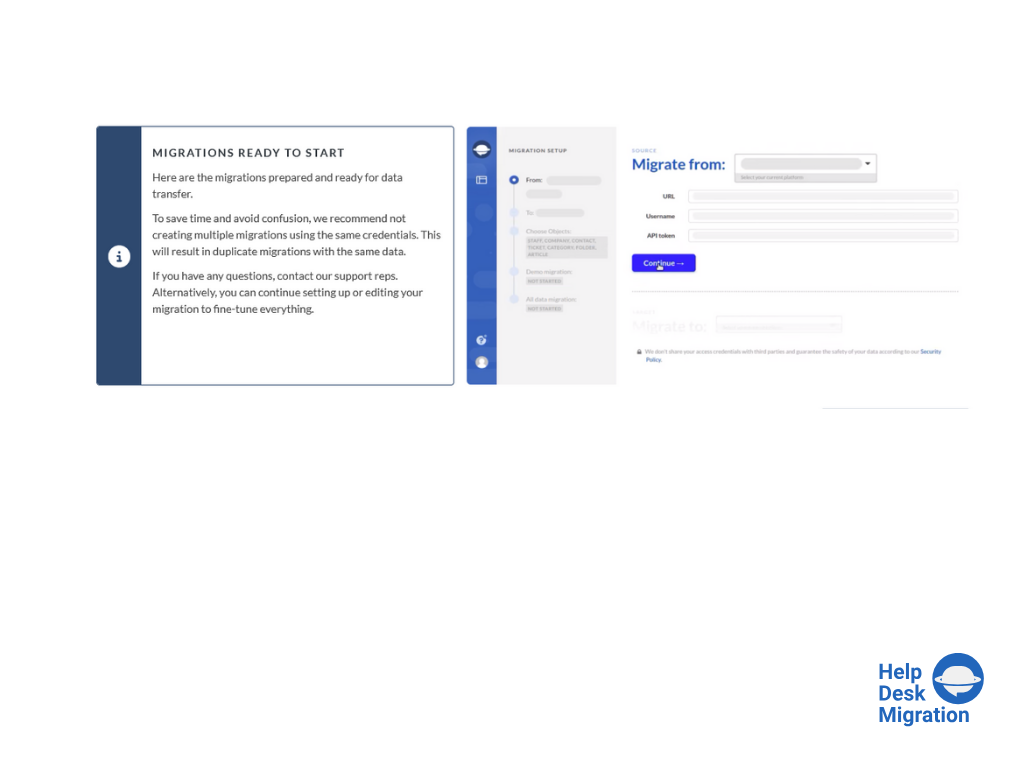
selecting the source and target platforms.
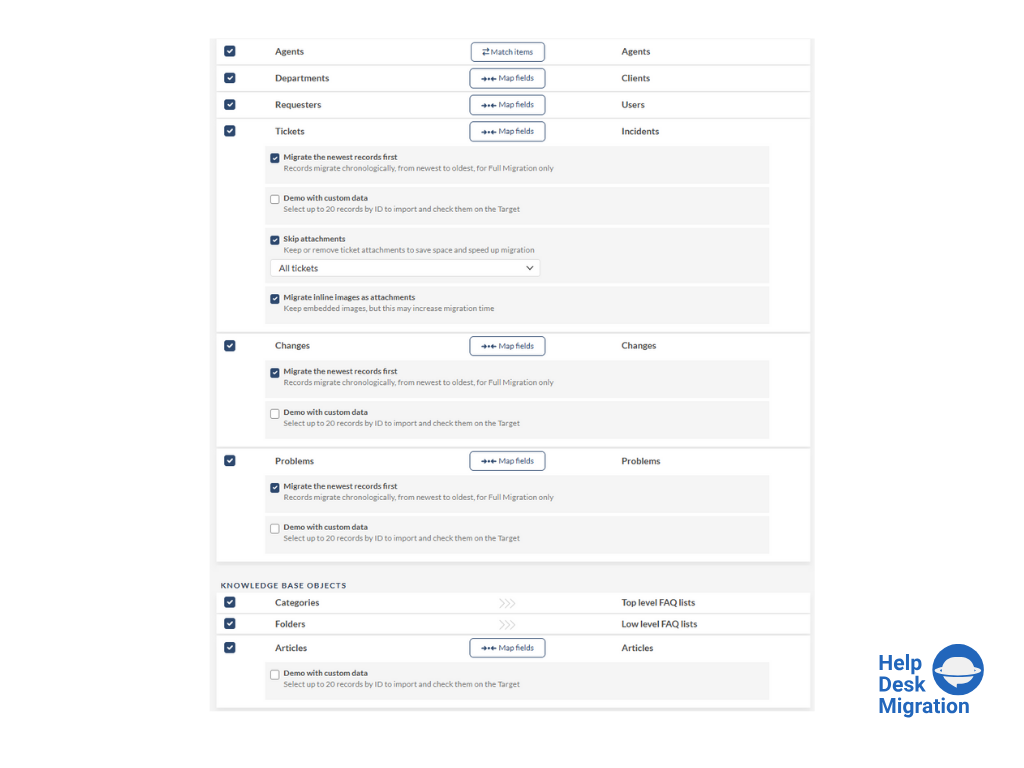
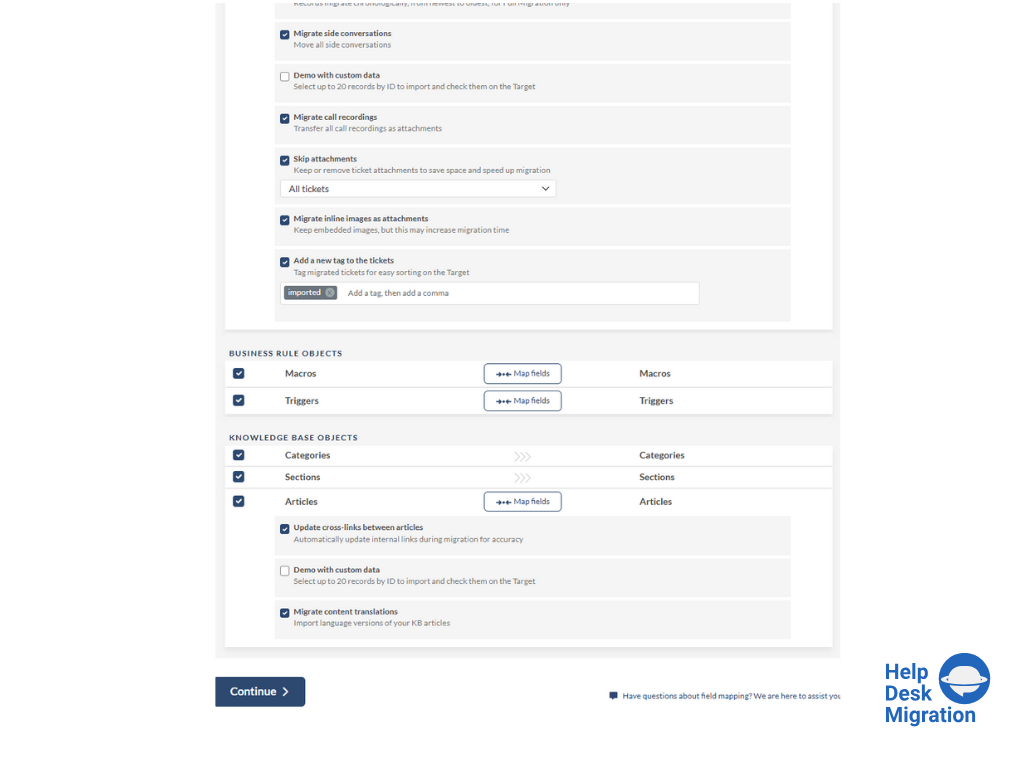
mapping data for an accurate migration process.
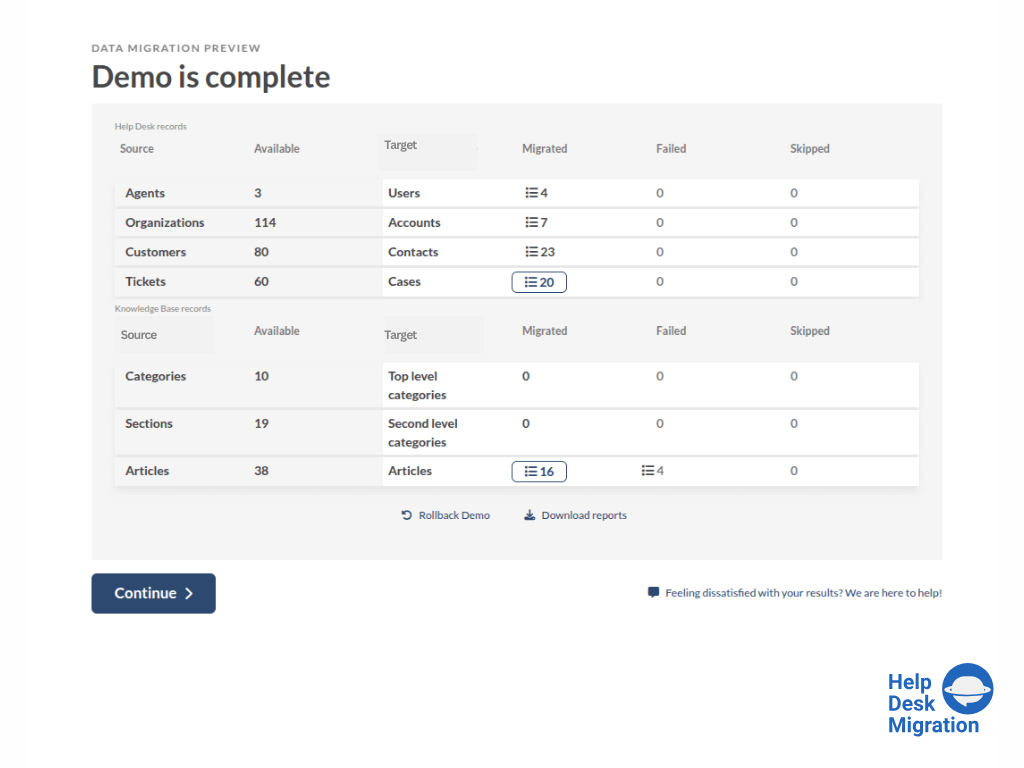
running the Demo Migration, which includes transferring 20 tickets and 20 articles.
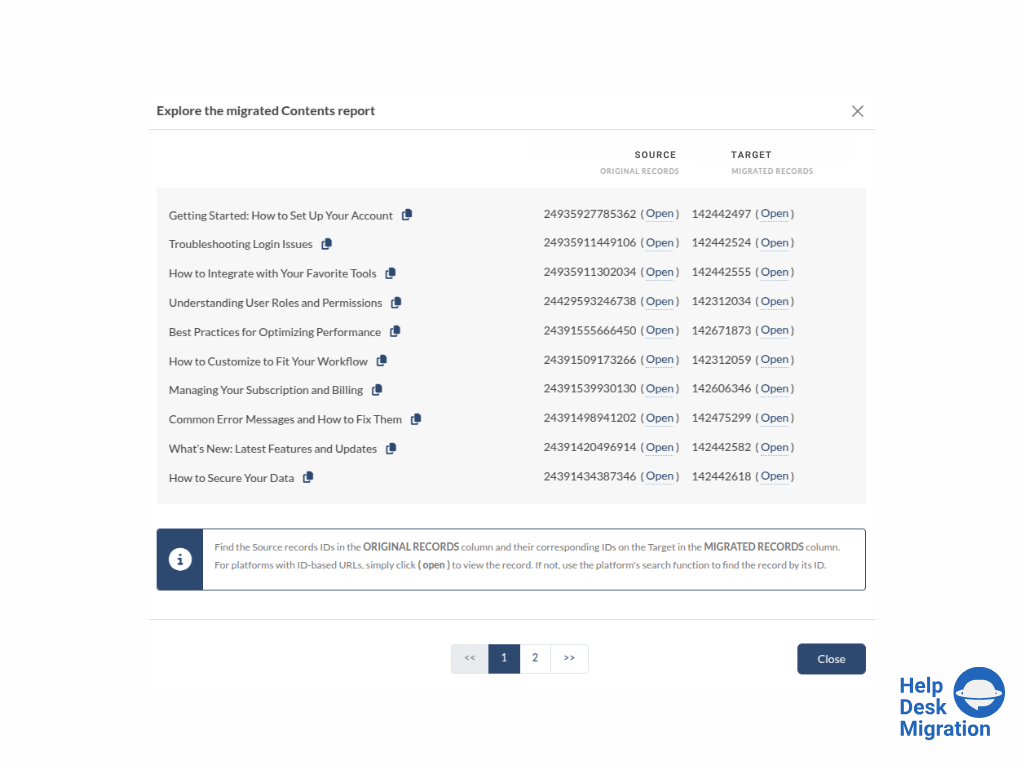
reviewing the demo migration results.
adjusting the mapping and refining the data migration path.
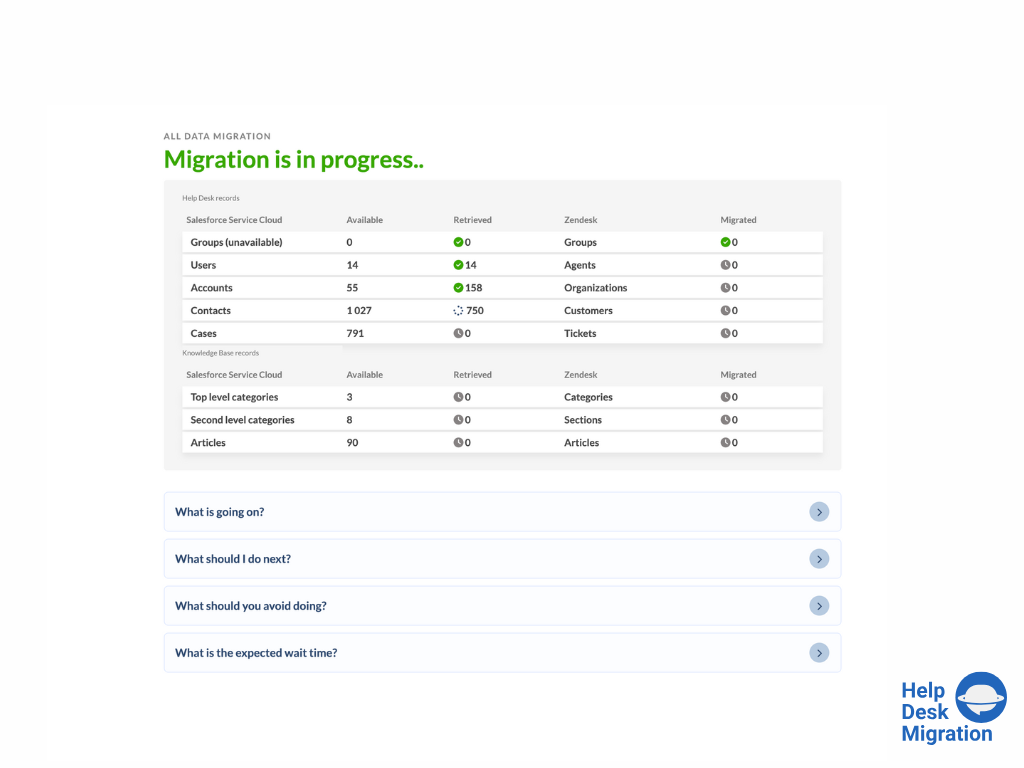
the migration progress — duration depends on the number of records being migrated.
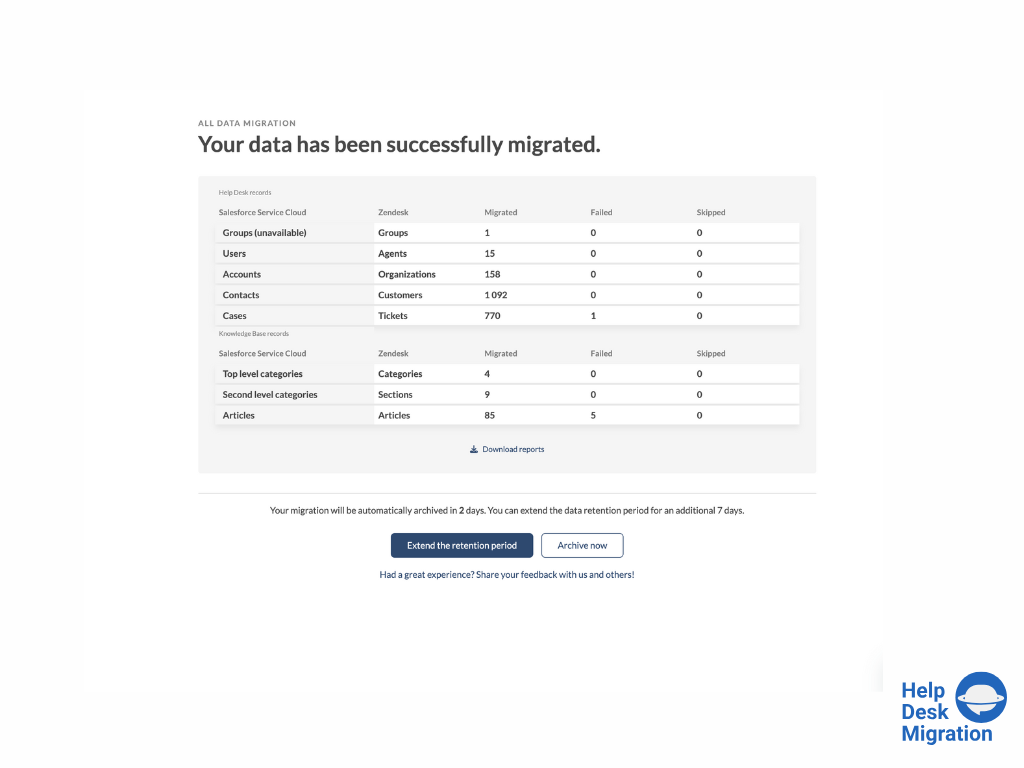
full data migration

1 / 7

Timely Support and Seamless Article Migration

Use Cases and Deployment Scope

We had several thousand knowledge articles to migrate from Salesforce (SFDC) to Zendesk. It was critical that public articles remained public, internal-only articles stayed internal, and that all screenshots and attachments transferred correctly. In addition, we were working under a tight deadline and needed the migration completed quickly to launch our new help desk site on time.

Pros

  • Very responsive support team.
  • Great step by step instructions.
  • Ability to rerun the migration.

Cons

  • I think the field map could be a little more entuitive with better explanations of what each field is for.

Return on Investment

  • In terms of time spent, Help Desk Migration cut our time down to just a fraction of what it would have been had we migrated the articles ourselves. This saved us a tremendous amount of time, manpower, and overtime.

Usability

Other Software Used

Salesforce Lightning Platform, Zendesk Guide

Nice Help Desk Migration tool

Use Cases and Deployment Scope

Migrating from Fresh Service to Jira for Service Desk

Pros

  • Listening and gathering information
  • Transitioning work among their staff - we talked to 4 different people during the project, and ever single person was up to speed on the work and status
  • Reasonably priced

Cons

  • There is little room for improvement in the GUI

Return on Investment

  • Tool consolidation
  • Cost reduction
  • Ease of maintenance

Usability

Other Software Used

Fresh, Atlassian Jira