TrustRadius: an HG Insights company

GoTo Meeting

Score8.1 out of 10

1,879 Reviews and Ratings

What is GoTo Meeting?

From GoTo (formerly LogMeIn), GoToMeeting is an online meeting, desktop sharing, and video conferencing software that enables users to connect via the internet. It hosts a suite of online meeting tools, including real-time screen sharing and integrated audio.

Read more details.

Media

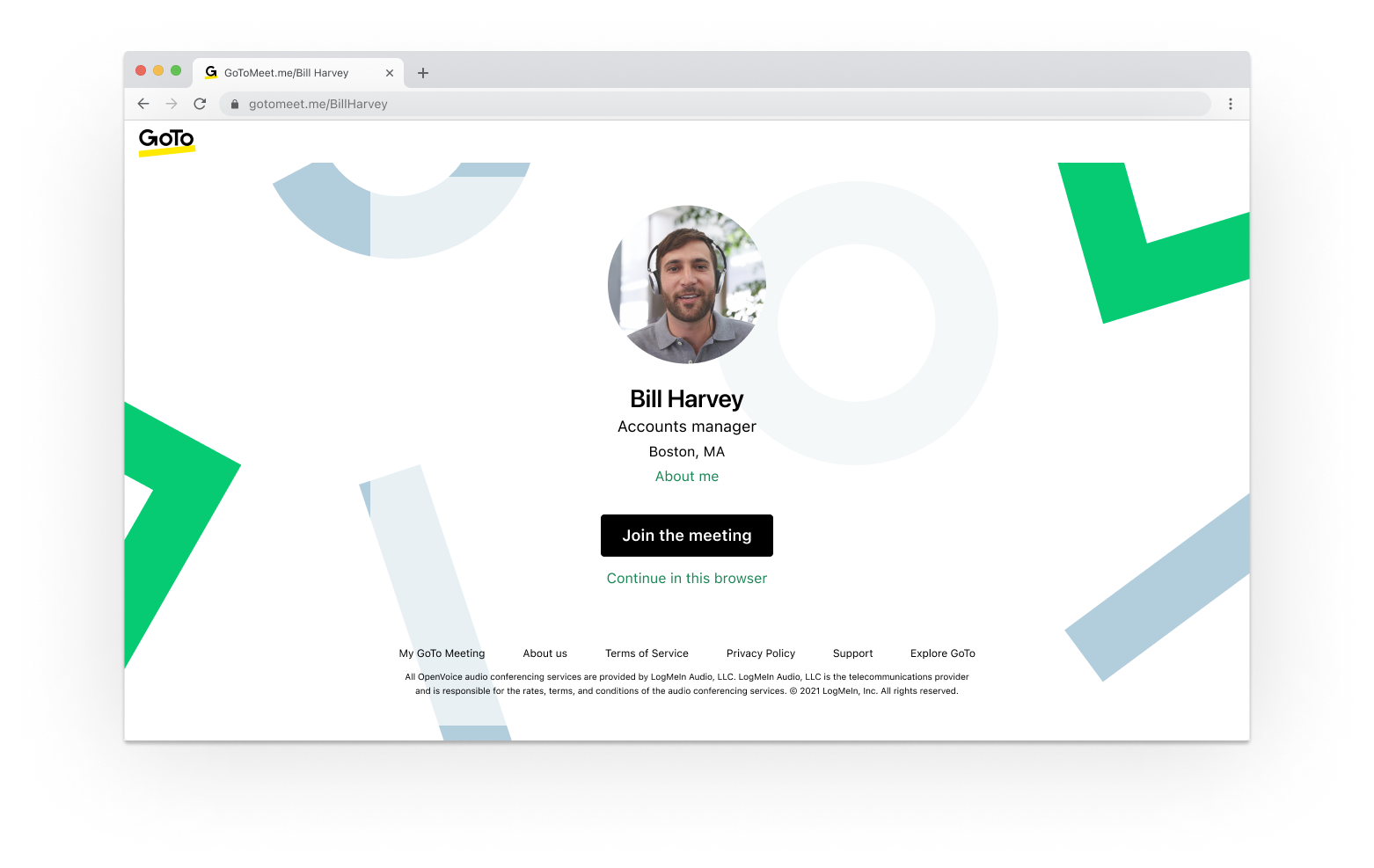
Screenshot of GoTo App - Create Meeting (Out of Session)
Screenshot of GoTo App - Join Meeting (Out of Session)
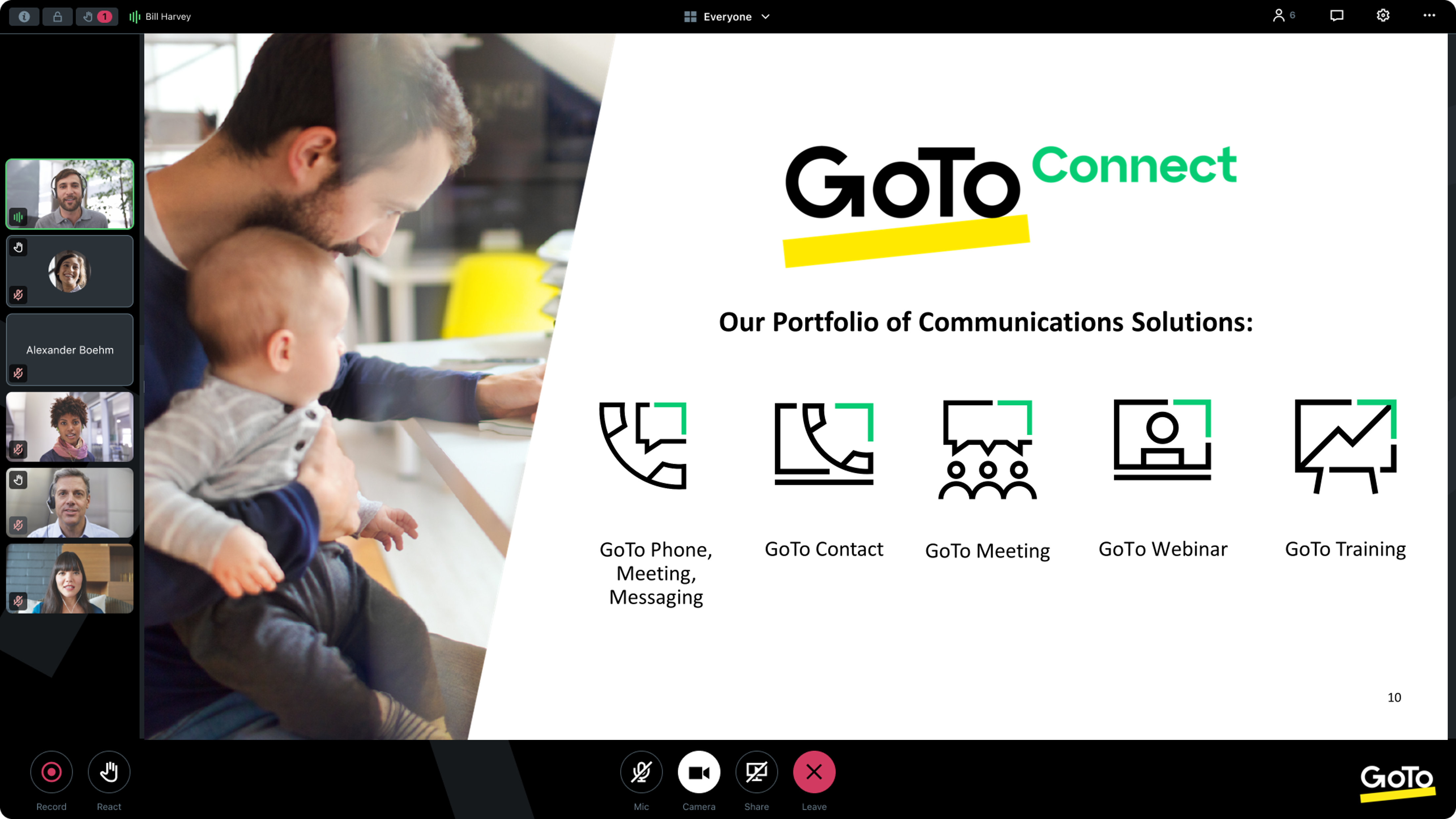
Screenshot of GoTo App - Meeting (In Session)
Screenshot of GoTo App - Mobile Meetings (Out of Session)
Screenshot of GoTo App - Screen Share Meeting (In Session)

1 / 5

Screenshot of GoTo App - Create Meeting (Out of Session)

Top Performing Features

  • High quality audio

    High quality audio connection is consistently available, with few or no interruptions.

    Category average: 8.5

  • High quality video

    High quality video connection is consistently available, with few or no interruptions.

    Category average: 8.4

  • Meeting initiation

    Meetings can be easily initiated, whether they are scheduled or on the fly.

    Category average: 8.3

Areas for Improvement

  • Mobile support

    Attendees can access meetings/webinars from mobile devices.

    Category average: 8

  • Integrates with social media

    Integrates with social media sites like Twitter and LinkedIn to promote meetings and webinars.

    Category average: 7.7

  • Low bandwidth requirements

    Software is optimized so that meetings do not require a huge amount of bandwidth.

    Category average: 7.4

Transform Your World with GoTo Meeting

Use Cases and Deployment Scope

We use GoTo Meeting to talk and meet with our team and clients online. It helps us work together even when we are in different places. This saves time, cuts travel, and keeps projects moving. We use it for meetings, sharing ideas, and updates. It works well with stable performance.

Pros

  • Screen sharing is quick and clear, so everyone can follow along easily.
  • Meetings can be recorded with one click, which helps with reviewing or sharing later.
  • Video and audio are reliable, even when people join from different locations.

Cons

  • Interface can be confusing for new users and could be made more intuitive.
  • Lacks advanced features like virtual backgrounds or custom meeting layouts.
  • Mobile app stability could be improved, as connections sometimes drop or freeze.

Return on Investment

  • GoTo Meeting saves time and travel costs.
  • It helps our team work better together.
  • The cost is a bit high, but it’s still a good investment.

Alternatives Considered

Skype (discontinued), ZoomShift and Microsoft Access

Other Software Used

Skype (discontinued), Microsoft Teams, ZoomShift

GoTo Meeting - Excellent Collaboration Tool

Use Cases and Deployment Scope

This tool has helped me connect with clients, coworkers, and employers. In addition, its function that allows you to record the sessions has been ideal for replaying our meetings if necessary in the future. It has also allowed us to have a video backup of everything that is said in each of our meetings which has been very helpful in re-watching meetings

Pros

  • It has a good scheduling system that emails
  • The mobile app is great because it allows me to participate in video conferences from anywhere and at any time.
  • It is an extremely simple to use tool which doesn't require any specific training
  • Ease of use, setup and maintenance

Cons

  • You need a fairly new device to run it
  • Did not have any customized features like backgrounds which make it more interactive and fun
  • The cost of the license is high
  • Bad mobile app

Return on Investment

  • Meetings are more productive
  • Easier functionality means less problems for users
  • Mobile app works great for travelers
  • The cost is much lower than what we paid with our previous phone service provider

Alternatives Considered

Microsoft Teams and Zoom Workplace

Other Software Used

Microsoft Teams, Zoom Workplace

Amazing meeting app ever used

Use Cases and Deployment Scope

Goto meeting help us to connect with each other remotely. It has easy features and specifications. Goto meeting has user friendly interface which make it more attractive and simple. We tried other tools like zoom and google meet and some other but these were not good as compare to the goto meeting.

Pros

  • User interface
  • Simplicity
  • Calling quality

Cons

  • Pricing
  • Integration
  • Low quality on low speed internet

Return on Investment

  • Increase number of clients
  • Sales
  • Profit

Alternatives Considered

Zoom, Microsoft Teams and Google Meet

Other Software Used

Allin1Social, ALISEO, NWA Quality Analyst

Cost effective virtual conferencing solution

Use Cases and Deployment Scope

We are using GoTo Meeting in our company for video and audio conferencing. It provides us cost effective virtual meeting solution. With GoTo Meeting our team is able to connect to each others via virtual meetings irrespective of their physical location. It helped our team to save money & time and collaborate effectively.

Pros

  • It supports different OS platforms like windows, android, MacOS etc.
  • It provides you HD quality audio and video conferencing solution.
  • It offers various features like one-click join, screen sharing, chatting, meeting recording etc.

Cons

  • Majority of people are still unaware of this solution.
  • Need some improvement in user interface.

Return on Investment

  • It helped us to save time and money
  • It provide us decent collaboration tool
  • It increased our efficiency

Alternatives Considered

Zoom Workplace

Other Software Used

AnyDesk, SAP HANA Cloud, SAP Ariba

A powerful tool, which is forgotten

Use Cases and Deployment Scope

As the CTO of My Digital Manager, I rely on GoTo Meeting to facilitate seamless communication and collaboration across our organization. We use this platform primarily for team meetings, client consultations, and strategic planning sessions. GoTo Meeting plays a critical role in bridging the gap between our remote and in-office team members, ensuring that everyone is aligned and informed regardless of their location.The key business problems that GoTo Meeting addresses for us are communication consistency and operational efficiency. With a geographically distributed team, we needed a solution that could reliably support high-quality video and audio meetings, enable screen sharing, and allow for real-time collaboration without technical glitches or downtime. GoTo Meeting has proven to be a robust solution that supports our need for reliable and secure communication.Our use case spans across multiple departments, from marketing and sales to IT and client support. We use GoTo Meeting for everything from daily stand-ups and project updates to complex client presentations and training sessions. The platform's integration capabilities with our existing tools and its ease of use have helped reduce friction in our workflow, allowing us to focus on delivering value to our clients.Overall, GoTo Meeting has become an essential part of our communication strategy, supporting our efforts to maintain high levels of productivity, engagement, and collaboration, even in a remote work environment.

Pros

  • Compatibility.
  • Friendly interface.
  • Thin client.
  • high-quality video
  • integration

Cons

  • High cost.
  • Sometimes the application crashes.
  • Problems with the application for mac.

Return on Investment

  • Support in the remote support of suppliers, efficient response times.
  • Bandwidth limitations.
  • Compatibility with operating systems and communication quality.

Alternatives Considered

Cisco Webex Meetings, Google Hangouts, Zoom and Google Meet

Other Software Used

Google Workspace, FortiClient, Tableau Desktop, Ubiquiti Networks UniFi, Altai Systems, Odoo