TrustRadius: an HG Insights company

GateKeeper Proximity

Score7.2 out of 10

3 Reviews and Ratings

What is GateKeeper Proximity?

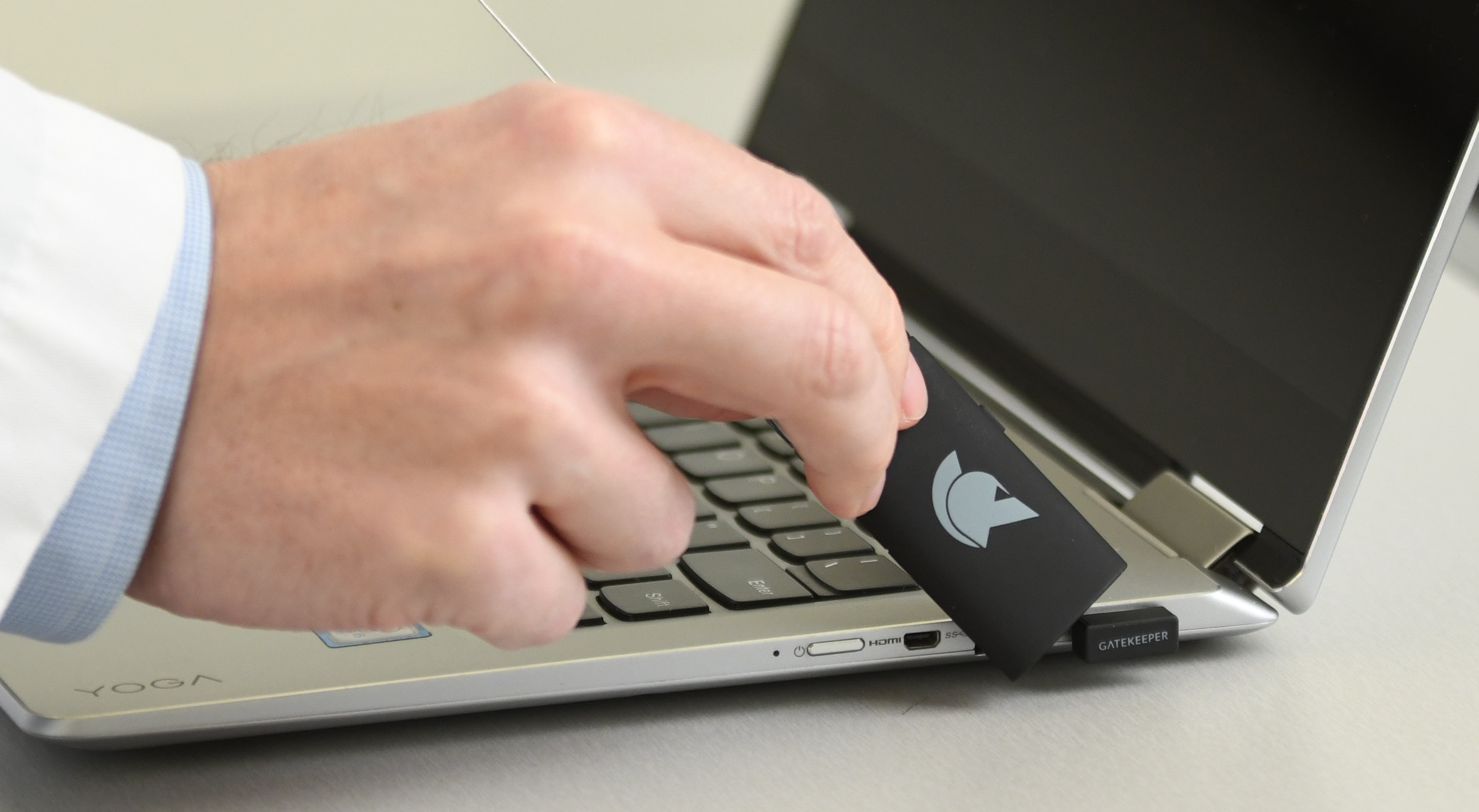
GateKeeper Enterprise by Untethered Labs is automated password management, authentication, and auditing. It is designed so that IT admins can eliminate password and authentication problems with hands-free computer and website access through proximity-based 2FA. Instead of authenticating only once to log in to a computer and website, GateKeeper Enterprise enforces continuous authentication to ensure that the logged in user is still there. When the user leaves, the computer detects the user is no longer present and locks, rendering access to the computer and websites inaccessible.

This system of hybrid convenience and security provides IT admins with the ability to enforce passwords policies such as minimum character amount, complexity, etc. Compliance mandates including HIPAA, CJIS, DFARS, NIST, GDPR, and more require more technical safeguards pertaining to computer access control, permissions, and security. Rather than making employees more responsible for even more passwords, access control policies, and additional authentication processes, GateKeeper Enterprise automates it all.

Media

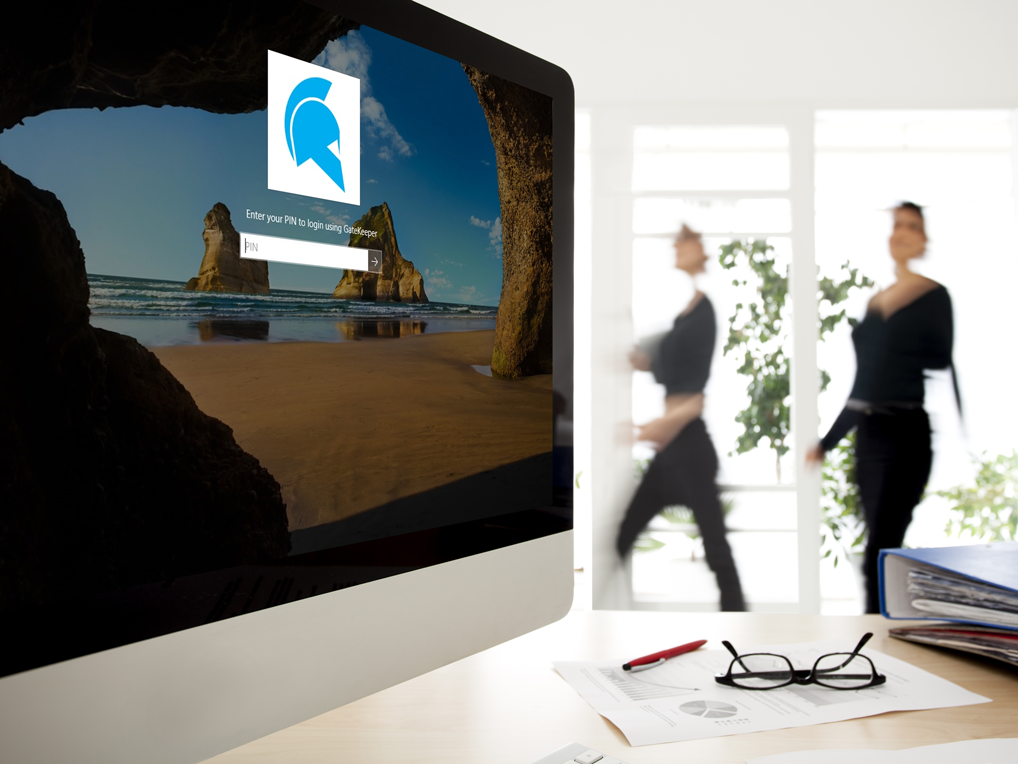
Screenshot of GateKeeper Enterprise proximity software for the client desktops. Users see their token's proximity to their computer. Green means the signal is high so the user is very close to their computer.
Screenshot of Save all your web passwords on GateKeeper to access them with your key.
Screenshot of GateKeeper Enterprise manages your login and authentication process automatically.
Screenshot of See employee productivity data as well as access logs from a centralized admin console. Password policy enforcement and management solution.
Screenshot of See which computers are locked and which are unlocked. See activity heat maps and productivity data.
Screenshot of Login to your computer using your phone as your token. Wireless proximity login without passwords using your Android or iPhone as a soft token.
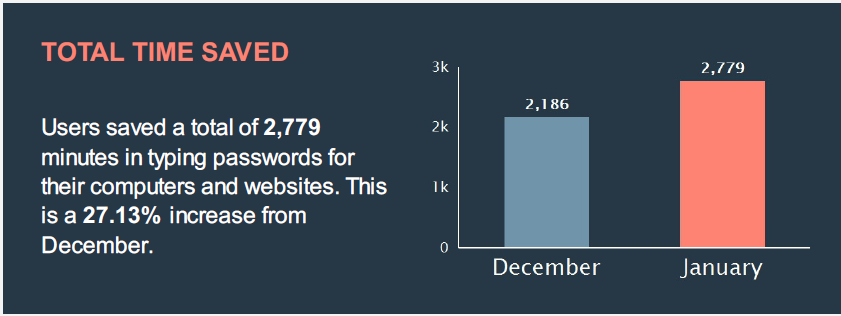
Screenshot of See time and money saved through avoiding typing passwords, forgotten passwords, and associated downtime.
Screenshot of Kiosk mode lets users quickly login and logout of shared workstations without typing complex passwords. Even with shared accounts, GateKeeper can identify individual users for auditing purposes.
Screenshot of Manage passwords, users, computers, and access control permissions from anywhere through the GateKeeper Hub admin console. No more unlocked computers or weak passwords to worry about. Manage everything from one place.
Screenshot of Login without passwords on shared computers, PC, Mac, websites, and desktop applications with a proximity token.
Screenshot of Proximity Windows and Mac login with a wireless key fob that replaces all passwords on websites, workstations, and desktop applications for all users.

1 / 11

Screenshot of GateKeeper Enterprise proximity software for the client desktops. Users see their token's proximity to their computer. Green means the signal is high so the user is very close to their computer.

GateKeeper Proximity: freeing up your users one login at a time.

Use Cases and Deployment Scope

We use GateKeeper for ourselves, and for our customers to allow faster login to PCs as well as password storage, without having to type in your password every time you sit down at your desk. The produce allows us to save time each day from typing the same passwords over and over, while also providing security and peace of mind.

Pros

  • Password storage
  • Proximity login to pc
  • Reporting of login / logout

Cons

  • Battery Life
  • Signal to pc

Most Important Features

  • Proximity login / logout
  • User time tracking
  • Password storage so you can log in to websites with a saved password IF you have your gatekeeper key with you.

Return on Investment

  • Although the number seems small at first, minutes saved per day not having to log in / having proximity unlock add up over time. Each user's gatekeeper pays for itself over the year just by shaving a few minutes of time off logins each day.
  • Training time with end users generally takes 15 minutes or less.

Other Software Used

Malwarebytes, Avast Cloud Backup, SonicWall VPN Clients

I Highly Recommend Gatekeeper

Pros

  • Single sign-on
  • Tracking logins
  • Time savings
  • Improved security

Cons

  • User setup. This has improved over the last year.
  • Battery usage.

Return on Investment

  • It makes all of our users more productive.
  • It saves it's cost in time spent logging into each computer and website.