
Gets the job done. It works well, but there's room for improvement.
Use Cases and Deployment Scope
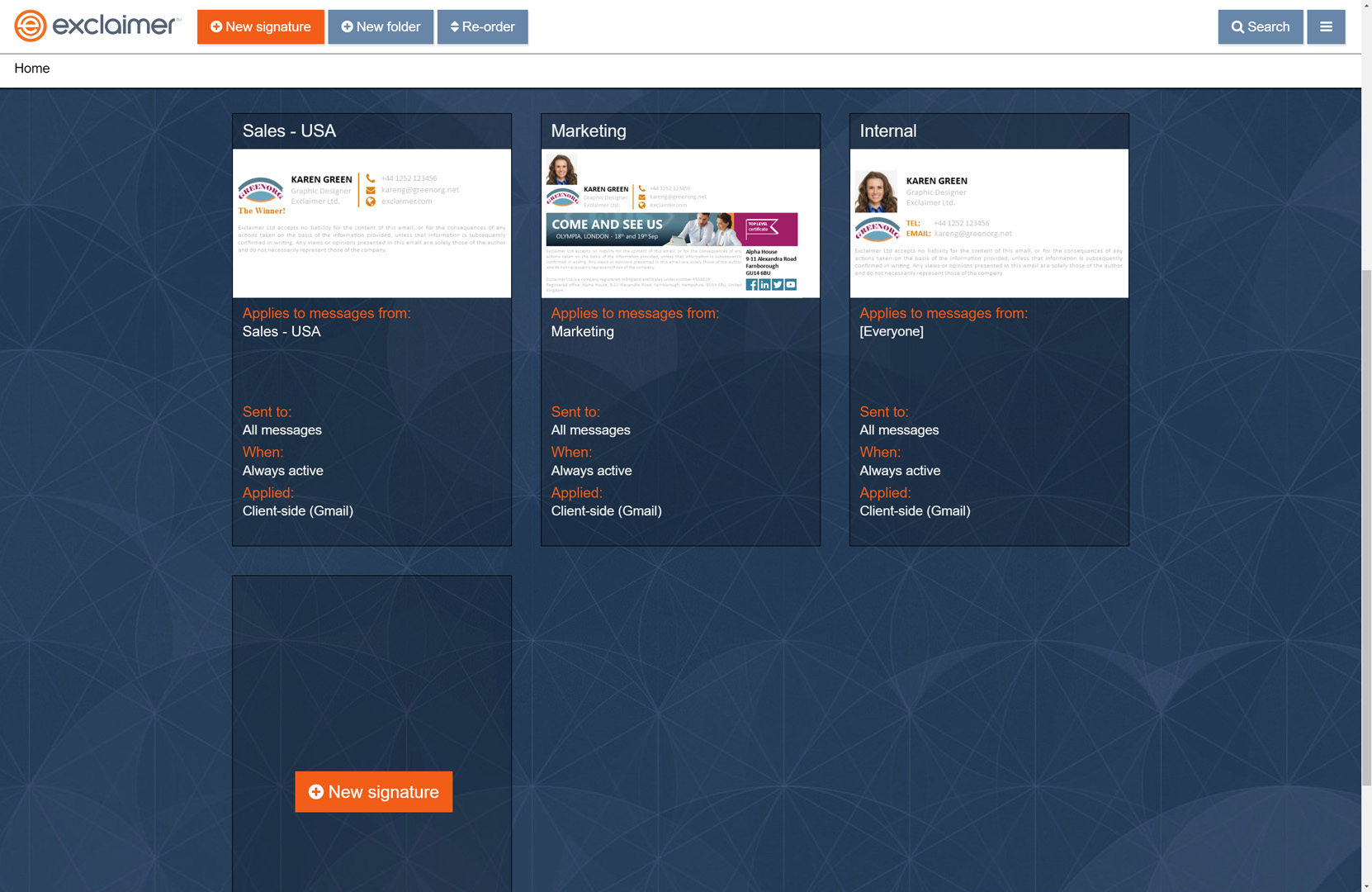
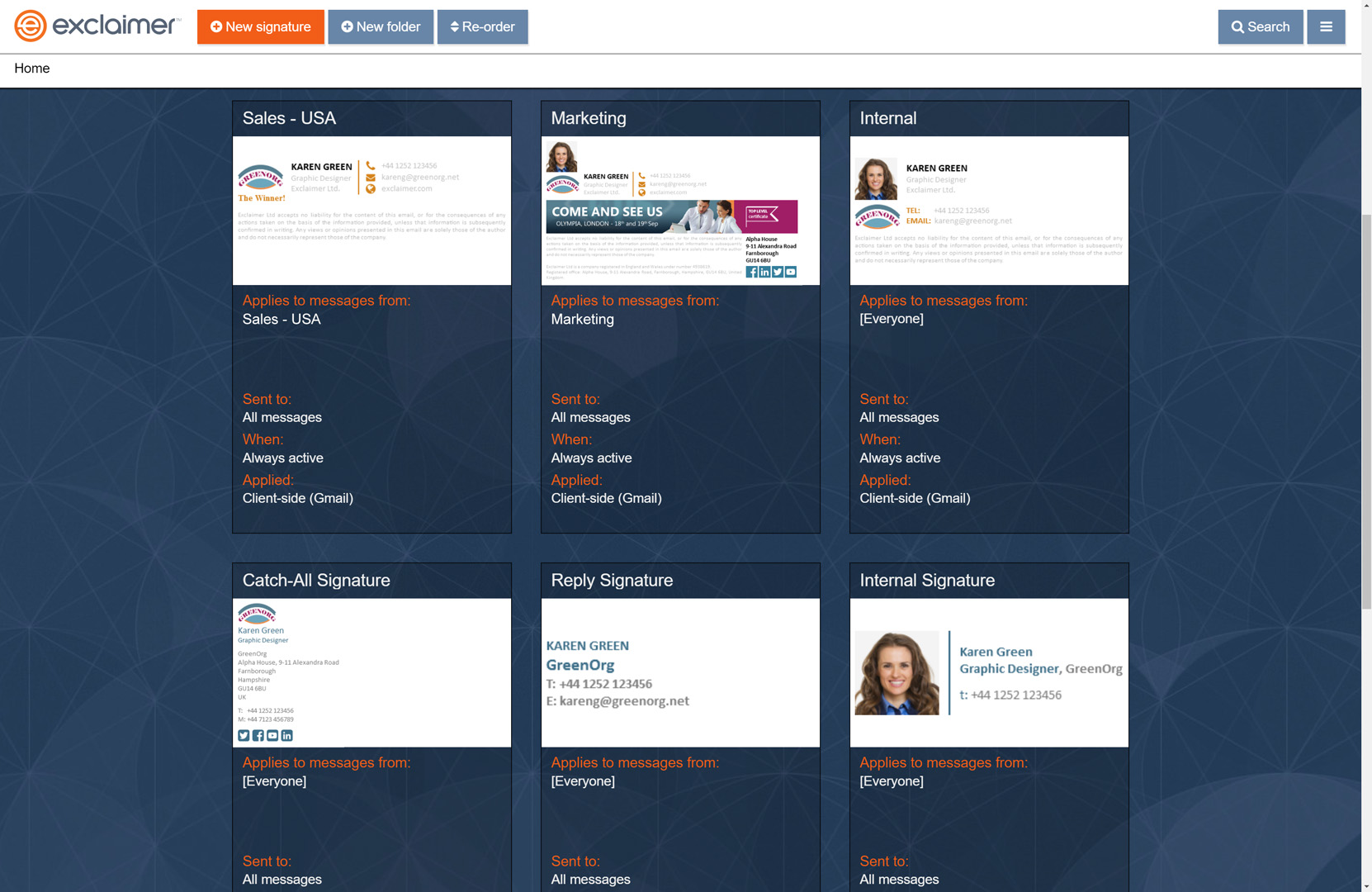
As our company grew, we quickly lost control over corporate email signature consistency. I previewed a few services but landed on Exclaimer Cloud - Signatures for G Suite Edition because they seemed to have the most robust integration with G Suite, where we host our company email. We have deployed it across our whole company. It allows us to maintain consistency across the entire company for email signatures.
Pros
- The integration with G Suite is clever--cumbersome to set up, but it's a neat hack that works well and applies signatures to any email sent from any platform, mobile or desktop.
- The service is excellent for maintaining centralized control over your corporate image by streamlining email signatures companywide.
- I was initially concerned about it interfering with deliverability, but it has not been an issue at all, whereas client-side signatures with embedded or linked image footers sometimes failed spam filters.
Cons
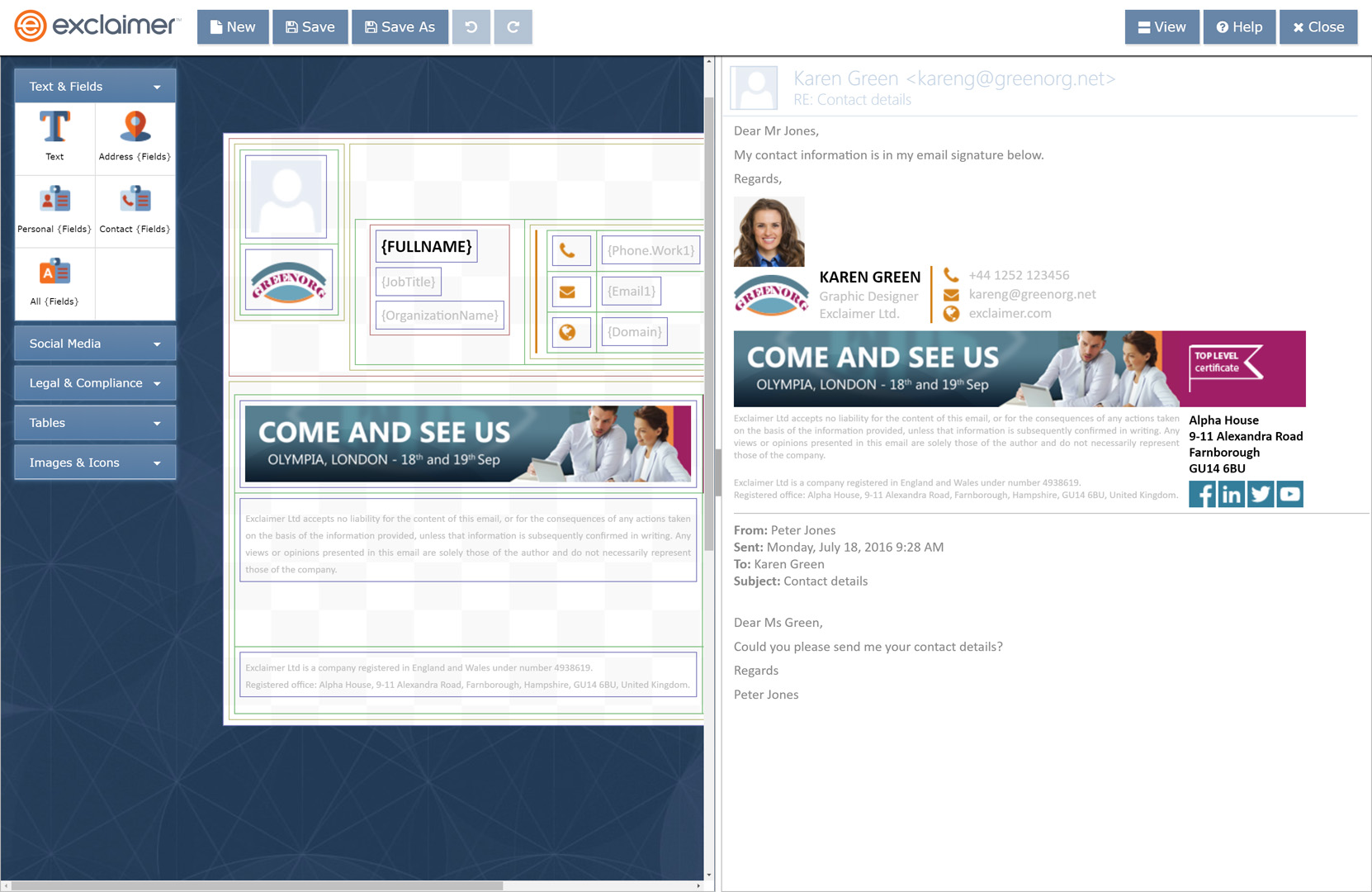
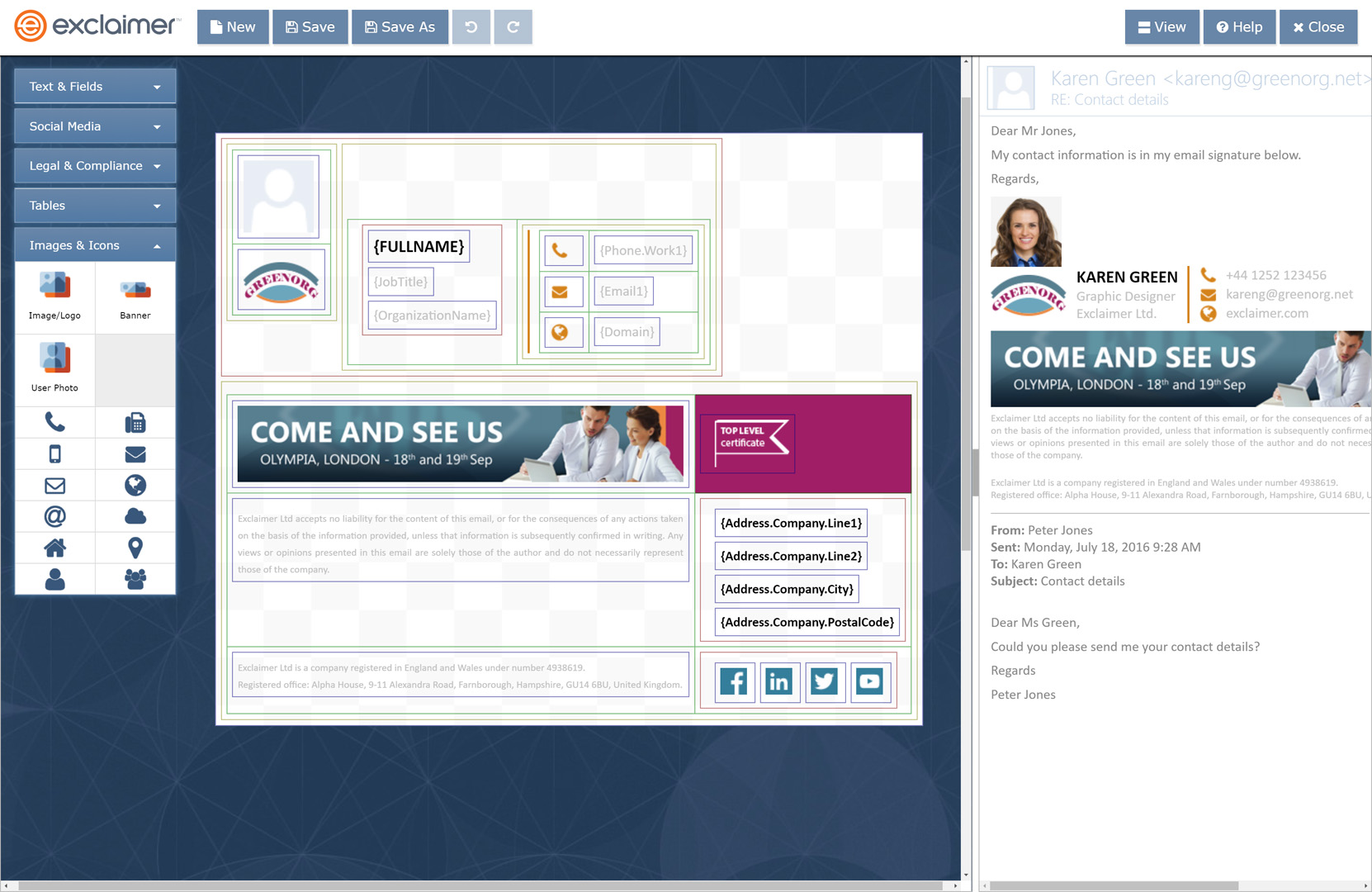
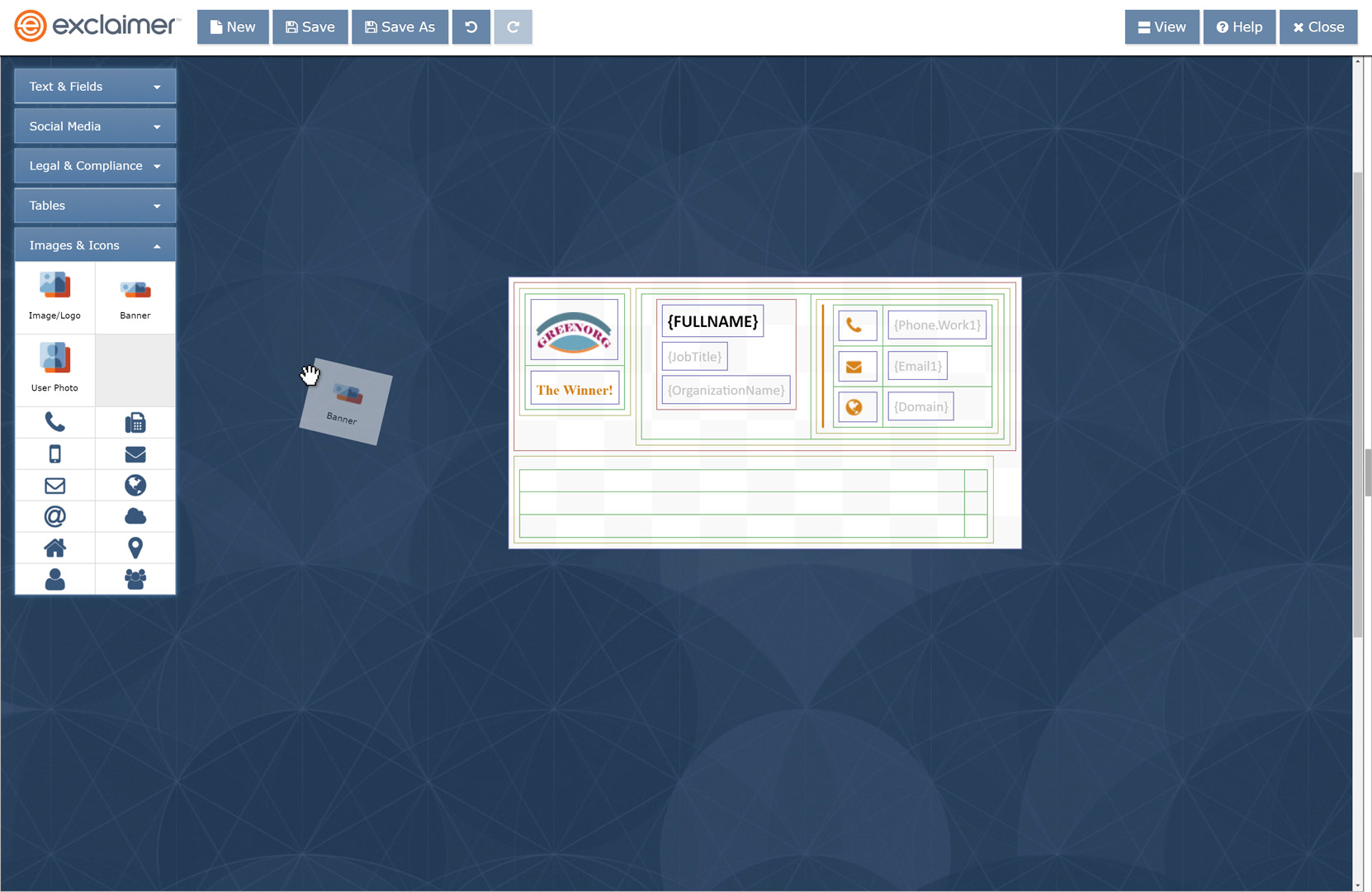
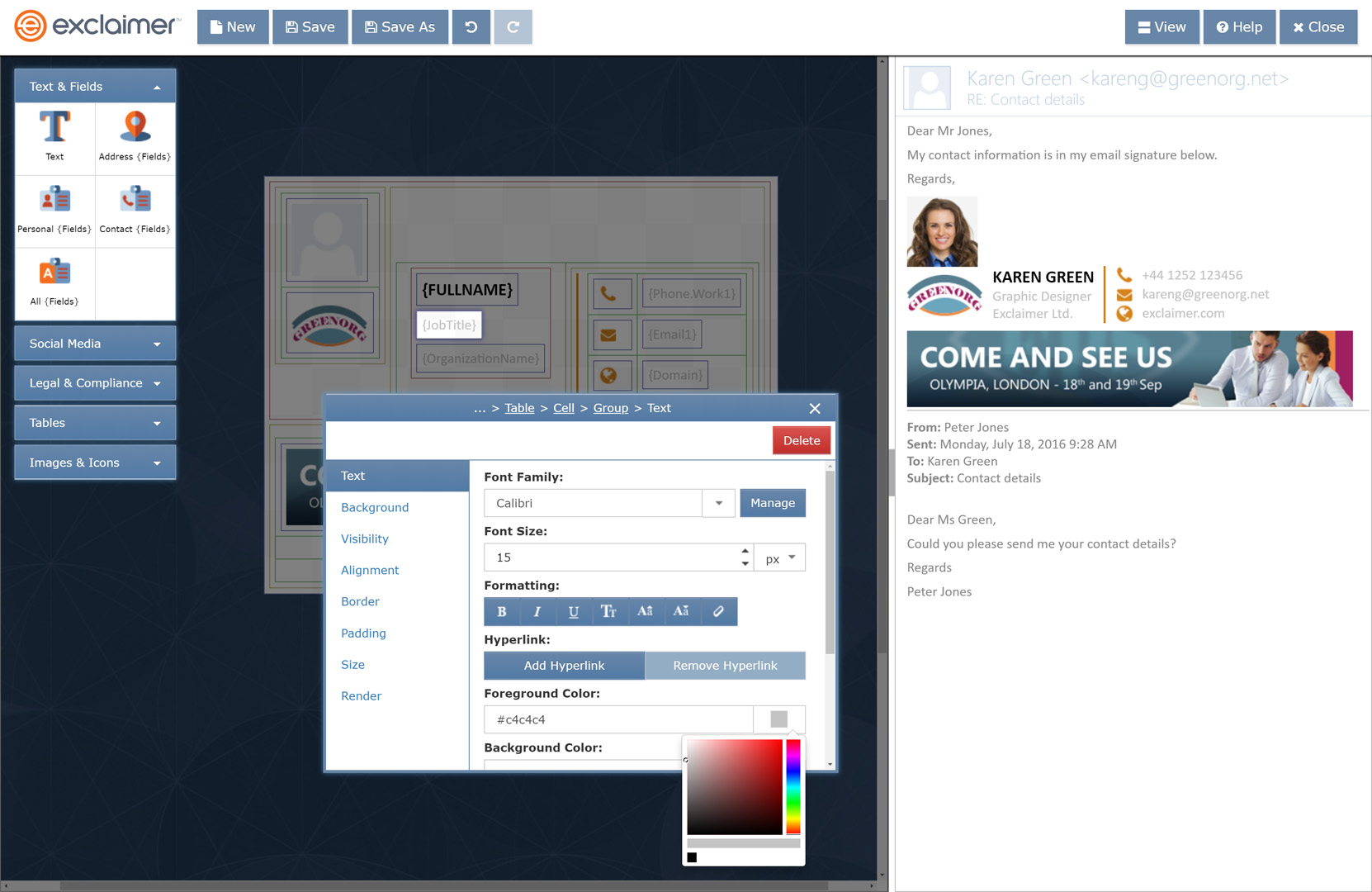
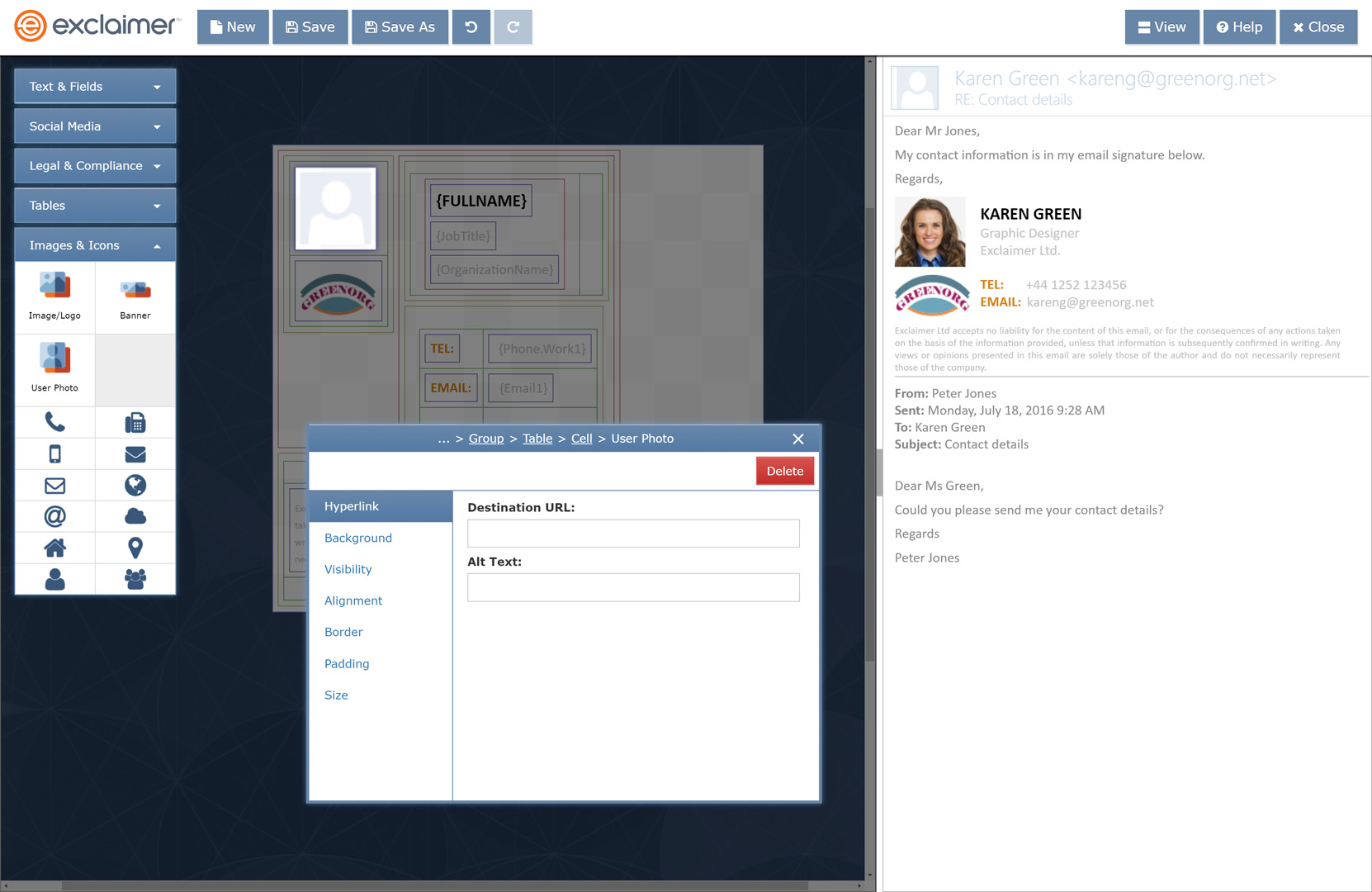
- My #1 complaint, and it is a big one, is that Exclaimer Cloud does not allow you to hand-code HTML email footers. They instead require you to use their visual editor, which creates often bloated code. Were we able to hand-code the email signatures, they would be more efficient, more widely compatible across email recipient clients, and "tighter" in general. I really despise being forced to use a visual HTML editor for the signatures, no matter how functional it may be. Unlock the ability to hand-code the HTML footers, please!
- The pricing is perhaps a bit more expensive than I'd like, but at this time it has not yet become prohibitive. Over time with more employees, we will need to take a closer look at their pricing model to see if it still makes sense to use as a service.
- The instructions for integrating the system into G Suite are cumbersome, but that isn't really their fault. It's due to how Google allows the system to operate within the G Suite framework. Thankfully the setup process is meticulously documented, and as long as you follow each instruction to the letter without fail, it will work and work well.
Return on Investment
- Positive impact: It has helped make our corporate image more consistent.
- Neutral impact: There is no metric by which to measure how much better our emails may be perceived by recipients by having consistent email footers throughout our company. It's best practice, but it's a frill, not a necessity.
- Negative impact: Because this is a frill--a "bell and whistle" feature if you will--it may eventually become difficult to justify its expense companywide. But as a small company, it's a good solution for now.
Alternatives Considered
WiseStamp and Newoldstamp
Other Software Used
Zoho Creator, Trello, Box, DocuSign