TrustRadius: an HG Insights company

Exclaimer Cloud - Signatures for G Suite Edition

Score8 out of 10

1 Reviews and Ratings

What is Exclaimer Cloud - Signatures for G Suite Edition?

Exclaimer Cloud - Signatures for G Suite is an ISO 27001 Certified email signature management solution for G Suite. It gives users a full, dynamic, and professional email signature when sent from any device, including Macs and mobiles, and creates large cost savings by reducing the load on current IT personnel.

Why choose Exclaimer Cloud?

  • Centrally manage email signatures wherever you are
  • Deliver your brand consistently every time
  • Create large cost savings by reducing the load on current IT personnel
  • Turns email signatures into a valuable marketing channel

Categories & Use Cases

Awards

Products that are considered exceptional by their customers based on a variety of criteria win TrustRadius awards. Learn more about the types of TrustRadius awards to make the best purchase decision. More about TrustRadius Awards

Videos

Screenshots

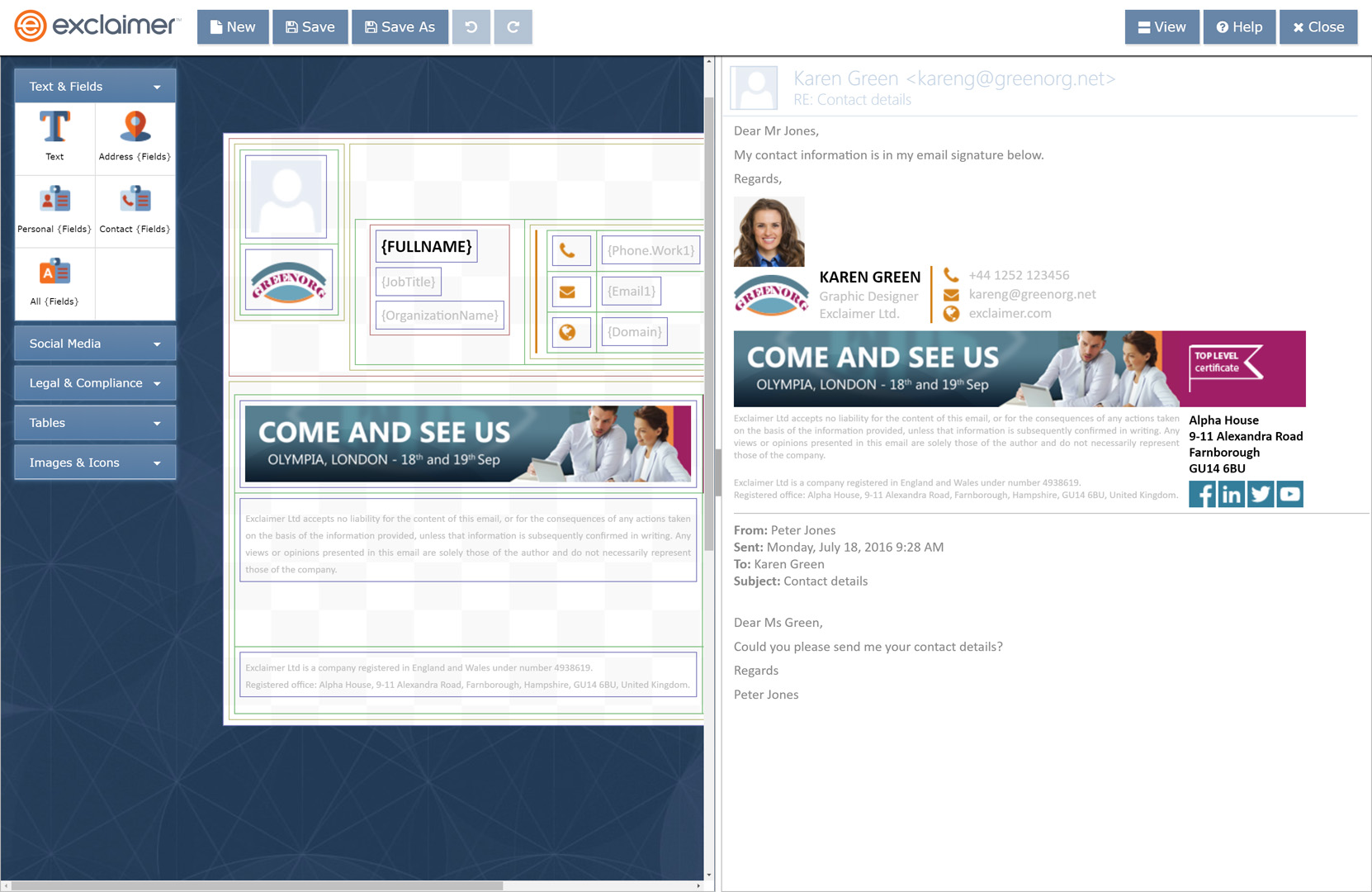
Screenshot of Create a G Suite email signature from scratch with the Exclaimer Cloud signature editor, or choose from the pre-built signature template library.
Screenshot of Create and manage all G Suite users’ Gmail signatures through a web portal designed for users of all technical abilities, and accessible from any web browser.
Screenshot of Users’ contact details are automatically taken from your Google Directory, so all you need to do is specify which contact field goes where.
Screenshot of You can create different Gmail signatures for each Google Group, and create a shorter reply and internal signature.
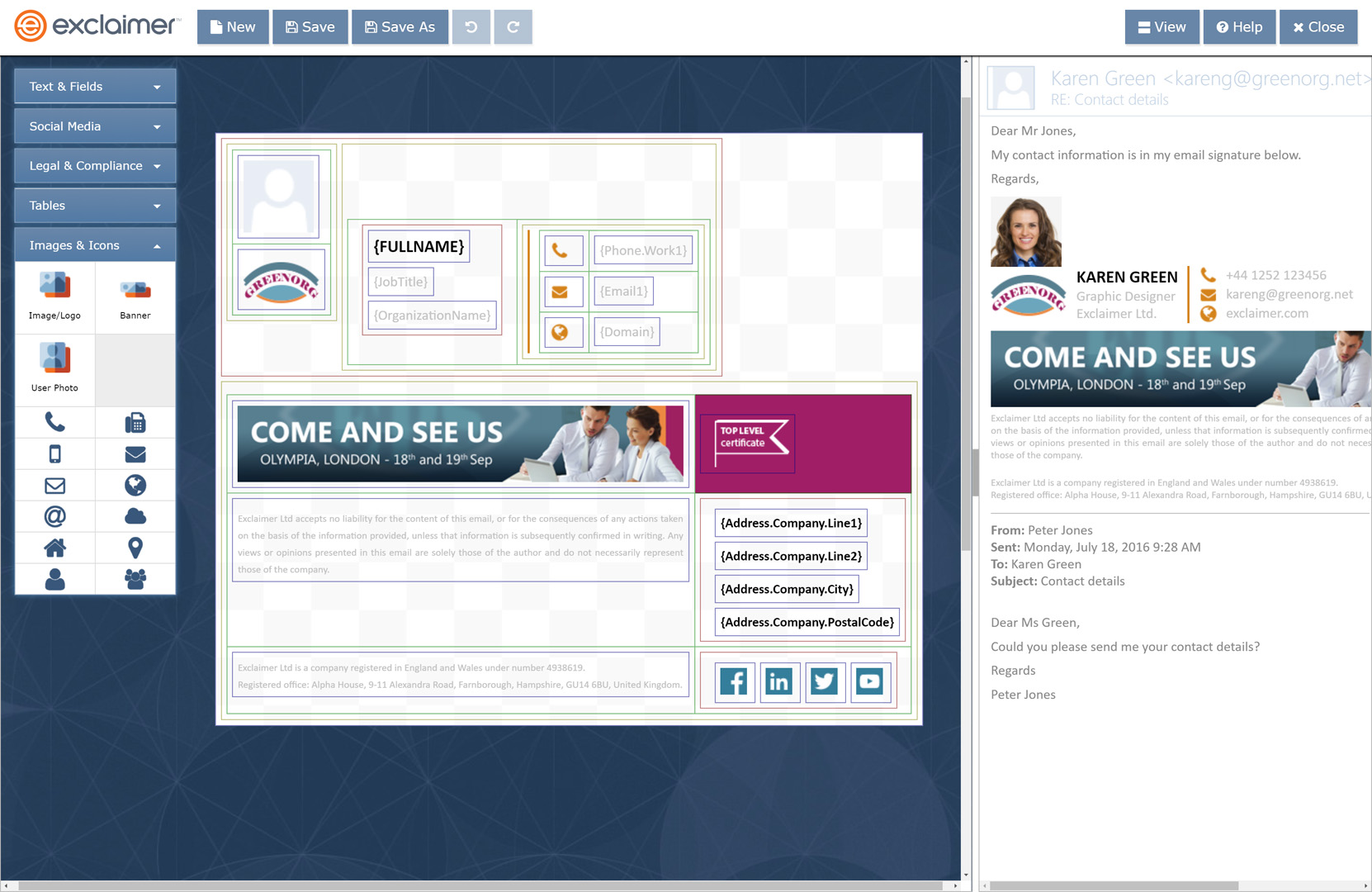
Screenshot of Add dynamic marketing elements such as promotional banners, social media icons and award logos.
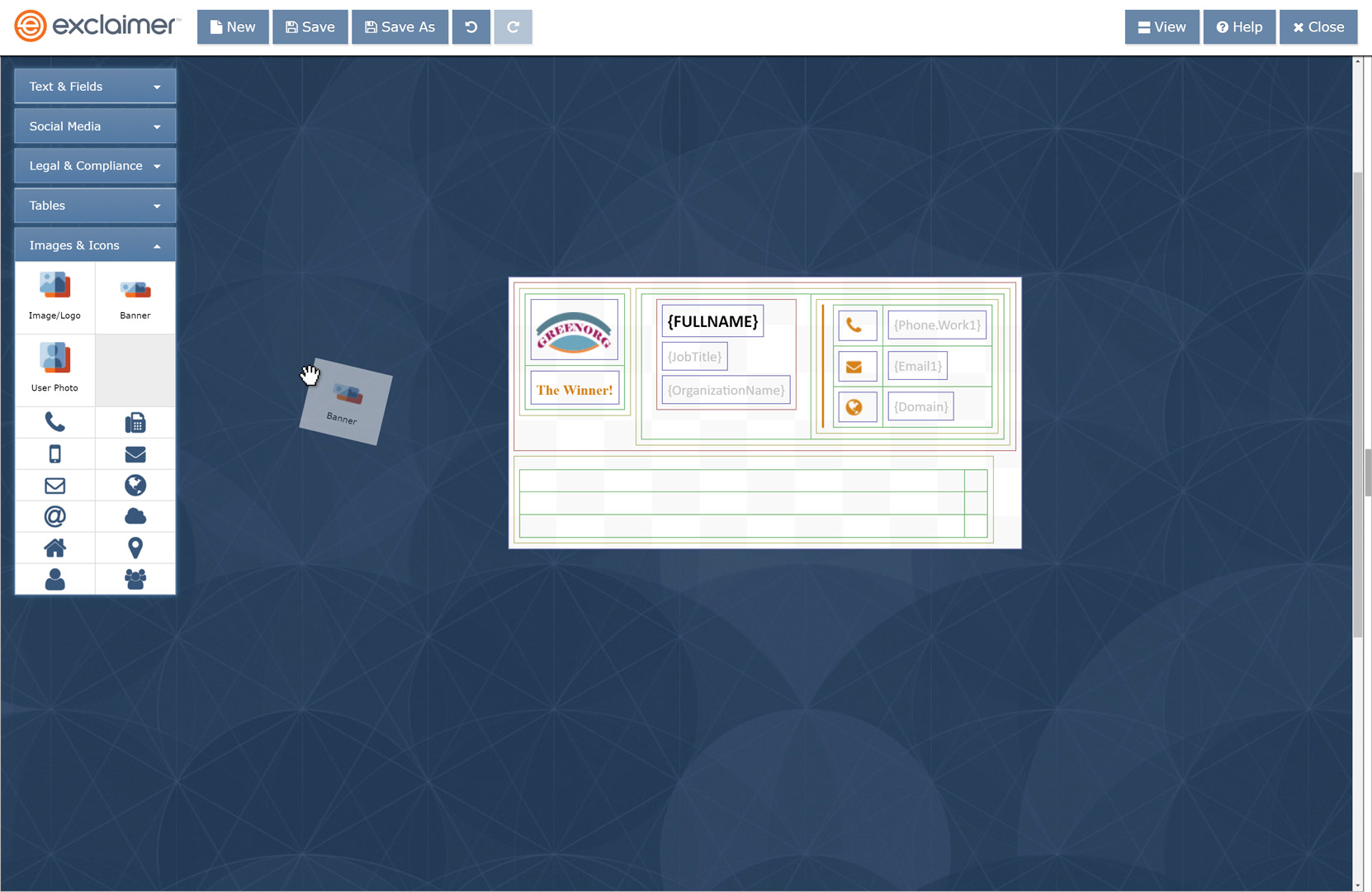
Screenshot of Effortlessly drag-and-drop signature elements onto your Gmail signature design.
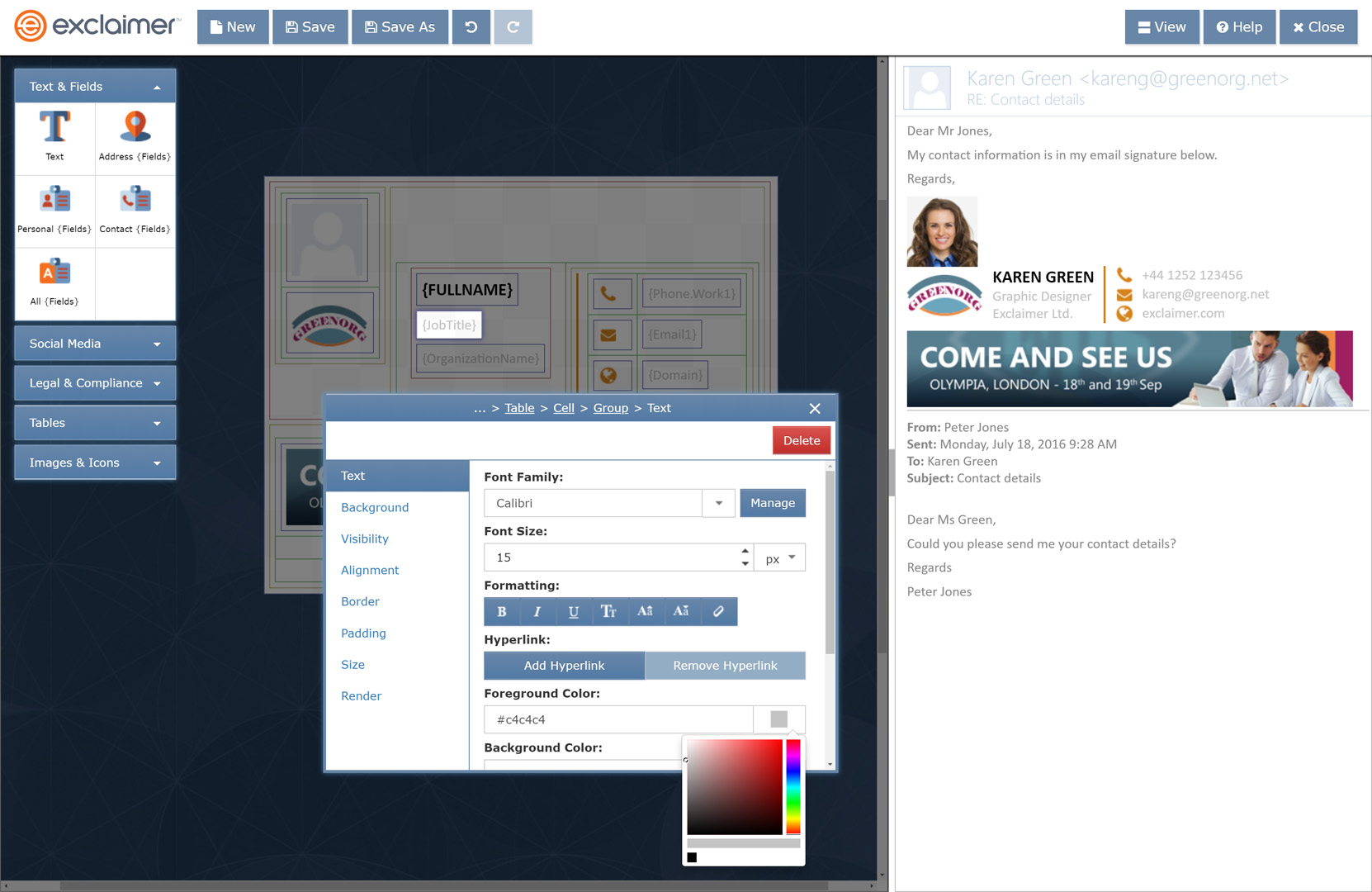
Screenshot of Style the signature design to comply with your organization’s brand guidelines.
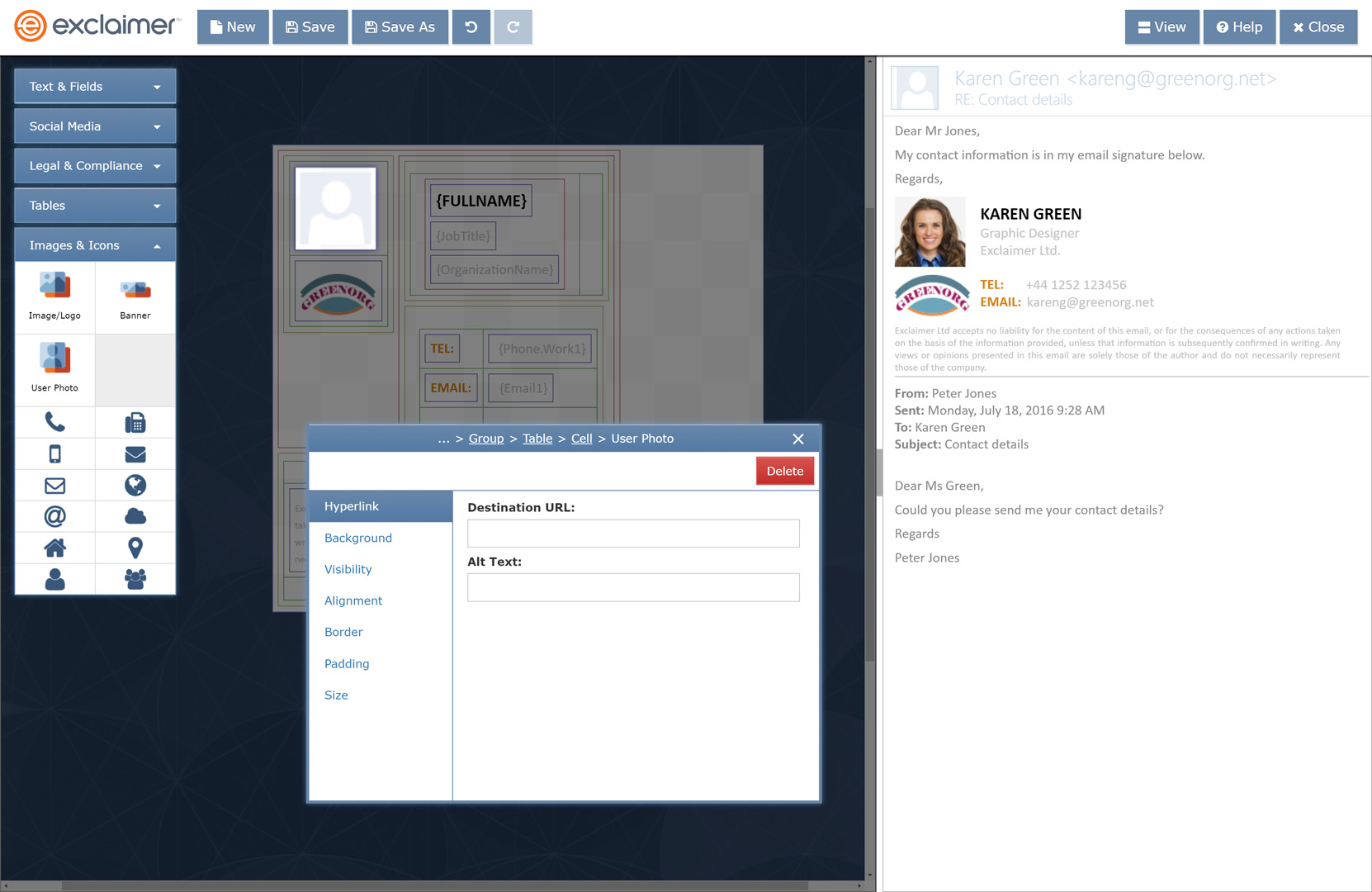
Screenshot of Personalize your G Suite users’ email signatures by adding a user photo.
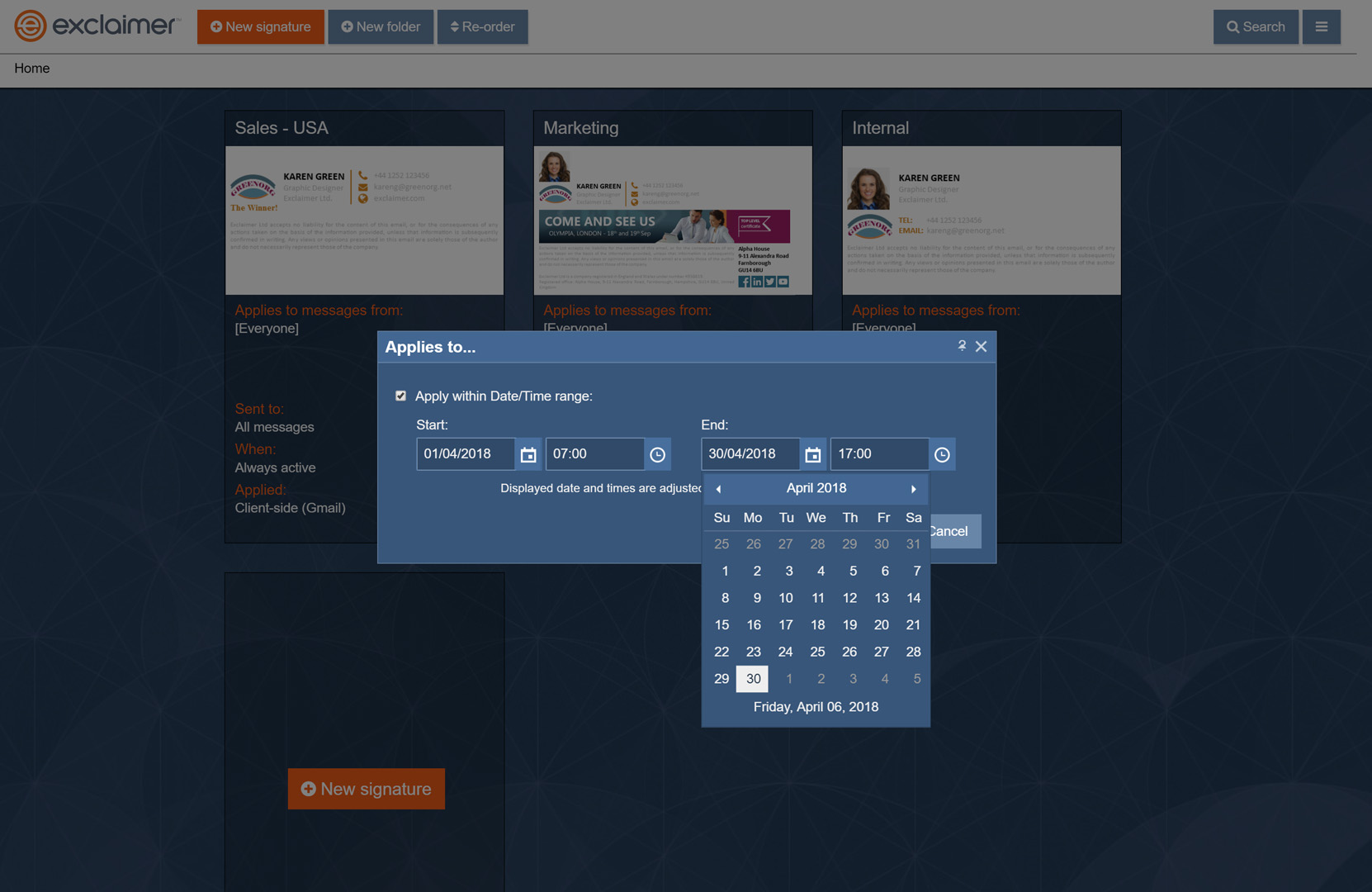
Screenshot of If you’re including promotional banners in a Gmail signature for an event or a sale, you can add a time-and-date range to run for a set period of time.
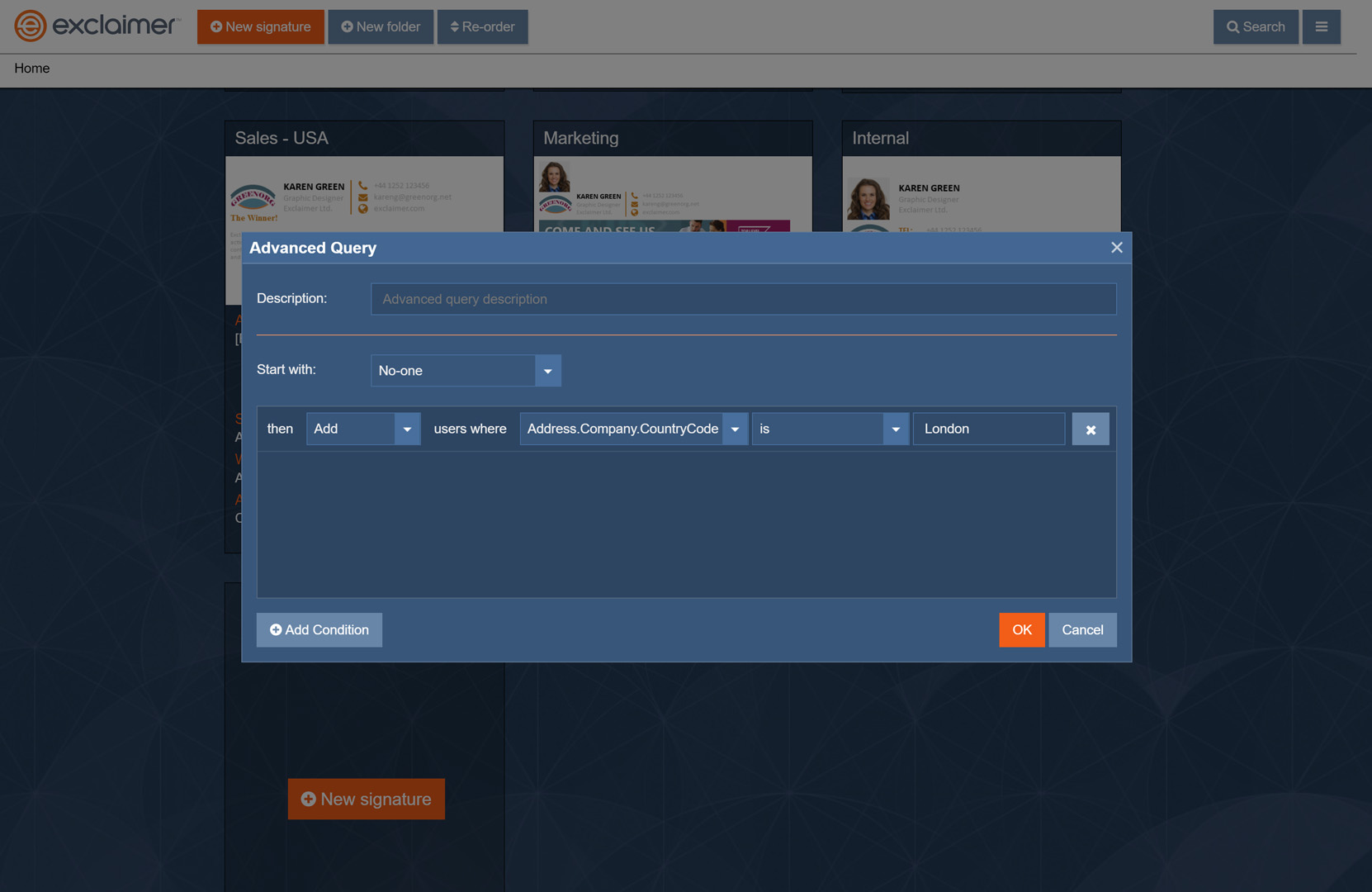
Screenshot of Assign G Suite email signatures to you users based on specific user attributes, such as Google Group, office location, or even a job title.
Screenshot of The signature rules tester allows you to see which signature is applied for a specific user when they email either an internal or external recipient.

1 / 11

Screenshot of Create a G Suite email signature from scratch with the Exclaimer Cloud signature editor, or choose from the pre-built signature template library.

Technical Details

Technical Details
Deployment TypesSaaS
Mobile ApplicationNo
Supported CountriesAll
Supported LanguagesEnglish, German, Spanish, French, Italian, Dutch, Portuguese

Downloads

FAQs

What are Exclaimer Cloud - Signatures for G Suite Edition's top competitors?
SignatureSatori, Xink, and Opensense are common alternatives for Exclaimer Cloud - Signatures for G Suite Edition.