





ScreenConnect is a powerful bargain alternative to LogMeIn

Use Cases and Deployment Scope
My company uses Screenconnect to support all of our remote users through support sessions and training sessions. It replaced Splashtop after using that platform for a year and Logmein for 3 years. It is my favorite of the bunch because of its ease of deployment and customization options for such a low price.
Pros
- Screenconnect allows for my customers to send me messages through the agent on their machine. It allows canned responses when I am away from the console.
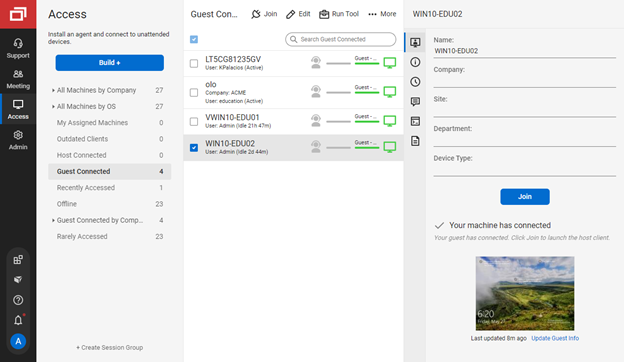
- Screenconnect allows for permanent access to be installed very easily when in a temporary support session.
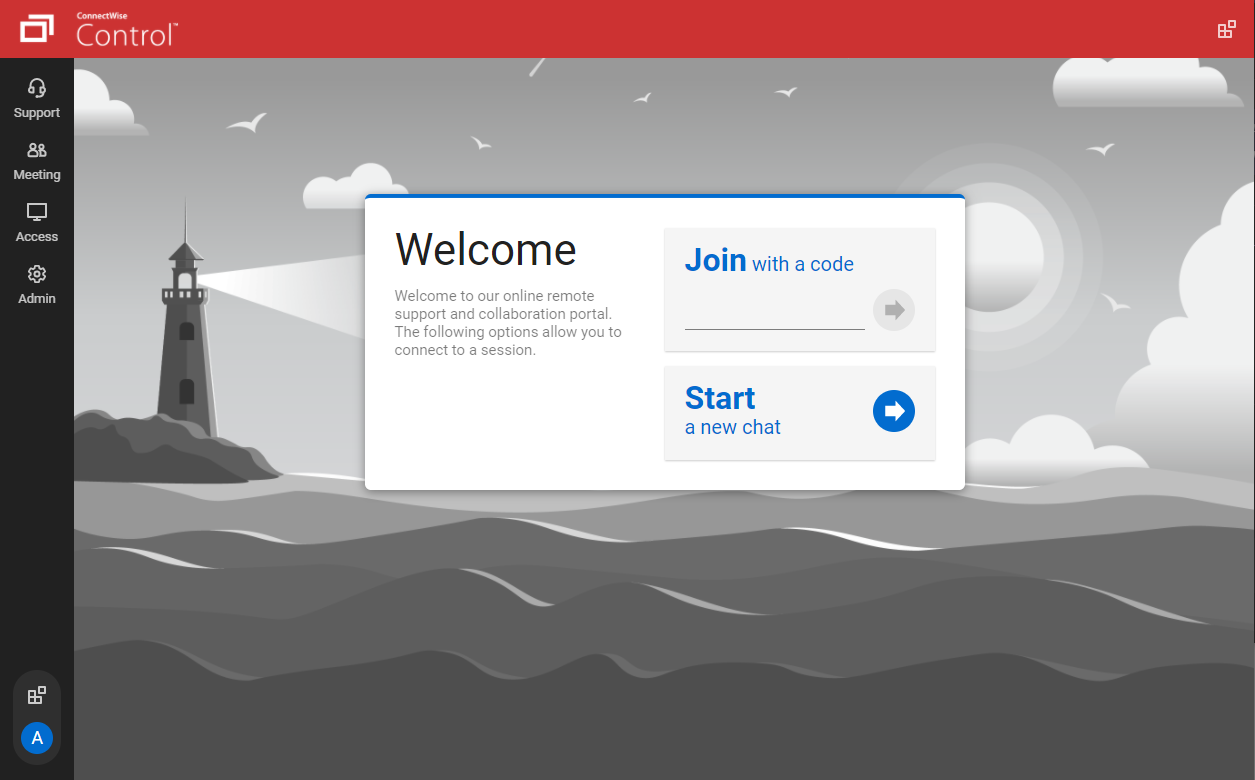
- Screenconnect allows me to brand the system in all ways from the icons used for the agent in the taskbar to the support portal that my customers see.
Cons
- The configuration of screenconnect can be a little daunting for people who do not have HTML/CSS/XML experience. Even though there are a ton of options, they are a little difficult to understand.
- Permissions for additional users could also be more straightforward if you want to limit those users.
Return on Investment
- Screenconnect has allowed me to be more productive with software inventory and service lists on the host machines without having to connect.
- Screenconnect allows me to chat with the hosts without having to connect to them first which saves me time.
- Screenconnect is much more stable than splashtop so I can be sure when I see that the machines are offline that they actually are offline.
Usability
Alternatives Considered
LogMeIn and Splashtop
Other Software Used
Microsoft Intune, ManageEngine Access Manager Plus, Freshservice


