TrustRadius: an HG Insights company

ConceptDraw DIAGRAM

Score5.9 out of 10

20 Reviews and Ratings

What is ConceptDraw DIAGRAM?

ConceptDraw DIAGRAM is an on-premise diagramming tool that, according to the vendor, allows users to create designs of any complexity level either on Macintosh or Windows, regardless of the platform being used.

Users can install the same license of ConceptDraw DIAGRAM on multiple computers. The vendor also offers a number of add-ons, called "solutions". The product comes with a number of built-in stencils and templates that cover different areas and fields such as:
  • Building Plans
  • Business Infographics
  • Business Processes
  • Business Productivity
  • Collaboration
  • Computer and Networks
  • Dashboards
  • Diagrams
  • Finance and Accounting
  • Food and Beverage
  • Graphs and Charts
  • Health
  • Illustration
  • Industrial Engineering
  • Infographics
  • Management
  • Maps
  • Marketing
  • Packages
  • Project Management
  • Quality Management
  • Science and Education
  • Software Development
  • Sport
  • Statistical Charts

Categories & Use Cases

Media

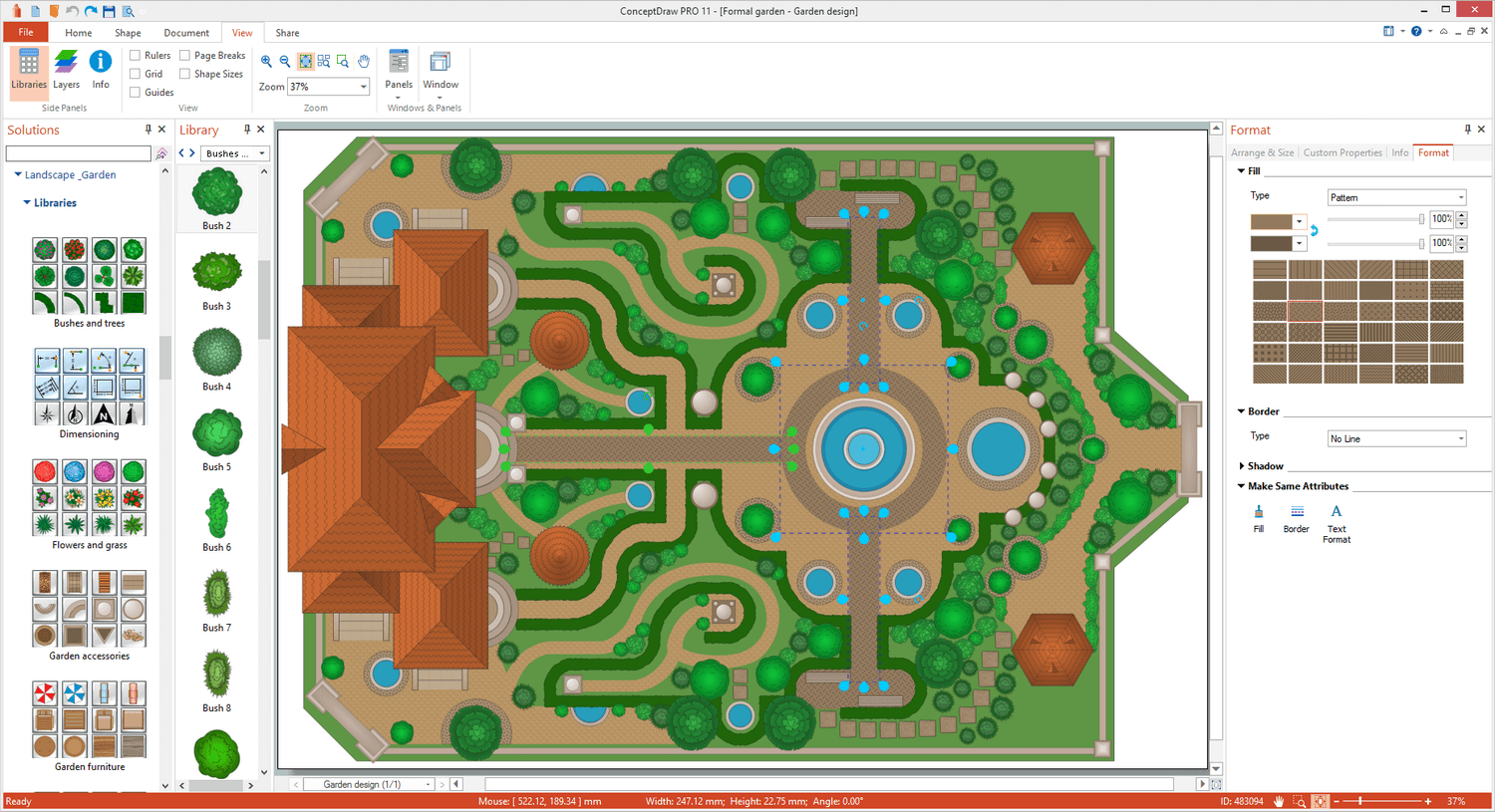
Screenshot of Landscape&Garden Plan
Screenshot of Flat Interior Design
Screenshot of PM Scrum
Screenshot of Customer Journey Mapping
Screenshot of Family Tree Diagram: Autosomal Dominant Pedigree Chart
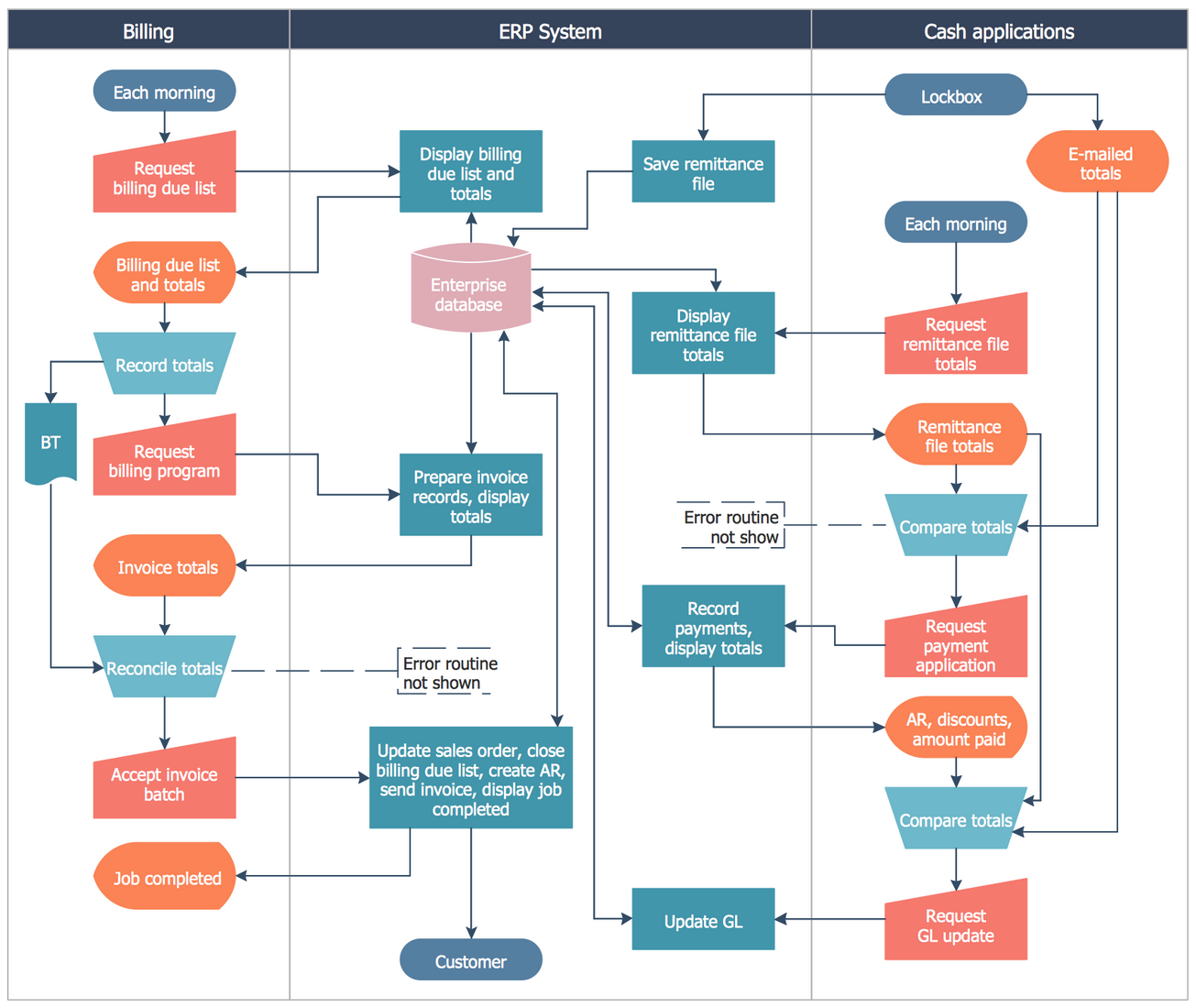
Screenshot of Business Process Cross-Functional Flowchart: Stockbridge System
Screenshot of Business Intelligence Dashboard template
Screenshot of Healthcare Workflow Diagram: Stress
Screenshot of Cisco Network Diagram
Screenshot of AWS Architecture Diagram
Screenshot of Spatial Dashboard
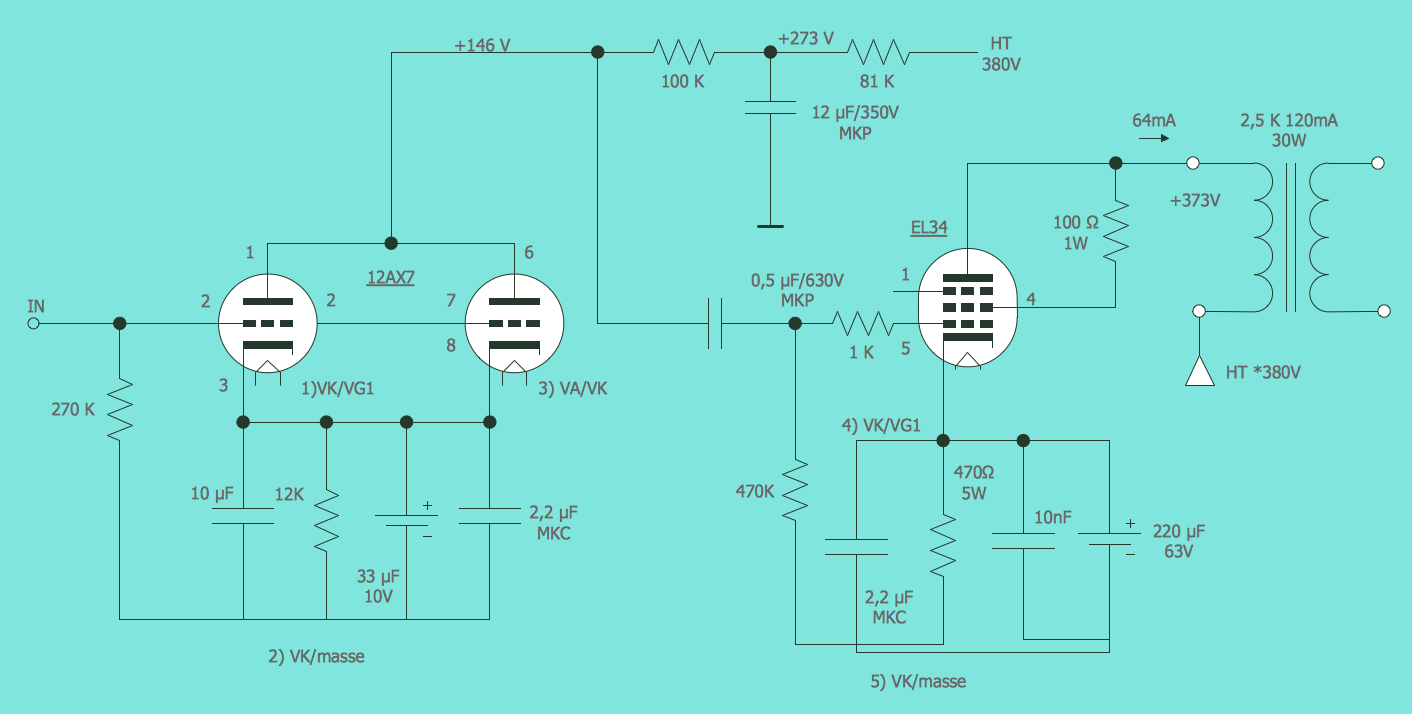
Screenshot of Electrical Engineering: Circuit Diagram
Screenshot of Basic Area Chart
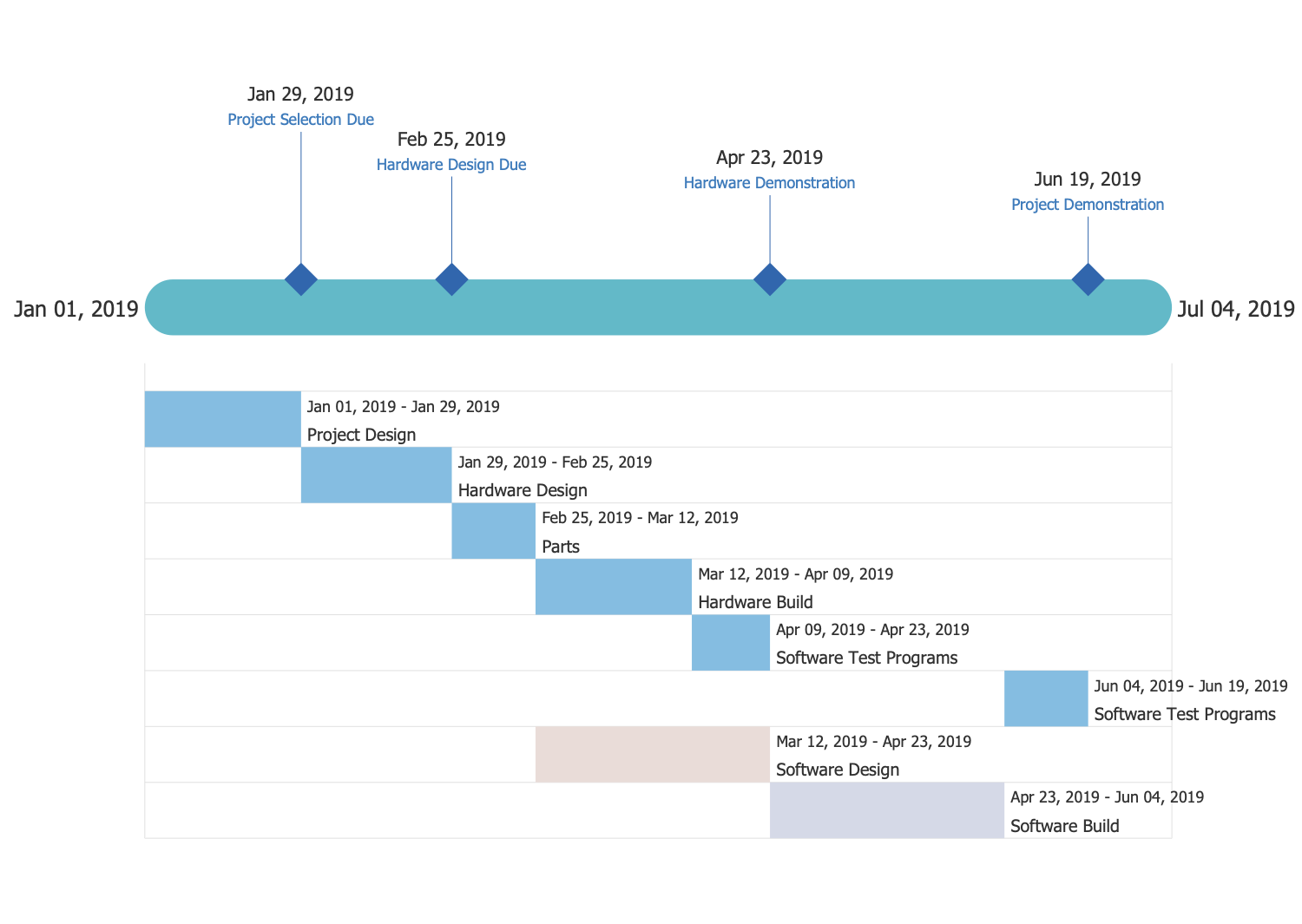
Screenshot of Project Timeline
Screenshot of Org Chart
Screenshot of Stakeholder Onion Diagram
Screenshot of Neighborhood 3D Map
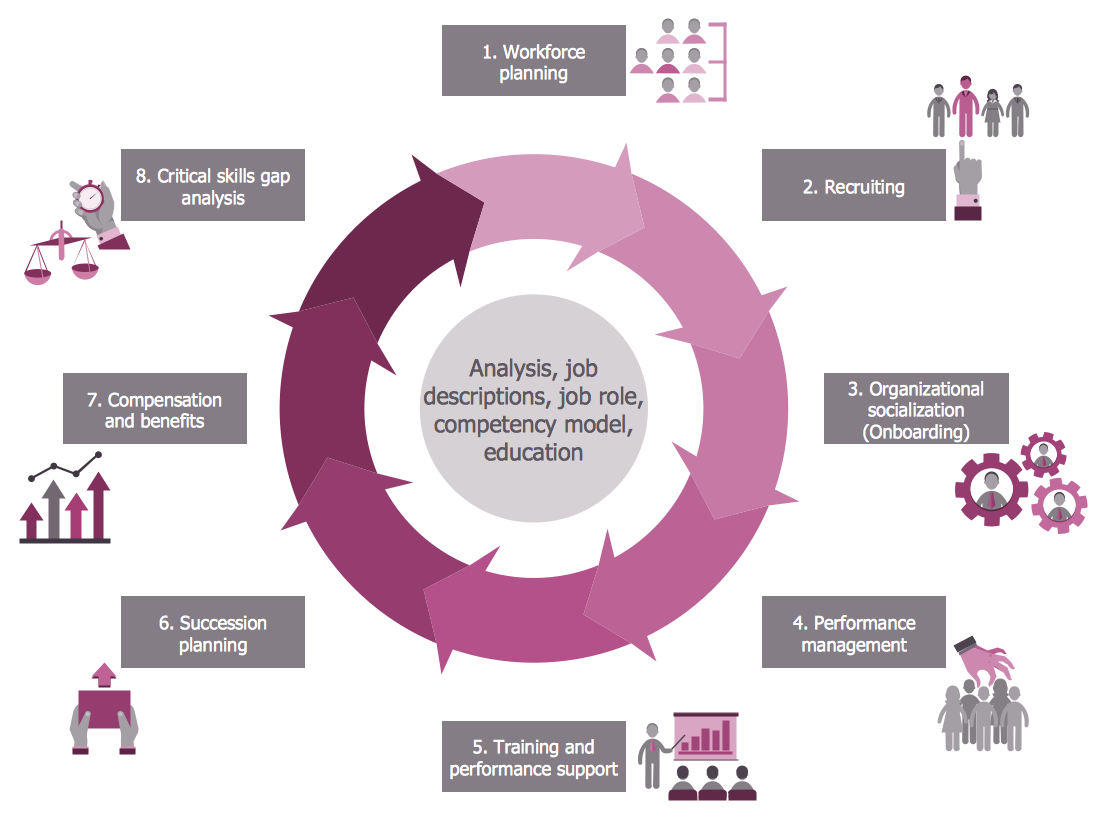
Screenshot of HR Flowchart
Screenshot of Chemistry: Gravity Filtration of Liquids
Screenshot of Class UML Diagram for Bank
Screenshot of IDEF0 Diagram: Application Development
Screenshot of Baseball Defense Positions
Screenshot of Winter Olympics Pictograms

1 / 23

Screenshot of Landscape&Garden Plan

Great Product! Concept Draw is Wonderful!

Pros

  • Great for ER diagrams
  • Easy, fast, and low-learning curve.
  • Cross compatibility with VIsio!

Cons

  • Graphics do not always load which can complicate the drag and drop system.
  • Would like to see more symbols for ER diagrams.
  • Struggled to figure out how to get it to save to a PowerPoint easily. My sizes were always off. More a me problem I think. Ha!

Most Important Features

  • Project management diagrams
  • Entity relationship diagrams
  • Process mapping

Return on Investment

  • Mapped out the database system
  • Can be used to open Visio files received from other centers.
  • Low cost of product for high functionality.

Alternatives Considered

Microsoft Visio

Other Software Used

Microsoft Visio

Create Process Flow and P&I Diagrams with The Best Available Libraries

Pros

  • They're the only company that could offer a decent product with a fair price for Apple devices, like my Mac.
  • It provides easy development of process flow diagrams and P&ID diagrams.
  • The software has an intuitive arrangement of commands, which reduces the learning curve suffering.

Cons

  • They could develop a few webinars to teach some techniques and special commands.

Return on Investment

  • It's had a great impact on the quality of my projects, since they have a really great library for all kinds of chemical engineering equipments and process flow variables.
  • Also, they have physics and chemistry libraries, which help me through class preparations and slide presentations.

Alternatives Considered

Microsoft Visio

Other Software Used

Adobe Illustrator CC, Adobe Acrobat DC

ConceptDraw "Pro" Visio in disguise? Close, but not quite.

Pros

  • The collections of images and shapes are very nice.
  • Creating an easy "quick and dirty" layout can be done in seconds.

Cons

  • They kind of nickel and dime you for shapes and images which is kind of a bummer.
  • The overall functionality is very quirky. Trying to move items is difficult and not very precise.
  • Layers are done very strangely. You can easily add shapes to the wrong layer and trying to get them on the correct layer is a hassle.
  • Something about the software puts a lot of strain on even my most powerful PC.

Return on Investment

  • Positive. Our table selection screens look amazing and are VERY clear and easy for our employees to understand.
  • Negative. The software is just hard to use and is very time consuming if you need to create something detailed.
  • Positive. The price isn't too bad.
  • Negative. They nickel and dime you for shapes and images.

Alternatives Considered

Microsoft Visio

Other Software Used

Adobe Photoshop, Adobe Acrobat DC, Microsoft Visio, Microsoft Office 365, Notepad++, Splashtop Remote Support, Zendesk

Usability

ConceptDraw. Intuitive and "does what it says on the tin"

Pros

  • Intuitive interface.
  • Ease of use.
  • Extensive libraries.
  • Excellent technical support.

Cons

  • ConceptDraw Store makes itself a background task when run. Easy enough to remove. But still.

Return on Investment

  • Quick to produce charts.
  • Hassle free.
  • And that word again - it's "intuitive."

Usability

Other Software Used

ANSYS Discovery

Rapid Diagramming and Best Value for Money

Pros

  • Multiple templates
  • Integration with other tools in the suite
  • An extensive set of samples and examples showing the usage of various types of diagrams

Cons

  • Getting started in difficult.
  • Can't mix and match portrait and landscape orientation for the pages in a project
  • Grouping of pages into sections is not supported.

Return on Investment

  • Saved time
  • Helps with conveying message properly across team so increased efficiency
  • I came to know of many new diagraming techniques by seeing solutions built into ConceptDraw.

Alternatives Considered

Microsoft Powerpoint and SmartDraw

Other Software Used

Microsoft Visual Studio Code, Visual Studio IDE, Adobe Premiere Pro
