TrustRadius: an HG Insights company

AppSheet

Score9 out of 10

369 Reviews and Ratings

What is AppSheet?

Acquired by Google in Spring 2020, AppSheet is an intelligent, no-code app platform for everyone. Users can create apps to transform the workplace.

Common use cases include field service, transportation, customer surveys, incident reports, field data capture, compliance reports, delivery tracking, and property surveys.

Used by the Fortune 500 & Industry Leaders
Customers include Clearlink, Enterprise Holdings, ESPN, Pepsi, the University of Michigan, and the State of Colorado.

AppSheet allows users to build a No Code App in 4 Ways
1) Connect your data sources (e.g. Excel, Google Sheets, SQL, etc.).
2) Copy a sample app.
3) Use an Add-On for Google Sheets, Forms, or Excel.
4) Start from SPEC, our natural language declarative programming tool.

The vendor says AppSheet is useful if you:
1) Require a custom mobile app to brand and distribute to employees, colleagues, or customers
2) Are not a software developer
3) Work on a phone or tablet to capture information
4) Are part of a team that needs to work seamlessly offline and online
5) Want the app to have rich functionality
6) Like the power of building and deploying a custom mobile app in minutes
7) Want to be able to work offline and sync to cloud when connected

Media

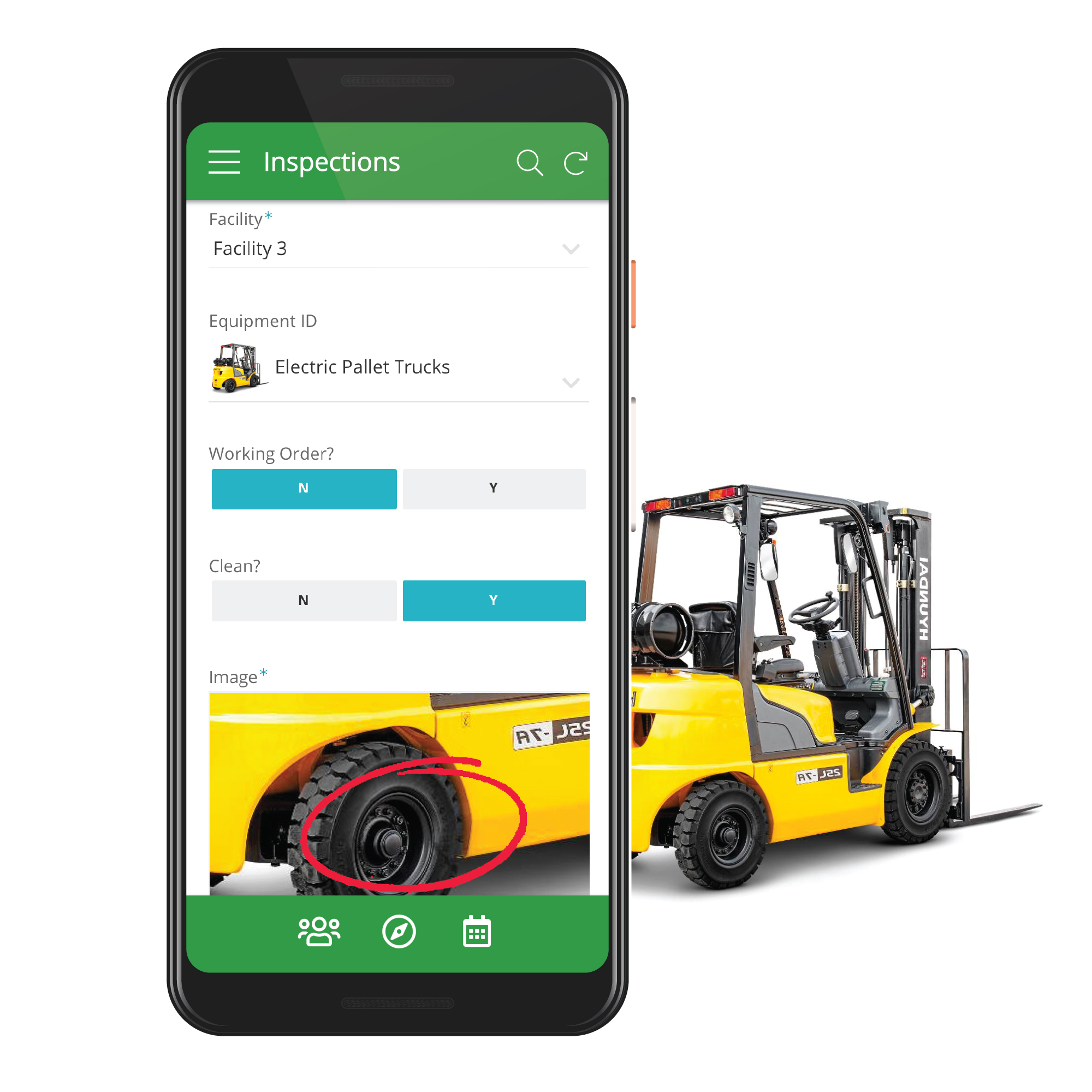
Capture rich data through customizable mobile apps
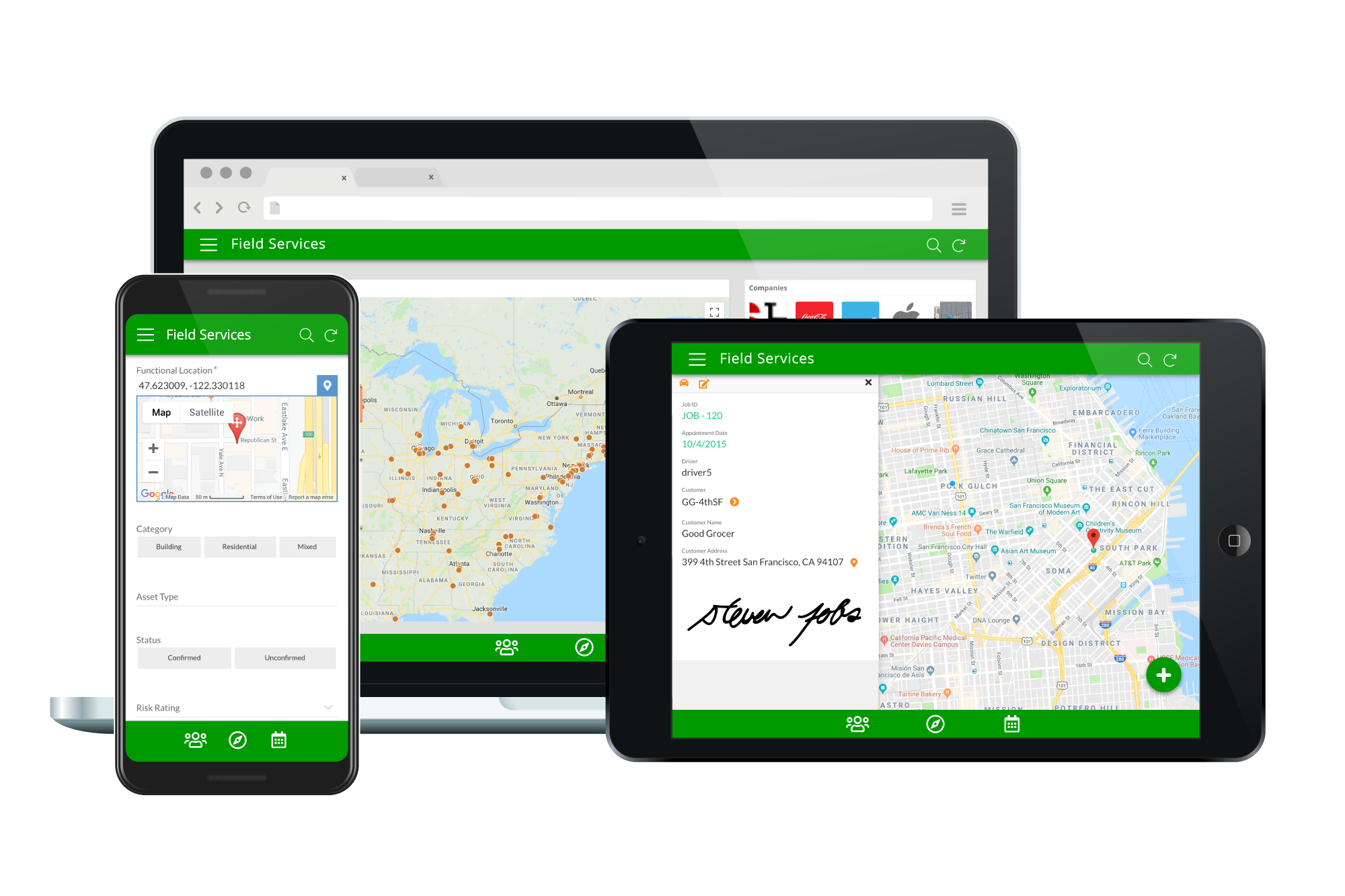
Deploy apps on any device.
Track inventory from supplier to warehouse to customer.
Enable sales and marketing on-the-go.

1 / 4

Top Performing Features

  • Drag-and-drop Interfaces

    Drag-and-drop interface for building applications

    Category average: 8.5

  • Reusability

    An internal repository where assets, modules, and even entire applications can be reused

    Category average: 8.8

  • Platform Security

    Security guardrails in place to help prevent malware, data breaches etc.

    Category average: 8.5

Areas for Improvement

  • Platform User Management

    Tools enabling admins to control user access and on-board and off-board users

    Category average: 8.3

  • Platform Scalability

    Apps developed by low-code platform must be scalable and capable of supporting large numbers of users

    Category average: 8.5

  • Visual Modeling

    Visual modeling tooling allows business users to design processes visually.

    Category average: 7.6

If you are using sheets you must start to use Appsheet.

Use Cases and Deployment Scope

We are using it to manage all kinds of internal assets. We are currently using about 8 different apps, and with each app, we learn a little more, so each time they are more useful. Making all employees be on the same page is sometimes difficult, but when you turn a sheet into an app, using and following up on data is easy and really powerful. The same app passes through different states for each user, making it easy to keep track of everything.

Pros

  • No code programming is really easy. With time you get better and better.
  • Making an app is better than accessing a sheet. You can have user levels and a lot of control over processes.
  • Simple and useful UX. Sometimes we wish to generate some more designed spaces, but really, it just works.

Cons

  • Adding some more design personalization.
  • I found that some things were missing, specifically time and my learning curve, so I couldn't add anything else to improve.
  • There should be some online free course by Appsheet.

Return on Investment

  • We have appsheet as part of our Google plan, so it's kind of free.
  • We develop apps for each process that we can. Even processes for 5 or 6 people get an app, just because it's simple.
  • There is no negative impact. Appsheet is all positive. Really.

Usability

Alternatives Considered

Glide

Other Software Used

Slack, Asana, Google Ads, Meta Business Manager, Google Analytics

Everyone can generate internal apps and general profesional solutions

Use Cases and Deployment Scope

I use it as a personal organization tool. I work with clients, and I generate apps that I share with my clients and let them interact with me via the app. I can control everything in a much better way than a spredsheet. I can generate emails, alerts, time alerts, it's been a great improvement for my organization, and clients can do everything in their mobile phone in a simple and fast way. The perception is a technological interaction that makes everything smooth.

Pros

  • Best way to replace and organize items that usually are on a spreadsheet.
  • Generate alerts on mobile or email.
  • Manage user levels and show different information to each user.

Cons

  • The UX could be better. I would like to have more freedom on design.
  • A free or cheaper option for personal projects would be great without the ten user limit.
  • Make the coding part more easier would be always great. It's easy now, but easier is better.

Return on Investment

  • I think my clients talk about the UX they have to interact with me. I don't know how to measure it, but for me now I can't go back to spreadsheet control.
  • I cannot mention any negative impact. Some clients ask for too much personalization, and then they only use the basics. So you have to be careful of generating more options just because it's easy.
  • I can say I'm a different consultant because of my use of Appsheet, and in the same moment I'm showing clients what they can do internally, and they ask me for generating what we got to their everyday use.

Usability

Alternatives Considered

Power Apps

Other Software Used

Google Sheets, Google Slides, WhatsApp Business, Adobe PhotoShop, Adobe Premiere Pro, BBEdit, Asana

Trust Appsheet and it will reward you back

Use Cases and Deployment Scope

I have started using AppSheet when I was looking for a web app that allowed me to have customers pinned on a map. I started checking around what could be done with AppSheet and today we have managed to automatize many workflows, and we have a fully working crm. The fact that you can connect apps like Zapier, or create automations that send emails, pop up messages and more when meet a trigger is really a turning point in automation settings. I must warn any reader however that even if AppSheet is quite easy to getting used to the user will need to learn all the features in order to organise more complex applications, so get ready to learn and AppSheet will reward you.

Pros

  • Low budget apps
  • Create app from ideas
  • Limit access to specific users

Cons

  • I would love to see more customizable UI
  • AI that follows instructions

Return on Investment

  • -60% response time from quality/lab

Usability

Alternatives Considered

Lovable, Figma Dev Mode and Zapier

Google's biggest tool!

Use Cases and Deployment Scope

Google's AppSheet is a great tool for organizing the entire Compliance area, in addition to being an incredible support for establishing metrics.

The tool is comprehensive, capable of not only controlling valuable analysis information in the area but also creating automated dashboards and email flows from it. All of this can be done with minimal programming.

My goal is to continuously improve my knowledge to understand all of its functionalities better.

Pros

  • Information Control
  • Metrics
  • Dashboard
  • Flow

Cons

  • Understand and have access of the Functions and Codes (like if, sum, etc) - difficult to find information
  • ID - Difficult to put an ID +1 the information before. When I did it, it wasn't possible to create a column with information from another
  • Chart - difficult to create charts of %, not possible to change the columns of different color, when you change the order from the dashboard, it doesnt save, cannot create a pizza graph

Return on Investment

  • Organization
  • Better processes and flows
  • Automation

AppSheet the ultimate utility platform.

Use Cases and Deployment Scope

We use AppSheet to capture data that falls off the grid and build new products that can be offered to customers. AppSheet is being used to capture, measure and manage data that is not currently recorded by our enterprise resource planning solution. What's even better is that the data is easily made available to our users in a very secure way and can also be visualized by other applications such as Looker. AppSheet facilitates Rapid Architected Application Development, which in turn gives the orginzation the ability to respond to changes in the environment and build new products. This is especially true in the areas of property management, logistics management and talent management.

Pros

  • Capture data in real time via a mobile device
  • Share data in a very secure manner
  • An open architecture that allows the integration of other applications
  • Audit usage of any newly built application
  • Ease of access, device independent.

Cons

  • Voice assistant has to start working so that users can talk instead of type
  • Allow generative AI to train on the data captured by AppSheet so that new insights can be quickly delivered to decision makers
  • Integrate AppSheet into established dashboard applications so that it's one seemless product.

Return on Investment

  • $0 spent on new software.
  • Quality is all up to developers.
  • Quality technical support.

Alternatives Considered

Looker and Zapier

Other Software Used

Looker Studio, Zapier, Microsoft Excel