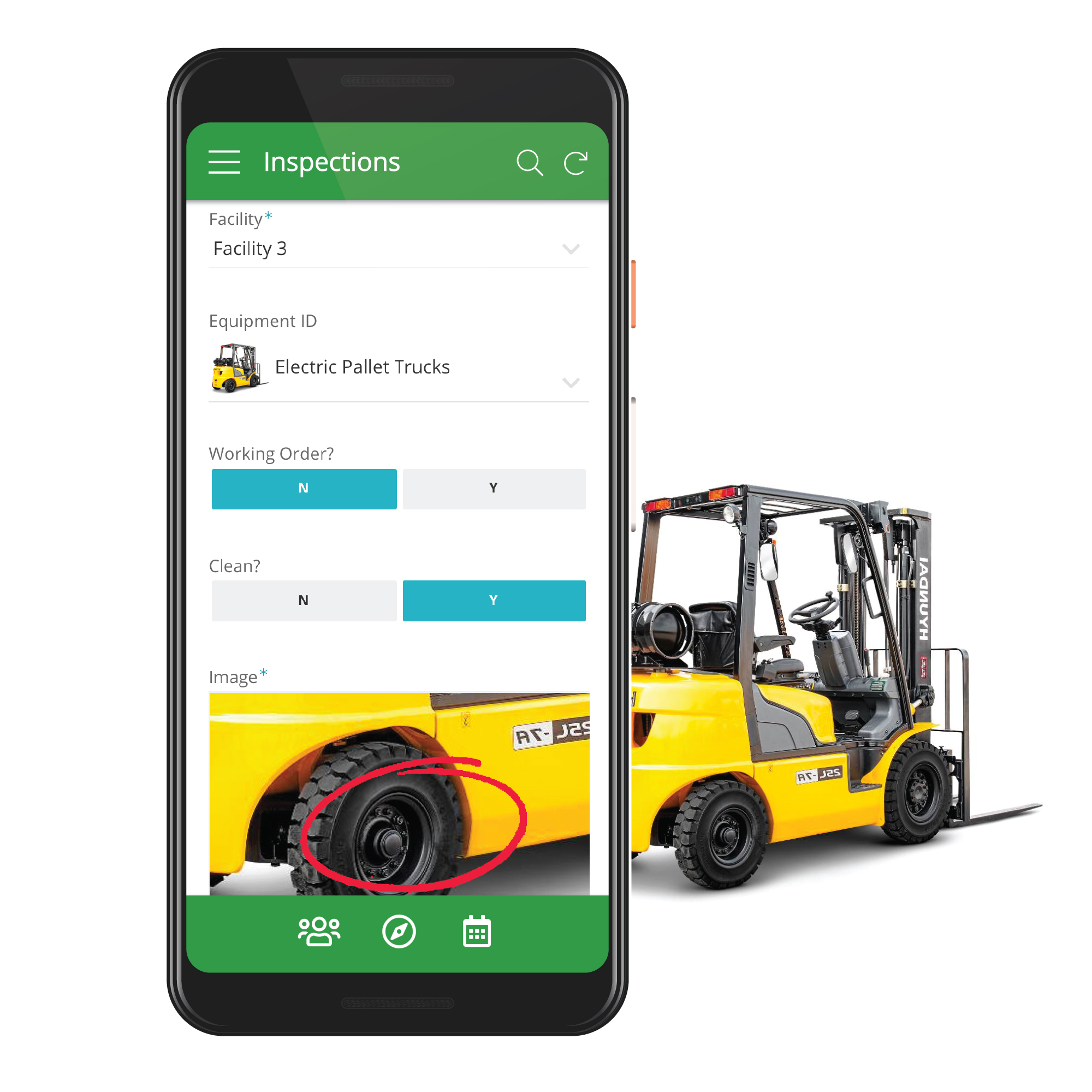
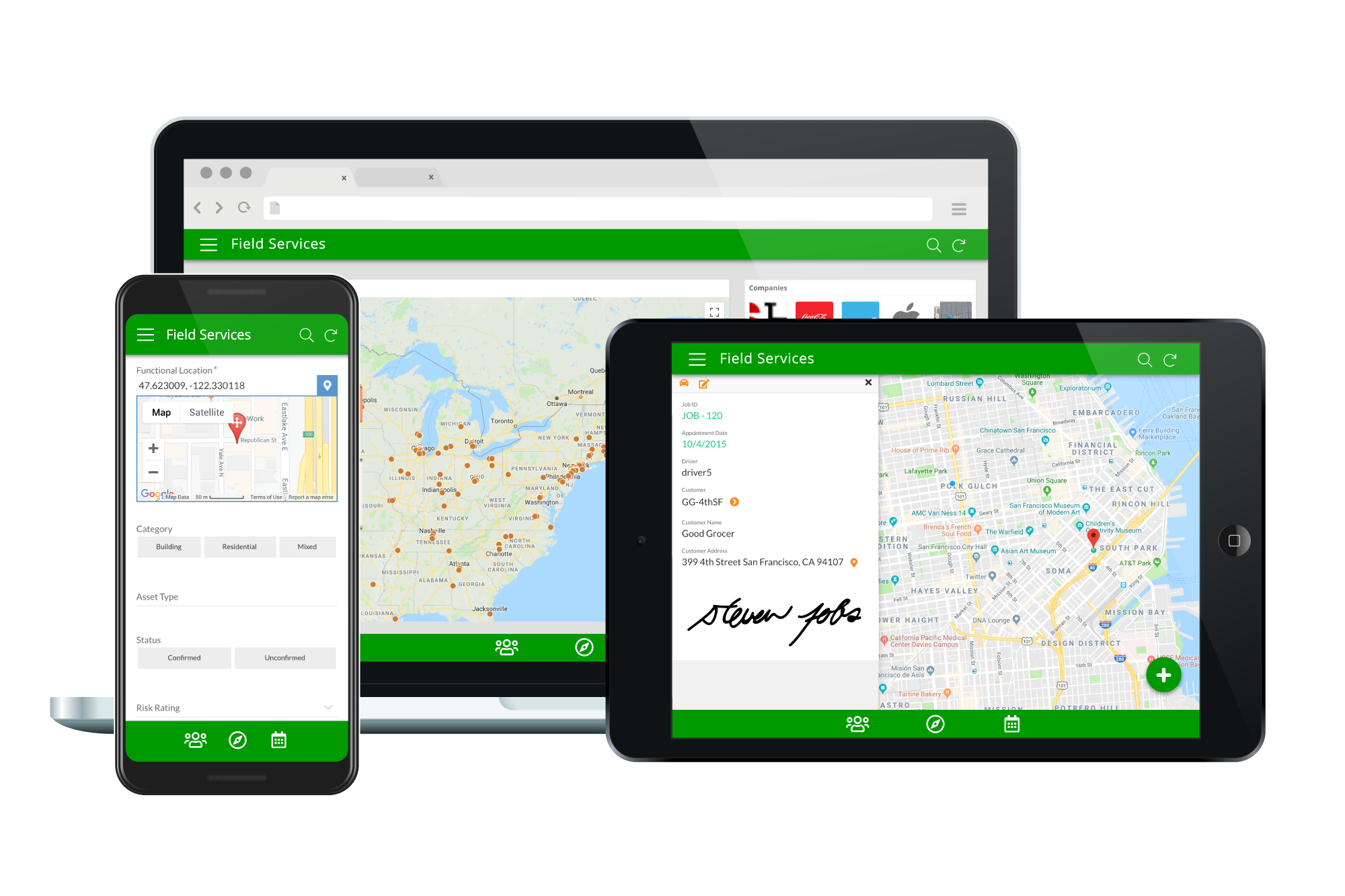
Acquired by Google in Spring 2020, AppSheet is an intelligent, no-code app platform for everyone. Users can create apps to transform the workplace. Common use cases include field service, transportation, customer surveys, incident reports, field data capture, compliance reports, delivery tracking, and property surveys. Used by the Fortune 500 & Industry Leaders Customers include Clearlink, Enterprise Holdings, ESPN, Pepsi, the University of Michigan, and the State of…
$5
per user/per month
Kissflow
Score6.8 out of 10
Enterprise companies (1,001+ employees)
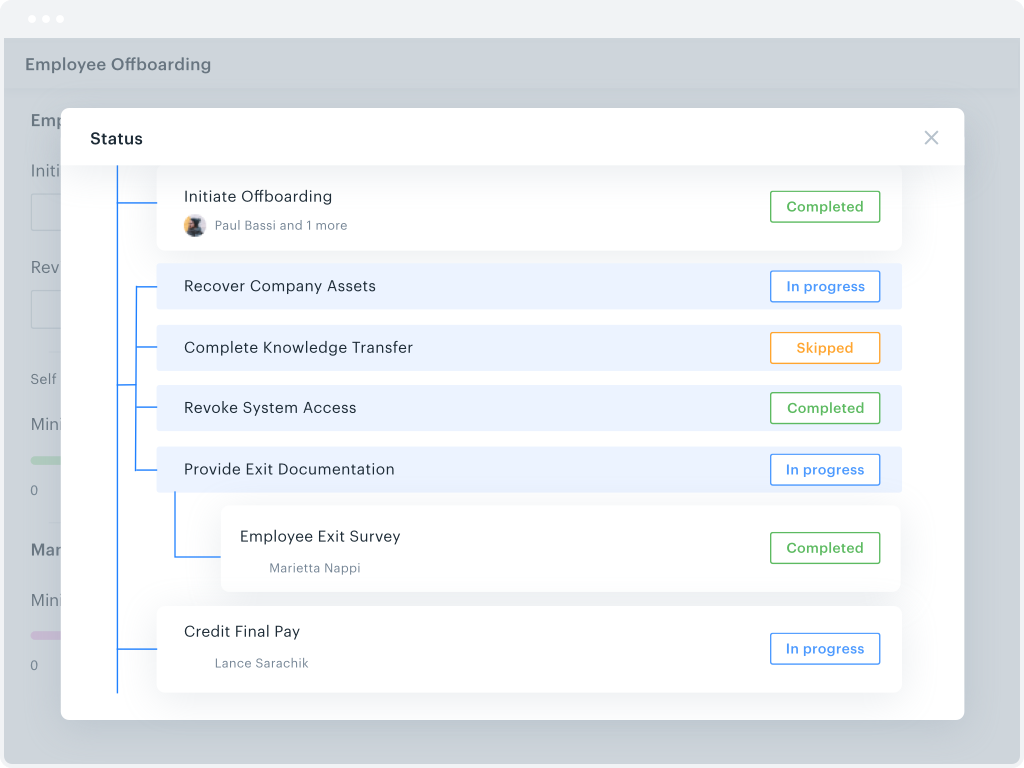
Kissflow is a low-code platform for custom application development tailored to business operations. Kissflow empowers process owners and IT developers to automate and build processes and applications for internal business operations.
$1,500
per month 50 Users
Pricing
AppSheet
Kissflow
Editions & Modules
Premium
$5.00
per user/per month
Pro
$10.00
per user/per month
Business
Contact sales team
Enterprise
Contact sales team
Small Business
$1500
per month
Offerings
Pricing Offerings
AppSheet
Kissflow
Free Trial
Yes
Yes
Free/Freemium Version
Yes
No
Premium Consulting/Integration Services
Yes
Yes
Entry-level Setup Fee
No setup fee
No setup fee
Additional Details
Personal apps and prototype are always free to build. Don't pay until you're ready to deploy.
What can I do for free?
Use the complete set of AppSheet features for free while building one or many app prototypes (for as long as you like). Invite up to 10 users for free to use your apps & share feedback.
How do Business Subscription pricing work?
Business Subscriptions enable a suite of performance & management features for organizations with cross-departmental app creators, and pricing is based on each unique requirements. Connect with the AppSheet team at solutions.appsheet.com/contact to learn more.
If you need to manage special assets with unique characteristics and keep data in spreadsheets, Appsheet is ideal for replacing these sheets with a system. Once you start using it, you find yourself trying to move everything into Appsheet. It is perfect for generating internal software that would otherwise never be developed due to programming costs.
A de minimis incentive was given to thank the reviewer for their time. The incentive was not used to bias or drive a particular response, nor was the incentive contingent on a positive endorsement. More Info
We've used Kissflow [School Cloud] in order to track parent requests for transportation in the SpEd department. It has been user friendly for parents to input a request and staff to review, double check school sites and locations, and set up specific routes to meet the needs of students and communicate the info back to parents.
A de minimis incentive was given to thank the reviewer for their time. The incentive was not used to bias or drive a particular response, nor was the incentive contingent on a positive endorsement. More Info
Calculations - I have several apps that do some pretty complicated calculations, and decision making to build things like Shopping Lists for a Kanban assembly team, where the app will help a stocker determine whats low in a kanban assembly line stock box.
Document generation and record keeping - I have an app that users digitally sign and receive PDF contracts, and the system automatically records all records from the transaction. Everything is held in files on YOUR OWN DRIVE (Google Drive) so when you're done with the project or AppSheet you DONT loose your data.
Client/Customer Management - I follow the old school "Swimming with Sharks" model for client retention and customer engagement, and have built several small customer tracking tools for local businesses. This tool is limited ONLY by your imagine and desire to learn.
A de minimis incentive was given to thank the reviewer for their time. The incentive was not used to bias or drive a particular response, nor was the incentive contingent on a positive endorsement. More Info
They know what they are. You aren't going to get a Workflow program that also wants to be a CRM. You will get the equivalent of an electronic assistant going from station to station, taking care of business and giving you the end result.
Paper. It reduces the amount of paper needed for menial tasks tremendously. You can automate an entire process. As an educational institution, you may still need paper copies, but you aren't waiting for John Doe to sign Line 3, then Jane Doe to initial, and so on and so on with a paper form.
Tracking. If you need to know where things are in the process, the fact that this program is dedicated to workflow makes it incredibly easy to identify where people are in the sales flow.
Customer appreciation. When your workflow is stronger, faster, and better, the customers feel it. They feel like you are right there with them and getting things moving.
A de minimis incentive was given to thank the reviewer for their time. The incentive was not used to bias or drive a particular response, nor was the incentive contingent on a positive endorsement. More Info
Once the tables / UX Views get way too many in number, it can become a little daunting to manage. This part of the UX may need something really smarter.
Ability to Undo.
Could provide more UI Look and Feel options. BTW, the new Graphs look great, but have some bugs, while the new INPUT() feature is a great addition too.
Workflow Design: There isn't a copy/paste function when creating the workflow, and you can't move a workflow task between parallel branches. This becomes a pain point when an item has 98% of what you need, but you can't copy it and place it in another branch to make the last tweaks. Instead, it needs to be completely recreated
Interface: While I like the current design features, which make it easy for an end-user to find their tasks and items, it would be nice to also have some flexibility within the platform. Things like being able to groups apps under a category or tailoring the look and feel of the page a little more would be a welcome addition.
A de minimis incentive was given to thank the reviewer for their time. The incentive was not used to bias or drive a particular response, nor was the incentive contingent on a positive endorsement. More Info
A de minimis incentive was given to thank the reviewer for their time. The incentive was not used to bias or drive a particular response, nor was the incentive contingent on a positive endorsement. More Info
It's just great. The usability is the best thing about Appsheet. You must choose which things will really be used later. You have to be careful of not generating something too big and then it feels like something that need to be learned. This is something that resolve problems, but you had to be able to think before doing. It will not solve problems itself. You need to find the problem, think a solution, and then use appsheet to make this solution a reality
A de minimis incentive was given to thank the reviewer for their time. The incentive was not used to bias or drive a particular response, nor was the incentive contingent on a positive endorsement. TR verified that a representative sample of customers was invited. More Info
The system has room to grow as it's limited by not being able to edit POs after they've been approved. The system is great for registrations and syncing to other systems while including the attachments. The reporting from Kissflow is also easy to setup to link to other platforms such as Looker
A de minimis incentive was given to thank the reviewer for their time. The incentive was not used to bias or drive a particular response, nor was the incentive contingent on a positive endorsement. More Info
AppSsheet has a support group and they show videos to help app builders. Though I have truck drivers' hours and can't join the webinars. Support groups with better assists me on a Saturday evening or a Sunday that I have time off. It's hard to watch videos driving down the highway.
I haven't encountered a need for support with KiSSFLOW. It's not a perfect platform, but it's functional, dependable, and reasonably intuitive. I can't fault a support team just because their product works!
A de minimis incentive was given to thank the reviewer for their time. The incentive was not used to bias or drive a particular response, nor was the incentive contingent on a positive endorsement. More Info
A de minimis incentive was given to thank the reviewer for their time. The incentive was not used to bias or drive a particular response, nor was the incentive contingent on a positive endorsement. More Info
The ease that AppSheet provides to the developer is limitless. Before starting with AppSheet I used other software, but they didn't give me the tools at my fingertips. When I learned about AppSheet and everything it could do, I understood that it was what I was looking for, the ease with which everything is related within the app with a few clicks is impressive.
KiSSFLOW is much easier to set up, less coding and easier to explain to those that are being trained. The company already had SharePoint, but it is a very difficult system to set up. A class had to be taken, along with getting books in order to understand the process of the workflow. With KiSSFLOW, it is simple to understand, the helpdesk is quick with their response, help topics are laid out simply and you can even talk with someone on that side to ask your questions. Overall, KiSSFLOW is a much easier workflow and system to use.
A good impact in general at the beginning since the free version allows great development so the investment in the implementation is of knowledge and time.
As a consultant I have expanded my services through this platform including new low code application building services.
The only real hard number savings that we have had with KiSSFLOW is the money we have saved in forms being printed, especially multi-part forms. So for a small college like us that it probably in the $5000 to $10000 per year range. We have certainly saved money in increased efficiencies of the processes that we have moved to KiSSFLOW. But that is harder to calculate.