
Webexpenses vs. Zoho Expense
Webexpenses vs. Zoho Expense
| Product | Rating | Most Used By | Product Summary | Starting Price |
|---|---|---|---|---|
 Webexpenses | N/A | Webexpenses is a global provider of spend management solutions, combining integrated Expense Cards with cloud-based software for businesses of all sizes across 70+ countries. Serving industries such as retail, finance, technology, construction, and not-for-profit, Webexpenses gives businesses control over company spending by automating processes, proactively enforcing policies, and controlling costs. Features The Webexpenses… | N/A | |
 Zoho Expense | N/A | Zoho Expense is online expense reporting software, tailor-made for businesses worldwide to automate expense report creation, streamline approvals and make swift reimbursements. | $0 |
| Webexpenses | Zoho Expense | |||||||||||||||
|---|---|---|---|---|---|---|---|---|---|---|---|---|---|---|---|---|
| Editions & Modules | No answers on this topic |
| ||||||||||||||
| Offerings |
| |||||||||||||||
| Entry-level Setup Fee | $250 null | Optional | ||||||||||||||
| Additional Details | — | 20% discount for annual pricing. | ||||||||||||||
| More Pricing Information | ||||||||||||||||
| Webexpenses | Zoho Expense |
|---|
| Webexpenses | Zoho Expense | ||||||||||||||||||||||||
|---|---|---|---|---|---|---|---|---|---|---|---|---|---|---|---|---|---|---|---|---|---|---|---|---|---|
| Expense Management |
| ||||||||||||||||||||||||
| Payment Management |
|
| Webexpenses | Zoho Expense | |
|---|---|---|
| Small Businesses |  Dext Score 9.8 out of 10 | Dext Score 9.8 out of 10 |
| Medium-sized Companies |  Precoro Score 2.8 out of 10 | Precoro Score 2.8 out of 10 |
| Enterprises |  Emburse Chrome River Score 9.1 out of 10 | Emburse Chrome River Score 9.1 out of 10 |
| All Alternatives | View all alternatives | View all alternatives |
| Webexpenses | Zoho Expense | |
|---|---|---|
| Likelihood to Recommend | 9.1 (0 ratings) | 8.0 (0 ratings) |
| Likelihood to Renew | 9.2 (0 ratings) | - (0 ratings) |
| Usability | 9.1 (0 ratings) | 8.0 (0 ratings) |
| Availability | 9.3 (0 ratings) | - (0 ratings) |
| Performance | 9.6 (0 ratings) | - (0 ratings) |
| Support Rating | 8.6 (0 ratings) | 10.0 (0 ratings) |
| In-Person Training | 8.7 (0 ratings) | - (0 ratings) |
| Online Training | 9.8 (0 ratings) | - (0 ratings) |
| Implementation Rating | 7.8 (0 ratings) | - (0 ratings) |
| Configurability | 6.4 (0 ratings) | - (0 ratings) |
| Ease of integration | 7.3 (0 ratings) | - (0 ratings) |
| Product Scalability | 9.3 (0 ratings) | - (0 ratings) |
| Vendor post-sale | 8.7 (0 ratings) | - (0 ratings) |
| Vendor pre-sale | 9.1 (0 ratings) | - (0 ratings) |
| Webexpenses | Zoho Expense | |
|---|---|---|
| Likelihood to Recommend | 
| 
 Brian Hasenbauer Vice President of Marketing |
| Pros |
 Perry Amadon, CPA Controller |
|
| Cons |
|
|
| Likelihood to Renew |
 James Moffatt UK Head of Talent & Development | No answers on this topic |
| Usability |
|
|
| Reliability and Availability |
| No answers on this topic |
| Performance |
| No answers on this topic |
| Support Rating |
|
|
| In-Person Training |
| No answers on this topic |
| Online Training |
| No answers on this topic |
| Implementation Rating |
| No answers on this topic |
| Alternatives Considered |
|
|
| Scalability |
| No answers on this topic |
| Return on Investment |
|
 Matthew Christensen CEO (Chief Executive Officer) |
| ScreenShots | Webexpenses Screenshots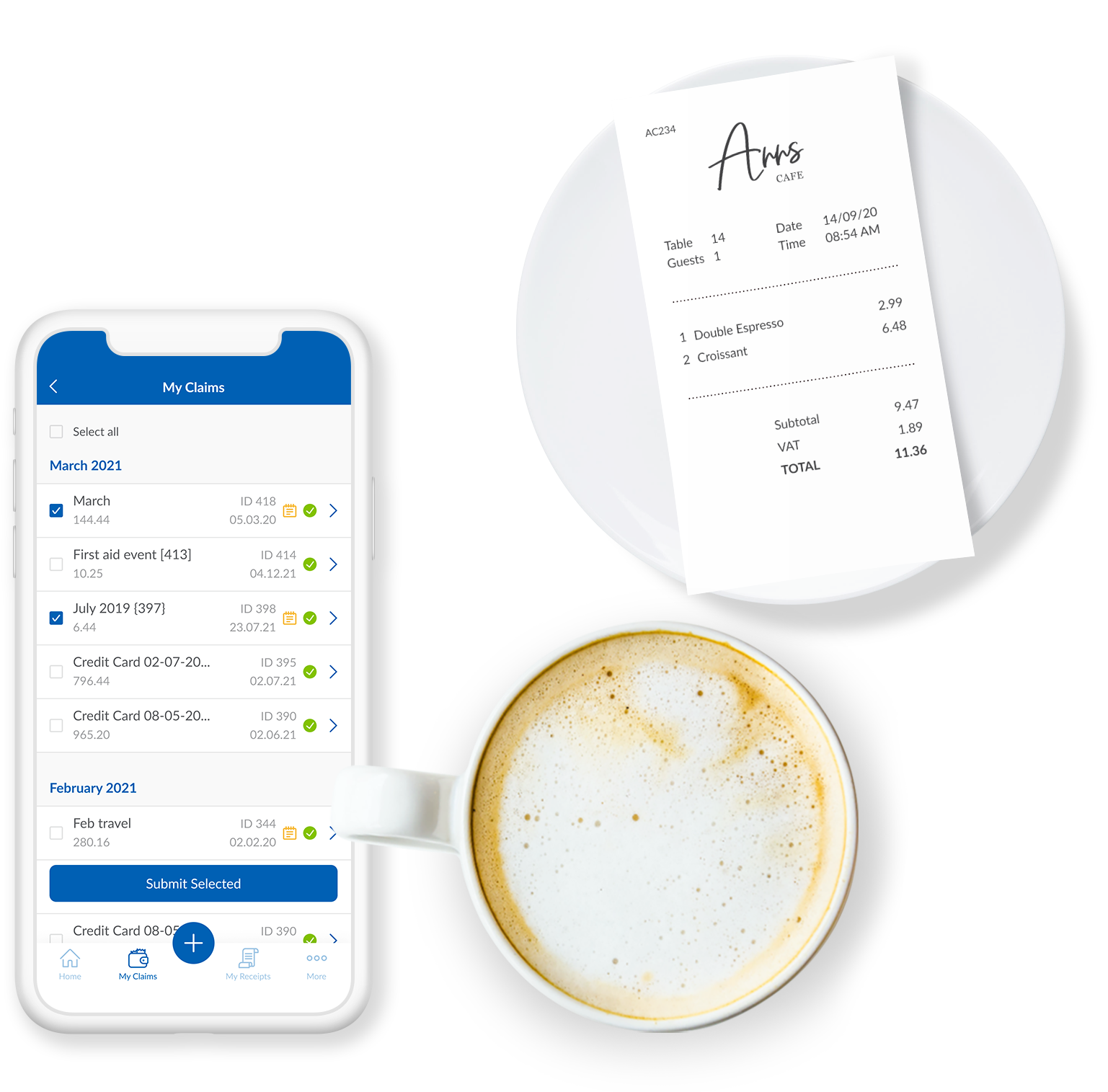      |