tl;dv is an AI Meeting Assistant for recording, transcribing, and summarizing a team’s meetings. It integrates with CRMs, ticketing systems, knowledge management platforms, and over 5000 other tools.
$29
per month per seat
Zoom AI Companion
N/A
N/A
Zoom Custom AI Companion gives admins the ability to customize AI Companion outputs by accessing an organization’s internal data sources, as well as third-party applications within Zoom AI Studio for expanded knowledge, helping users drive decisions, actions, and complete tasks.
Strongly recommend for all Sales teams, Customer Success teams, Partnerships teams. Basically anywhere where there is an external stakeholder and you have a continuous cadence of meetings set for regular engagement. Have seen it be very productive as we have a lot to catch up on regular progress items based on previous discussions that would have happened. Great for the use case when you are not able to join the meeting at all and your tl;dv assistant basically gives you a complete download of the call.
A de minimis incentive was given to thank the reviewer for their time. The incentive was not used to bias or drive a particular response, nor was the incentive contingent on a positive endorsement. More Info
If you have a colleague who is based in a remote location or is part of a remote team, Zoom is a vital collaboration tool for your day-to-day work. Zoom AI Companion is easier and more effective for working with a colleague at a remote location rather than making a call. You can share your non-verbal reactions through video, which brings a close experience to face-to-face interactions.
A de minimis incentive was given to thank the reviewer for their time. The incentive was not used to bias or drive a particular response, nor was the incentive contingent on a positive endorsement. TR verified that a representative sample of customers was invited. More Info
A de minimis incentive was given to thank the reviewer for their time. The incentive was not used to bias or drive a particular response, nor was the incentive contingent on a positive endorsement. More Info
Large meeting rooms that our marcomms team is able to navigate and problem solve with quickly and easily.
Ability to schedule meetings with internal and external team members for workshops. Provides us with several tools to communicate and share ideas without having to even turn your mic on.
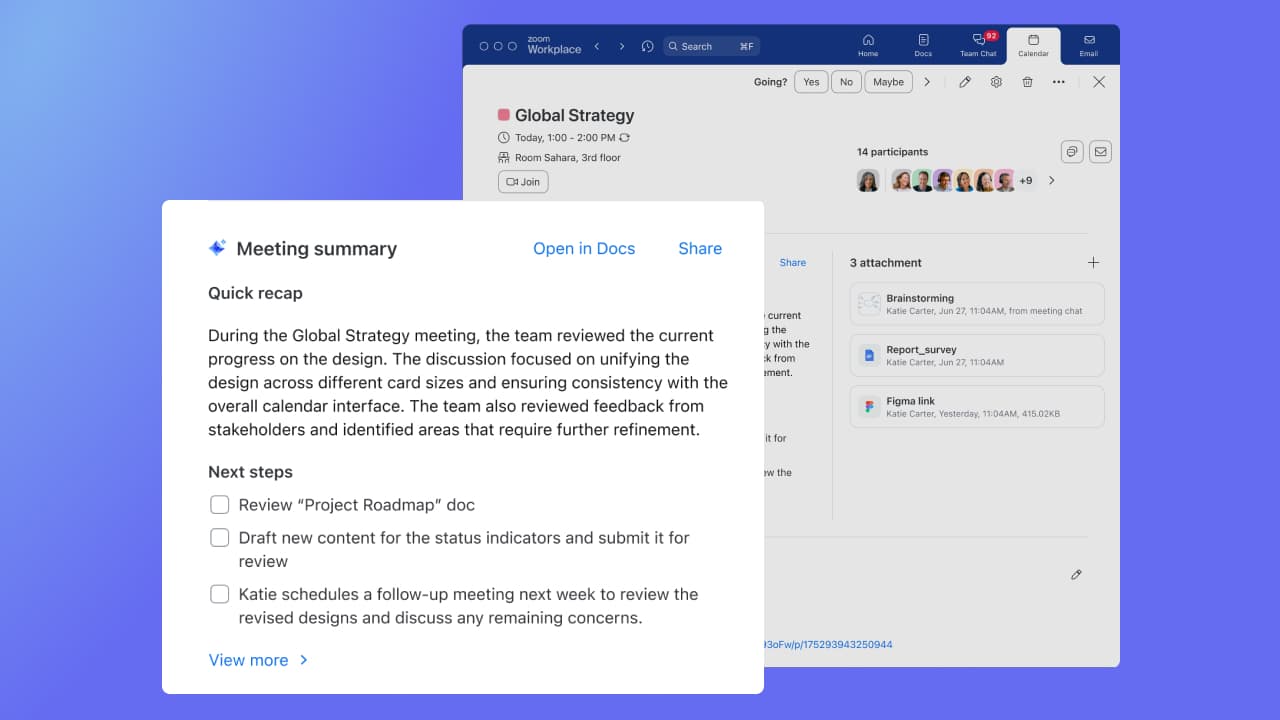
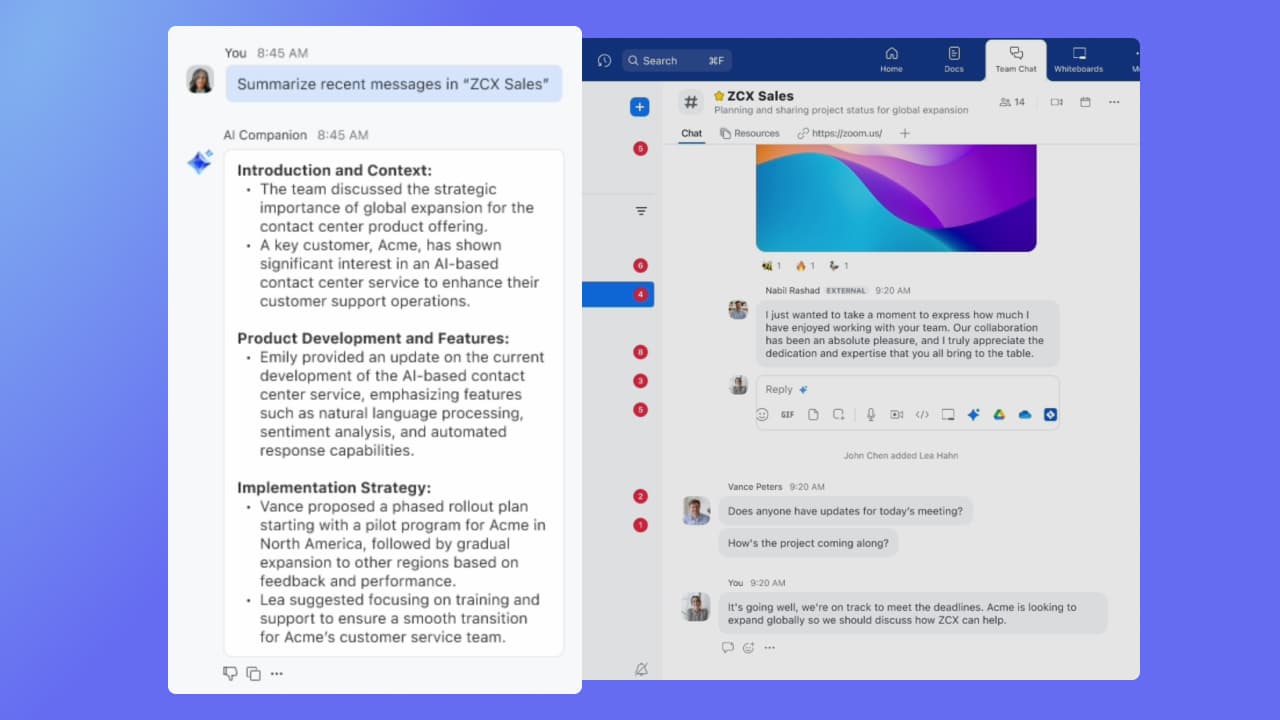
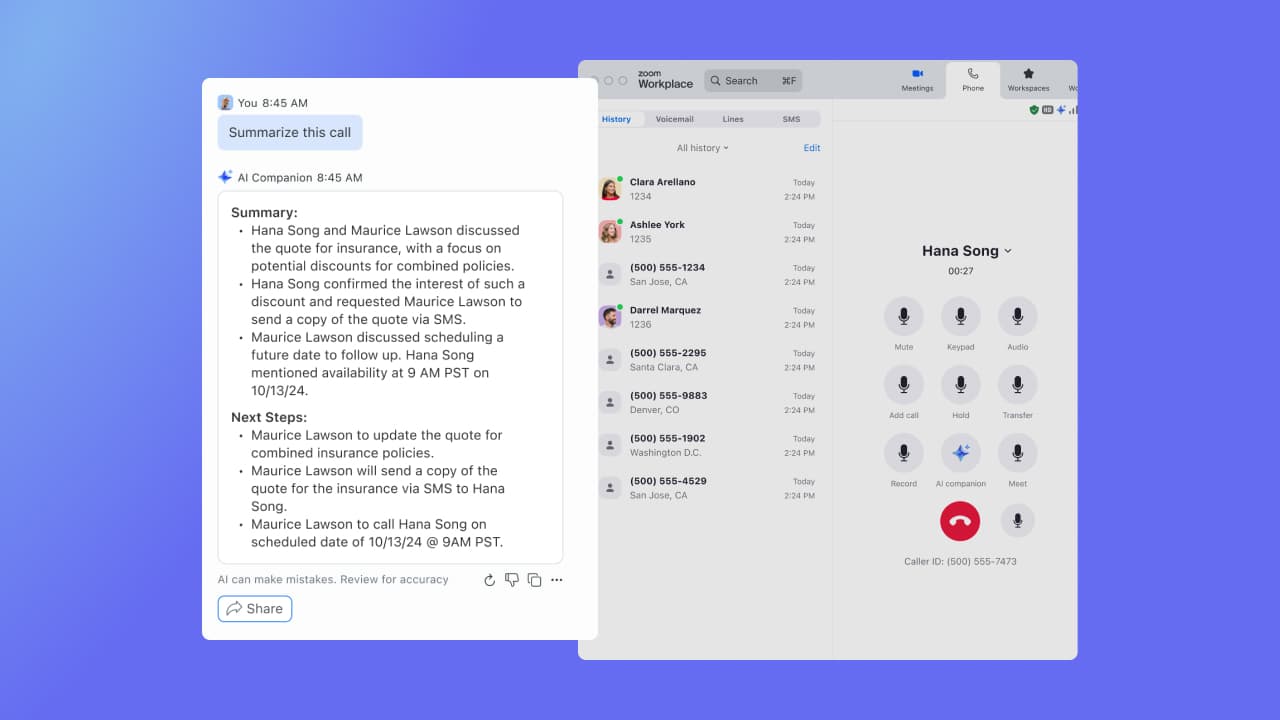
AI companion to remember points that were made and provide a summary to those who were unable to attend after the meeting.
A de minimis incentive was given to thank the reviewer for their time. The incentive was not used to bias or drive a particular response, nor was the incentive contingent on a positive endorsement. More Info
A de minimis incentive was given to thank the reviewer for their time. The incentive was not used to bias or drive a particular response, nor was the incentive contingent on a positive endorsement. More Info
Although the whiteboard is nice, it's not as advanced as I'd like to be. For example, navigating it can sometimes be tricky, and it doesn't have nearly as many features as a tool like Miro.
The Zoom integration for Outlook has issues, it doesn't always sync
The React feature on Zoom calls doesn't always work and sometimes isn't visible
A de minimis incentive was given to thank the reviewer for their time. The incentive was not used to bias or drive a particular response, nor was the incentive contingent on a positive endorsement. TR verified that a representative sample of customers was invited. More Info
A de minimis incentive was given to thank the reviewer for their time. The incentive was not used to bias or drive a particular response, nor was the incentive contingent on a positive endorsement. More Info
Its easy to use. It is expensive for Indian users though, hence we use it wisely out here. None the less I like the product and they are doing a very good job in building something which is true and meaningful to the end consumer
A de minimis incentive was given to thank the reviewer for their time. The incentive was not used to bias or drive a particular response, nor was the incentive contingent on a positive endorsement. More Info
It's really easy to use - the AI icon is everywhere all over the place in the Zoom client so it's easy to be able to leverage AI whenever you need it, and similarly in the meeting it's easy to find and to use. I don't have complaints here that I can think of
tl;dv has an advantage over Gemini wherein it can follow a template if there is a preset. Gemini's greatest advantage is its Google integration, and how much more it can do with the LLM if I had follow-up questions
Zoom has better compatibility compared to Teams at our institution. It also supports a wider array of codecs. We like using Zoom despite the fact that both Teams and Zoom are supported at an enterprise level at our academic institution. Zoom also seems to have better video and audio quality and lower drop rates.
A de minimis incentive was given to thank the reviewer for their time. The incentive was not used to bias or drive a particular response, nor was the incentive contingent on a positive endorsement. TR verified that a representative sample of customers was invited. More Info
A de minimis incentive was given to thank the reviewer for their time. The incentive was not used to bias or drive a particular response, nor was the incentive contingent on a positive endorsement. More Info
A de minimis incentive was given to thank the reviewer for their time. The incentive was not used to bias or drive a particular response, nor was the incentive contingent on a positive endorsement. More Info