Slack is a group messaging or team collaboration app that aims to simplify communication for businesses. Features include open discussions, private groups, and direct messaging, as well as deep contextual search and message archiving, and file sharing. Slack integrates with a number of other tools, such as MailChimp, Dropbox, and Google Drive. Slack was acquired by Salesforce in December 2020.
The product is free to use, and also has paid plans with more features and greater controls.
The…
$0
Zoho Mail
Score 9.3 out of 10
N/A
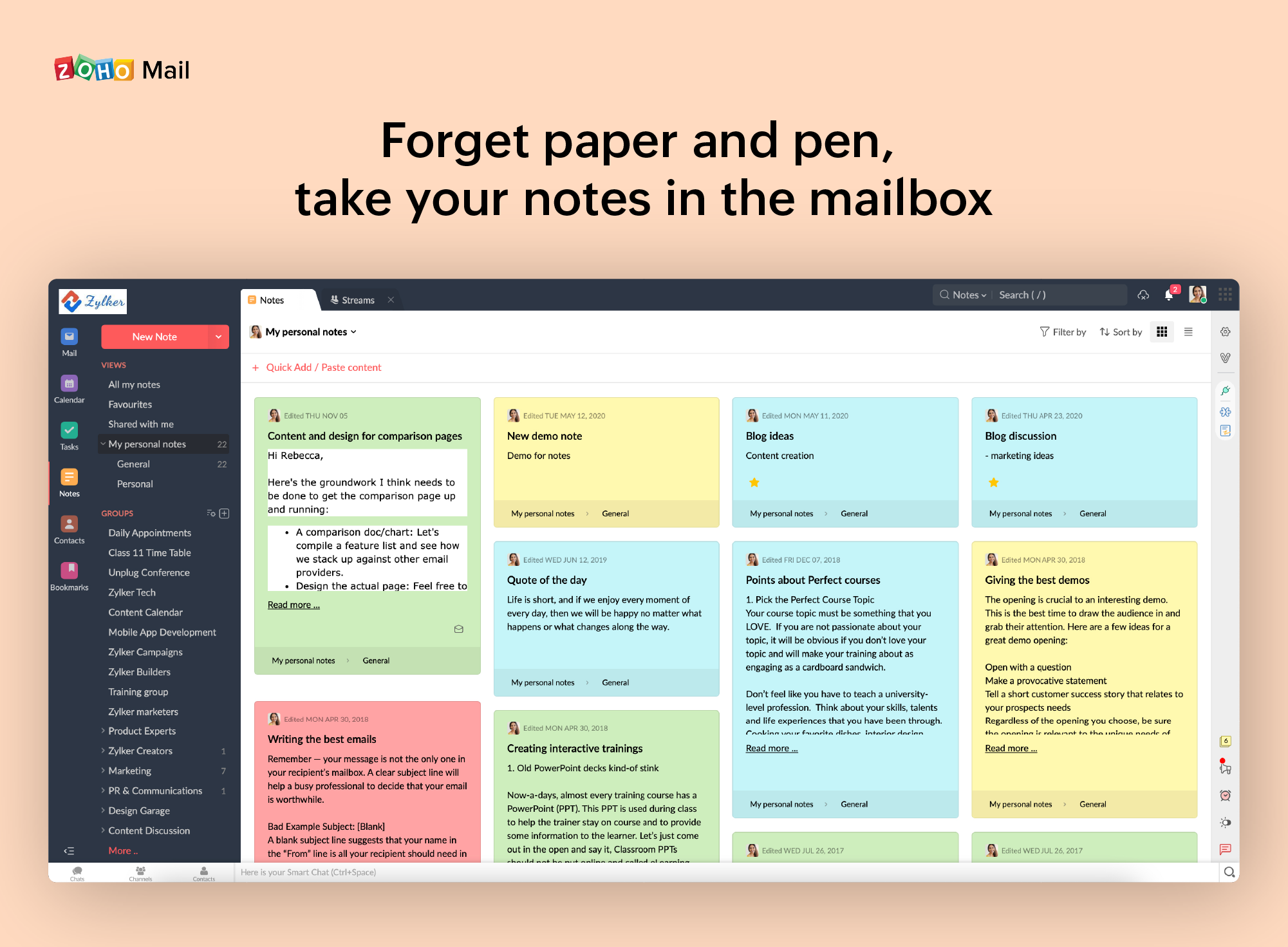
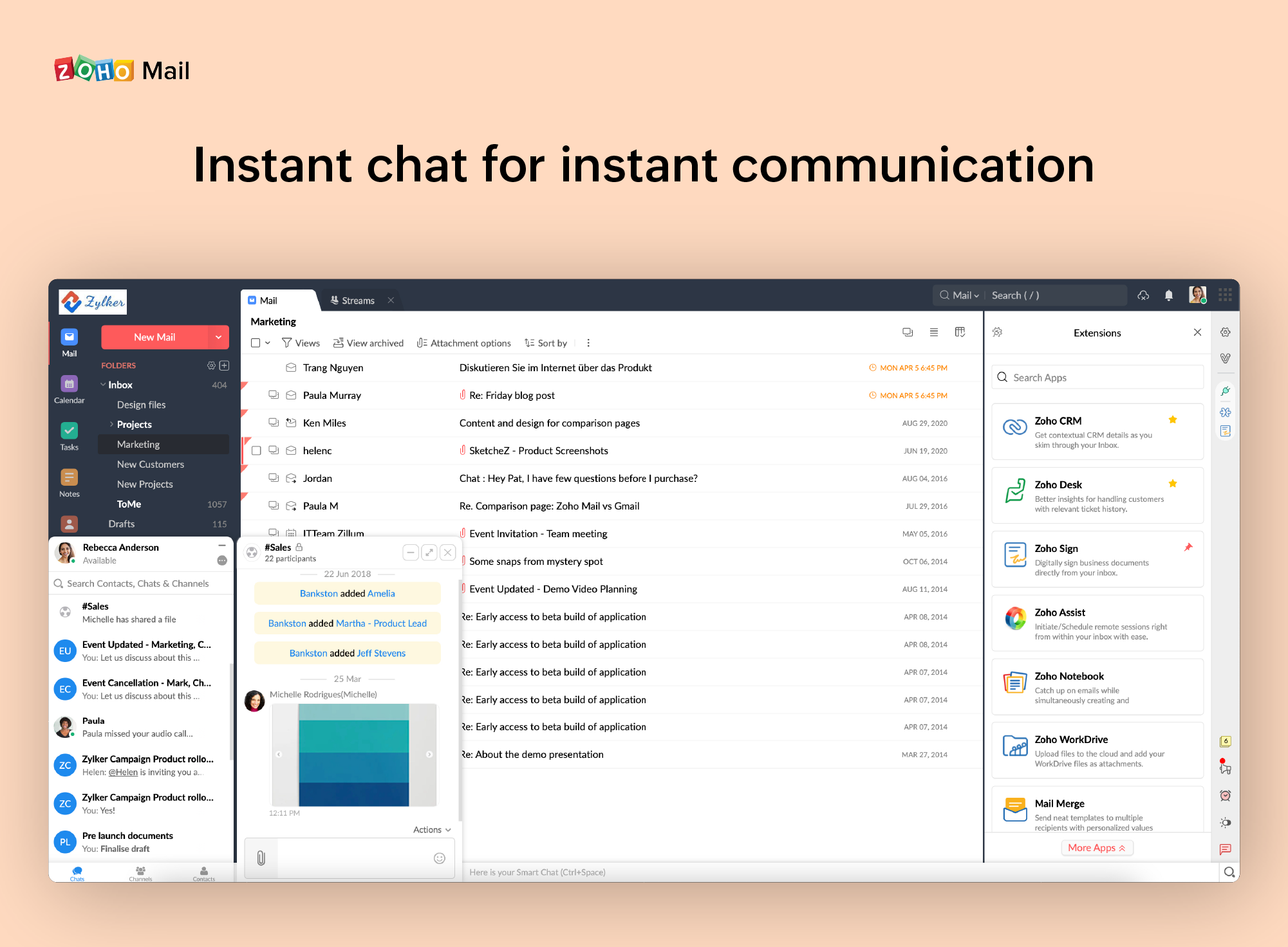
Zoho offers their business email suite, which includes Calendar, Tasks, Notes, and Contacts bundled with an inbox.
$1
per user/per month
Pricing
Slack
Zoho Mail
Editions & Modules
Free
$0
Pro
$7.25*
per month per user
Business+
$12.50*
per month per user
Enterprise
Contact Sales
Mail Lite
$1
per user/per month
Workplace
$3
per user/per month
Mail Premium
$4
per user/per month
Offerings
Pricing Offerings
Slack
Zoho Mail
Free Trial
Yes
Yes
Free/Freemium Version
Yes
Yes
Premium Consulting/Integration Services
No
No
Entry-level Setup Fee
No setup fee
No setup fee
Additional Details
*Per active user, per month, when paying once a year.
Pro is $8.75 USD per active user when paying month to month. Business+ is $15.00 USD per active user when paying month to month.
—
More Pricing Information
Community Pulse
Slack
Zoho Mail
Features
Slack
Zoho Mail
Project Management
Comparison of Project Management features of Product A and Product B
Slack
8.2
Ratings
6% above category average
Zoho Mail
-
Ratings
Task Management
8.20 Ratings
00 Ratings
Gantt Charts
6.90 Ratings
00 Ratings
Scheduling
7.90 Ratings
00 Ratings
Workflow Automation
8.40 Ratings
00 Ratings
Mobile Access
9.50 Ratings
00 Ratings
Search
8.70 Ratings
00 Ratings
Visual planning tools
8.00 Ratings
00 Ratings
Communication
Comparison of Communication features of Product A and Product B
Slack
8.8
Ratings
11% above category average
Zoho Mail
-
Ratings
Chat
9.80 Ratings
00 Ratings
Notifications
9.10 Ratings
00 Ratings
Discussions
9.60 Ratings
00 Ratings
Surveys
8.10 Ratings
00 Ratings
Internal knowledgebase
7.80 Ratings
00 Ratings
Integrates with GoToMeeting
8.90 Ratings
00 Ratings
Integrates with Gmail and Google Hangouts
8.70 Ratings
00 Ratings
Integrates with Outlook
8.90 Ratings
00 Ratings
File Sharing & Management
Comparison of File Sharing & Management features of Product A and Product B
Slack
8.7
Ratings
11% above category average
Zoho Mail
-
Ratings
Versioning
8.40 Ratings
00 Ratings
Video files
8.80 Ratings
00 Ratings
Audio files
9.10 Ratings
00 Ratings
Document collaboration
8.40 Ratings
00 Ratings
Access control
8.40 Ratings
00 Ratings
Advanced security features
8.40 Ratings
00 Ratings
Integrates with Google Drive
9.00 Ratings
00 Ratings
Device sync
9.10 Ratings
00 Ratings
Secure Email Gateway
Comparison of Secure Email Gateway features of Product A and Product B
Slack is really effective for smaller teams to use as an internal communication platform. I think that it's still suitable even for companies of up to 500-1000 employees, but for larger teams it's less appropriate (or would require more aggressive organization, e.g. keeping channels protected and on an invite-only basis). It's really helpful for small team-to-small team communication too (like in our case where we create external channels to support POCs/business partnerships). It's not great for direct collaboration (e.g. it's hard to iterate on a project spec or a document together, directly in Slack) but it's well suited for conversational coordination, like planning meetings or asking informational questions.
If you don't have a huge budget and want something that works with minor quirks here and there then Zoho Mail is definitely something you should look into. For half the price of Google G Suite or Office account you get 5GB of storage per user and can send up to 25MB emails without restrictions. Great for small businesses in my opinion. I have had some issues with their spam filter, but we use SpamTitan and just shut off the one that comes with Zoho Mail. Zoho's spam filter isn't horrible but you should definitely use something in addition or instead of what comes with Zoho.
I really like that there is a free version in which a single user can be created. It is really useful because it allows you to evaluate each characteristic of the service without having to buy it.
I also really like the visual aspect of the inbox, which is partially customizable. Because you can make small changes such as changing the color, the language, and among other things.
Undoubtedly Slack’s search function is powerful but sometimes it is difficult to find specific messages or files in very active channels with high message volumes. This needs an improvement.
I have experienced notification issues on my phone. I am not receiving notifications and have missed important updates as a result. I tried uninstalling and reinstalling the app, but the problem still persists.
The Business Plus plan does not include support for data loss prevention or offline backup providers.
When receiving an email with images that are not displayed automatically, you have to activate this function manually. It is a bit uncomfortable, I would prefer that it be activated automatically
The filter to search for information is not very accurate and unfriendly
The way to manage the storage capacity and to buy more space for the mail is not very friendly
Slack sitll lacks in functionality. It's better than Skype for Business in many ways, but it is still another chat/message board app. It has limits in free version and paid versions. Also Windows app has errors that bother me, for example, I see number on one of my team's icons. It suggests that one of channels has unread messages; I check all channels - no unread messages, but that "1" still appears
It is very easy to use and does all you need. It sends newsletters to their own folder. A notification folder for more important things. The Spam folder collect the right amount of spam emails
Yes, the app works 24/7. I don't even recall having any period that we could not use since the implementation. Even the maintenance periods are barely noticeable and our work is not impacted by it when it happens.
Slack is a soft app, we don't have many issues with it. I recall one or two people complaining about something during our usage period, but I didn't have a bad experience. When the app is slow, usually the problem is with my computer or my internet. The app works just fine.
Whenever I've had to troubleshoot an issue with Slack (which, to be honest, has not happened very often), their online documentation has been easy to locate, easy to understand, and effective in resolving my issue. Slack's ever-growing popularity also means that there's a large community of practice out there that can be depended upon.
I have spoken with Zoho several times and their support is always friendly and helpful. I have always been asked for security pins and codes when seeking assistance which helps me to feel my accounts are secure and I have never had to wait on hold to speak with someone for more than 5 minutes. They always seem to have someone available to help. If you call asking for instructions on how to do something they gladly walk you through the process and if you just need something done and don't have time to do it yourself they will happily customize whatever you need without you having to spend all day with it.
I like Slack better than ClickUp, because I would spend 30-60 minutes a day updating my ClickUp tasks. The way ClickUp was used was very micromanaging. I billed by the hour, so I was willing to put in the time to alert the boss what tasks I was working on.
One of my jobs used Hive - I mostly just ran it in the background in case anyone messaged me. I did not use it often.
Zoho is free. Also, there is no need for a separate IT guy for creating mail, or if any issues come you don't have to find anyone anyone can check and fix all issues from their super admin panel. Zoho overview is much better than outlook and its appearance of getting mail popup and functionality is better than outlook. My friend suggested for this and also after using I have referred my friend
Slack has been incredibly helpful in connecting various tech apps and ecosystems, creating a more streamlined and responsive process.
Slack has made it significantly easier to communicate with our team members across multiple time zones, creating a more engaging environment for our all-remote team.