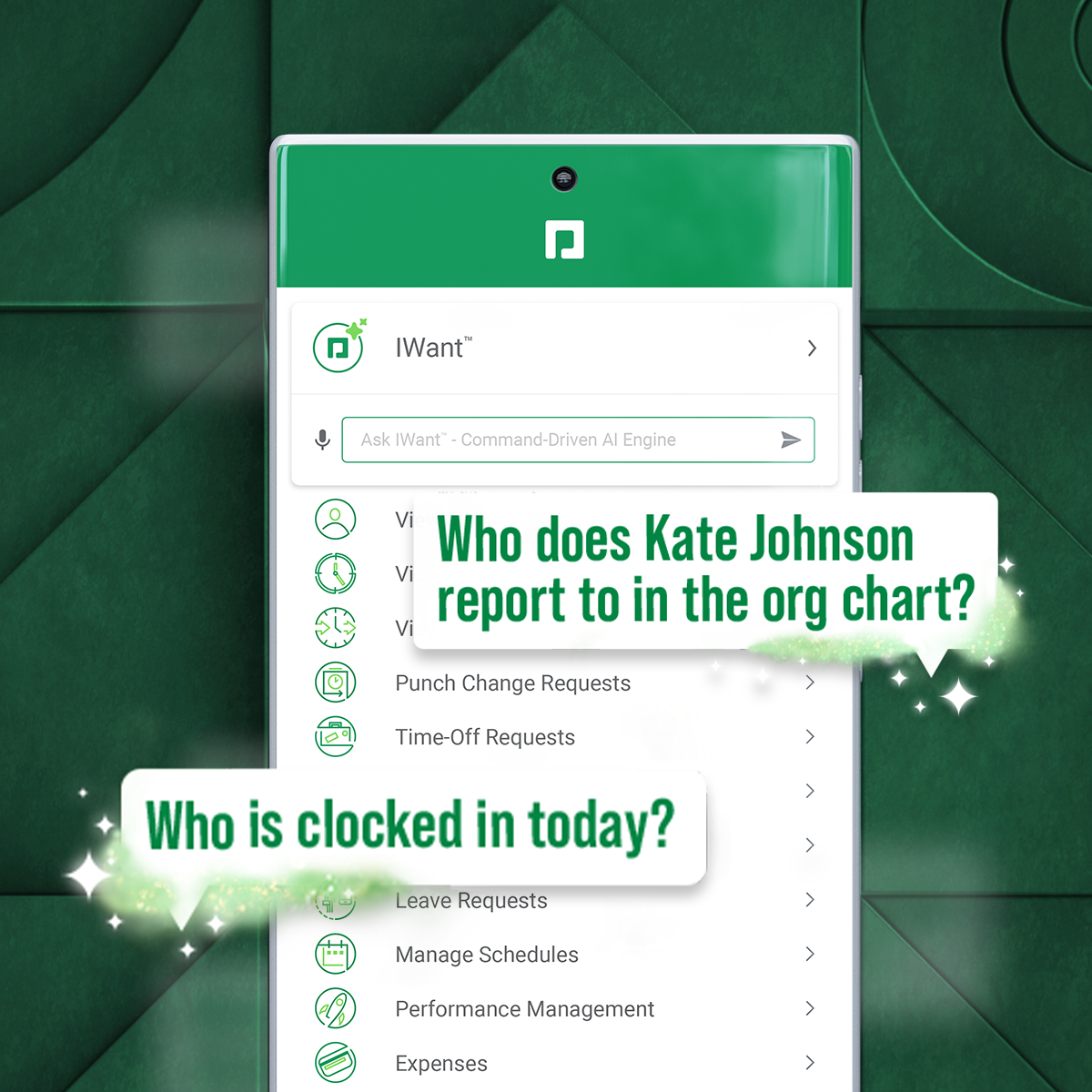
Paycom supports HR and payroll with automated, employee-first technology that supports every stage of employment. Its single database enables seamless data management, to reduce errors, endless data entry and time-consuming administrative tasks.
N/A
Webexpenses
Score9.2 out of 10
N/A
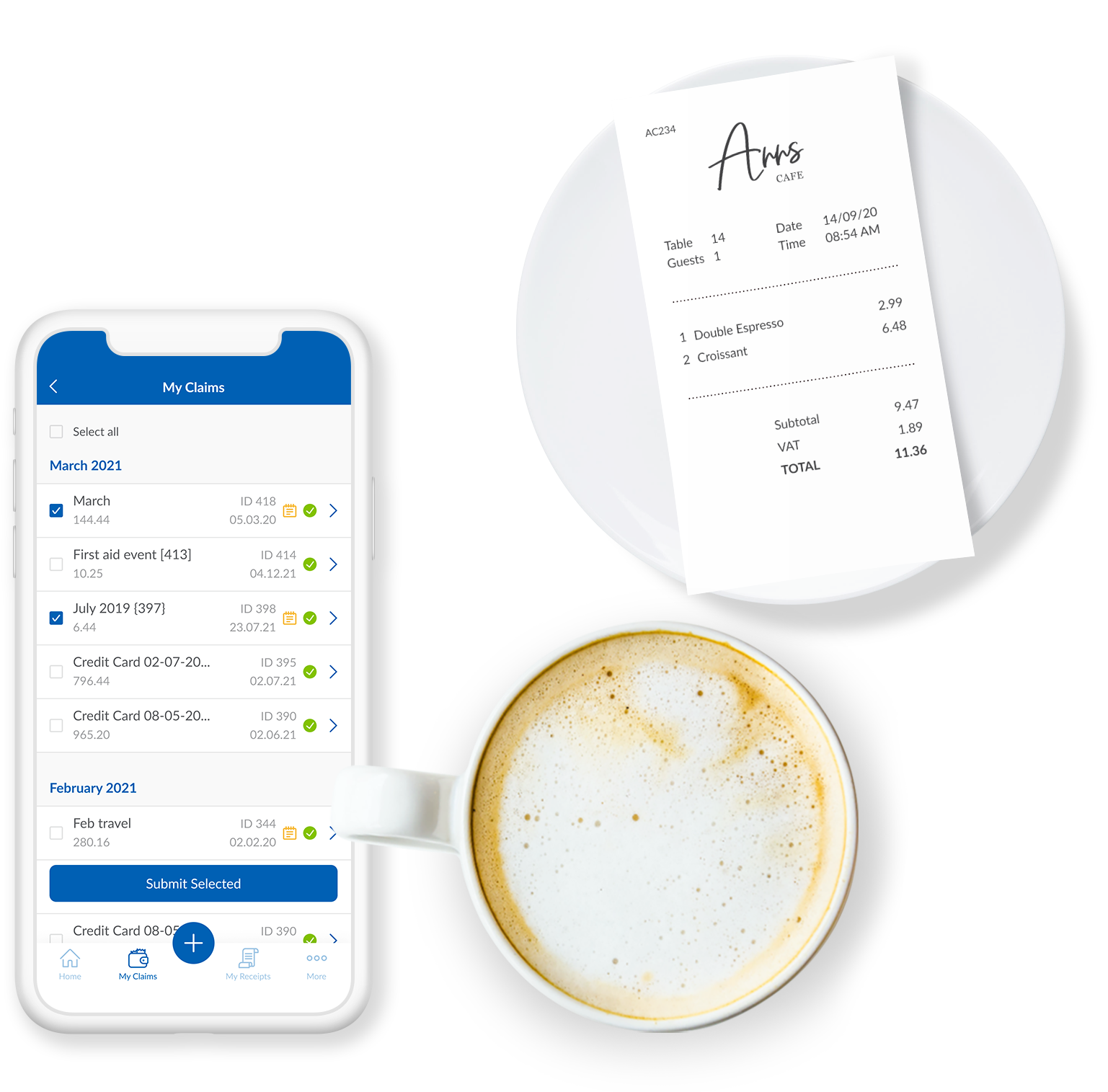
Webexpenses is a global provider of spend management solutions, combining integrated Expense Cards with cloud-based software for businesses of all sizes across 70+ countries. Serving industries such as retail, finance, technology, construction, and not-for-profit, Webexpenses gives businesses control over company spending by automating processes, proactively enforcing policies, and controlling costs. Features The Webexpenses…
$54
per month (up to 15 users on the small business plan)
Pricing
Paycom
Webexpenses
Editions & Modules
No answers on this topic
No answers on this topic
Offerings
Pricing Offerings
Paycom
Webexpenses
Free Trial
No
Yes
Free/Freemium Version
No
No
Premium Consulting/Integration Services
No
Yes
Entry-level Setup Fee
No setup fee
$250
Additional Details
—
—
More Pricing Information
Community Pulse
Paycom
Webexpenses
Considered Both Products
Paycom
No answer on this topic
Webexpenses
Verified User
Chose Webexpenses
We used Expensify in the past. Expensify wasn't intuitive enough for our Accounting department. Webexpenses was the perfect fit for our Accounting department and is also very user friendly for our employees- win, win!
A de minimis incentive was given to thank the reviewer for their time. The incentive was not used to bias or drive a particular response, nor was the incentive contingent on a positive endorsement. TR verified that a representative sample of customers was invited. More Info
It's very mobile friendly, especially for people that aren't tech savvy. We have an aged workforce where we were really concerned about how they would adapt, going from the comfort of using paper to a mobile and online application. But the training was really easy and the adaptation has been simple for us as a company.
A de minimis incentive was given to thank the reviewer for their time. The incentive was not used to bias or drive a particular response, nor was the incentive contingent on a positive endorsement. More Info
Really suits me well for making mileage claims, the map works well and it has an accurate log of addresses. Very handy and easy to be able to add any necessary receipts. Could be a good idea to include live road closures? but I understand that's quite tricky to do. Really easy to be able to move routes when you have gone a different way than recommended.
A de minimis incentive was given to thank the reviewer for their time. The incentive was not used to bias or drive a particular response, nor was the incentive contingent on a positive endorsement. TR verified that a representative sample of customers was invited. More Info
I would say the communication post-implementation is amazing. Allie is our representative. She's amazing. Caitlin is amazing. I just met Travis last week at the office. Amazing. The communication is great and helpful, so if one of the team members don't have the answer, they can just jump in. For instance, I was on a call with Caitlin yesterday and she was like, "I'm not really sure about this answer. Let me see if I can go run it byTravis." I know he's on another call and instead of him saying blah, blah, he came over and looked at the screen and was like, do this, do this. It's a little different. So I would say the customer service is the best.
A de minimis incentive was given to thank the reviewer for their time. The incentive was not used to bias or drive a particular response, nor was the incentive contingent on a positive endorsement. TR verified that a representative sample of customers was invited. More Info
A de minimis incentive was given to thank the reviewer for their time. The incentive was not used to bias or drive a particular response, nor was the incentive contingent on a positive endorsement. More Info
I think that when we do need a response back, which is very unlikely from the contact about something that's happening or going on, it can take a little long to get back to us. Longer than we would like because obviously it's an emergency to us, but we understand they have tons of emergencies they have to solve. But I think that's the only aspect.
I know from a payroll standpoint, which I'm not really privy to because I don't work on the payroll side, there have been some little hiccups that about certain formulas used, certain credits being issued that we've already filed for tax credits that we filed for. So I know that my CFO's already on top of it and pay comes on top of it as well and it's getting resolved, but obviously that's a big issue that needs some work there.
A de minimis incentive was given to thank the reviewer for their time. The incentive was not used to bias or drive a particular response, nor was the incentive contingent on a positive endorsement. TR verified that a representative sample of customers was invited. More Info
When you click add receipts after putting the details of your expense, you get the impression that you have done something incorrect from the prompt that you receive
Two options for adding receipts can confuse people when training them on how to use
A de minimis incentive was given to thank the reviewer for their time. The incentive was not used to bias or drive a particular response, nor was the incentive contingent on a positive endorsement. TR verified that a representative sample of customers was invited. More Info
Because it has everything that we need and as we grow, we are learning how robust Paycom can actually be but we need to be willing to spend the money. It's not expensive but we, as a company, are not used to spending that much on a system for HR and payroll.
A de minimis incentive was given to thank the reviewer for their time. The incentive was not used to bias or drive a particular response, nor was the incentive contingent on a positive endorsement. More Info
There doesn't seem to be anything in the market at the same price point that is better, however if there is an interrupter in the market that provides better value, then we would heavily assess the cost of change to see if we should move on to the alternative offering.
A de minimis incentive was given to thank the reviewer for their time. The incentive was not used to bias or drive a particular response, nor was the incentive contingent on a positive endorsement. TR verified that a representative sample of customers was invited. More Info
The interface is very intuitive, you can navigate it pretty well. Everything's pretty much spelled out and the features just flow really well. They make it easy for you to go back and forth with the UX/UI type of interface. So I think it was built pretty well.
A de minimis incentive was given to thank the reviewer for their time. The incentive was not used to bias or drive a particular response, nor was the incentive contingent on a positive endorsement. TR verified that a representative sample of customers was invited. More Info
Based on what I have used it for, it was very easy to use and navigate. The approval process was already setup on the back end so there was no confusion on my end. Notifications were sent to my email based on status which made it helpful to understand where an expense was in the process.
A de minimis incentive was given to thank the reviewer for their time. The incentive was not used to bias or drive a particular response, nor was the incentive contingent on a positive endorsement. TR verified that a representative sample of customers was invited. More Info
A de minimis incentive was given to thank the reviewer for their time. The incentive was not used to bias or drive a particular response, nor was the incentive contingent on a positive endorsement. More Info
A de minimis incentive was given to thank the reviewer for their time. The incentive was not used to bias or drive a particular response, nor was the incentive contingent on a positive endorsement. TR verified that a representative sample of customers was invited. More Info
A de minimis incentive was given to thank the reviewer for their time. The incentive was not used to bias or drive a particular response, nor was the incentive contingent on a positive endorsement. More Info
A de minimis incentive was given to thank the reviewer for their time. The incentive was not used to bias or drive a particular response, nor was the incentive contingent on a positive endorsement. TR verified that a representative sample of customers was invited. More Info
Our TSR has been wonderful to work with. Every step of the way he was quick to respond and answer any questions we had. I knew I could reach him at any time (day or night) and he would be available to assist. Implementing a new HRIS system is obviously a huge task and I contribute all our success to our rep Kurt! Of course, with any implementation, there were bumps along the way and issues. But I always knew we would work as a team to get those issues figured out. Working in the Paycom system has been smooth and easy to learn and I enjoy the employee self-service interface. Our managers have had positive things to say and are all excited about the changes we have been able to make to our organization due to Paycom being implemented.
A de minimis incentive was given to thank the reviewer for their time. The incentive was not used to bias or drive a particular response, nor was the incentive contingent on a positive endorsement. More Info
The support for the initial setup was great, but since then we have only had to contact support once when we had problems uploading credit card files. The help we received at this time was not good and we ended up trying various things until we resolved the problem ourselves. The online support tutorials are good, but searching for a specific issue is difficult.
A de minimis incentive was given to thank the reviewer for their time. The incentive was not used to bias or drive a particular response, nor was the incentive contingent on a positive endorsement. More Info
A de minimis incentive was given to thank the reviewer for their time. The incentive was not used to bias or drive a particular response, nor was the incentive contingent on a positive endorsement. More Info
All the online training modules were short and straight to the point. Every module teach you how to use the system. If there is one thing they know how to do is training. We did implementation during the pandemic so all had to be done online or via zoom meetings.
It was difficult to train multiple people via video, as they learned at different speeds, and most of the user champions were not as capable with systems and finance processes as our dept.
A de minimis incentive was given to thank the reviewer for their time. The incentive was not used to bias or drive a particular response, nor was the incentive contingent on a positive endorsement. TR verified that a representative sample of customers was invited. More Info
Not at all satisfied it was a nightmare we spent over 8 months with the implementation team having issues after issues all related to the Puerto Rico regulations (half my employees are in Puerto Rico) and at the end we were moved over from the implementation team to the production team without all the issues being resolved
A de minimis incentive was given to thank the reviewer for their time. The incentive was not used to bias or drive a particular response, nor was the incentive contingent on a positive endorsement. More Info
We really only had Paychecks and that was our biggest problem is that with several different companies, it was very hard If you had a salary employee and didn't terminate them in the prior company, they get paid twice, so this has really been definitely a big help for us.
A de minimis incentive was given to thank the reviewer for their time. The incentive was not used to bias or drive a particular response, nor was the incentive contingent on a positive endorsement. TR verified that a representative sample of customers was invited. More Info
I would have to say that Webexpenses does not stack up well in comparison to Expensify. If given a choice, I would choose Expensify for the best user experience and mobile / desktop being more seamless. It accomplishes the same thing but has a more modern, minimal, and streamlined feel to it.
A de minimis incentive was given to thank the reviewer for their time. The incentive was not used to bias or drive a particular response, nor was the incentive contingent on a positive endorsement. More Info
A de minimis incentive was given to thank the reviewer for their time. The incentive was not used to bias or drive a particular response, nor was the incentive contingent on a positive endorsement. More Info
A de minimis incentive was given to thank the reviewer for their time. The incentive was not used to bias or drive a particular response, nor was the incentive contingent on a positive endorsement. TR verified that a representative sample of customers was invited. More Info
I think our fiscal team who handles the ROI would say that it has had a negative impact just because a lot of stuff is a la carte and we weren't aware of that before we went into a business relationship with Paycom. So I think it's had a negative impact.
A de minimis incentive was given to thank the reviewer for their time. The incentive was not used to bias or drive a particular response, nor was the incentive contingent on a positive endorsement. TR verified that a representative sample of customers was invited. More Info
A de minimis incentive was given to thank the reviewer for their time. The incentive was not used to bias or drive a particular response, nor was the incentive contingent on a positive endorsement. More Info