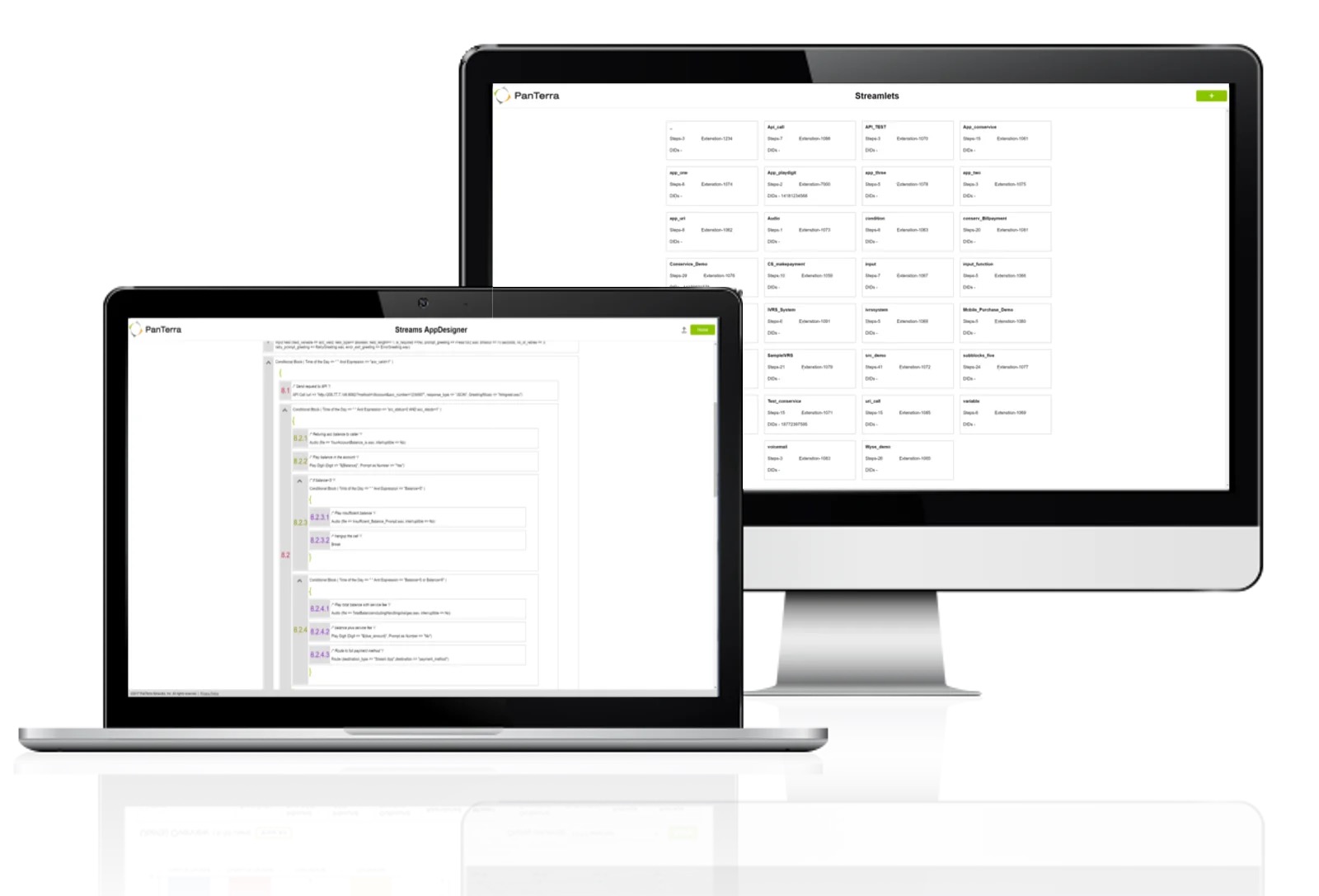
PanTerra is a provider of unified cloud-based services for communications, enterprise file sharing and mobility solutions for mid-market enterprises (MME), headquartered in Santa Clara. The Company's Streams service provides - Unified Communications and SmartBox - Communications-Enabled Content Management solutions which are delivered securely from the cloud through a browser-based client as well as mobile apps for smartphones and tablets, are designed to eliminate any on-premises deployed…
$24.95
per month per seat
Whereby
Score9.9 out of 10
N/A
Norwegian company appear.in offers their flagship video conferencing platform to small teams, both in a free edition hosting up to 4 guests simultaneously in a session or a paid edition that supports up to 12 simultaneous meeting guests, among other features.
$0
per user
Pricing
PanTerra Networks
Whereby
Editions & Modules
Business Plus
$24.95
per month per seat
Professional
$29.95
per month per seat
Call Center
$44.95
per month per seat
Free
$0
per user
Pro
$9.99
per user
Business
$59.99 and up
per user/room
Offerings
Pricing Offerings
PanTerra Networks
Whereby
Free Trial
No
Yes
Free/Freemium Version
No
Yes
Premium Consulting/Integration Services
Yes
No
Entry-level Setup Fee
Optional
No setup fee
Additional Details
Pricing is determined by length of contract and size of business.
One of the main draws of PanTerra Networks Streams is the unlimited calling, which was very enticing. We chose the platform over other models (per-call for example) because they simplified billing. While the video conferencing and messaging feel bare-bones or underdeveloped in comparison to other players in the market, the fact that the messaging is seamlessly integrated into the PBX makes it easy to use. The call routing systems are especially robust, which in the collections world is very important to be able to segment calls to different users.
A de minimis incentive was given to thank the reviewer for their time. The incentive was not used to bias or drive a particular response, nor was the incentive contingent on a positive endorsement. TR verified that a representative sample of customers was invited. More Info
If you cannot use another more common solution on the market or are looking for an alternative to the known solutions, it is a great alternative. If you have other tools already, and just want to test [them], that's fine, but I think the better-known ones have a better chance of using, knowing, and the learning curve will be shorter.
A de minimis incentive was given to thank the reviewer for their time. The incentive was not used to bias or drive a particular response, nor was the incentive contingent on a positive endorsement. More Info
A de minimis incentive was given to thank the reviewer for their time. The incentive was not used to bias or drive a particular response, nor was the incentive contingent on a positive endorsement. More Info
A de minimis incentive was given to thank the reviewer for their time. The incentive was not used to bias or drive a particular response, nor was the incentive contingent on a positive endorsement. More Info
Accounting had asked me to mention the way the bills are shown in the invoices can be confusing as to how it is broken out and what each charge is for. She mentioned wishing it was a little more detailed.
Virtual test environment would be nice. When testing if there is an outage or testing updates, it would be cool to either be able to hear what a customer would hear and make sure things are working in the system without interrupting customer service. This is small, but a feature that would be cool to utilize.
A de minimis incentive was given to thank the reviewer for their time. The incentive was not used to bias or drive a particular response, nor was the incentive contingent on a positive endorsement. More Info
The paid version may have dial-in. But I have always used the free version. Dial-in is typically required for an "official" multi-purpose teleconference platform.
I did have some trouble with larger groups (5+) when it was Appear.in but almost always use it for small 1-on-1 or 3 person meetings.
A de minimis incentive was given to thank the reviewer for their time. The incentive was not used to bias or drive a particular response, nor was the incentive contingent on a positive endorsement. More Info
In all likelihood, we will remain Panterra customers for many years. VoIP phone and messaging is a rapidly expanding and evolving market, however, and its possible a better solution will come along, but for now, Panterra Streams offers a compelling solution combining leading features, great customer service, and affordable pricing.
A de minimis incentive was given to thank the reviewer for their time. The incentive was not used to bias or drive a particular response, nor was the incentive contingent on a positive endorsement. More Info
We are using a larger tool suite that already includes video conferencing instead of our older approach of using different apps from different vendors. appear.in has a simple but great set of features but its pricing scheme is not as scalable as we really need in a 500+ employee company.
A de minimis incentive was given to thank the reviewer for their time. The incentive was not used to bias or drive a particular response, nor was the incentive contingent on a positive endorsement. More Info
PanTerra Networks needs to make the interface more user friendly and make it easier for the users. Like saving message templates or saving phone numbers for the fax directory.
A de minimis incentive was given to thank the reviewer for their time. The incentive was not used to bias or drive a particular response, nor was the incentive contingent on a positive endorsement. More Info
A de minimis incentive was given to thank the reviewer for their time. The incentive was not used to bias or drive a particular response, nor was the incentive contingent on a positive endorsement. More Info
A de minimis incentive was given to thank the reviewer for their time. The incentive was not used to bias or drive a particular response, nor was the incentive contingent on a positive endorsement. More Info
A de minimis incentive was given to thank the reviewer for their time. The incentive was not used to bias or drive a particular response, nor was the incentive contingent on a positive endorsement. More Info
Always available and quick to respond. The team is also very knowledgeable so no waiting for a fix or an answer. At times they just go in and fix the setting vs telling you how to do it and sending you on your way. It's also done via text so you don't need to drop your call or be on hold
A de minimis incentive was given to thank the reviewer for their time. The incentive was not used to bias or drive a particular response, nor was the incentive contingent on a positive endorsement. More Info
Never had to contact support, so we cannot give a rating for their overall support. When we noticed the audio was not always great quality, we simply educated our users to mute the mic and use the in-room conference phone which is connected via a dedicated VOIP link and had much better voice quality. The video performance varied by locations network speed and found it got much worse when the room size increased to over 4 connections.
A de minimis incentive was given to thank the reviewer for their time. The incentive was not used to bias or drive a particular response, nor was the incentive contingent on a positive endorsement. More Info
Everything was fantastic. Training was sufficient and everything was easy to use. It was provided on our schedule and was very clear. I did the training myself. Training person was very knowledgeable. We are very happy. Only two users. very happy very happy very happy very happy very happy very happy
A de minimis incentive was given to thank the reviewer for their time. The incentive was not used to bias or drive a particular response, nor was the incentive contingent on a positive endorsement. More Info
The implementation was very smooth. They assisted in getting phones tied to the various lines and getting everything set up in the admin portal. It's been a few years since our implementation, but there were no issues at the time.
A de minimis incentive was given to thank the reviewer for their time. The incentive was not used to bias or drive a particular response, nor was the incentive contingent on a positive endorsement. More Info
A de minimis incentive was given to thank the reviewer for their time. The incentive was not used to bias or drive a particular response, nor was the incentive contingent on a positive endorsement. More Info
PanTerra Networks is viewed as more competitive, and close enough to win. Those other companies do offer more integrations off the shelve, and do have a more user friendly portal. Panterra does give the client a more personalized experience when it comes to the presentation, so the customer feels like they're getting a more personalized experience.
A de minimis incentive was given to thank the reviewer for their time. The incentive was not used to bias or drive a particular response, nor was the incentive contingent on a positive endorsement. More Info
I find Zoom more complicated to use and harder to use because a lot of people do not like having to download things to their computers or devices and Whereby is so easy to get connected with . I like that Zoom offers larger rooms, but at this point the cost is not worth the extra expense.
A de minimis incentive was given to thank the reviewer for their time. The incentive was not used to bias or drive a particular response, nor was the incentive contingent on a positive endorsement. More Info
A de minimis incentive was given to thank the reviewer for their time. The incentive was not used to bias or drive a particular response, nor was the incentive contingent on a positive endorsement. More Info
A de minimis incentive was given to thank the reviewer for their time. The incentive was not used to bias or drive a particular response, nor was the incentive contingent on a positive endorsement. More Info
Very reliable. We make hundreds of calls outbound and there has never been a connectivity issue or otherwise
We decreased our monthly expense for reliable service by several hundred dollars
The onboarding support was the best we've ever experienced. They were on the phone while we hooked up every phone, tested, and got it all set up with ease.
Any changes needed after onboarding were difficult to accomplish without a call to customer service. Some of those calls to customer service made things more confusing
A de minimis incentive was given to thank the reviewer for their time. The incentive was not used to bias or drive a particular response, nor was the incentive contingent on a positive endorsement. More Info
A de minimis incentive was given to thank the reviewer for their time. The incentive was not used to bias or drive a particular response, nor was the incentive contingent on a positive endorsement. More Info