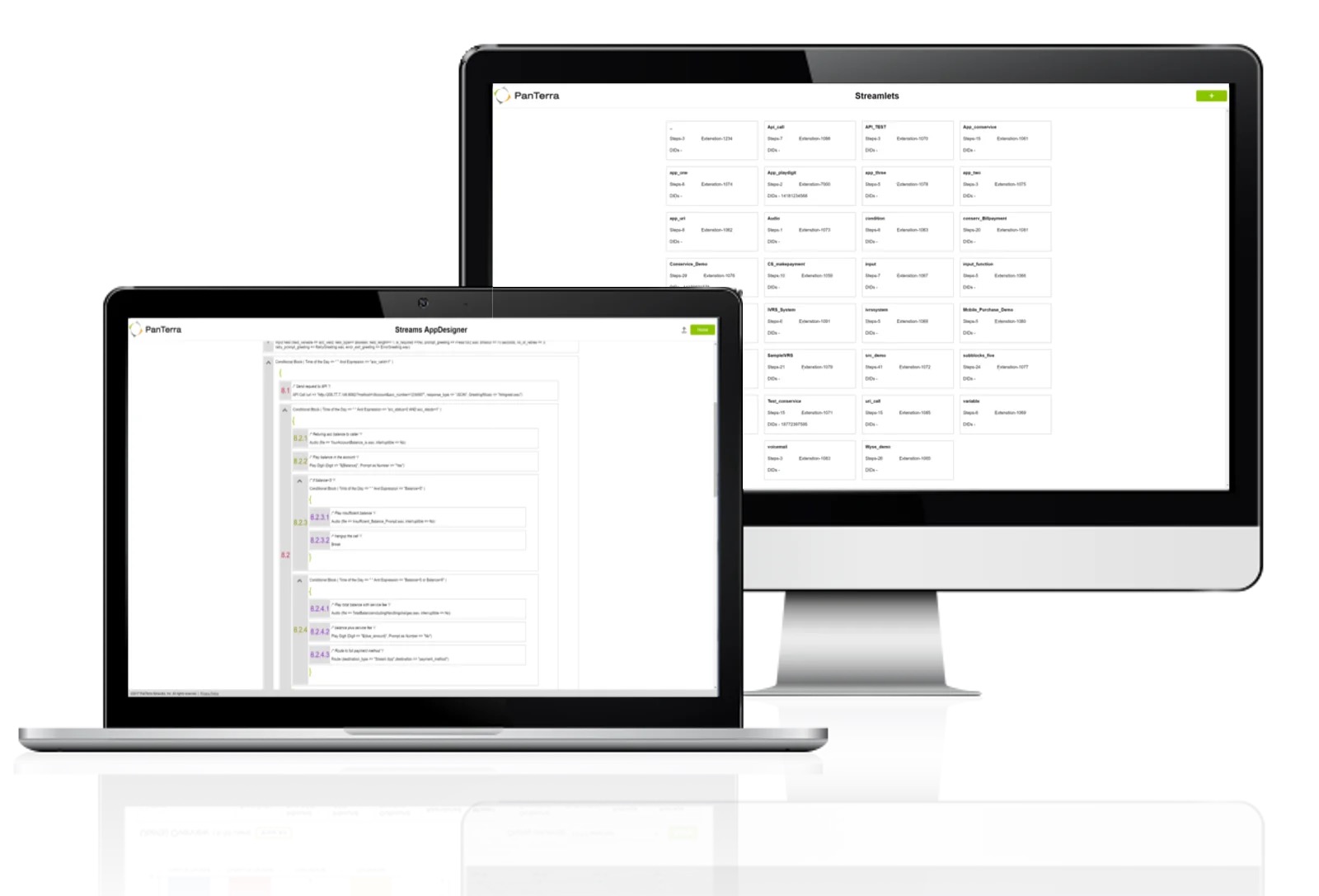
PanTerra is a provider of unified cloud-based services for communications, enterprise file sharing and mobility solutions for mid-market enterprises (MME), headquartered in Santa Clara. The Company's Streams service provides - Unified Communications and SmartBox - Communications-Enabled Content Management solutions which are delivered securely from the cloud through a browser-based client as well as mobile apps for smartphones and tablets, are designed to eliminate any on-premises deployed…
$24.95
per month per seat
Webex Meetings
Score 8.4 out of 10
N/A
Webex Meetings is a video conferencing solution powering hybrid work. It enables a seamless collaboration experience and better results with meetings that are designed to give everyone the ability to engage no matter their location, language, or communication style.
$14.50
per month per user
Pricing
PanTerra Networks
Webex Meetings
Editions & Modules
Business Plus
$24.95
per month per seat
Professional
$29.95
per month per seat
Call Center
$44.95
per month per seat
Webex Meet
$14.50
per month per user
Webex Suite: Meet + Call
$25
per month per user
Enterprise
Contact Sales
Offerings
Pricing Offerings
PanTerra Networks
Webex Meetings
Free Trial
No
Yes
Free/Freemium Version
No
Yes
Premium Consulting/Integration Services
No
No
Entry-level Setup Fee
Optional
Optional
Additional Details
Pricing is determined by length of contract and size of business.
Discount available for annual pricing.
More Pricing Information
Community Pulse
PanTerra Networks
Webex Meetings
Features
PanTerra Networks
Webex Meetings
Performance & Compatibility of Online Events Software
Comparison of Performance & Compatibility of Online Events Software features of Product A and Product B
PanTerra Networks
9.1
Ratings
10% above category average
Webex Meetings
8.3
Ratings
4% above category average
High quality audio
9.10 Ratings
8.50 Ratings
High quality video
9.10 Ratings
8.50 Ratings
Low bandwidth requirements
00 Ratings
7.80 Ratings
Mobile support
00 Ratings
8.20 Ratings
Screen Sharing
Comparison of Screen Sharing features of Product A and Product B
PanTerra Networks
7.7
Ratings
5% below category average
Webex Meetings
8.3
Ratings
5% above category average
Desktop sharing
7.70 Ratings
8.50 Ratings
Whiteboards
00 Ratings
8.10 Ratings
Online Meetings / Events
Comparison of Online Meetings / Events features of Product A and Product B
PanTerra Networks
8.2
Ratings
0% above category average
Webex Meetings
8.1
Ratings
2% below category average
Calendar integration
8.20 Ratings
8.30 Ratings
Meeting initiation
8.20 Ratings
8.40 Ratings
Record meetings / events
8.20 Ratings
8.50 Ratings
Integrates with social media
00 Ratings
7.40 Ratings
Slideshows
00 Ratings
8.00 Ratings
Online Events Security
Comparison of Online Events Security features of Product A and Product B
PanTerra Networks
9.1
Ratings
17% above category average
Webex Meetings
8.5
Ratings
5% above category average
User authentication
9.10 Ratings
8.20 Ratings
Participant roles & permissions
9.10 Ratings
8.50 Ratings
Confidential attendee list
00 Ratings
8.90 Ratings
Cloud PBX
Comparison of Cloud PBX features of Product A and Product B
PanTerra Networks
8.8
Ratings
5% above category average
Webex Meetings
-
Ratings
Hosted PBX
9.10 Ratings
00 Ratings
Multi-level Interactive Voice Response (IVR)
8.50 Ratings
00 Ratings
Directory of employee names
8.70 Ratings
00 Ratings
Call Management
Comparison of Call Management features of Product A and Product B
PanTerra Networks
7.9
Ratings
7% below category average
Webex Meetings
-
Ratings
Answering rules
8.10 Ratings
00 Ratings
Call recording
8.60 Ratings
00 Ratings
Call park
8.10 Ratings
00 Ratings
Call screening
7.80 Ratings
00 Ratings
Message alerts
8.60 Ratings
00 Ratings
Business SMS/External Messaging
3.90 Ratings
00 Ratings
Online Fax
9.10 Ratings
00 Ratings
Voicemail Transcription
9.10 Ratings
00 Ratings
Mobile apps
Comparison of Mobile apps features of Product A and Product B
PanTerra Networks
7.7
Ratings
9% below category average
Webex Meetings
-
Ratings
Mobile app for iOS
8.20 Ratings
00 Ratings
Mobile app for Android
7.30 Ratings
00 Ratings
Unified Communications Platform and Collaboration
Comparison of Unified Communications Platform and Collaboration features of Product A and Product B
PanTerra Networks
8.5
Ratings
6% above category average
Webex Meetings
-
Ratings
Centralized communications management
8.60 Ratings
00 Ratings
Team messaging
7.30 Ratings
00 Ratings
Team document sharing
9.10 Ratings
00 Ratings
Call and meeting analytics
9.10 Ratings
00 Ratings
Online Events Collaboration
Comparison of Online Events Collaboration features of Product A and Product B
One of the main draws of PanTerra Networks Streams is the unlimited calling, which was very enticing. We chose the platform over other models (per-call for example) because they simplified billing. While the video conferencing and messaging feel bare-bones or underdeveloped in comparison to other players in the market, the fact that the messaging is seamlessly integrated into the PBX makes it easy to use. The call routing systems are especially robust, which in the collections world is very important to be able to segment calls to different users.
The first reason is the ease of use and availability, which makes WebEx work for all. The quality of audio and video is adorable. As a business development associate, I must make an impression on the other side, and WebEx helps me make first impressions. A few features are complex for new users but can be resolved.
We have a global and diverse team with different devices and operating systems. Webex works smoothly on all of them and everyone can collaborate in real-time saving a lot of time and effort, making meetings much more productive.
We can easily capture discussion points and decisions for future reference, without the need for manual note-taking. It helps us in smaller group discussions and brainstorming sessions within the main meeting itself.
I can even tailor the layout to suit the meeting's purpose and agenda. Webex is intuitive and easy to navigate, even for non-technical users, joining and scheduling meetings is a smooth process.
In all likelihood, we will remain Panterra customers for many years. VoIP phone and messaging is a rapidly expanding and evolving market, however, and its possible a better solution will come along, but for now, Panterra Streams offers a compelling solution combining leading features, great customer service, and affordable pricing.
Webex is going in a direction which is going to make it incompatible with how we use it. They're more interested in developing the gimmicky AI features and leaving behind the core ability to share documents and allow participants to annotate and save annotated shared documents and other features that were what made it the best choice for classrooms.
PanTerra Networks needs to make the interface more user friendly and make it easier for the users. Like saving message templates or saving phone numbers for the fax directory.
Webex Meetings does not provide enough audio feedback for users with visual disabilities to properly navigate the tool. Students, faculty, and staff who are blind or have low vision may not be able to use Webex Meetings. Users with motor disabilities that navigate via keyboard, may not be able to navigate the web conferencing session enough to participate fully.
So personally I have never faced any kind of meeting unavailability issue while scandaling meeting with WebEx the bandwidth is really good and in terms of application performance the same is my opinion what I mentioned for availability it is good and the objective of communication is quite fruitfully achieved with a simple and effective product like WebEx which is often bundled with the purchase of course which is which we have at our company and great discount is being offered so it is easy on our pocket. I really don't have any specific errors which have faced I should mention over here the operation or application uses is quite smooth.
We use browsers to join Webex Meetings and it is very good no issue also appears from Webex APP is very organized and does not consume more resources of PC so no issues appeared. We join audio and video in many ways, all of which are good. We integrated it with active Microsoft Exchange with easy deployment.
The support team is fantastic, probably the best I have experienced with any company. If I have a question, I can quickly chat with support and they resolve the problem nearly immediately. I don't have to call a phone number and wait on the line for hours for a response. Overall, the support team is one of the main reasons we continue to utilize PanTerra Streams.
The support cases can be opened instantly. The support engineers can support you via Telephone, E-Mail, WebEx Meetings, and My favorite WebEx application.24X7 Availability of the engineers. Step-by-step guidance is available by an engineer. https://help.webex.com/ - Great Site for instant FAQ's. https://status.webex.com/ - Is helpful to identify the updated schedule of WebEx or to know the server status of WebEx services.
In-person training offers the benefit of personalized instruction. Users have the chance to ask specific questions and work through any challenges directly with an instructor. This hands-on learning style can be incredibly valuable for those who learn better through interaction. With in-person training, participants can receive instant feedback and troubleshooting assistance for any technical issues they encounter during the session. This makes it easier to resolve issues on the spot rather than waiting for online support.
Everything was fantastic. Training was sufficient and everything was easy to use. It was provided on our schedule and was very clear. I did the training myself. Training person was very knowledgeable. We are very happy. Only two users. very happy very happy very happy very happy very happy very happy
It was very interactive and well explained. The trainor is very much knowledgeable of the product. He was able to answer all of our inquiries in a timely and professional manner. There were lots of exercises done during the duration of the training to ensure that we have a better view on what to expect from the product.
The implementation was fast. Things were explained quite well on the onboarding call. All that was left to do was to map the extensions(they did this for us) and port over the numbers. The porting process went pretty smoothly! No complaints at all.
That we needed complex implementation that we didn't get tells me 2 things: 1) the product was not designed in a way that "just worked" like some of its peers (Zoom / BlueJeans) and 2) had our company defined actual user needs and validated / verified that they had bought something that matched those, we would have pursued features / designs more closely aligned with what the product actually does: screen share, sometimes video, definitely VOIP audio (always an option regardless of license), and easy recording and retrieval of meetings.
We've used Net2Phone and Segra prior to using PanTerra Networks. PanTerra Networks has been our best overall system. For Net2Phone, call quality was an issue at times and it was not easy to update the system for holidays at the time of use as well as limited data analytics. Segra had good call quality and ease of system but did not have good data analytics at the time of use. PanTerra Networks had all: Call quality, ease of customization and good data analytics.
The ability to transfer multimedia files directly into the platform and a very robust free plan helped me make the decision to try out Webex Meetings. Easy to set up in a company environment and accessible once the learning curve and sign up process are complete. In-platform web navigating is also a nice feature when onboarding new staff or doing market research.
I can speak to multiple departments at my organization using Webex Meetings. It has been, and continues to be, our longest online meeting software. It has been deployed across the organization and each department uses it. As I have mentioned, our monthly all-organization Town Halls are hosted on Webex. We have also used it to broadcast a panel-based speaker event.
Very reliable. We make hundreds of calls outbound and there has never been a connectivity issue or otherwise
We decreased our monthly expense for reliable service by several hundred dollars
The onboarding support was the best we've ever experienced. They were on the phone while we hooked up every phone, tested, and got it all set up with ease.
Any changes needed after onboarding were difficult to accomplish without a call to customer service. Some of those calls to customer service made things more confusing
Our clients and teams like the solution and have been using it for years.
Tiered pricing could improve the cost for SMBs, but the ROI is still great for what we use Webex for.
The install base using the product and its features saves us money in not using other solutions that are not as flexible, saving us money in annual license fees.
From a global meeting and conference perspective, no significant issues cause scheduling and participation problems.
We can grow usage of tool and not break the budget.
Team leadership finds it cost effective, but can be improved.