
N-able N-sight RMM vs. Netmon 1U Server Appliance
| Product | Rating | Most Used By | Product Summary | Starting Price |
|---|---|---|---|---|
 N-able N-sight RMM | Score8.7 out of 10 | N/A | SolarWinds Remote Monitoring & Management (RMM) is a cloud-based system monitoring offering for Managed Service Providers. It provides a full monitoring and management suite, including automation and threat detection capabilities, and can integrate with other SolarWinds products. | N/A |
 Netmon 1U Server Appliance | N/A | Mid-Size Companies (51-1,000 employees) | Netmon is an all-in-one network monitoring appliance solution featuring real-time packet sniffing technology, device performance monitoring, syslog & event log monitoring and custom alerting in a centralized platform. With this solution, users can monitor their entire network with no device limits or per device license fees. | $5,995 Installation |
| N-able N-sight RMM | Netmon 1U Server Appliance | |||||||||||||||
|---|---|---|---|---|---|---|---|---|---|---|---|---|---|---|---|---|
| Editions & Modules | No answers on this topic |
| ||||||||||||||
| Offerings |
| |||||||||||||||
| Entry-level Setup Fee | No setup fee | Required | ||||||||||||||
| Additional Details | — | Netmon Maintenance Package - Appliance Edition - $1,595 /USD - Annual Subscription: Toll Free Technical Support, Software Upgrades, Software Updates and Patches, Limited Hardware Warranty Netmon Maintenance Package - Appliance Edition - $1,095 /USD - Annual Subscription: Toll Free Technical Support, Software Upgrades, Software Updates and Patches | ||||||||||||||
| More Pricing Information | ||||||||||||||||
| N-able N-sight RMM | Netmon 1U Server Appliance | |
|---|---|---|
| Considered Both Products | No answer on this topic | No answer on this topic |
| Key User Insights | ||
| Would buy again | ||
78% Would buy again 7 Answers | No answers on this topic | |
| Delivers good value for the price | ||
100% Delivers good value for the price 6 Answers | No answers on this topic | |
| Happy with the feature set | ||
100% Happy with the feature set 9 Answers | No answers on this topic | |
| Lived up to sales and marketing promises | ||
75% Lived up to sales and marketing promises 6 Answers | No answers on this topic | |
| Implementation went as expected | ||
100% Implementation went as expected 9 Answers | No answers on this topic | |
| N-able N-sight RMM | Netmon 1U Server Appliance | ||||||||||
|---|---|---|---|---|---|---|---|---|---|---|---|
| Monitoring Tasks |
| ||||||||||
| Management Tasks |
| ||||||||||
| N-able N-sight RMM | Netmon 1U Server Appliance | |
|---|---|---|
| Small Businesses |  Panda Systems Management Score9.8 out of 10 |  Pulseway Score9.9 out of 10 |
| Medium-sized Companies |  N-able N-central Score8.9 out of 10 |  Cisco Meraki Dashboard Score9.3 out of 10 |
| Enterprises | No answers on this topic |  Cisco Prime LAN Management (discontinued) Score8.5 out of 10 |
| All Alternatives | View all alternatives | View all alternatives |
| N-able N-sight RMM | Netmon 1U Server Appliance | |
|---|---|---|
| Likelihood to Recommend | 6.2 | - |
| Usability | 9.3 | - |
| Support Rating | 7.4 | - |
| N-able N-sight RMM | Netmon 1U Server Appliance | |
|---|---|---|
| Likelihood to Recommend |
| No answers on this topic |
| Pros |
| No answers on this topic |
| Cons |
| No answers on this topic |
| Usability |
| No answers on this topic |
| Support Rating |
| No answers on this topic |
| Alternatives Considered |
| No answers on this topic |
| Return on Investment |
| No answers on this topic |
| ScreenShots | N-able N-sight RMM Screenshots | Netmon 1U Server Appliance Screenshots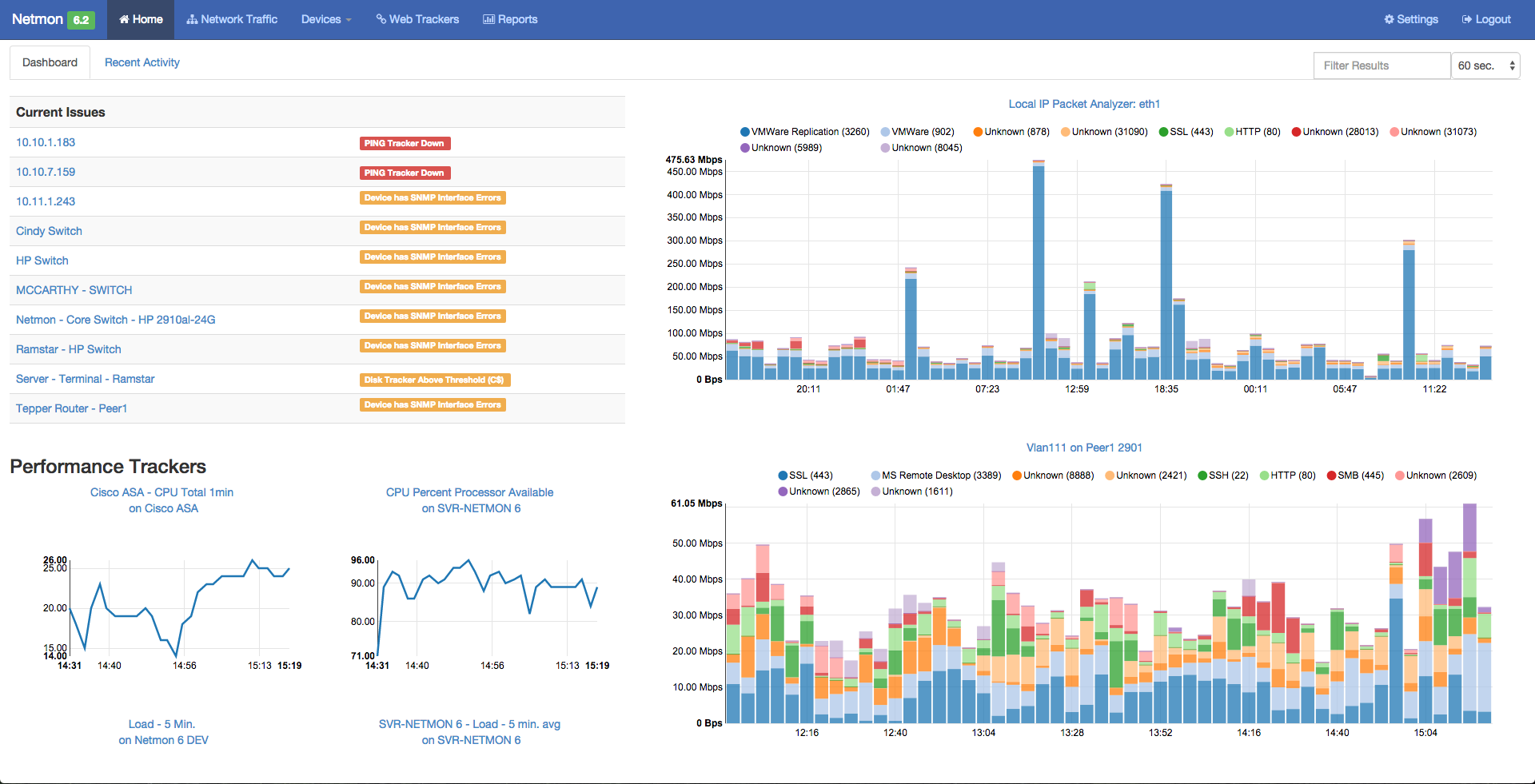 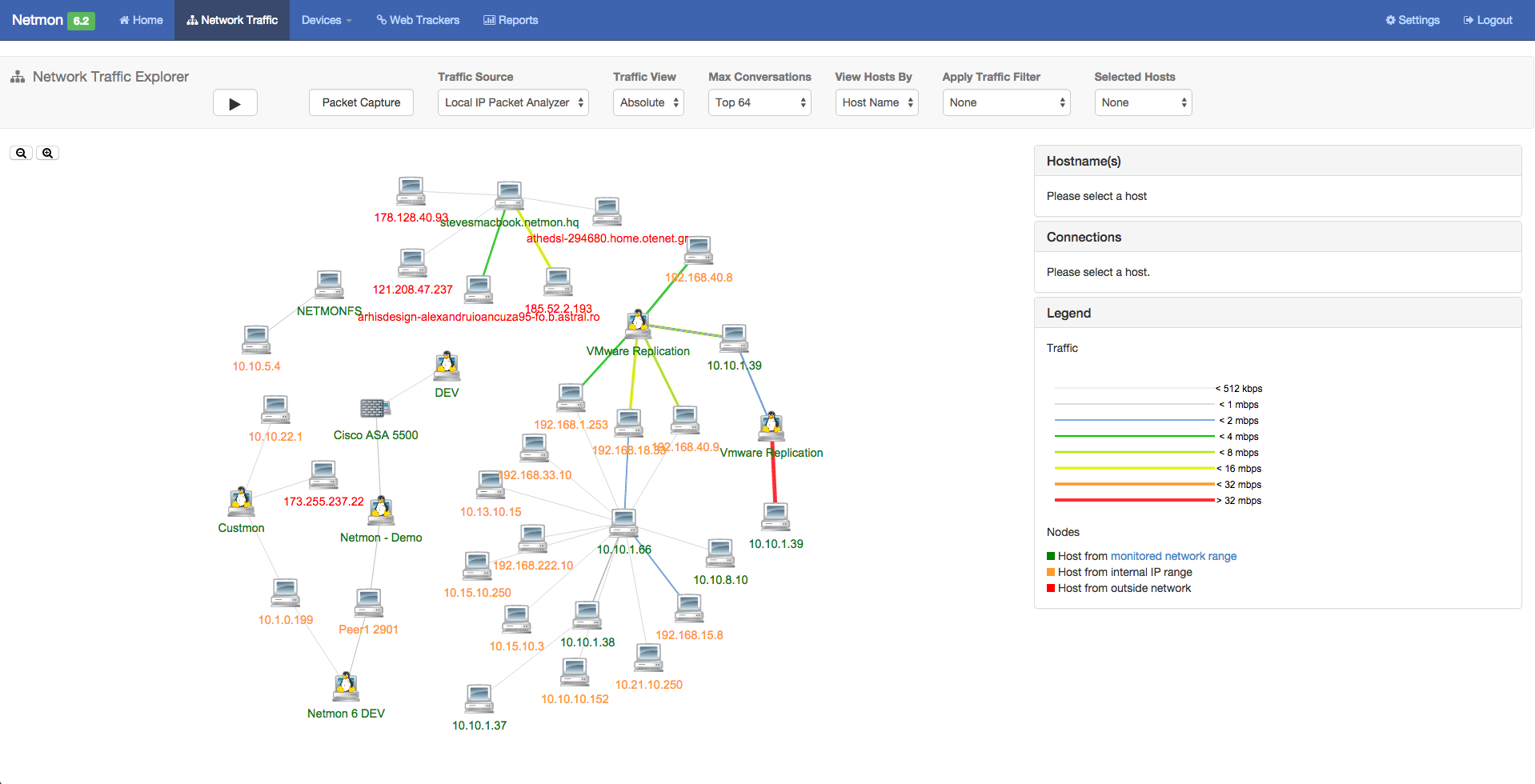  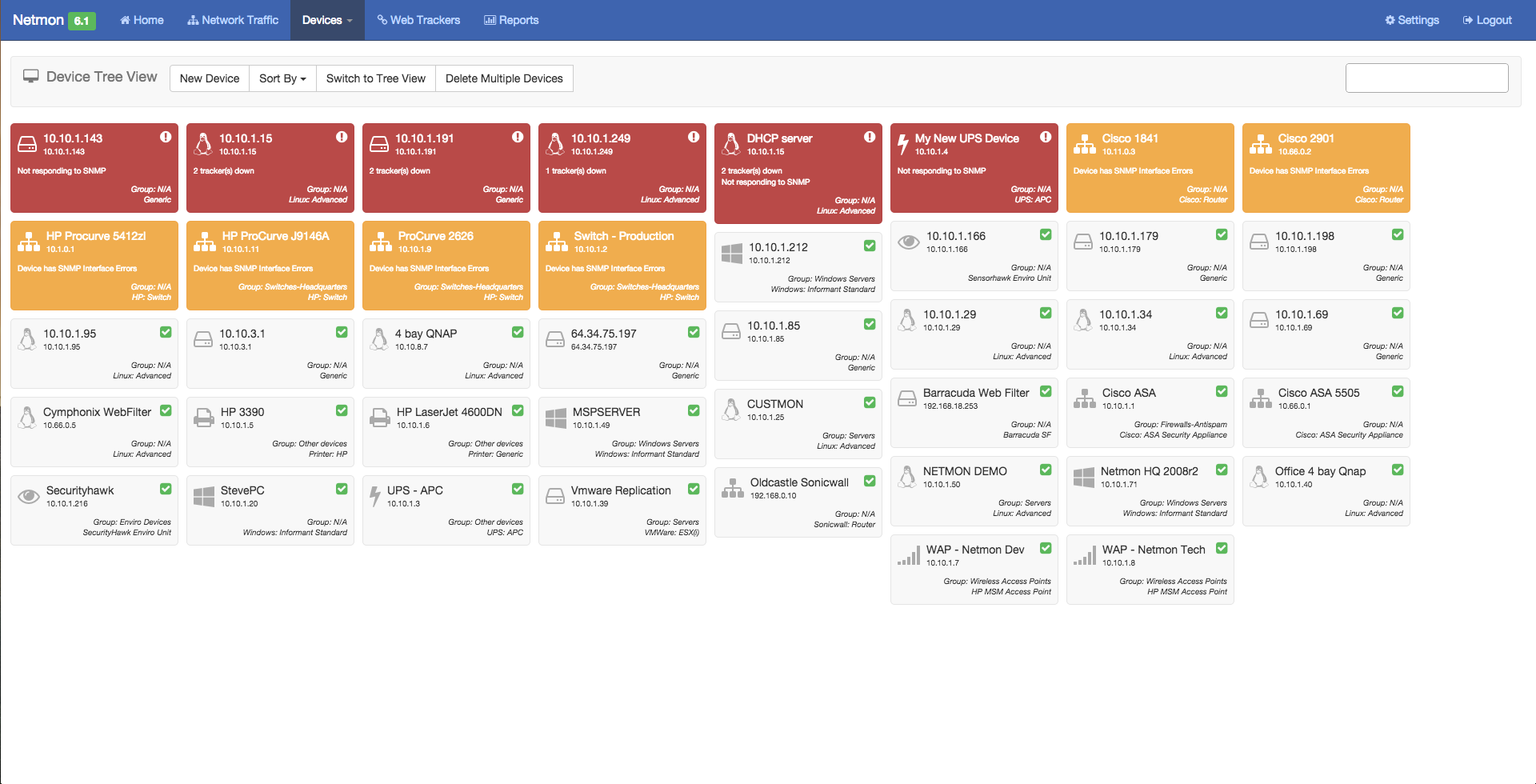 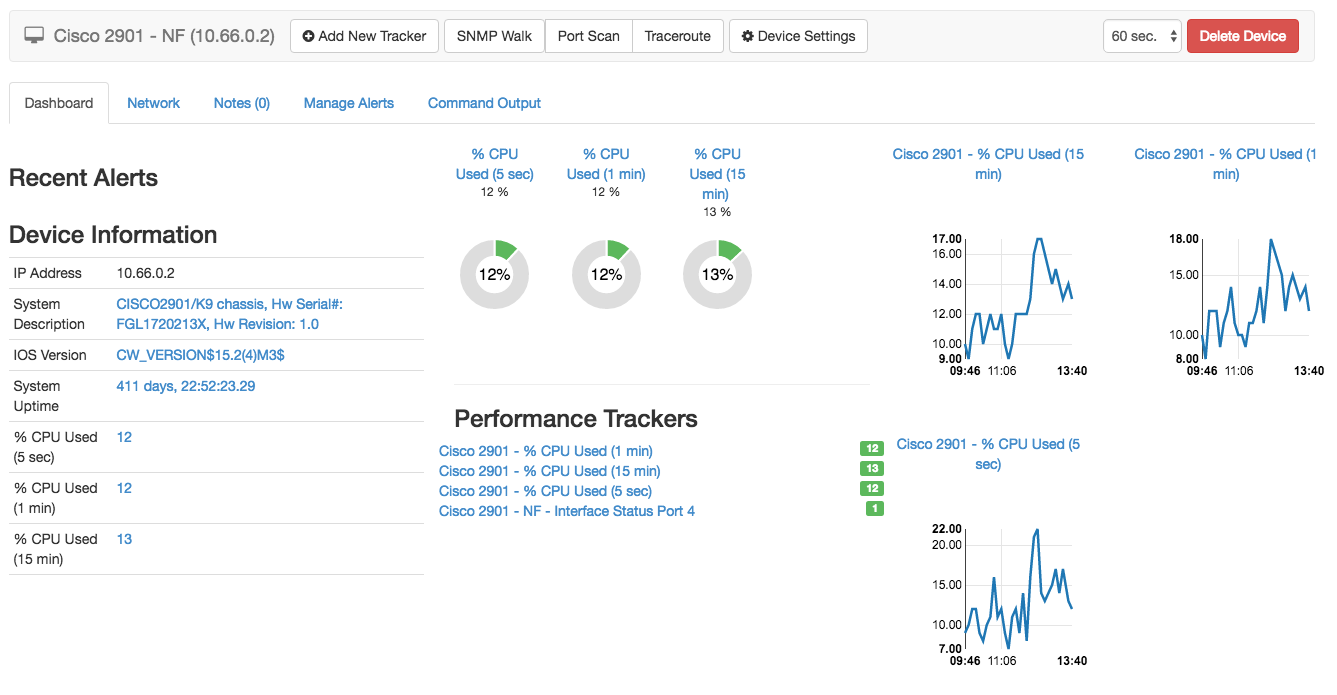 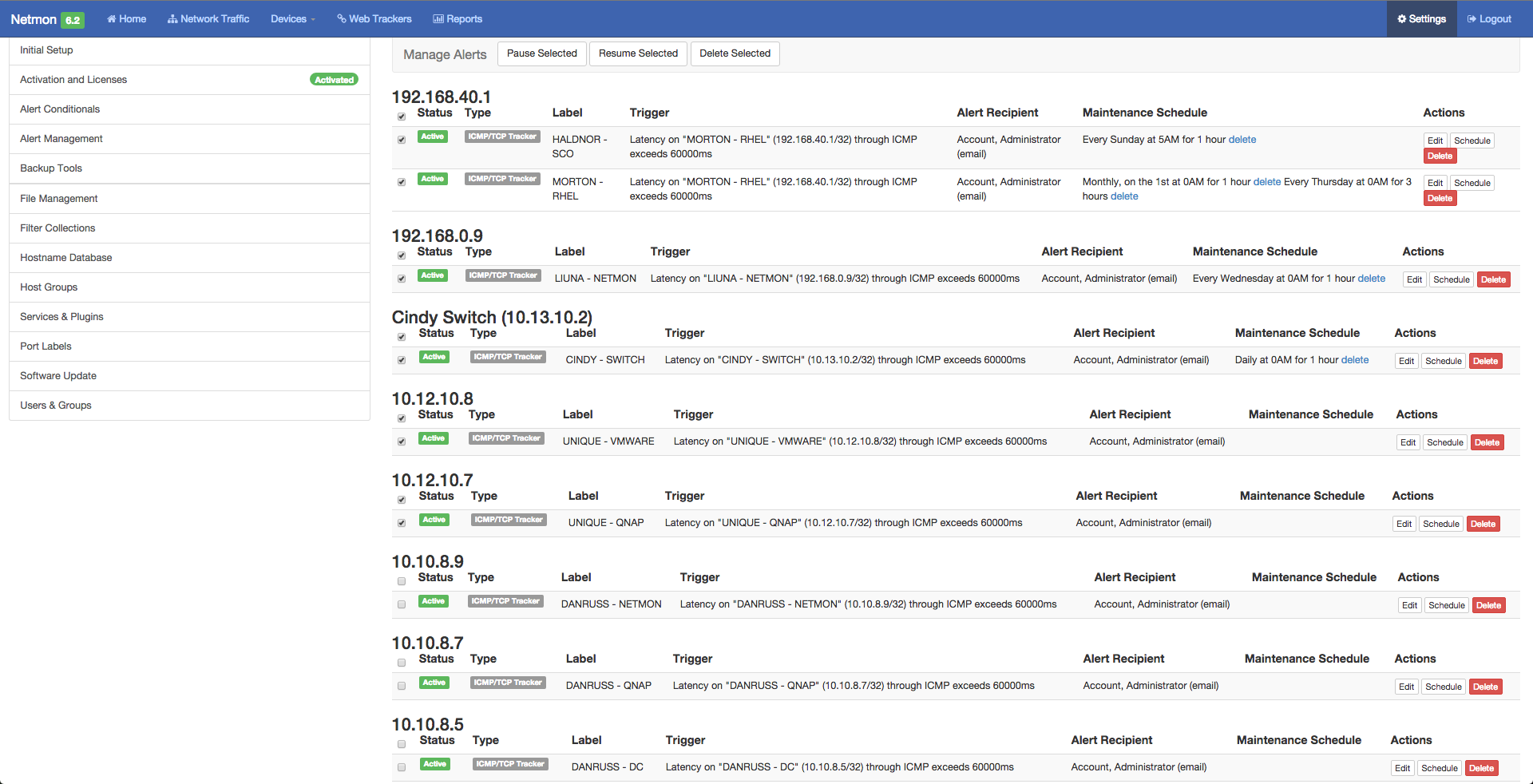 |

