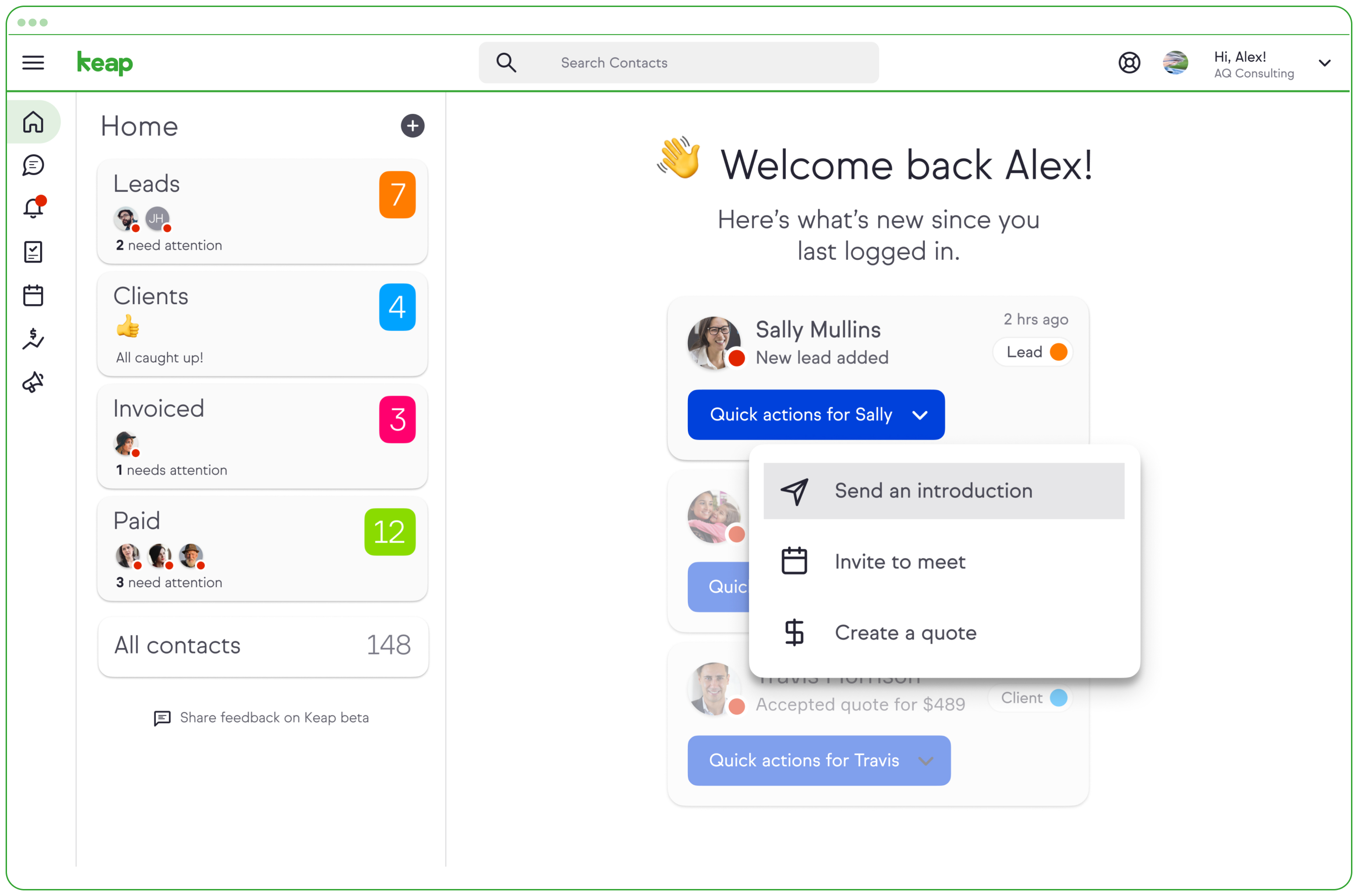
Keap is a small business-focused, comprehensive sales and marketing platform which combines basic contact management, CRM, marketing automation, and e-commerce capabilities into a single, subscription-based SaaS product.
$199
per month
Pipedrive
Score8.6 out of 10
N/A
Pipedrive is a customer relationship management (CRM) software built to help small teams to drive sales.
$24
per month per seat
Pricing
Keap
Pipedrive
Editions & Modules
Pro
$199.00
per month
Max
$289.00
per month
Max Classic
Contact Us
per year
Essential
$24
per month per seat
Advanced
$49
per month per seat
Professional
$69
per month per seat
Power
$79
per month per seat
Enterprise
$129
per month per seat
Offerings
Pricing Offerings
Keap
Pipedrive
Free Trial
Yes
Yes
Free/Freemium Version
No
No
Premium Consulting/Integration Services
Yes
No
Entry-level Setup Fee
Optional
No setup fee
Additional Details
All plans with 1 user and 500 contacts. The price is $30.00 for each additional user.
Monthly plans are available. The Essentials monthly plan at $24 per month.
Direct Response Marketing Strategist in Marketing at StrategiCopy (Marketing & Advertising, 1-10 employees)
Chose Keap
Constant Contact is very good but limited to one or two uses compared to multiple uses for Keap. Pipedrive is even more limited and not as user-friendly. Hubspot is great but way overpriced compared to the value delivered by Keap. Mailchimp is just, well... cheap in my view. …
A de minimis incentive was given to thank the reviewer for their time. The incentive was not used to bias or drive a particular response, nor was the incentive contingent on a positive endorsement. More Info
Web Developer Search Engine Optimization in Information Technology at Preferred Care at Home (Hospital & Health Care, 51-200 employees)
Chose Keap
We have used Pipedrive for our franchise sales side, but going forward we will be using ActiveCampaign for both our franchise sales and lead management for our owners. ActiveCampaign isn't as feature heavy as Infusionsoft, but it's a whole lot easier to use and setup. It allows …
A de minimis incentive was given to thank the reviewer for their time. The incentive was not used to bias or drive a particular response, nor was the incentive contingent on a positive endorsement. More Info
Verified User
Chose Keap
We went with Pipedirve because it is far easier to use and much cheaper. It also has a lot of useful addons that are reasonably priced.
A de minimis incentive was given to thank the reviewer for their time. The incentive was not used to bias or drive a particular response, nor was the incentive contingent on a positive endorsement. TR verified that a representative sample of customers was invited. More Info
A de minimis incentive was given to thank the reviewer for their time. The incentive was not used to bias or drive a particular response, nor was the incentive contingent on a positive endorsement. TR verified that a representative sample of customers was invited. More Info
A de minimis incentive was given to thank the reviewer for their time. The incentive was not used to bias or drive a particular response, nor was the incentive contingent on a positive endorsement. More Info
Front-end Developer| Team Lead in Information Technology at Dhaka IT Solution (Information Technology & Services, 11-50 employees)
Chose Pipedrive
Pipedrive has an excellent UI, email tracking features, and the ability to display contact information and notes about each individual. It allows us to integrate other systems with a high degree of automation, which is crucial to our workflow. Easy to pick up and use, with …
A de minimis incentive was given to thank the reviewer for their time. The incentive was not used to bias or drive a particular response, nor was the incentive contingent on a positive endorsement. More Info
Innovation Manager in Research & Development at Constellation Software, Inc. (Retail, 51-200 employees)
Chose Pipedrive
Pipedrive is extremely lightweight, but extremely powerful as you get deeper into it. My 61 year old father will use it, when he won't even use email on desktop. Pipedrive is inexpensive and easy to adopt. It's also easy to adapt, adding custom fields, deal stages, and other …
A de minimis incentive was given to thank the reviewer for their time. The incentive was not used to bias or drive a particular response, nor was the incentive contingent on a positive endorsement. More Info
Founder and Growth Hacker at Big Red's Equipment Sales in Marketing at Big Red's Equipment Sales (Retail, 11-50 employees)
Chose Pipedrive
Pipedrive is a mature product that is feature-rich, but simple. It can be used as minimally as possible and is still a fantastic contact manager. But it is robust, and can really automate a lot of the sales process if used correctly.
A de minimis incentive was given to thank the reviewer for their time. The incentive was not used to bias or drive a particular response, nor was the incentive contingent on a positive endorsement. More Info
Keap is very good at contact management and automation creation but weaker at email campaign creation. I was particularly interested in a function where when manually entering a new contact, you are then able to email that contact using a premade HTML template. It will currently not do this. There is a workaround, but it is unnecessarily ponderous.
A de minimis incentive was given to thank the reviewer for their time. The incentive was not used to bias or drive a particular response, nor was the incentive contingent on a positive endorsement. More Info
Pipedrive is a fantastic tool to help monitor and track lead generation and referral sources. It helps maintain accountability with the sales team and helps ensure that we are doing appropriate marketing to maintain a steady influx of cases. The weekly and quarterly sales reports that it can generate are incredibly helpful and insightful. They help inform us of what we need to focus on each quarter/year.
A de minimis incentive was given to thank the reviewer for their time. The incentive was not used to bias or drive a particular response, nor was the incentive contingent on a positive endorsement. More Info
A de minimis incentive was given to thank the reviewer for their time. The incentive was not used to bias or drive a particular response, nor was the incentive contingent on a positive endorsement. More Info
Great visual visibility of the funnel plus easy to drag the deals across the stages
The email integration that collects all relevant communication (also through the possibility of adding a deal-specific Pipedrive address on BCC)
The integration with Pandadoc, which we use a lot, so that Pipedrive keeps a really handy overview of the documents we have sent out / which have been signed
More articles and videos on how to use the various functions of Keap
Having representatives designated to certain regions or companies for a point of contact when help is needed
More options when building the emails. While the click and drop options can be a plus, they can also be negative because you are limited to image and text sizing and positions
Showing the customers name on the pipeline page. Right now I can only get it to show the brand name twice. I wish it would replace the second brand name with the main point of contact.
Better reporting tools. Their reporting tools are not easy to pick up. I've spent time trying to figure it out and it isn't something I can pick up on quickly.
Better training options. I wish I had a personal trainer to walk me through the best way to use Pipedrive so I can get the most out of it.
A de minimis incentive was given to thank the reviewer for their time. The incentive was not used to bias or drive a particular response, nor was the incentive contingent on a positive endorsement. More Info
We have invested a lot into Infusionsoft and are using it to automate our processes and marketing. Changing CRMs would have a HUGE cost for us and based on our evaluations, the grass isn't greener elsewhere. Infusiosoft fits most of our needs and is slowly getting better each year. Their support is great and we will continue to use them until something much better comes around or our company outgrows a small business CRM.
A de minimis incentive was given to thank the reviewer for their time. The incentive was not used to bias or drive a particular response, nor was the incentive contingent on a positive endorsement. More Info
You do need to spend some time on-boarding and implementing the software in order to have full functionality. We were lucky - we had colleagues at the university with experience with Keap and then hired an intern familiar with the software to get us set up and ready to use it. We've had some functionality issues with it along the way and that has frustrated myself and the other uses in our department.
A de minimis incentive was given to thank the reviewer for their time. The incentive was not used to bias or drive a particular response, nor was the incentive contingent on a positive endorsement. TR verified that a representative sample of customers was invited. More Info
Pipedrive is easy to use and has a clean interface so we can follow up accurately. Its custom features help manage leads and evaluate team performance. It saves time and improves efficiency. Pipedrive is stable and supports integrations and automation.
A de minimis incentive was given to thank the reviewer for their time. The incentive was not used to bias or drive a particular response, nor was the incentive contingent on a positive endorsement. More Info
OMG, it's all in one and that compromises everything, fundamentally. If you want a race car, invest in a race car. If you want a dune buggy, get that. If you want a boat that floats, go for it.
Generally, very responsive support for even our more complicated issues. We do have some open issues that we need resolutions on and that I understand are complicated and will take longer to resolve but the open issues are significantly impacting to our business.
A de minimis incentive was given to thank the reviewer for their time. The incentive was not used to bias or drive a particular response, nor was the incentive contingent on a positive endorsement. TR verified that a representative sample of customers was invited. More Info
Between quick video tutorials and having very quick feedback from their support teams, it is one of the main reasons I would recommend Pipedrive. It is critical, especially when setting up the platform to meet your companies needs, that a solid support team like Pipedrive has is there to make the transition easier.
A de minimis incentive was given to thank the reviewer for their time. The incentive was not used to bias or drive a particular response, nor was the incentive contingent on a positive endorsement. More Info
I have been to a number of in-person training sessions over the years with Keap and all of them have been FANTASTIC. They really put a lot of time and effort into these sessions. Staff and facilitators go out of their way to ensure that participants are getting what they need.
A de minimis incentive was given to thank the reviewer for their time. The incentive was not used to bias or drive a particular response, nor was the incentive contingent on a positive endorsement. More Info
The results of training online are often based on how people learn. The training was great but with feature updates, you just have to get in there sometimes and do it! The training definitely lays a firm enough foundation for you to be successful even if its can't be updated with every feature update.
Don't let the fear of implementing a new software solution keep you from unleashing the power of automation that Infusionsoft provides. With the right implementation partner, the process can not only be smooth and painless, it can actually help you get a better understanding for how your current communication process can be improved upon.
Keap is fast. The learning curve is shorter and they have an academy for learning with videos quite extensive that explain a lot of different scenarios, specially when you need to customize scenarios of automations and segments. Is cheaper if you consider that this services CRM + Mailing don´t come often in one package and the realiability to send mails is quite good.
A de minimis incentive was given to thank the reviewer for their time. The incentive was not used to bias or drive a particular response, nor was the incentive contingent on a positive endorsement. More Info
I much prefer the interface of Pipedive when compared to Zoho. Much more user friendly and the team is always readily available when we need them. Pipedrive allowed for many custom integrations to be added, as Zoho was a tad more complicated to manipulate. We would not go back to Zoho in any case.
A de minimis incentive was given to thank the reviewer for their time. The incentive was not used to bias or drive a particular response, nor was the incentive contingent on a positive endorsement. More Info
You get a lot of features included, but you don't need to use them all at once to start seeing an effect. When you are ready to use them, they are there. It also scales without costing too much money.
Automation has allowed us to be more engaged and invested in our customers by reminding us about birthdays and other important events in their lives so that we can celebrate with them.
We lacked the manpower to sell and distribute orders online before setting up the payments and automation features. We now collect $5k+ a week in lost sales through online ordering.
List cleaning functionality and engagment settings have allowed us to run a 40-50% email open rate that allows us to create an engaged community around local events and opportunities as well as sales and special offerings.
A de minimis incentive was given to thank the reviewer for their time. The incentive was not used to bias or drive a particular response, nor was the incentive contingent on a positive endorsement. More Info
Great on setup which made our work easier and less technically equipped people can manage a lot of things(compared to SalesForce where you need to hire a developer to set it up)
We were able to integrate our calling system easily and get things going on the lead calling aspect.
Great multipipeline option where we were able to manage both organisations under one roof.
A de minimis incentive was given to thank the reviewer for their time. The incentive was not used to bias or drive a particular response, nor was the incentive contingent on a positive endorsement. More Info