
Informatica Intelligent Data Management Cloud vs. SAP Integration Suite
Informatica Intelligent Data Management Cloud vs. SAP Integration Suite
| Product | Rating | Most Used By | Product Summary | Starting Price |
|---|---|---|---|---|
 Informatica Intelligent Data Management Cloud | N/A | The Informatica® Intelligent Data Management Cloud™ (IDMC) is designed to help businesses efficiently handle the complex challenges of dispersed and fragmented data to innovate with their data on virtually any platform, any cloud, multi-cloud and multi-hybrid. | N/A | |
 SAP Integration Suite | N/A | SAP Integration Suite is an integration platform-as-a-service (iPaaS) that helps quickly integrate on-premises and cloud-based processes, services, applications, events, and data. It is used to accelerate innovation, automate more processes, and realize a faster time to value. | N/A |
| Informatica Intelligent Data Management Cloud | SAP Integration Suite | |||||||||||||||
|---|---|---|---|---|---|---|---|---|---|---|---|---|---|---|---|---|
| Editions & Modules | No answers on this topic | No answers on this topic | ||||||||||||||
| Offerings |
| |||||||||||||||
| Entry-level Setup Fee | No setup fee | No setup fee | ||||||||||||||
| Additional Details | — | Access to free tier services does not expire while there is an active Pay-As-You-Go or CPEA account with SAP. Once a free tier service limit has been reached users have the option to update from a free to a paid service plan in the same account. | ||||||||||||||
| More Pricing Information | ||||||||||||||||
| Informatica Intelligent Data Management Cloud | SAP Integration Suite |
|---|
| Informatica Intelligent Data Management Cloud | SAP Integration Suite | |||||||||||||||||||||
|---|---|---|---|---|---|---|---|---|---|---|---|---|---|---|---|---|---|---|---|---|---|---|
| Cloud Data Integration |
|
| Informatica Intelligent Data Management Cloud | SAP Integration Suite | |
|---|---|---|
| Small Businesses |  Skyvia Score 9.9 out of 10 |  Make Score 8.9 out of 10 |
| Medium-sized Companies |  IBM InfoSphere Information Server Score 8.0 out of 10 | IBM App Connect Score 9.5 out of 10 |
| Enterprises | IBM InfoSphere Information Server Score 8.0 out of 10 | IBM App Connect Score 9.5 out of 10 |
| All Alternatives | View all alternatives | View all alternatives |
| Informatica Intelligent Data Management Cloud | SAP Integration Suite | |
|---|---|---|
| Likelihood to Recommend | 8.3 (0 ratings) | 8.5 (0 ratings) |
| Likelihood to Renew | 9.0 (0 ratings) | 8.6 (0 ratings) |
| Usability | - (0 ratings) | 8.0 (0 ratings) |
| Support Rating | 8.0 (0 ratings) | 6.0 (0 ratings) |
| Implementation Rating | - (0 ratings) | 7.3 (0 ratings) |
| Informatica Intelligent Data Management Cloud | SAP Integration Suite | |
|---|---|---|
| Likelihood to Recommend |
| 
 Zulma Quiroz Corporate Credit Risk Analyst |
| Pros |
|
|
| Cons |
|
 Andrey Shalaurov Group Director of Software Engineering |
| Likelihood to Renew | No answers on this topic |
 Brijeshkumar Joshi Se. Team leader |
| Usability | No answers on this topic |
|
| Support Rating |
|
|
| Implementation Rating | No answers on this topic |
|
| Alternatives Considered |
|
|
| Return on Investment |
 Vaibhav Khanna ☁⚡ Salesforce Consultant |
|
| ScreenShots | SAP Integration Suite Screenshots  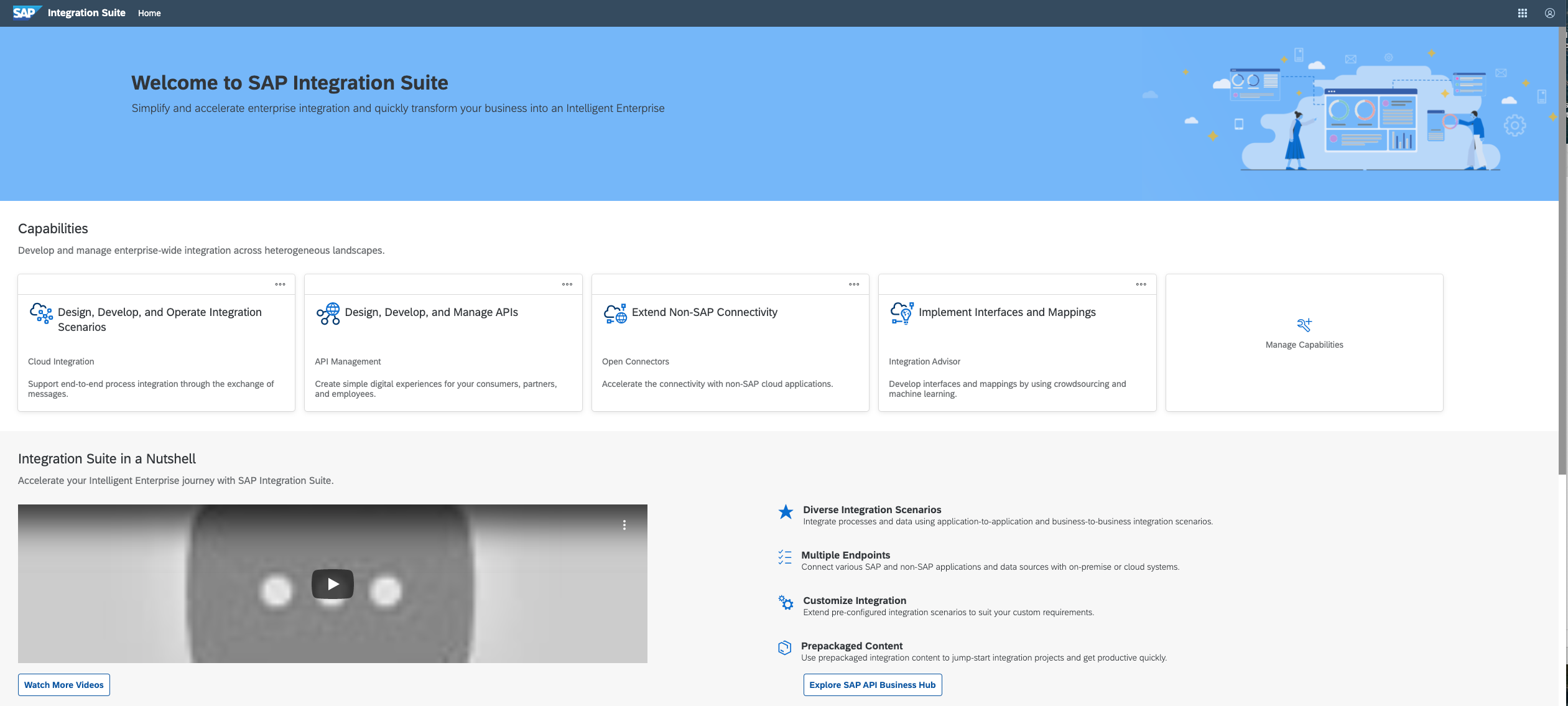   |
