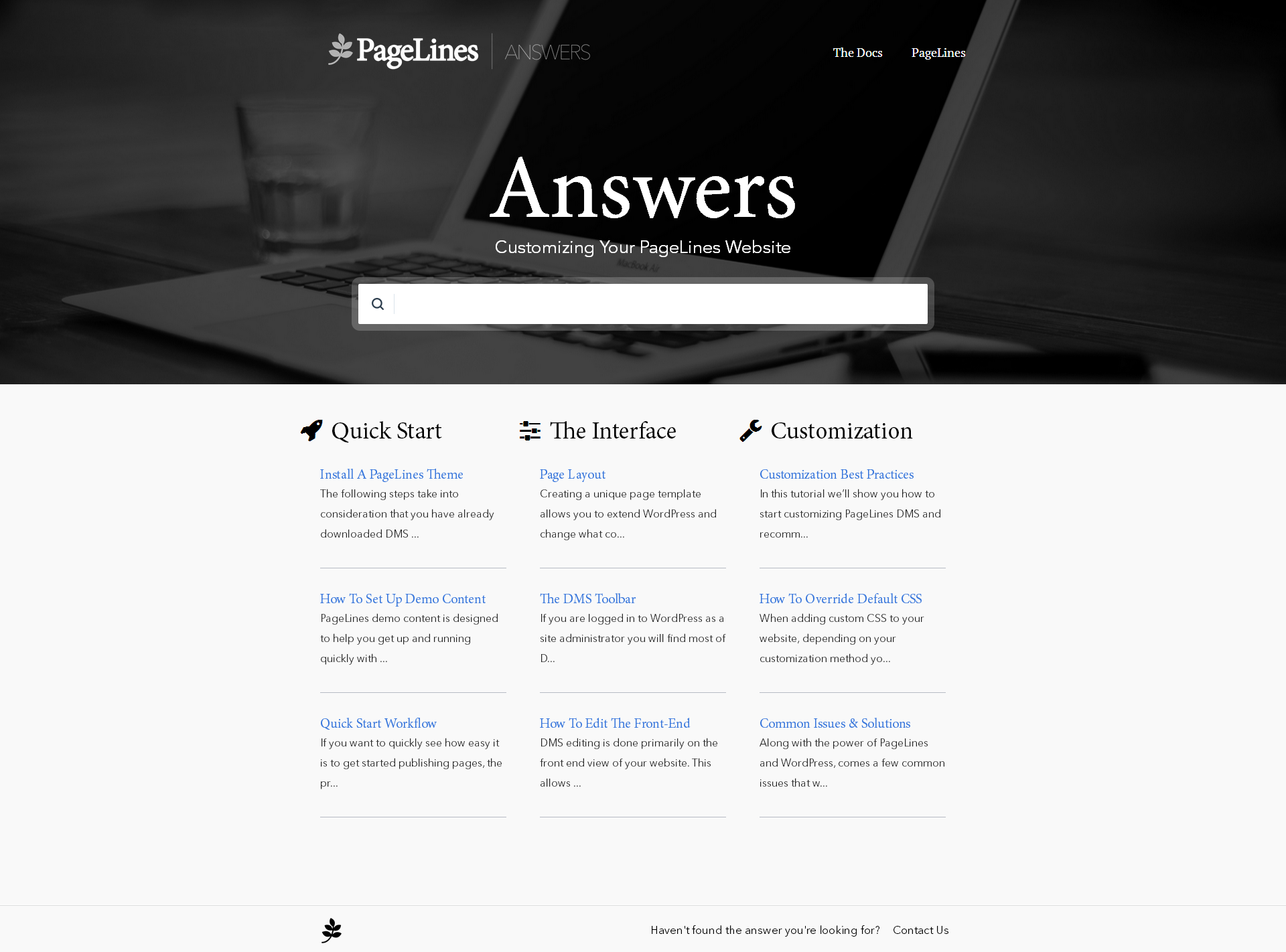
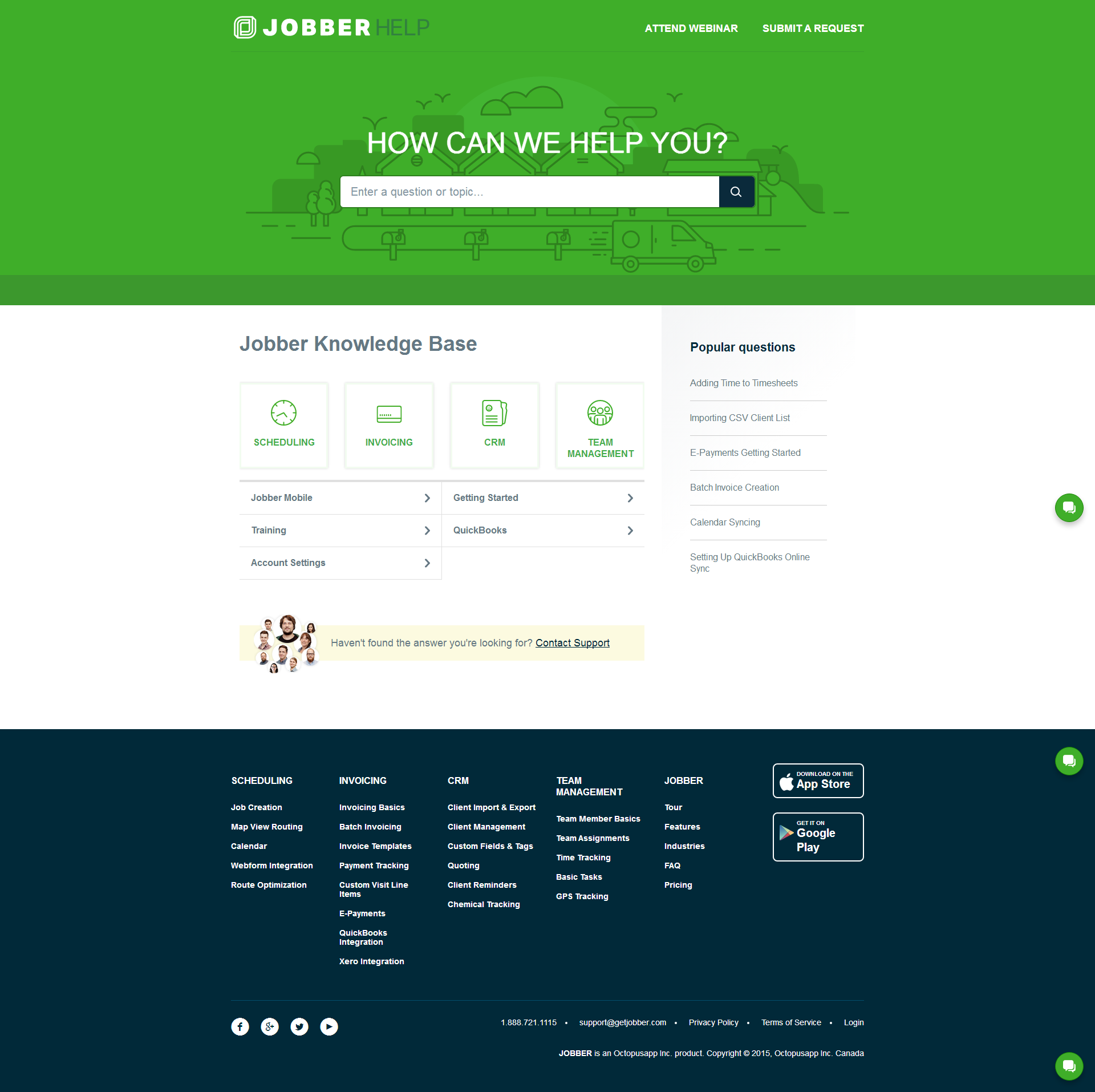
Helpjuice is a web app that companies can use to keep their help pages up-to-date. Instead of answering the same question repeatedly, companies can use Helpjuice to keep track of content. This app includes analytics that enable businesses to see the content their users are searching for the most as well as content that needs improvement. The vendor says that companies that manage a support page full of FAQs and user guides can benefit from using Helpjuice. This app can be integrated…
$120
per month
SAP Service Cloud
Score8.5 out of 10
N/A
SAP Service Cloud helps deliver customer value and protect the brand with intelligent customer service. It enables the user to engage with customers at their convenience, connect service with the value chain and deliver greater profitability.
N/A
Pricing
Helpjuice
SAP Service Cloud
Editions & Modules
No answers on this topic
No answers on this topic
Offerings
Pricing Offerings
Helpjuice
SAP Service Cloud
Free Trial
Yes
No
Free/Freemium Version
No
No
Premium Consulting/Integration Services
Yes
No
Entry-level Setup Fee
No setup fee
No setup fee
Additional Details
Every Plan Comes With A 100% Money-Back Guarantee, No Questions Asked. Starting price includes up to 4 users.
Helpjuice is an excellent platform when you’re looking to modernize the way you create documentation. Many companies, especially larger corporations, are stuck in the past, utilizing PDFs and share drives to house and access procedures. With Helpjuice, we now have a centralized web-based platform that provides everything from analytic functions to standard templates, user-specific features, and more. My team specifically chose Helpjuice during the pandemic, when all the tech writers from my company (including myself) were moved into a single team. We needed to find a platform that would allow us to align our publishing standards while also moving us forward in the way we publish procedures. That platform was ultimately Helpjuice. Helpjuice certainly offers a variety of features, but one of the few drawbacks is that it does not incorporate or seem to integrate with any specific ticketing tool. While this isn’t an issue for me or my team, as we are required to use a specific tool internally, I can imagine that someone looking for a complete package with multi-step workflows and an intake process would not find Helpjuice adequate.
A de minimis incentive was given to thank the reviewer for their time. The incentive was not used to bias or drive a particular response, nor was the incentive contingent on a positive endorsement. More Info
SAP Service Cloud is well suited with its omni-channel capabilities giving the possibility to collect service requests from different channels like phone, e-mail or CTI telephony. It also has nice User Interface (when it comes to desktop version). On the other hand SAP Service Cloud needs to be definitiely improved in terms of mobile app, which is horrible and it has limited development possibilities.
A de minimis incentive was given to thank the reviewer for their time. The incentive was not used to bias or drive a particular response, nor was the incentive contingent on a positive endorsement. More Info
A de minimis incentive was given to thank the reviewer for their time. The incentive was not used to bias or drive a particular response, nor was the incentive contingent on a positive endorsement. More Info
A de minimis incentive was given to thank the reviewer for their time. The incentive was not used to bias or drive a particular response, nor was the incentive contingent on a positive endorsement. TR verified that a representative sample of customers was invited. More Info
A de minimis incentive was given to thank the reviewer for their time. The incentive was not used to bias or drive a particular response, nor was the incentive contingent on a positive endorsement. More Info
While SAP Service Cloud offers a wealth of features, its interface can sometimes feel overwhelming. For newcomers, especially those not tech-savvy, a more intuitive or simplified layout would be beneficial.
While it allows for some level of personalization, making deep customizations can be challenging. Given the unique requirements of our client's customer service, having more flexibility in tailoring the tool to our exact needs would be nice.
While SAP Service Cloud integrates well within the SAP ecosystem, it can sometimes be less smooth when linking up with non-SAP third-party tools. Enhancing these integrations would streamline our operations, especially when using other software tools alongside it.
A de minimis incentive was given to thank the reviewer for their time. The incentive was not used to bias or drive a particular response, nor was the incentive contingent on a positive endorsement. More Info
A de minimis incentive was given to thank the reviewer for their time. The incentive was not used to bias or drive a particular response, nor was the incentive contingent on a positive endorsement. More Info
HelpJuice is really amazing as a starter knowledge base vendor. They have great customer service and the ability to customize your website is endless. However, it is difficult to scale up.
A de minimis incentive was given to thank the reviewer for their time. The incentive was not used to bias or drive a particular response, nor was the incentive contingent on a positive endorsement. More Info
I have found that sometimes issues reported to the SAP takes more time also they lack system support with respect to the priority . Also we don't see RCA for the issues raised. Also turn around time for the issues is not fixed as the support is global sometimes the issues float here and there.
A de minimis incentive was given to thank the reviewer for their time. The incentive was not used to bias or drive a particular response, nor was the incentive contingent on a positive endorsement. More Info
Prior to using Helpjuice, I was using Microsoft Publisher to create all the training materials and manuals for multiple divisions within my company. It was awful. It would lag whenever I opened larger manuals, it operated like software from the late 90s, it was not intuitive, from a design perspective, and after migrating to a MacBook Pro as my work computer, I discovered that the program was NEVER created for Mac OS, requiring me to run Windows on my MacBook whenever I had to update any procedures that hadn’t yet migrated to Helpjuice. What a nightmare.
A de minimis incentive was given to thank the reviewer for their time. The incentive was not used to bias or drive a particular response, nor was the incentive contingent on a positive endorsement. More Info
Zoho Desk is the ultimate software for clear communication, but when we compared these two according to our needs, we found out that SAP Service Cloud is the best option for us. Since it provides everything in one location, Zoho Desk is somewhat lacking in this area. That was the reason for choosing SAP Service Cloud.
A de minimis incentive was given to thank the reviewer for their time. The incentive was not used to bias or drive a particular response, nor was the incentive contingent on a positive endorsement. TR verified that a representative sample of customers was invited. More Info
A de minimis incentive was given to thank the reviewer for their time. The incentive was not used to bias or drive a particular response, nor was the incentive contingent on a positive endorsement. More Info