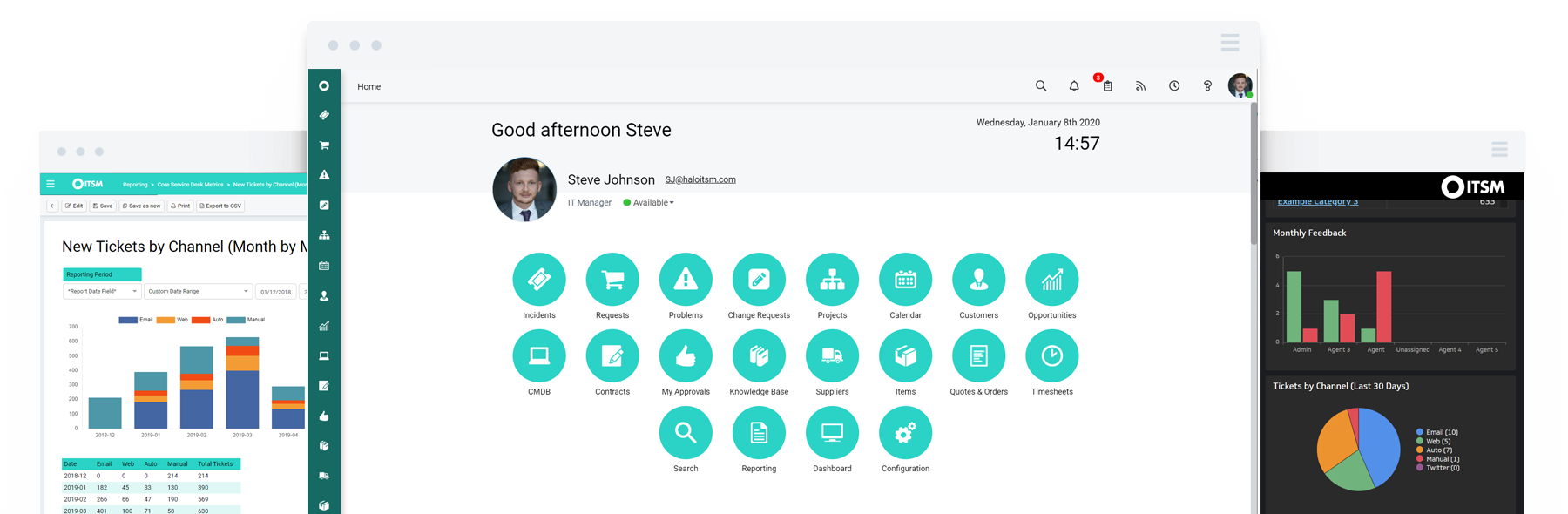
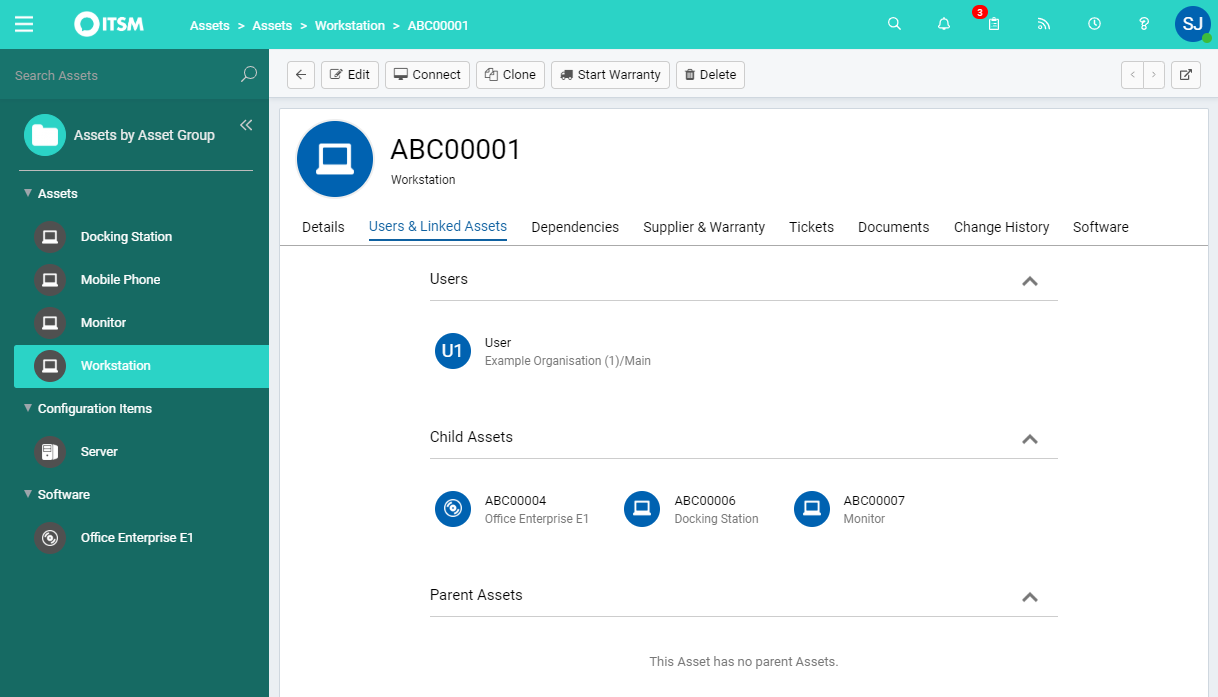
HaloITSM provides ITIL aligned help desk software that can be installed on premise or in the cloud. Boasting over 25 years of experience, HaloITSM has been developed to offer a feature rich application whilst maintaining a simple to use interface. Features include: Incident Management, Problem Management, Change Management, Asset Management, Service Catalogue, Telephony Integration, as well as the best of breed mobile apps. The vendor describes the following five differentiators: 1.…
$49
per month per user
Jira Service Management
Score7.9 out of 10
N/A
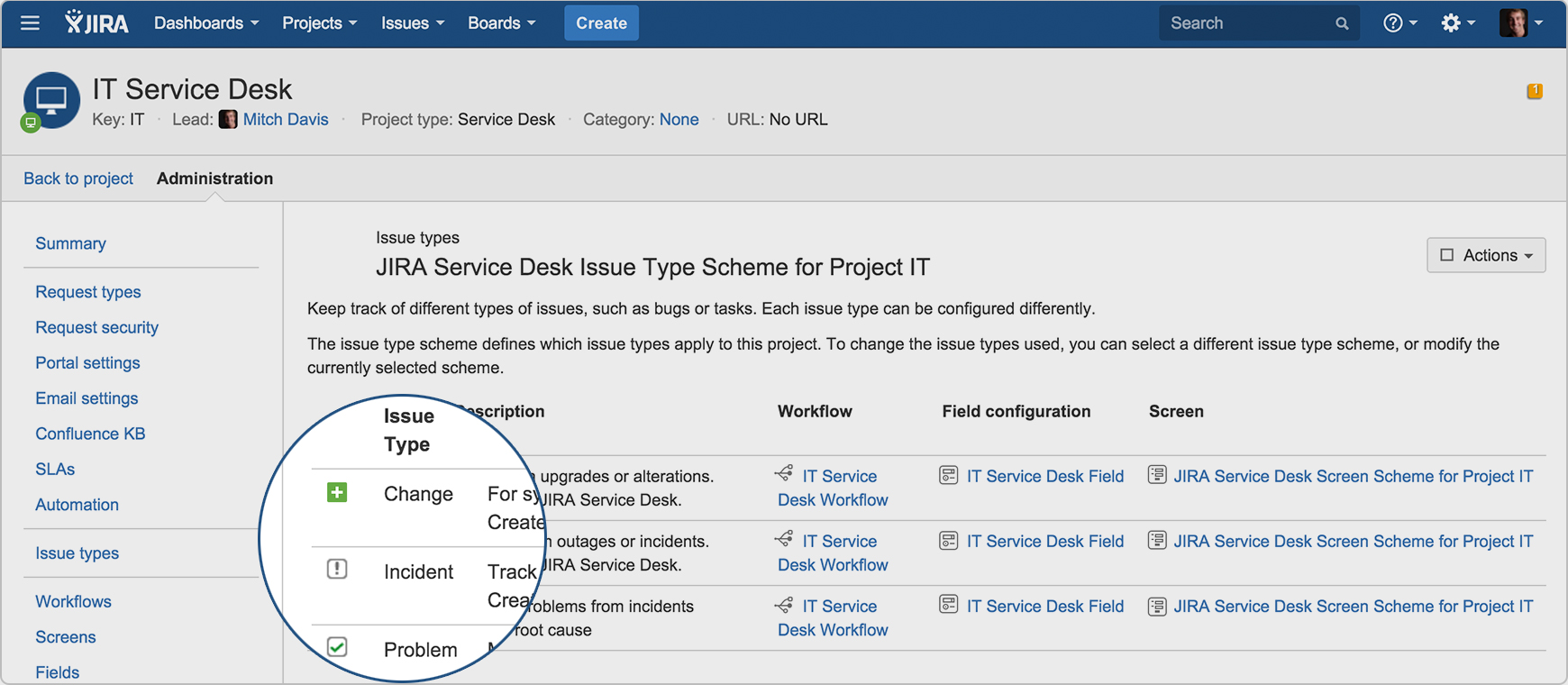
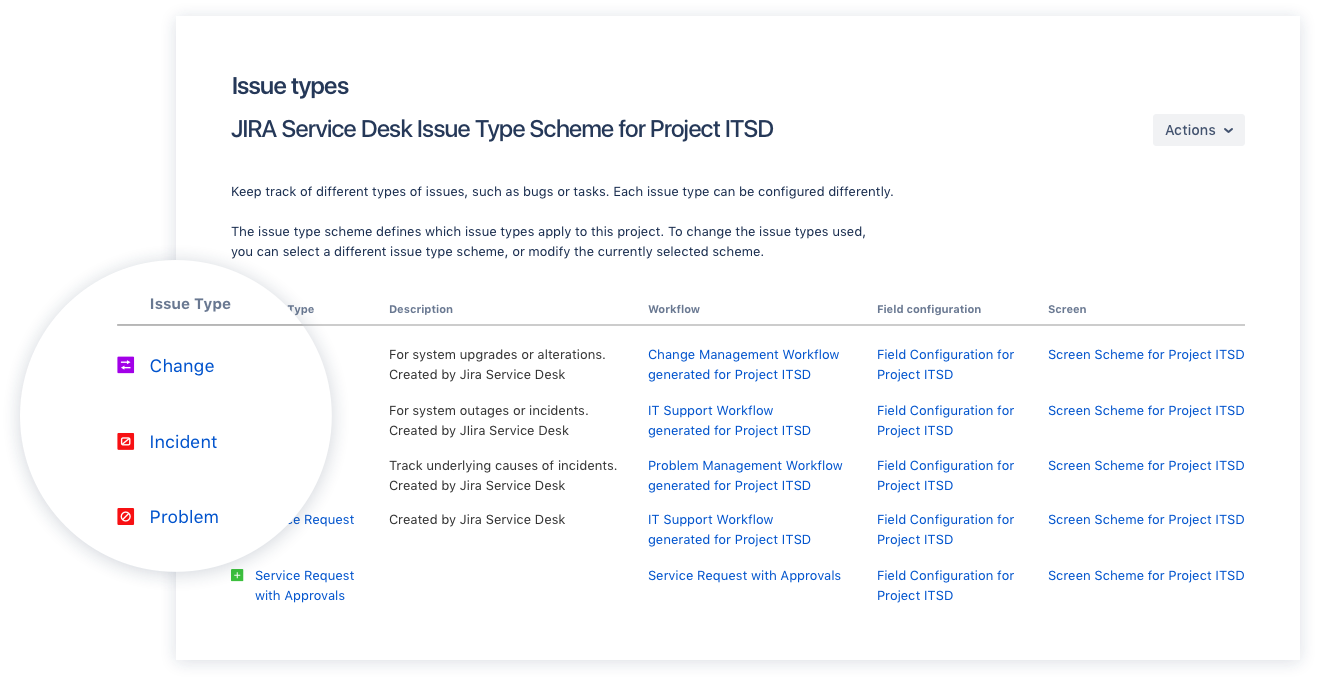
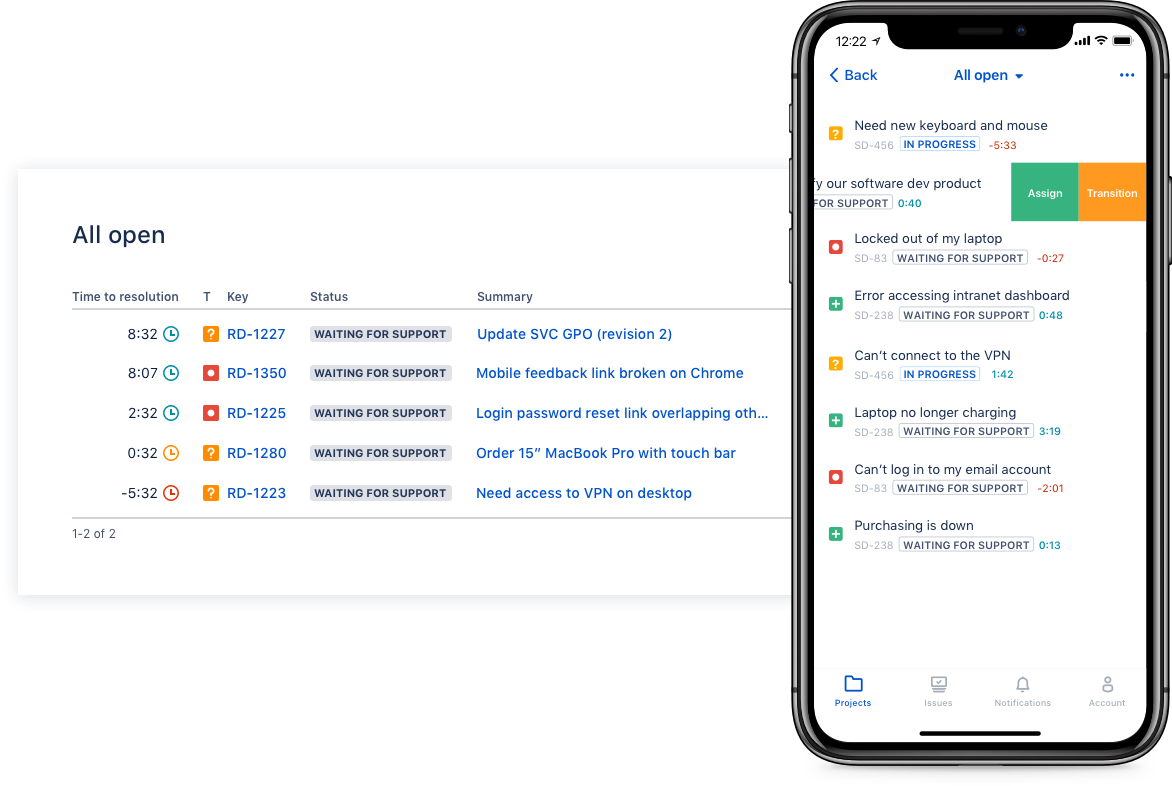
Jira Service Management (formerly Jira Service Desk, now including features from the former Mindville Insight, acquired by Atlassian in June 2020) is a service desk software that is purpose-built for IT, service, and support teams. The software provides everything IT and support teams need out-of-the-box for service request, incident, problem and change management. Jira Service Management integrates seamlessly with Jira Software so that IT and development teams can work better together. Users…
$0
per month
Pricing
HaloITSM
Jira Service Management
Editions & Modules
On Premise
$49
per month per user
Cloud
$49
per month per user
Free
$0
per month
Standard
$20
per agent/per month
Premium
$40
per agent/per month
Enterprise
Contact sales team
Offerings
Pricing Offerings
HaloITSM
Jira Service Management
Free Trial
Yes
Yes
Free/Freemium Version
No
No
Premium Consulting/Integration Services
Yes
Yes
Entry-level Setup Fee
Optional
No setup fee
Additional Details
There is 15% discount for all charities, educational institutions and non-profit organisations.
—
More Pricing Information
Community Pulse
HaloITSM
Jira Service Management
Considered Both Products
Halo Service Solutions
Verified User
Chose HaloITSM
Based on our requirements, this is how we scored them. Halo - 78, ServiceNow - 77, Ivanti - 67, Jira - 57, Freshservice - 41. This was based purely on our requirements and whether additional modules required additional licences.
A de minimis incentive was given to thank the reviewer for their time. The incentive was not used to bias or drive a particular response, nor was the incentive contingent on a positive endorsement. TR verified that a representative sample of customers was invited. More Info
If you want a value for money full system, which you could use out of the box then this is the one for you. If you want a system that can take care of tasks then this is the one for you. [HaloITSM] is easily scalable with very competitive pricing. New features are added regularly based on best practices and customer requirements.
A de minimis incentive was given to thank the reviewer for their time. The incentive was not used to bias or drive a particular response, nor was the incentive contingent on a positive endorsement. TR verified that a representative sample of customers was invited. More Info
I think using a ticketing system is very easy to use and allows multiple teams to create help desks in the same portal. In terms of internal usage, I think this is a great option. However, suppose you're trying to keep internal items and external helpdesks in the same instance. In that case, this is not ideal, as there is no effective way to separate the two instances to protect internal data better.
A de minimis incentive was given to thank the reviewer for their time. The incentive was not used to bias or drive a particular response, nor was the incentive contingent on a positive endorsement. More Info
The Self Service Portal is very easy to configure and the end-users have commented on how easy it is to log and manage their own calls.
Asset and User Management works very well and it is simple to link them to tickets. Looking up ticket history for particular Users or Assets is also very useful.
The ability [to] use different ticket types and templates is fantastic. The added ability to merge and clone tickets is also a great benefit.
Integration with many of the most common tools companies are using (Slack, MS Teams, Salesforce, ... etc)
Natural workflow with Jira (as product development / project management tool) which makes the full fix and follow up of the tickets / issues very easy to follow
Allow multiple different entry points and work flows for as many different needs your teams / company have
A de minimis incentive was given to thank the reviewer for their time. The incentive was not used to bias or drive a particular response, nor was the incentive contingent on a positive endorsement. More Info
I have given this rating because, in my opinion, I don't see any downsides of Jira until now. We can customise workflows based on the project needs, including task workflows. Jira is very extensible, which is one of its most important features.
A de minimis incentive was given to thank the reviewer for their time. The incentive was not used to bias or drive a particular response, nor was the incentive contingent on a positive endorsement. More Info
I've made overall positive experiences with the Halo support. The only thing to increase would be some follow ups on feature requests. If someone would reach out to me, telling me wheter or not my feature request will be considered in future updates or not.
A de minimis incentive was given to thank the reviewer for their time. The incentive was not used to bias or drive a particular response, nor was the incentive contingent on a positive endorsement. More Info
I gave JIRA a 9 rating since for me JIRA works according to its purpose. Since there is a customer portal, our clients can leave a comment or communicate with us using the PR ticket that way it is easier for us to also request any additional information we need for our investigation.
HaloITSM offered the highest level of functionality, available as standard, at our price level. Halo support during our trial period was second to none and unrestricted. We had a list of deciding factors covering the most important areas of functionality and HaloITSM covered all of these.
Zendesk is a similar ticketing system that our organization used before JIRA Service Desk. The main drawback of Zendesk was that it can only be used as a cloud service. This means that our company data would be living on the internet at the hands of their security team. Another drawback of this is the price is significantly more expensive rather than hosting it yourself. Zendesk does have some additional features such as commenting on multiple tickets at once that JSD does lack. However, switching to JSD was significantly more cost effective because we have the ability and the infrastructure to host our own ticketing system, something that Zendesk could not provide. Ultimatley switching to JSD saved us money and allows the ability for integration with all of the other Atlassian Suite products that we use on a day to day basis.
A de minimis incentive was given to thank the reviewer for their time. The incentive was not used to bias or drive a particular response, nor was the incentive contingent on a positive endorsement. More Info
It enabled us to allow our Service Desk Staff to work from home during COVID and this has continued ever since.
We have halved our average resolution time.
Some of the automation processes, when implemented alongside the MS Power Platform, have saved approximately 30 hours a month. This includes times when customers were unable to access the system until they had been trained. This is now automated via Halo and they get sent to on-demand training, instead of waiting up to 3 weeks for the next scheduled session.
A de minimis incentive was given to thank the reviewer for their time. The incentive was not used to bias or drive a particular response, nor was the incentive contingent on a positive endorsement. TR verified that a representative sample of customers was invited. More Info
A de minimis incentive was given to thank the reviewer for their time. The incentive was not used to bias or drive a particular response, nor was the incentive contingent on a positive endorsement. More Info