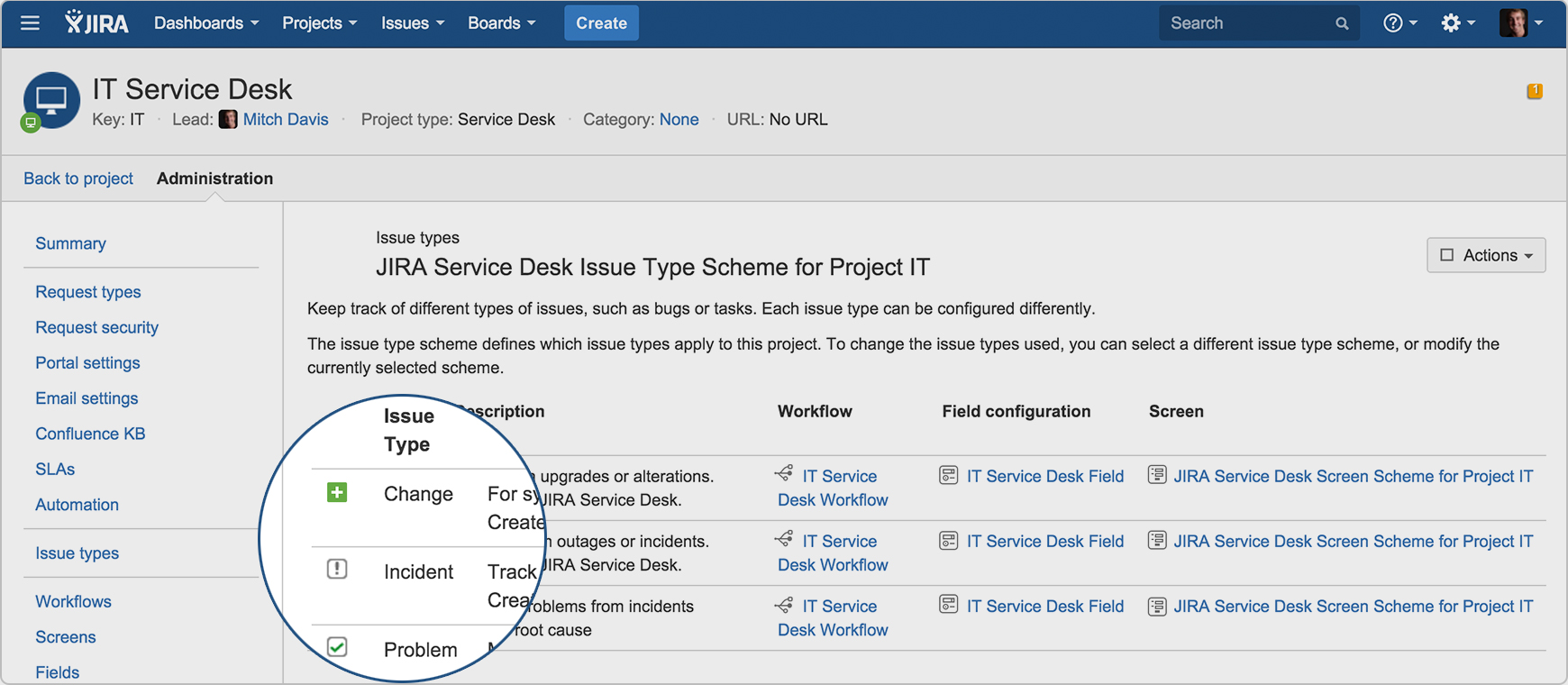
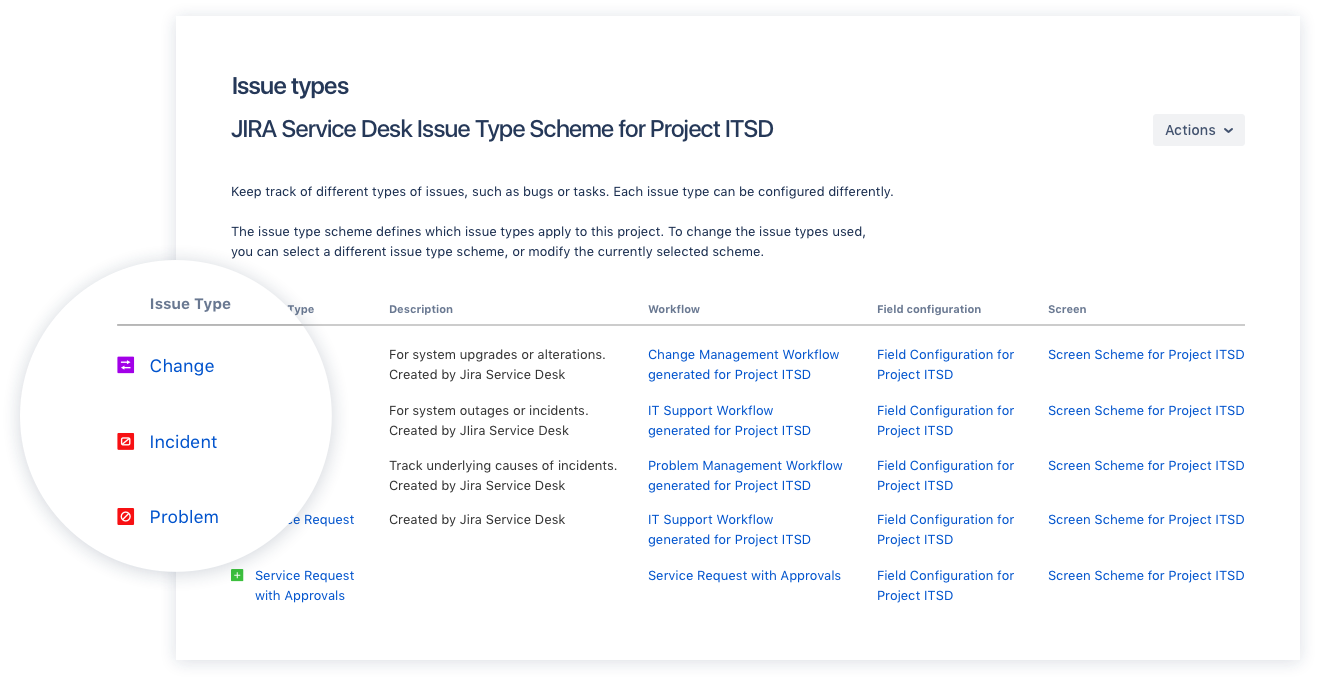
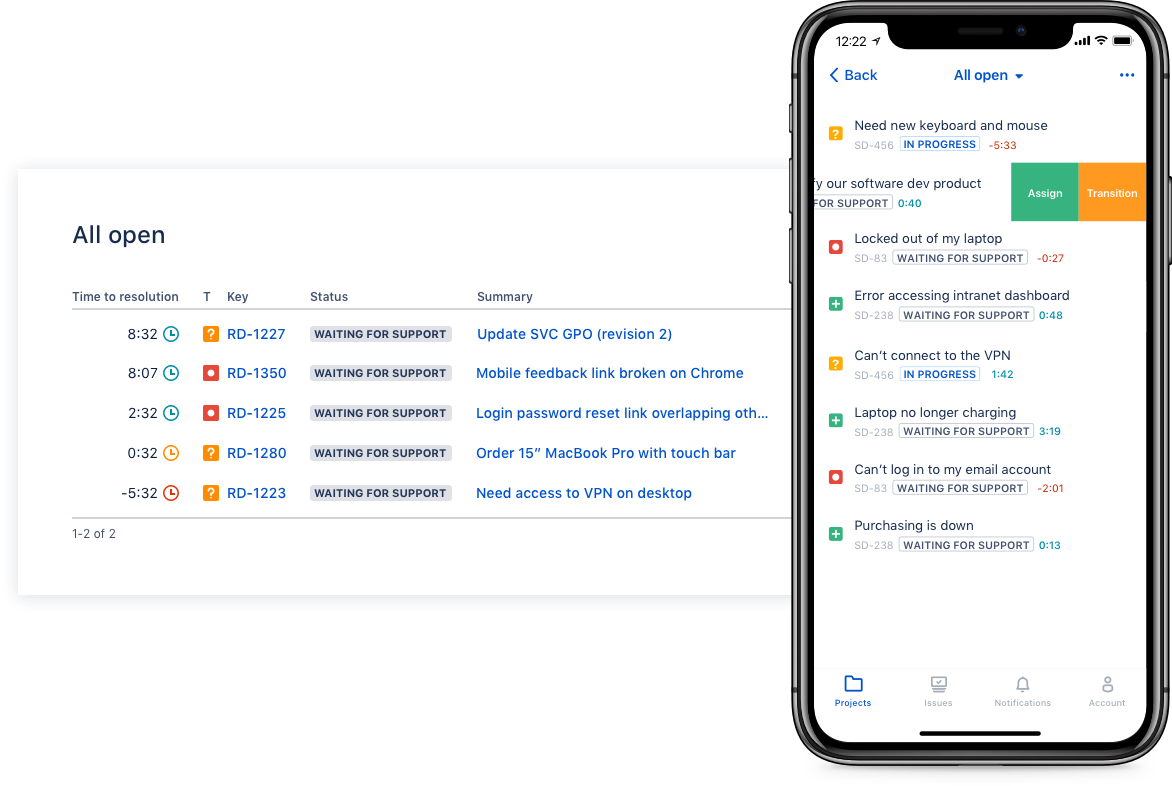
Jira Service Management (formerly Jira Service Desk, now including features from the former Mindville Insight, acquired by Atlassian in June 2020) is a service desk software that is purpose-built for IT, service, and support teams. The software provides everything IT and support teams need out-of-the-box for service request, incident, problem and change management. Jira Service Management integrates seamlessly with Jira Software so that IT and development teams can work better together. Users…
$0
per month
Pricing
Jira Service Management
Editions & Modules
Free
$0
per month
Standard
$20
per agent/per month
Premium
$40
per agent/per month
Enterprise
Contact sales team
Offerings
Pricing Offerings
Jira Service Management
Free Trial
Yes
Free/Freemium Version
No
Premium Consulting/Integration Services
Yes
Entry-level Setup Fee
No setup fee
Additional Details
—
More Pricing Information
Community Pulse
Jira Service Management
Considered Both Products
Atlassian
Verified User
Chose Jira Service Management
We chose Jira Service Management due to its easy integrations with the rest of the Atlassian tools, as we have also invested in those. For the price, the ability to add or remove agents, and the cost being reflected in that, it was an excellent medium for us. For the …
A de minimis incentive was given to thank the reviewer for their time. The incentive was not used to bias or drive a particular response, nor was the incentive contingent on a positive endorsement. More Info
Verified User
Chose Jira Service Management
1- budget 2- easy to implement and maintain 3- system is stable
A de minimis incentive was given to thank the reviewer for their time. The incentive was not used to bias or drive a particular response, nor was the incentive contingent on a positive endorsement. More Info
Verified User
Chose Jira Service Management
It was the most complete package, requiring the lesser adjustments compared to the others, had the most options to tailor to our specific needs, and the price for the Cloud hosted version was fair.
A de minimis incentive was given to thank the reviewer for their time. The incentive was not used to bias or drive a particular response, nor was the incentive contingent on a positive endorsement. More Info
Verified User
Chose Jira Service Management
Jira Service Management is quick, intuitive, & easy to use. Its a little more basic than some other software but thats the benefit. Most of the info that is required from an IT support & change management requires basic information to be inputted. Jira Service Management allows …
A de minimis incentive was given to thank the reviewer for their time. The incentive was not used to bias or drive a particular response, nor was the incentive contingent on a positive endorsement. More Info
Network Systems Analyst in Information Technology at Ewing Irrigation (Wholesale, 1001-5000 employees)
Chose Jira Service Management
Jira is easier to use and holds service agents more accountable due to reporting and tracking tools that are available. It connects better with other products that other departments are using to track programming changes, etc., giving management a single pane of glass to see …
A de minimis incentive was given to thank the reviewer for their time. The incentive was not used to bias or drive a particular response, nor was the incentive contingent on a positive endorsement. More Info
Verified User
Chose Jira Service Management
We went with this solution mainly because it was already planned to use it with the developers. Understanding the tool made us go forward with the solution as it provided everything we wanted in a project planner.
A de minimis incentive was given to thank the reviewer for their time. The incentive was not used to bias or drive a particular response, nor was the incentive contingent on a positive endorsement. More Info
Verified User
Chose Jira Service Management
Jira is the only ticketing system we have used at my company, and it is absolutely superb. What usually was a process in the past, with lots of time to spare in between, is now updated to modern-day and makes the entire experience fluid and efficient. I know our IT department …
A de minimis incentive was given to thank the reviewer for their time. The incentive was not used to bias or drive a particular response, nor was the incentive contingent on a positive endorsement. More Info
Composition developer for CCM and CX in Customer Service at BelWo Inc (Information Technology & Services, 201-500 employees)
Chose Jira Service Management
Jira has every necessary feature, including tracking tasks and helping teams to plan tasks. You can create user stories for tasks and also can create documentation for tasks. It can easily integrate with APIs and other service platforms. You can easily assign work to anyone who …
A de minimis incentive was given to thank the reviewer for their time. The incentive was not used to bias or drive a particular response, nor was the incentive contingent on a positive endorsement. More Info
Software Engineer in Product Management at Terminus Technologies Limited (Farming, 11-50 employees)
Chose Jira Service Management
I didn't use any other services before this. I love this product. By the way I am using Bitbucket, too, which is also awesome, easy to manage versions.
A de minimis incentive was given to thank the reviewer for their time. The incentive was not used to bias or drive a particular response, nor was the incentive contingent on a positive endorsement. More Info
PRODUCT SUPPORT TECHNICIAN in Information Technology at FIS GLOBAL SOLUTIONS (Financial Services, 1001-5000 employees)
Chose Jira Service Management
In Jira, you can browse your own knowledge base. You can also create new widgets and filters the way you wanted it customized. I prefer JIRA over any other ticketing tool since JIRA is easy to navigate. You can create your own Dashboard. You easily can pull up the reports needed.
A de minimis incentive was given to thank the reviewer for their time. The incentive was not used to bias or drive a particular response, nor was the incentive contingent on a positive endorsement. More Info
Verified User
Chose Jira Service Management
I think that Jira provides a better product for the use case of our business model.
A de minimis incentive was given to thank the reviewer for their time. The incentive was not used to bias or drive a particular response, nor was the incentive contingent on a positive endorsement. More Info
Verified User
Chose Jira Service Management
Jira is easier to set up and gets going faster. It is easier to customize to fit your needs and the Dashboard feature and added widgets really help you get the views you want to see. Other products are harder to set up, don't get going as quickly, and lack the dashboard …
A de minimis incentive was given to thank the reviewer for their time. The incentive was not used to bias or drive a particular response, nor was the incentive contingent on a positive endorsement. TR verified that a representative sample of customers was invited. More Info
Executive Vice President of Operations & Strategy in Information Technology at Headspring (Computer Software, 51-200 employees)
Chose Jira Service Management
We selected Jira Service Desk because we were already Jira users, and the price point was easy to absorb. Our experience as Jira administrators made it easy to customize Jira Service Desk to our needs.
A de minimis incentive was given to thank the reviewer for their time. The incentive was not used to bias or drive a particular response, nor was the incentive contingent on a positive endorsement. More Info
Information Technology System Architect in Information Technology at A.T. Kearney (Management Consulting, 1001-5000 employees)
Chose Jira Service Management
Various intranet custom made tools, usually focused on a specific area in telco, banking, utilities, production, etc. with excellent support for general tickets and with links to company core processes
A de minimis incentive was given to thank the reviewer for their time. The incentive was not used to bias or drive a particular response, nor was the incentive contingent on a positive endorsement. More Info
Project Manager in Information Technology at Allegis Group (Information Technology and Services, 10,001+ employees)
Chose Jira Service Management
Being a past user of JIRA has helped a lot in making a decision. When I first used it, I could learn to navigate in a day's time. I knew my way through most of the functionalities. The dashboard creation was also a piece of cake. The CRM software that we used in the team was Sal…
A de minimis incentive was given to thank the reviewer for their time. The incentive was not used to bias or drive a particular response, nor was the incentive contingent on a positive endorsement. More Info
Marketing email coordinator in Information Technology at ScenicUSA (Leisure, Travel & Tourism, 51-200 employees)
Chose Jira Service Management
We use Trello along the Jira Service Desk. Jira Service Desk is universal and is better for IT and specific requests (bugs), while Trello is work better for the tasks dividing on the team level. Jira Service Desk is on a higher price range than other tools, but it worth it, …
A de minimis incentive was given to thank the reviewer for their time. The incentive was not used to bias or drive a particular response, nor was the incentive contingent on a positive endorsement. More Info
Senior Systems Administrator in Information Technology at Bentek Inc. (Computer Software, 51-200 employees)
Chose Jira Service Management
Compared to other products I have used, like, Fresh Desk Service or Manage Engine it has more features included per user and technician (others may require a license for each type). Portal setup can be integrated to the Confluence Portal for easy access to Jira for service …
A de minimis incentive was given to thank the reviewer for their time. The incentive was not used to bias or drive a particular response, nor was the incentive contingent on a positive endorsement. More Info
Senior Consultant in Information Technology at Eigen X (Information Technology and Services, 51-200 employees)
Chose Jira Service Management
I think JIRA Service Desk is very similar to many products out there, but for users who currently use JIRA for their projects, it makes the transition much easier and users will be able to see the progress of their ticket throughout. The price is higher than many of the other …
A de minimis incentive was given to thank the reviewer for their time. The incentive was not used to bias or drive a particular response, nor was the incentive contingent on a positive endorsement. More Info
Verified User
Chose Jira Service Management
Jira Service Desk has similar or equivalent features to heavyweight competitors as HP Service Manager, for a better price. The highlight of Jira Service Desk, in my opinion, is that you can customize a series of visual boards that are tremendously useful for an agile and …
A de minimis incentive was given to thank the reviewer for their time. The incentive was not used to bias or drive a particular response, nor was the incentive contingent on a positive endorsement. More Info
Verified User
Chose Jira Service Management
I’m not aware of a direct competitor to Jira other than Asana which is more of a project management tool. For medium size companies and larger I recommend Jira.
A de minimis incentive was given to thank the reviewer for their time. The incentive was not used to bias or drive a particular response, nor was the incentive contingent on a positive endorsement. More Info
Verified User
Chose Jira Service Management
Unlike the 2 other alternatives, Jira is more complete. It is a bit harder to use, but because it has more customized and better functionalities. While other software can be used for almost everything, Jira works best for tech companies that need to work on agile methodologies …
A de minimis incentive was given to thank the reviewer for their time. The incentive was not used to bias or drive a particular response, nor was the incentive contingent on a positive endorsement. More Info
A de minimis incentive was given to thank the reviewer for their time. The incentive was not used to bias or drive a particular response, nor was the incentive contingent on a positive endorsement. More Info
ECM Consultant in Information Technology at T-Systems (Computer Software, 10,001+ employees)
Chose Jira Service Management
Jira SD is between Tivoli and Service Now. In this particular case, we are using JIRA SD as the customer asked us to integrate some things with products he already had, such as Confluence, where he kept all the information we could use.
A de minimis incentive was given to thank the reviewer for their time. The incentive was not used to bias or drive a particular response, nor was the incentive contingent on a positive endorsement. More Info
Verified User
Chose Jira Service Management
There are other systems that perform well, but we always came back to JIRA. One of the reasons is that it has companion systems like Confluence that can integrate and be used with it. Another reason is JIRA can be molded to be many things, not just project management. For us, …
A de minimis incentive was given to thank the reviewer for their time. The incentive was not used to bias or drive a particular response, nor was the incentive contingent on a positive endorsement. More Info
I think using a ticketing system is very easy to use and allows multiple teams to create help desks in the same portal. In terms of internal usage, I think this is a great option. However, suppose you're trying to keep internal items and external helpdesks in the same instance. In that case, this is not ideal, as there is no effective way to separate the two instances to protect internal data better.
A de minimis incentive was given to thank the reviewer for their time. The incentive was not used to bias or drive a particular response, nor was the incentive contingent on a positive endorsement. More Info
Integration with many of the most common tools companies are using (Slack, MS Teams, Salesforce, ... etc)
Natural workflow with Jira (as product development / project management tool) which makes the full fix and follow up of the tickets / issues very easy to follow
Allow multiple different entry points and work flows for as many different needs your teams / company have
A de minimis incentive was given to thank the reviewer for their time. The incentive was not used to bias or drive a particular response, nor was the incentive contingent on a positive endorsement. More Info
I have given this rating because, in my opinion, I don't see any downsides of Jira until now. We can customise workflows based on the project needs, including task workflows. Jira is very extensible, which is one of its most important features.
A de minimis incentive was given to thank the reviewer for their time. The incentive was not used to bias or drive a particular response, nor was the incentive contingent on a positive endorsement. More Info
I gave JIRA a 9 rating since for me JIRA works according to its purpose. Since there is a customer portal, our clients can leave a comment or communicate with us using the PR ticket that way it is easier for us to also request any additional information we need for our investigation.
Zendesk is a similar ticketing system that our organization used before JIRA Service Desk. The main drawback of Zendesk was that it can only be used as a cloud service. This means that our company data would be living on the internet at the hands of their security team. Another drawback of this is the price is significantly more expensive rather than hosting it yourself. Zendesk does have some additional features such as commenting on multiple tickets at once that JSD does lack. However, switching to JSD was significantly more cost effective because we have the ability and the infrastructure to host our own ticketing system, something that Zendesk could not provide. Ultimatley switching to JSD saved us money and allows the ability for integration with all of the other Atlassian Suite products that we use on a day to day basis.
A de minimis incentive was given to thank the reviewer for their time. The incentive was not used to bias or drive a particular response, nor was the incentive contingent on a positive endorsement. More Info
A de minimis incentive was given to thank the reviewer for their time. The incentive was not used to bias or drive a particular response, nor was the incentive contingent on a positive endorsement. More Info