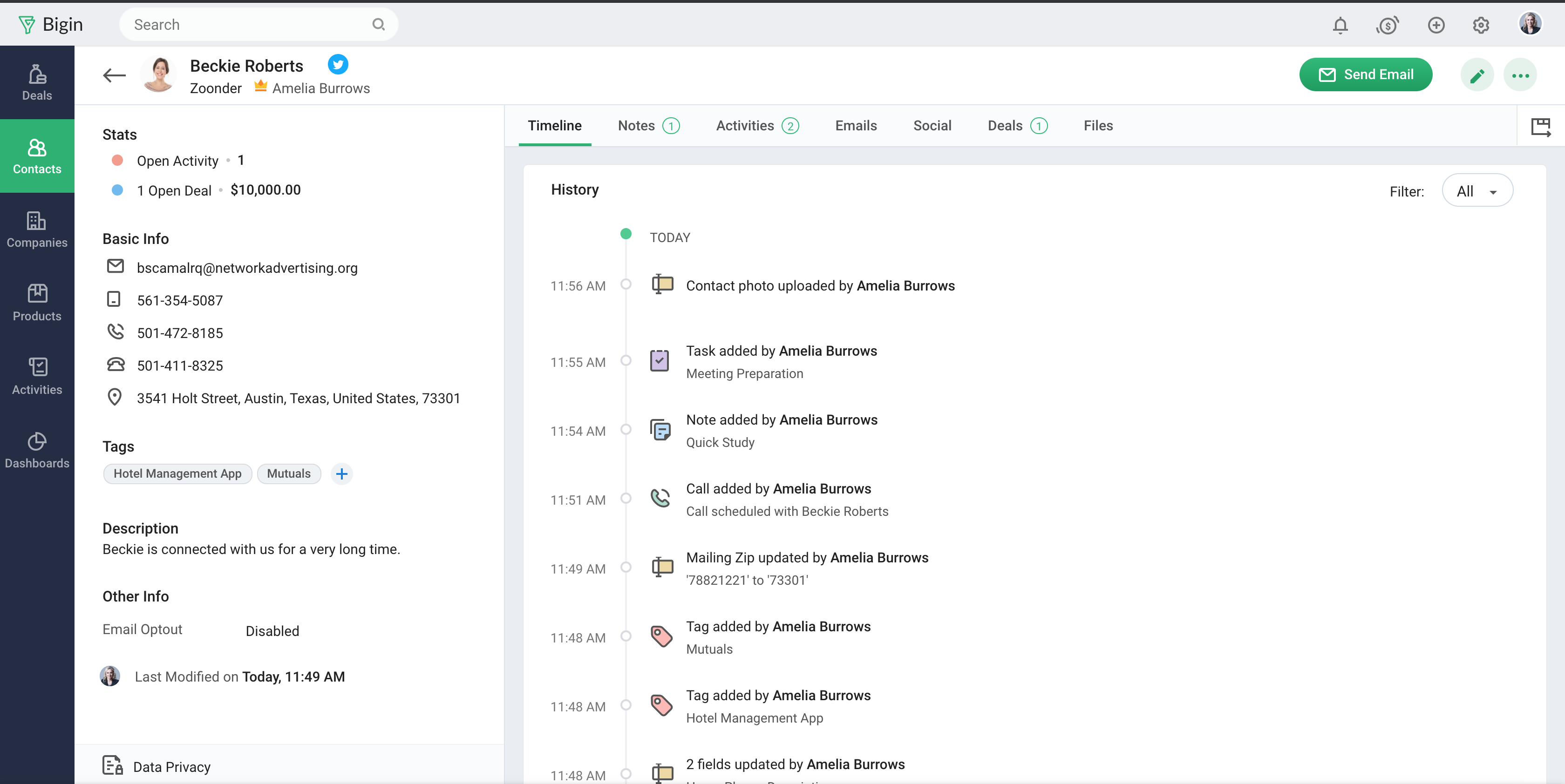
Bigin by Zoho CRM is a simplified customer relationship management (CRM) software designed specifically for small businesses, startups and teams. Bigin helps small businesses unify customer-facing operations— marketing, sales, onboarding, delivery, and support, and it offers features that help to manage these customer relationships effectively.
$9
per month per user
Shared Contacts for Gmail
Score 8.1 out of 10
N/A
Shared Contacts for Gmail enables Google Workspace (G-Suite) & Gmail users to create, manage, share team address books (labels) from anywhere (Gmail, Google Contacts, Mobile phones etc.). Define access permissions exactly like you would do with a Google Doc: View Only Edit Delete permission Re-share Transfer of ownership Access contacts shared from anywhere in a workspace (Gmail, Google Contacts, Calendar, Mobile phones etc.).…
- Multiple pipelines let me organize processes like sales, marketing, customer support, and assets clearly. - The forms builder allows me to gather leads, sign-ups, and customer requests from my website directly into the Bigin by Zoho CRM. - Integrations with Zapier and Make connect website orders and data from other sources smoothly. - Email templates make it easy to send professional, branded communications. - Automations handle repetitive tasks like managing customers, orders, and team tasks, saving me time.
Shared Contacts for Gmail is well suited for organizations that generate and coordinate long term partnerships and that have a big remote working component as a main form or working. It is less appropriate with organizations dedicated to sales and performance based ways of working. I would recommend it for medium size organizations.
Manage big databases. We have a large database of contacts and partners (more than 5,000 contacts), which are updated day by day, as a result of our participation in conferences, webinars, etc. For this reason, we needed a platform that would allow us to always have our database up to date, and accessible and editable by any member of the company.
Pipelines. Pipelines are very necessary in our daily lives, since we present many service proposals to different clients, and until now we control the status very manually. With Bigin by Zoho CRM, we can have all this information centralized in a single place, and know at all times the status of the service proposals we present (sent, pending decision, lost, won...).
Product definition. The product definition block has allowed us to further structure our typologies of products and services. At least, it has allowed us to reflect on them and what is the best way to package the service offered.
Control panel. The control panel has been very useful for us to be able to quickly see the main indicators (offers presented, next actions to be taken, etc.).
No multi-select bulk move in pipeline After a webinar we had 42 cold leads that qualified → wanted to drag them all to “Interested” in one go. You can’t; moved them one-by-one like playing Solitaire.
Workflows hidden behind pay-wall We needed an auto-survey when deal = “Won”. Works in trial, the day licence dropped back to free the rule simply stopped – zero warning.
Offline mobile = read-onlyMentor met founder in co-working basement (no Wi-Fi). Took paper notes, re-typed into Bigin back at office → duplicate risk.
Pick-list values can’t be deactivated, only deletedWe miss-typed “Refferal” instead of “Referral”. To fix, must delete; history of 60 old records then shows empty source.
I have been looking for a way to share our contacts within our organization for a while now. This process really improves how we were doing it within Google Sheets.
My only negative is that it has taken so long for it to be functional within Google.
Sales Development Representative Account Executivessss sssssssssssssssss ss ssss s ss s ssssss ss s s ss sss sssssss sssss s ssssssss sssss sss sssssssssssssss ss ss sss sssss s ssss sssssss s s s s ssss sss s s ss ss ssss s s sssssss s ssssssssss sssss sss ss eads sd
Bigin has really helped us with selling our monitoring services to our customers, which is primarily farmers in the UK. We often need to talk to customers before, during and after a sale, and Bigin helps us keep our contacts and leads organised as we track all these interactions. We recommend it very strongly
The support is all international and it takes a while to get support as you have to go through chats and set up times, not as easy to just call and get the support you need. They are very nice when you do finally connect with someone and they are knowledgeable, just challenging being international sometimes.
Simplicity Without Sacrificing Core Features Unlike full-scale CRMs that often feel overwhelming, Bigin by Zoho CRM provides a focused set of features that are perfect for managing deals, contacts, and activities. It’s not bloated, and that was exactly what we needed for a lean, fast-moving team.
My company used Zendesk Sell for a while, but the profiles weren't as manageable and easy accessed as Shared Contacts [for Gmail.] It resulted easier to update the contact information within Shared Contacts [for Gmail] and maintain the contact flow, than updating in Zendesk, and then manually go into gmail and continue the conversation. As well we don't use Shared Contacts [for Gmail] alone. We do accompany it with an internal operations system, were we manage the clients profile, but the combination between the two is perfect.