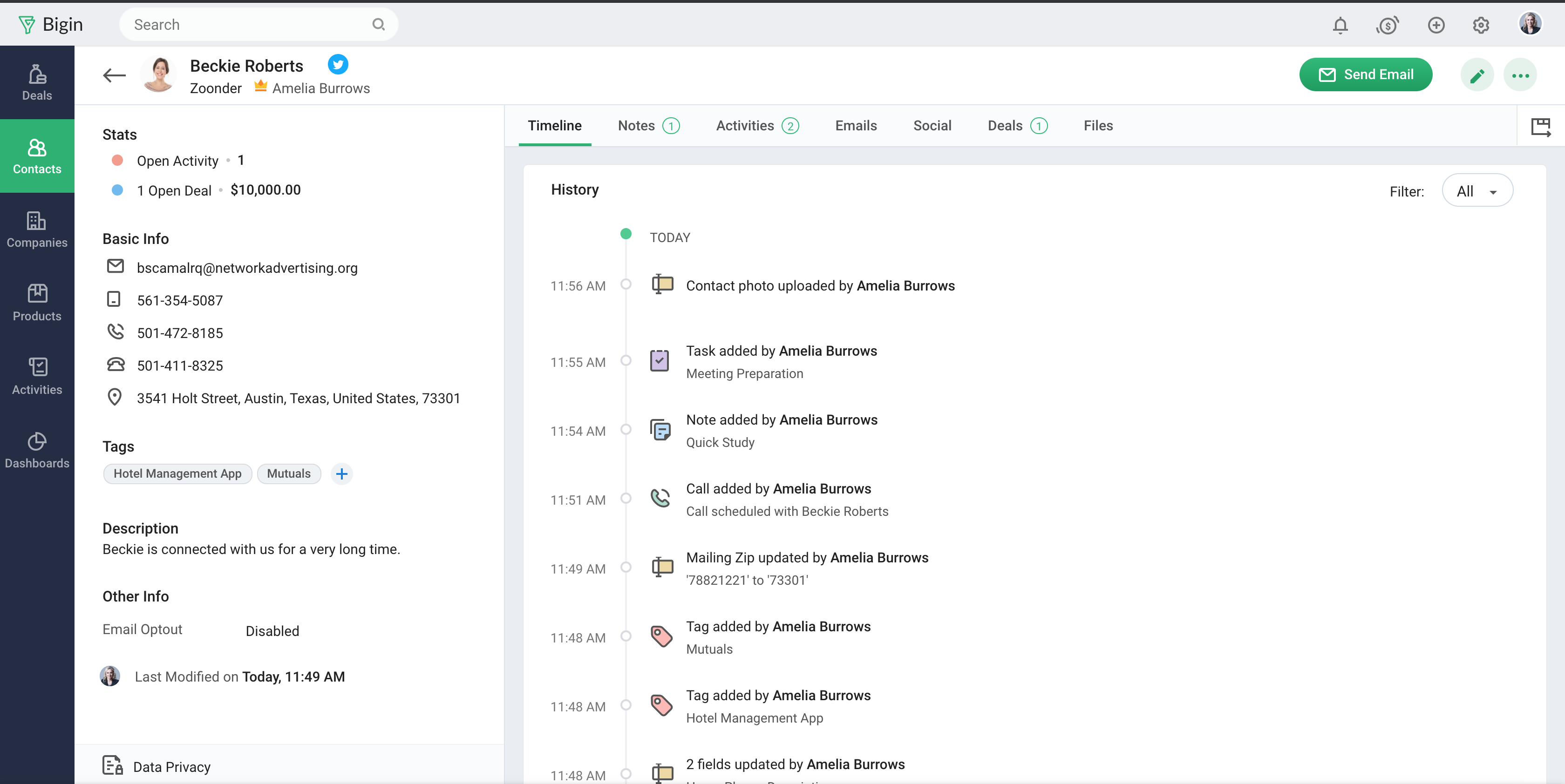
Bigin by Zoho CRM is a simplified customer relationship management (CRM) software designed specifically for small businesses, startups and teams. Bigin helps small businesses unify customer-facing operations— marketing, sales, onboarding, delivery, and support, and it offers features that help to manage these customer relationships effectively.
$9
per month per user
Claritysoft
Score 10.0 out of 10
N/A
CloudSoft is a simple, cloud-based CRM system for SMBs.
$39
Per Month Per User
Pricing
Bigin by Zoho CRM
Claritysoft
Editions & Modules
Express
$9.00
per month per user
Premier
$15.00
per month
Bigin 360
$21
per month per user
Claritysoft
$39.00
Per Month Per User
Offerings
Pricing Offerings
Bigin by Zoho CRM
Claritysoft
Free Trial
Yes
Yes
Free/Freemium Version
Yes
No
Premium Consulting/Integration Services
No
No
Entry-level Setup Fee
No setup fee
Optional
Additional Details
20% discount for annual pricing.
—
More Pricing Information
Community Pulse
Bigin by Zoho CRM
Claritysoft
Features
Bigin by Zoho CRM
Claritysoft
Sales Force Automation
Comparison of Sales Force Automation features of Product A and Product B
Bigin by Zoho CRM
8.0
Ratings
4% above category average
Claritysoft
8.6
Ratings
11% above category average
Customer data management / contact management
8.40 Ratings
9.30 Ratings
Workflow management
8.20 Ratings
9.10 Ratings
Opportunity management
8.40 Ratings
8.80 Ratings
Integration with email client (e.g., Outlook or Gmail)
8.10 Ratings
8.50 Ratings
Contract management
7.20 Ratings
00 Ratings
Interaction tracking
7.80 Ratings
9.00 Ratings
Territory management
00 Ratings
8.20 Ratings
Quote & order management
00 Ratings
7.50 Ratings
Channel / partner relationship management
00 Ratings
8.20 Ratings
Marketing Automation
Comparison of Marketing Automation features of Product A and Product B
Bigin by Zoho CRM
7.7
Ratings
2% above category average
Claritysoft
8.8
Ratings
15% above category average
Lead management
8.00 Ratings
8.80 Ratings
Email marketing
7.30 Ratings
8.80 Ratings
CRM Project Management
Comparison of CRM Project Management features of Product A and Product B
Bigin by Zoho CRM
8.1
Ratings
6% above category average
Claritysoft
9.2
Ratings
19% above category average
Task management
8.20 Ratings
10.00 Ratings
Reporting
8.10 Ratings
8.50 Ratings
Billing and invoicing management
00 Ratings
9.00 Ratings
CRM Reporting & Analytics
Comparison of CRM Reporting & Analytics features of Product A and Product B
Bigin by Zoho CRM
8.2
Ratings
8% above category average
Claritysoft
9.4
Ratings
22% above category average
Pipeline visualization
8.60 Ratings
9.00 Ratings
Customizable reports
7.70 Ratings
10.00 Ratings
Forecasting
00 Ratings
9.10 Ratings
Customization
Comparison of Customization features of Product A and Product B
Bigin by Zoho CRM
7.8
Ratings
4% above category average
Claritysoft
8.8
Ratings
16% above category average
Custom fields
7.80 Ratings
8.70 Ratings
Custom objects
00 Ratings
8.30 Ratings
API for custom integration
00 Ratings
9.40 Ratings
Security
Comparison of Security features of Product A and Product B
Bigin by Zoho CRM
8.5
Ratings
2% above category average
Claritysoft
9.0
Ratings
8% above category average
Single sign-on capability
8.60 Ratings
8.50 Ratings
Role-based user permissions
8.40 Ratings
9.50 Ratings
Social CRM
Comparison of Social CRM features of Product A and Product B
Bigin by Zoho CRM
8.3
Ratings
12% above category average
Claritysoft
-
Ratings
Social data
8.30 Ratings
00 Ratings
Social engagement
8.20 Ratings
00 Ratings
Integrations with 3rd-party Software
Comparison of Integrations with 3rd-party Software features of Product A and Product B
Bigin by Zoho CRM
7.9
Ratings
7% above category average
Claritysoft
-
Ratings
Marketing automation
7.90 Ratings
00 Ratings
Platform
Comparison of Platform features of Product A and Product B
Bigin by Zoho CRM
8.1
Ratings
10% above category average
Claritysoft
6.5
Ratings
12% below category average
Mobile access
8.10 Ratings
6.50 Ratings
Customer Service & Support
Comparison of Customer Service & Support features of Product A and Product B
Startups Needing Quick Setup with Low Overhead Startups that need a CRM quickly and don’t have the time or resources to onboard heavy tools can set up Bigin in a matter of hours. It covers all the basic CRM needs out of the box, making it ideal for teams just getting started.
For a small company, just getting started with a CRM package, Claritysoft is great. Better to have something rather than nothing at all to keep up with these things we use and need in Sales.
Imported 200 Google-Sheet leads in under 5 min via copy-paste wizard; field mapping was drag-&-drop, no CSV-headache.
Email templates – yes, but the editor is limited.
Merge-tags work, yet you can’t drop in advanced HTML; our logo had to be linked from an external URL. On the plus side, a bulk send of 25 emails went through without a hitch and none landed in spam – big win for us.
Reports – fast but shallow.
The dashboard quickly shows “deals closed” and “average stage duration,” yet you can’t pull conversion rates by lead source without digging into an export. Good enough for the board, too thin for an analyst.
Automation – paywalled only.
We wanted Bigin to auto-send a survey when a deal moved to “Won,” but workflows are a paid feature. You can test them during the trial; once it expires it’s back to manual clicks.
Sales Development Representative Account Executivessss sssssssssssssssss ss ssss s ss s ssssss ss s s ss sss sssssss sssss s ssssssss sssss sss sssssssssssssss ss ss sss sssss s ssss sssssss s s s s ssss sss s s ss ss ssss s s sssssss s ssssssssss sssss sss ss eads sd
Bigin has really helped us with selling our monitoring services to our customers, which is primarily farmers in the UK. We often need to talk to customers before, during and after a sale, and Bigin helps us keep our contacts and leads organised as we track all these interactions. We recommend it very strongly
It is VERY, VERY, simple and easy to use and learn. All I needed was a super brief 30 minute overview to understand how to use it, and their Customer Support is pretty good. I was raised on Salesforce, which is much more complicated, but allows you to do so much more.
The support is all international and it takes a while to get support as you have to go through chats and set up times, not as easy to just call and get the support you need. They are very nice when you do finally connect with someone and they are knowledgeable, just challenging being international sometimes.
They are very helpful and quick whenever I have a question about Claritysoft CRM. I think the guy I've spoken with is named Evan, and he's been very helpful. Claritysoft, give the man a raise if you know who I'm talking about. He responds super quick with truly helpful insights.
Simplicity, usability, and a modern, intuitive UI. Easy to learn and simple to guide customers through. Flexible enough to fit diverse business scenarios with seamless integration. Enables managing marketing, operations, customer service, sales, and even assets all in one place. Smooth connections with external services. Delivers huge value at a fair price.
In my opinion, Claritysoft is like a second grader, and Salesforce is like a college graduate when it comes to what you can do and learn from the software. Salesforce integrates easily with other products we use, such as ZoomInfo, but Claritysoft is extremely limited in what it can integrate with. Salesforce costs more money though, so it really depends how you utilize the CRM to know what you need. Just a big address book to log calls and emails? I think Claritysoft is fine. Want to track actual sales and forecast? I think Salesforce 100%.
Reaching more possible customers quickly and with less effort. The fact of being able to automate sending to our contact database, which has previously been tagged and categorized, has allowed us to send information in a more agile way (previously we simply used Outlook, without any type of automation).
Automatically consulting all the email history you have with any of the contacts has allowed us to be more efficient and avoid duplication in communications.
The process of implementing and integrating Bigin in our company, although it was not difficult, we found some difficulties to synchronize the database loaded in Bigin by Zoho CRM with our Office365 account.
It has made it easier to see our overall sales for each sales rep.
The only negative is that we cannot change over the account, contacts, leads, and opportunities with one ownership field. You have to do each one separate and when you are transferring 1000 clients this takes much too long to do. No reason for it.