Auvik Network Management is a vendor-agnostic cloud-based network monitoring and management solution providing automated network discovery. Auvik requires no service hardware or disruptive maintenance cycles and provides onboarding and training for new and existing users. Auvik delivers visibility and automation to reduce friction for IT teams and allow them to give end users the freedom to work wherever and however they…
N/A
N-able N-sight RMM
Score 8.6 out of 10
N/A
SolarWinds Remote Monitoring & Management (RMM) is a cloud-based system monitoring offering for Managed Service Providers. It provides a full monitoring and management suite, including automation and threat detection capabilities, and can integrate with other SolarWinds products.
N/A
Pricing
Auvik
N-able N-sight RMM
Editions & Modules
No answers on this topic
No answers on this topic
Offerings
Pricing Offerings
Auvik
N-able N-sight RMM
Free Trial
Yes
Yes
Free/Freemium Version
No
No
Premium Consulting/Integration Services
No
No
Entry-level Setup Fee
No setup fee
No setup fee
Additional Details
Pricing is calculated per number of switches, routers, firewalls, and controllers. Everything else is monitored for free.
—
More Pricing Information
Community Pulse
Auvik
N-able N-sight RMM
Features
Auvik
N-able N-sight RMM
Network Performance Monitoring
Comparison of Network Performance Monitoring features of Product A and Product B
Auvik
7.9
Ratings
4% below category average
N-able N-sight RMM
-
Ratings
Automated network device discovery
9.60 Ratings
00 Ratings
Network monitoring
8.80 Ratings
00 Ratings
Baseline threshold calculation
7.80 Ratings
00 Ratings
Alerts
8.60 Ratings
00 Ratings
Network capacity planning
7.60 Ratings
00 Ratings
Packet capture analysis
7.00 Ratings
00 Ratings
Network mapping
8.40 Ratings
00 Ratings
Customizable reports
5.60 Ratings
00 Ratings
Wireless infrastructure monitoring
7.40 Ratings
00 Ratings
Hardware health monitoring
8.20 Ratings
00 Ratings
Monitoring Tasks
Comparison of Monitoring Tasks features of Product A and Product B
Auvik
-
Ratings
N-able N-sight RMM
10.0
Ratings
30% above category average
Remote monitoring
00 Ratings
10.00 Ratings
Network device monitoring
00 Ratings
10.00 Ratings
Management Tasks
Comparison of Management Tasks features of Product A and Product B
Auvik is fantastic for managing multi-site, multi-company networks - very well suited for MSP or consultative technology companies. Navigation is simple and easy between clients and their sites. Auvik is less well suited for managing single sites or single companies - it is really meant to be used at a larger scale.
SolarWinds patch management has had issues over the years. Sometimes requiring manual intervention to get resolved. The UI [with N-able RMM (formerly Solarwinds RMM)] makes it easy to see status of systems and identify any alerts easily. Remotely monitoring the status of servers/computers. Managing the systems, patching, systems maintenance and remote support.
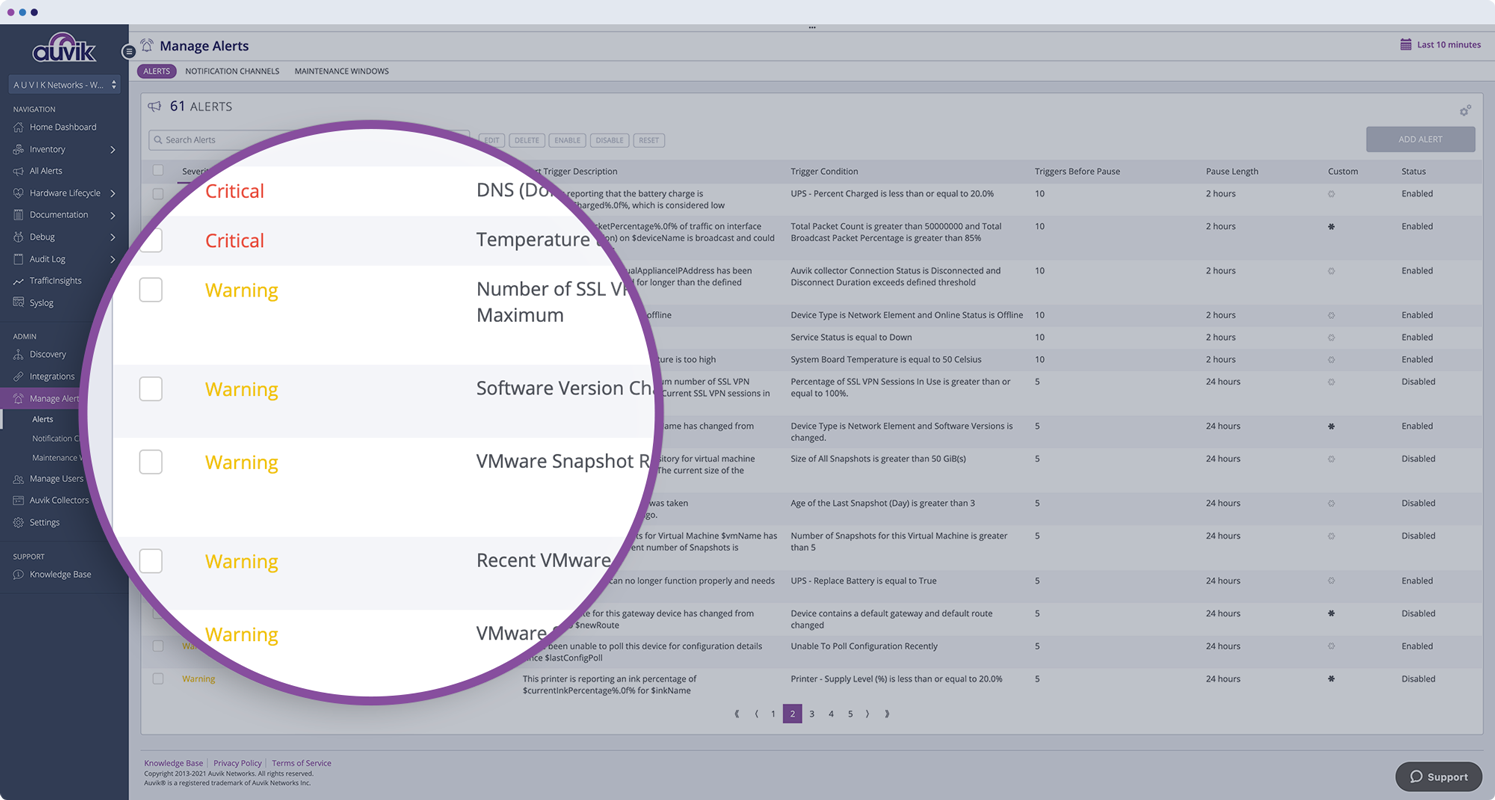
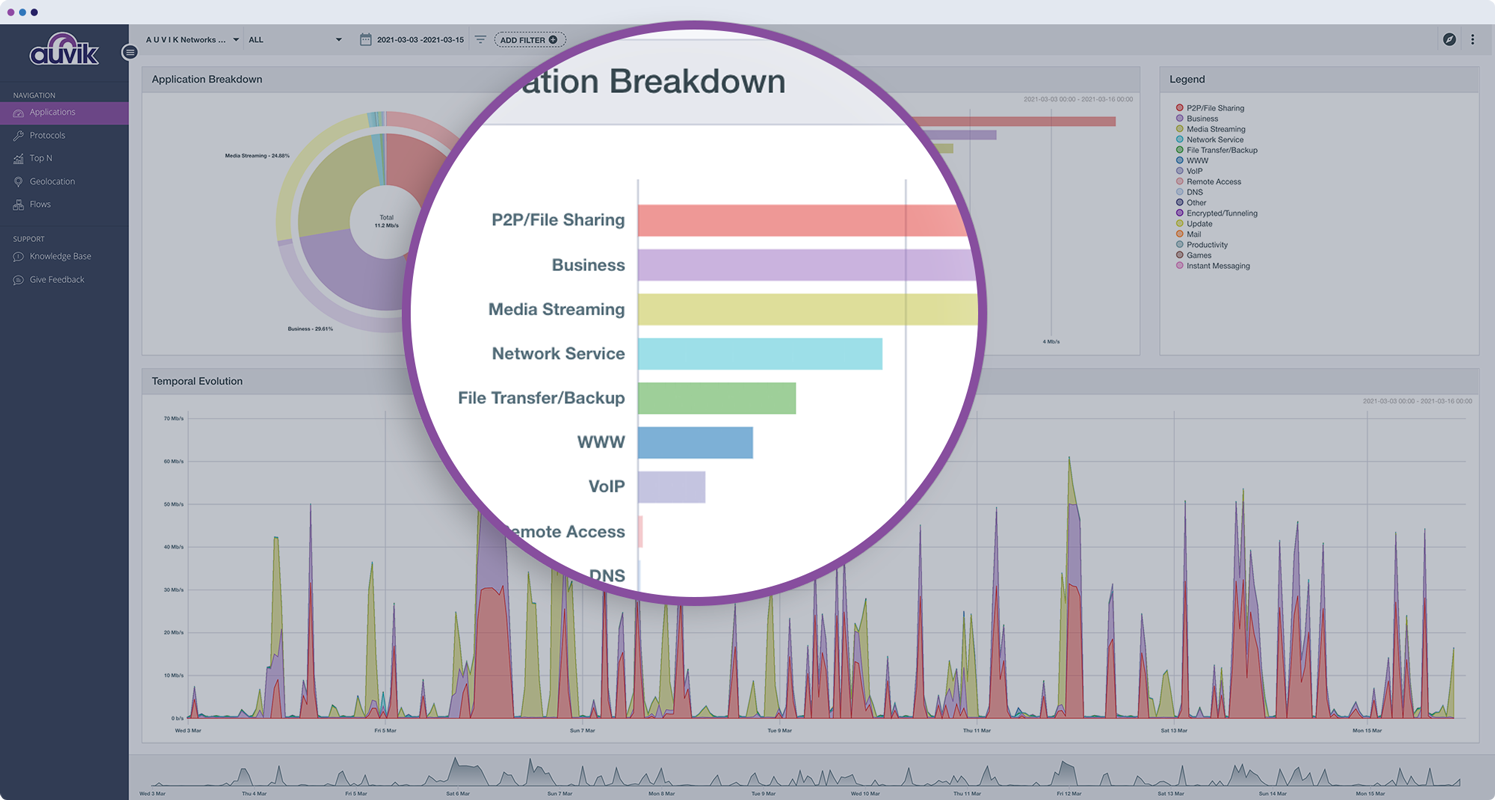
Monitors, alerts, and reports on network device and port utilization.
Quickly created complete network diagrams.
Works well in a co-manage environment enabling teams full but restricted access to specific sites. Integrates well with site specific access in ConnectWise Automate.
Thanks to RMM I never feel like I'm unaware as to what's going on in my network. I can be in the office or half a country away and feel completely aware of what's going on.
We've had numerous situations over the years where a part of our network is having issues (latency or errors) that the RMM alerts have saved us from a major outage. You can't ask for better proactive alerting.
The advanced alerting allows us to stay ahead of issues instead of reacting to them. This gives us confidence in our network and our end users better support.
The program can be a bit unwieldy at times, however the majority of information is displayed in a readable and friendly way. The maps and popup information box from the bottom can be harder to use on a smaller screen but on a 1080p+ display tends to work fine.
The interface is easy to navigate. Setting up policies is straight forward. The antivirus and web filter are simple and exceptions are easy to make. Upgrading the agent is made simple and creating scripts is made fool proof. (Well, almost)
The ease of use, full functionality, reliability and excellent support.[N-able RMM (formerly Solarwinds RMM)] gives users a full suite of tools with a single installable file. Unlike standard tools, you don't have to install several different executables to be able to have fully protected end points.
Auvik's license structure is simple and affordable. Auvik's license is based on total network devices in your network. They charge only for total number of Switches, Routers, firewalls and Wireless controllers in your network. All other devices license would be free of charge
We only tested an older version of LabTech. By comparison, the newer version of LabTech is much more competitive to Solarwinds RMM than it used to be. ConnectWise Automate has far better integration options for our PSA than Solarwinds RMM, down to very granular changes for automated ticket templates.
Auvik has worked on sites with 15+ offices connected with VPN's and we have not encountered any issues with the monitoring. On larger sites the map can be a bit cumbersome to read however it can be cleaned up easily with device filters.
We are at an initial stage of device onboarding and Auvik already provides quick network documentation without having to worry about updating; this is done dynamically.
Helpful for MSP in that it uses role-based access control to present customer-focused device management, and simplifying administration for monitoring and alerting, dashboards and reports, and billing.
The SolarWinds name carries a good bit of clout in the industry. This has definitely helped secure a few deals.
The addition of Cloud Backups had a positive impact because we were able to easily add it as a bolt-on for existing clients. We have now added this offering to almost 20% of our managed servers.
We are in the process of moving into a "co-managed" business plan. SolarWinds RMM has facilitated this by allowing us to help in-house IT teams with offloading server management and maintenance while they are able to focus on big-picture objectives.