Apache Kafka is an open-source stream processing platform developed by the Apache Software Foundation written in Scala and Java. The Kafka event streaming platform is used by thousands of companies for high-performance data pipelines, streaming analytics, data integration, and mission-critical applications.
N/A
SAP Integration Suite
Score8.5 out of 10
N/A
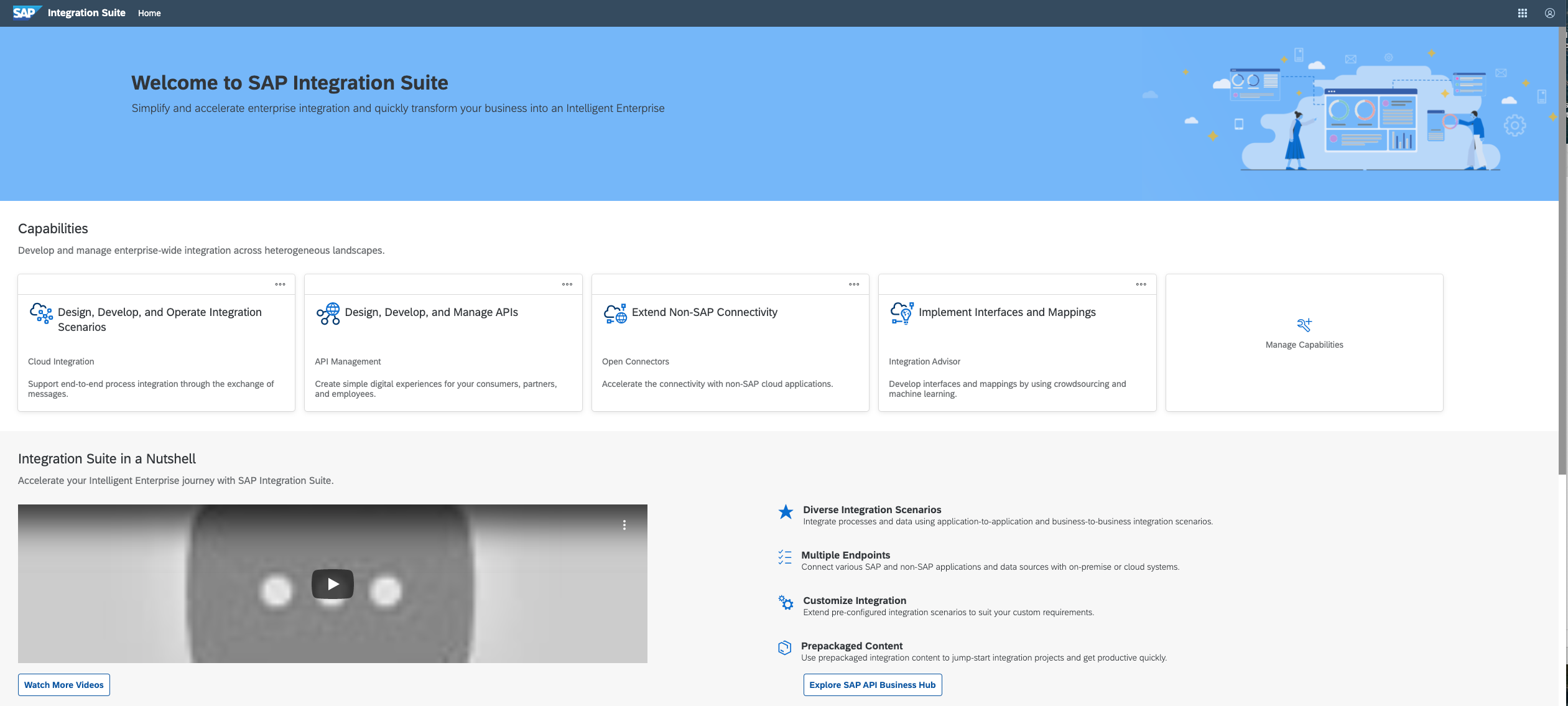
SAP Integration Suite is an integration platform-as-a-service (iPaaS) that helps quickly integrate on-premises and cloud-based processes, services, applications, events, and data. It is used to accelerate innovation, automate more processes, and realize a faster time to value.
$11,199
per year
Pricing
Apache Kafka
SAP Integration Suite
Editions & Modules
No answers on this topic
No answers on this topic
Offerings
Pricing Offerings
Apache Kafka
SAP Integration Suite
Free Trial
No
Yes
Free/Freemium Version
No
No
Premium Consulting/Integration Services
No
No
Entry-level Setup Fee
No setup fee
No setup fee
Additional Details
—
Access to free tier services does not expire while there is an active Pay-As-You-Go or CPEA account with SAP. Once a free tier service limit has been reached users have the option to update from a free to a paid service plan in the same account.
Apache Kafka is well-suited for most data-streaming use cases. Amazon Kinesis and Azure EventHubs, unless you have a specific use case where using those cloud PaAS for your data lakes, once set up well, Apache Kafka will take care of everything else in the background. Azure EventHubs, is good for cross-cloud use cases, and Amazon Kinesis - I have no real-world experience. But I believe it is the same.
In our case to have a such a poweful middleware in the cloud, give us a lot of benefits such as maintenance and support. In the integration part to be able to connect SAP and Non SAP applications makes SAP Integration Suite a good investment when our master data in this case is in S4HANA. Less appropriate is that sometimes the updates in production tenant failed and they have to downgrade or repair the issues. Affecting the usage of the tool. I guess SAP team have to be more aware of performing the changes and tested well on development environments and then when they know for sure that is the correct way to go with the update put it in production.
A de minimis incentive was given to thank the reviewer for their time. The incentive was not used to bias or drive a particular response, nor was the incentive contingent on a positive endorsement. More Info
Really easy to configure. I've used other message brokers such as RabbitMQ and compared to them, Kafka's configurations are very easy to understand and tweak.
Very scalable: easily configured to run on multiple nodes allowing for ease of parallelism (assuming your queues/topics don't have to be consumed in the exact same order the messages were delivered)
Not exactly a feature, but I trust Kafka will be around for at least another decade because active development has continued to be strong and there's a lot of financial backing from Confluent and LinkedIn, and probably many other companies who are using it (which, anecdotally, is many).
A de minimis incentive was given to thank the reviewer for their time. The incentive was not used to bias or drive a particular response, nor was the incentive contingent on a positive endorsement. More Info
Sometimes it becomes difficult to monitor our Kafka deployments. We've been able to overcome it largely using AWS MSK, a managed service for Apache Kafka, but a separate monitoring dashboard would have been great.
Simplify the process for local deployment of Kafka and provide a user interface to get visibility into the different topics and the messages being processed.
Learning curve around creation of broker and topics could be simplified
Provide more pre-built integrations to use within SuccessFactors or other modules instead of everything having to be custom built
Support is unable to provide advice on custom builds so you often have to engage a 3rd party partner
Works best when you have the functional and technical teams working together. Otherwise, the system is too technical for a functional user to create integration and a technical user not always understand the functional perspective
A de minimis incentive was given to thank the reviewer for their time. The incentive was not used to bias or drive a particular response, nor was the incentive contingent on a positive endorsement. TR verified that a representative sample of customers was invited. More Info
A de minimis incentive was given to thank the reviewer for their time. The incentive was not used to bias or drive a particular response, nor was the incentive contingent on a positive endorsement. More Info
SAP Integration Suite is very helpful to us in many ways to manage purchase procedures, stocks, and data of vendors and suppliers. Also, it helps to manage data for service providers. SAP Integration Suite has the tool to conduct training and evaluation. Unique features like the cloud can provide access from any place and by any device is very helpful.
A de minimis incentive was given to thank the reviewer for their time. The incentive was not used to bias or drive a particular response, nor was the incentive contingent on a positive endorsement. More Info
Apache Kafka is highly recommended to develop loosely coupled, real-time processing applications. Also, Apache Kafka provides property based configuration. Producer, Consumer and broker contain their own separate property file
A de minimis incentive was given to thank the reviewer for their time. The incentive was not used to bias or drive a particular response, nor was the incentive contingent on a positive endorsement. More Info
A de minimis incentive was given to thank the reviewer for their time. The incentive was not used to bias or drive a particular response, nor was the incentive contingent on a positive endorsement. More Info
Support for Apache Kafka (if willing to pay) is available from Confluent that includes the same time that created Kafka at Linkedin so they know this software in and out. Moreover, Apache Kafka is well known and best practices documents and deployment scenarios are easily available for download. For example, from eBay, Linkedin, Uber, and NYTimes.
A de minimis incentive was given to thank the reviewer for their time. The incentive was not used to bias or drive a particular response, nor was the incentive contingent on a positive endorsement. More Info
A de minimis incentive was given to thank the reviewer for their time. The incentive was not used to bias or drive a particular response, nor was the incentive contingent on a positive endorsement. TR verified that a representative sample of customers was invited. More Info
A de minimis incentive was given to thank the reviewer for their time. The incentive was not used to bias or drive a particular response, nor was the incentive contingent on a positive endorsement. More Info
I used other messaging/queue solutions that are a lot more basic than Confluent Kafka, as well as another solution that is no longer in the market called Xively, which was bought and "buried" by Google. In comparison, these solutions offer way fewer functionalities and respond to other needs.
A de minimis incentive was given to thank the reviewer for their time. The incentive was not used to bias or drive a particular response, nor was the incentive contingent on a positive endorsement. More Info
SAP Integration Suite was already part of our SAP stack, part of Business Technology Platform, with out-of-the-box integration with S/4 HANA transactional and ERP system that we are using as our main back-end. Thus, we are achieving significant Total Cost Optimization benefits or running both solutions on the same platform, hosted on Azure cloud.
A de minimis incentive was given to thank the reviewer for their time. The incentive was not used to bias or drive a particular response, nor was the incentive contingent on a positive endorsement. TR verified that a representative sample of customers was invited. More Info
Positive: Get a quick and reliable pub/sub model implemented - data across components flows easily.
Positive: it's scalable so we can develop small and scale for real-world scenarios
Negative: it's easy to get into a confusing situation if you are not experienced yet or something strange has happened (rare, but it does). Troubleshooting such situations can take time and effort.
A de minimis incentive was given to thank the reviewer for their time. The incentive was not used to bias or drive a particular response, nor was the incentive contingent on a positive endorsement. More Info
A de minimis incentive was given to thank the reviewer for their time. The incentive was not used to bias or drive a particular response, nor was the incentive contingent on a positive endorsement. More Info