
Acumatica vs. Zoho Books
Acumatica vs. Zoho Books
| Product | Rating | Most Used By | Product Summary | Starting Price |
|---|---|---|---|---|
 Acumatica | N/A | Acumatica delivers a set of cloud-based business software applications with dashboards, reporting tools, integrated document management, centralized security, and customization tools. | N/A | |
 Zoho Books | N/A | Zoho Books is an accounting solution that is designed to help small businesses manage their finances. This solution includes dashboards and a wide variety of reports. Business users can automate tasks and set up custom workflows. Zoho offers a 14 day free trial. | $0 For businesses with turnover <50K USD per annum |
| Acumatica | Zoho Books | |||||||||||||||
|---|---|---|---|---|---|---|---|---|---|---|---|---|---|---|---|---|
| Editions & Modules | No answers on this topic |
| ||||||||||||||
| Offerings |
| |||||||||||||||
| Entry-level Setup Fee | No setup fee | No setup fee | ||||||||||||||
| Additional Details | Pricing is always consumption-based with no five-year lock-ins or termination penalties. The Acumatica ERP pricing structure allows adding casual users, suppliers, and customers without paying for additional licenses. The cost is based on the features and resources utilized, not on the number of users who access the system. An Acumatica partner works with users to understand specific requirements, determine the proper resources and modules for the company, and presents a price for the license. | Zoho Books is available for both monthly and yearly plans. Users who sign up for the annual plan get a discount. | ||||||||||||||
| More Pricing Information | ||||||||||||||||
| Acumatica | Zoho Books |
|---|
| Acumatica | Zoho Books | |||||||||||||||||||||||||||||||||||||||||||||
|---|---|---|---|---|---|---|---|---|---|---|---|---|---|---|---|---|---|---|---|---|---|---|---|---|---|---|---|---|---|---|---|---|---|---|---|---|---|---|---|---|---|---|---|---|---|---|
| Payroll Management |
| |||||||||||||||||||||||||||||||||||||||||||||
| Customization |
| |||||||||||||||||||||||||||||||||||||||||||||
| Security |
| |||||||||||||||||||||||||||||||||||||||||||||
| Reporting & Analytics |
| |||||||||||||||||||||||||||||||||||||||||||||
| General Ledger and Configurable Accounting |
| |||||||||||||||||||||||||||||||||||||||||||||
| Inventory Management |
| |||||||||||||||||||||||||||||||||||||||||||||
| Order Management |
| |||||||||||||||||||||||||||||||||||||||||||||
| Subledger and Financial Process |
| |||||||||||||||||||||||||||||||||||||||||||||
| Project Financial Management |
| |||||||||||||||||||||||||||||||||||||||||||||
| Project Execution Management |
| |||||||||||||||||||||||||||||||||||||||||||||
| Grants Management |
| |||||||||||||||||||||||||||||||||||||||||||||
| Procurement |
| |||||||||||||||||||||||||||||||||||||||||||||
| Risk Management |
| |||||||||||||||||||||||||||||||||||||||||||||
| Logistics |
| |||||||||||||||||||||||||||||||||||||||||||||
| Manufacturing |
| |||||||||||||||||||||||||||||||||||||||||||||
| Supply Chain |
| |||||||||||||||||||||||||||||||||||||||||||||
| Product Lifecycle Management |
|
| Acumatica | Zoho Books | |
|---|---|---|
| Small Businesses |  Zoho One Score 8.9 out of 10 |  QuickBooks Self-Employed (discontinued) Score 8.9 out of 10 |
| Medium-sized Companies |  Infor VISUAL Score 8.0 out of 10 |  Accounting Seed Score 6.3 out of 10 |
| Enterprises |  24SevenOffice Score 9.0 out of 10 |  SAP S/4HANA Cloud Score 8.6 out of 10 |
| All Alternatives | View all alternatives | View all alternatives |
| Acumatica | Zoho Books | |
|---|---|---|
| Likelihood to Recommend | 8.6 (0 ratings) | 8.2 (0 ratings) |
| Likelihood to Renew | 9.4 (0 ratings) | - (0 ratings) |
| Usability | 7.9 (0 ratings) | 8.3 (0 ratings) |
| Availability | 8.5 (0 ratings) | - (0 ratings) |
| Performance | 7.5 (0 ratings) | - (0 ratings) |
| Support Rating | 7.2 (0 ratings) | 5.3 (0 ratings) |
| In-Person Training | 7.1 (0 ratings) | - (0 ratings) |
| Online Training | 8.4 (0 ratings) | - (0 ratings) |
| Implementation Rating | 6.8 (0 ratings) | - (0 ratings) |
| Configurability | 8.0 (0 ratings) | - (0 ratings) |
| Ease of integration | 5.5 (0 ratings) | - (0 ratings) |
| Product Scalability | 7.3 (0 ratings) | - (0 ratings) |
| Vendor post-sale | 5.1 (0 ratings) | - (0 ratings) |
| Vendor pre-sale | 7.5 (0 ratings) | - (0 ratings) |
| Acumatica | Zoho Books | |
|---|---|---|
| Likelihood to Recommend | 
| 
 Nathan Sichilongo Digital Marketing Manager |
| Pros |
|
 Mehdi Aherraki General Manager |
| Cons |
|
 Daniel Coburn Sr. Product Manager |
| Likelihood to Renew |
 Robert Chester Gervacio Accounts Payable Supervisor | No answers on this topic |
| Usability |
|
|
| Reliability and Availability |
 DANYEL SULLIVAN-MARRERO, CPA, MBA Controller | No answers on this topic |
| Performance |
| No answers on this topic |
| Support Rating |
|
|
| In-Person Training |
DANYEL SULLIVAN-MARRERO, CPA, MBA Controller | No answers on this topic |
| Online Training |
 Julie Weber Director of Finance & Accounting | No answers on this topic |
| Implementation Rating |
 Scott Rutkowski, CLP CIO (Chief Information Officer) | No answers on this topic |
| Alternatives Considered |
|
|
| Scalability |
DANYEL SULLIVAN-MARRERO, CPA, MBA Controller | No answers on this topic |
| Return on Investment |
|
 Mike Koolwijk SEO Specialist | MA consultant |
| ScreenShots | Acumatica Screenshots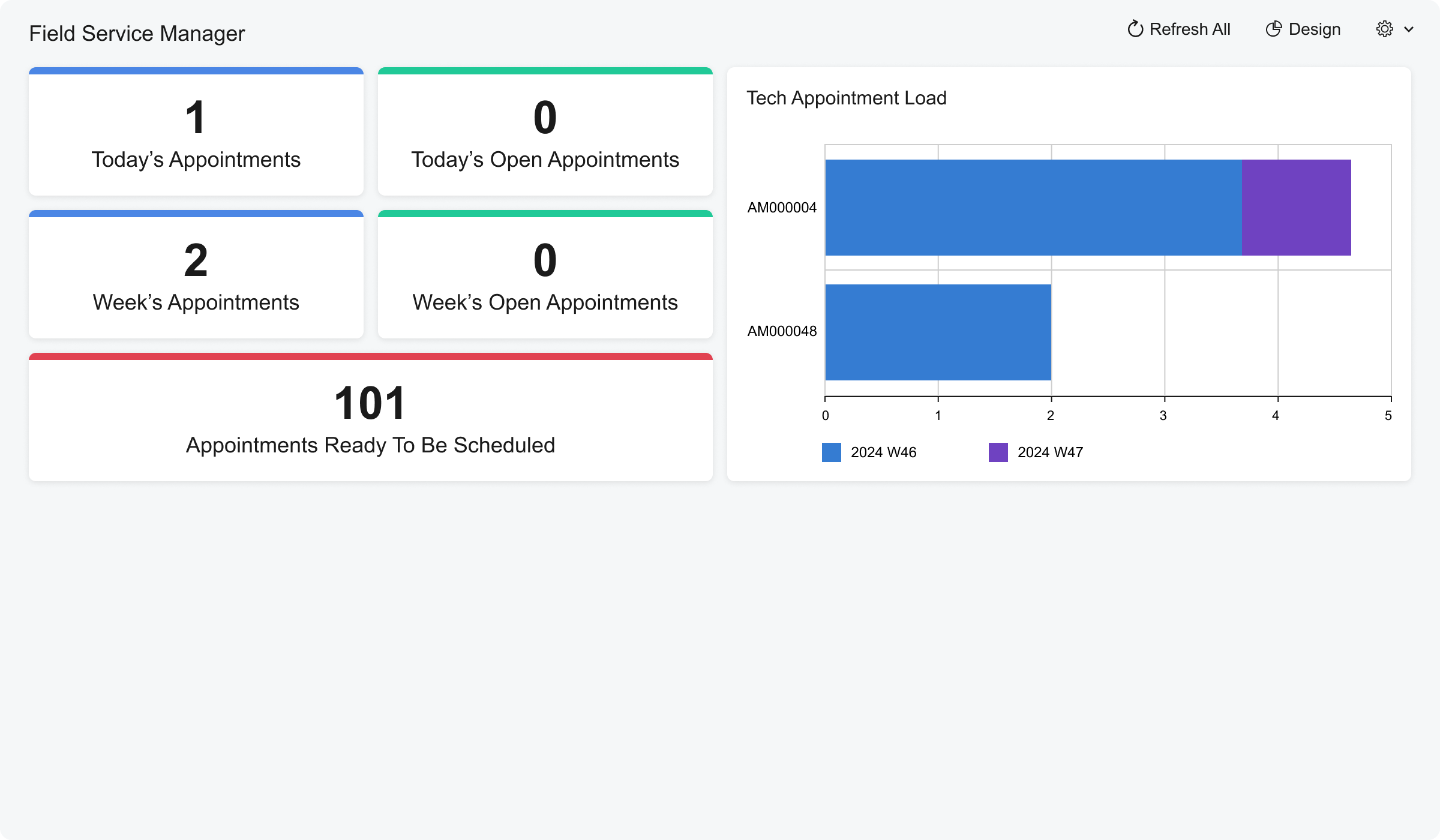 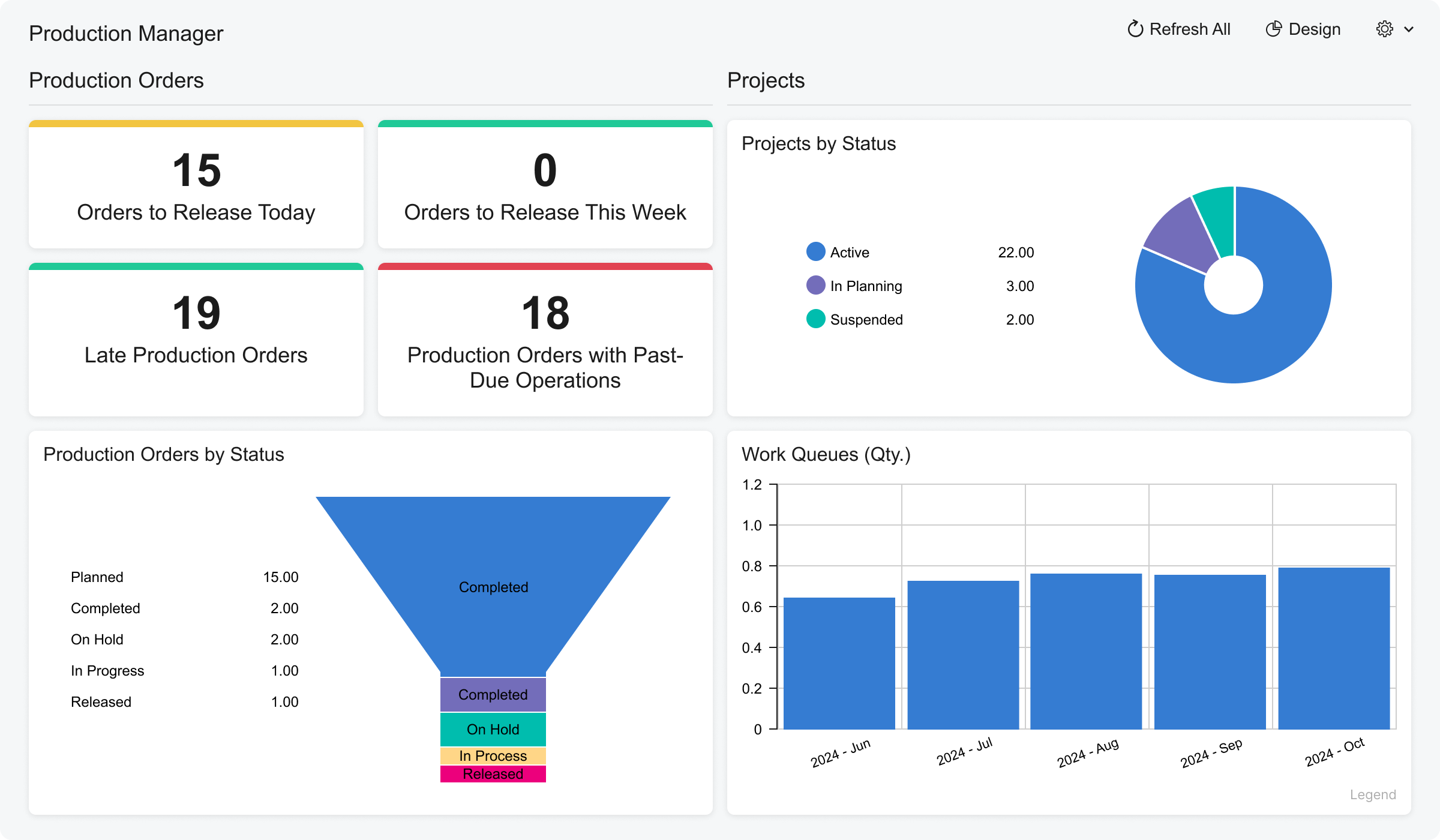 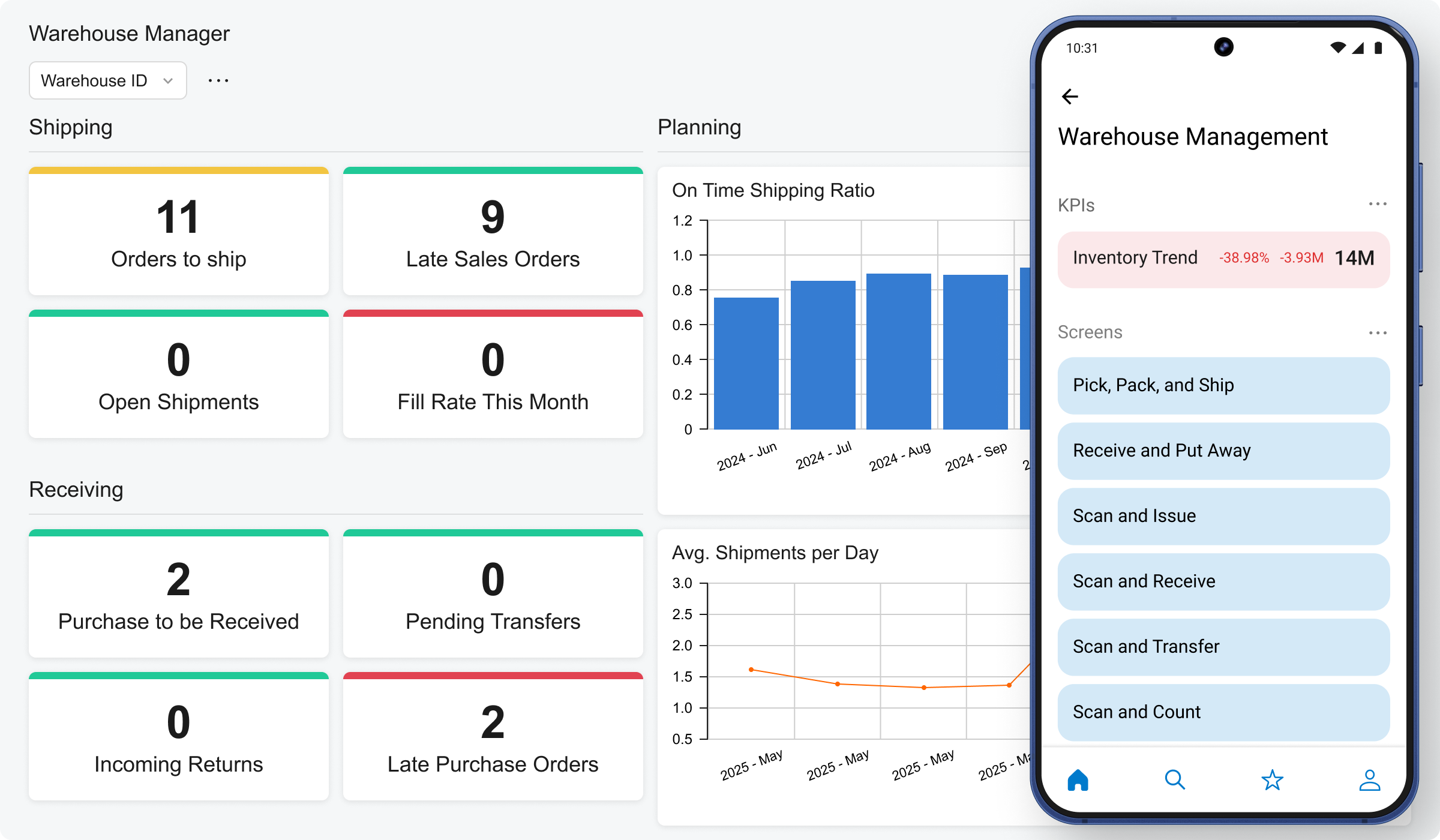 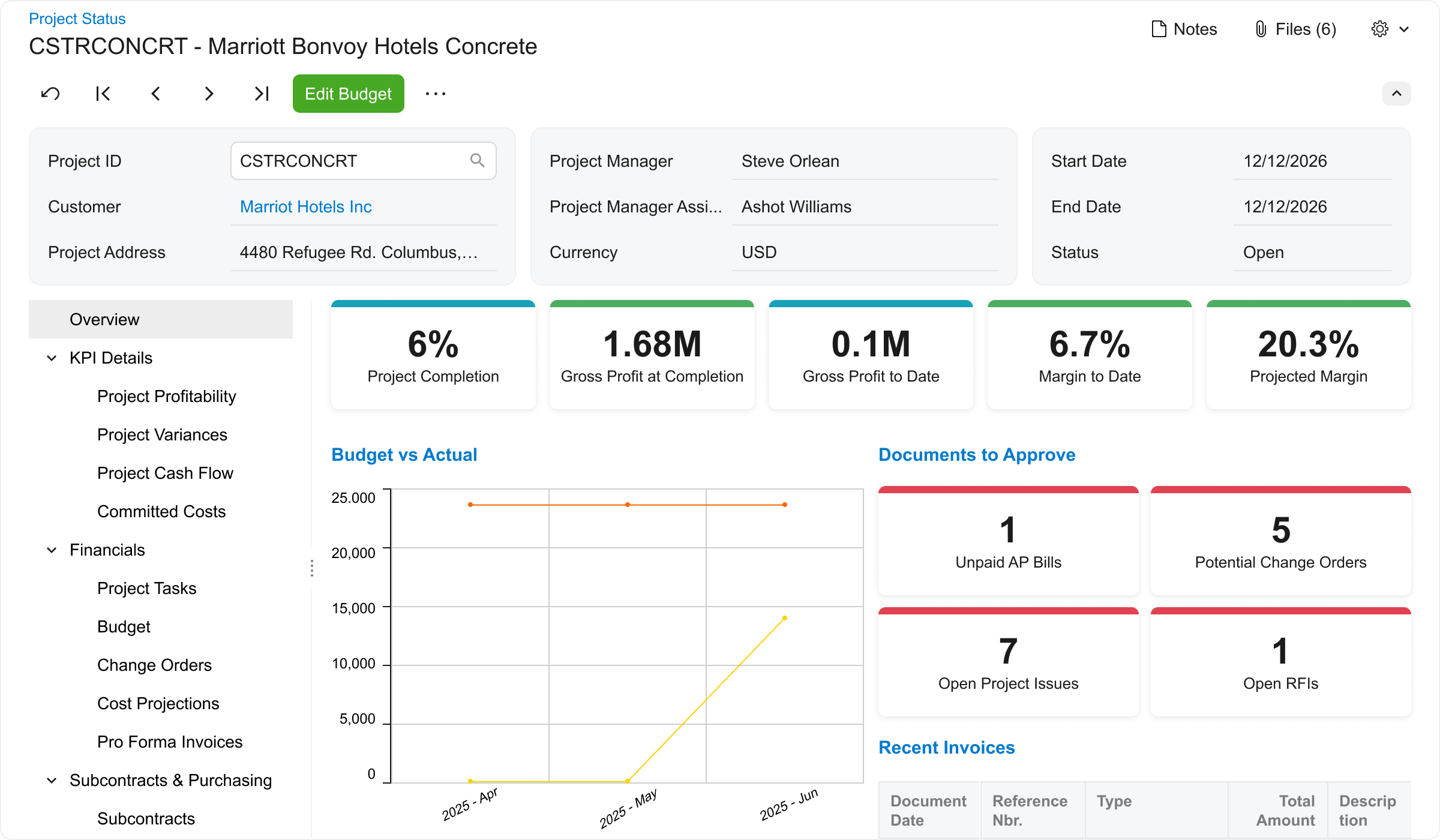 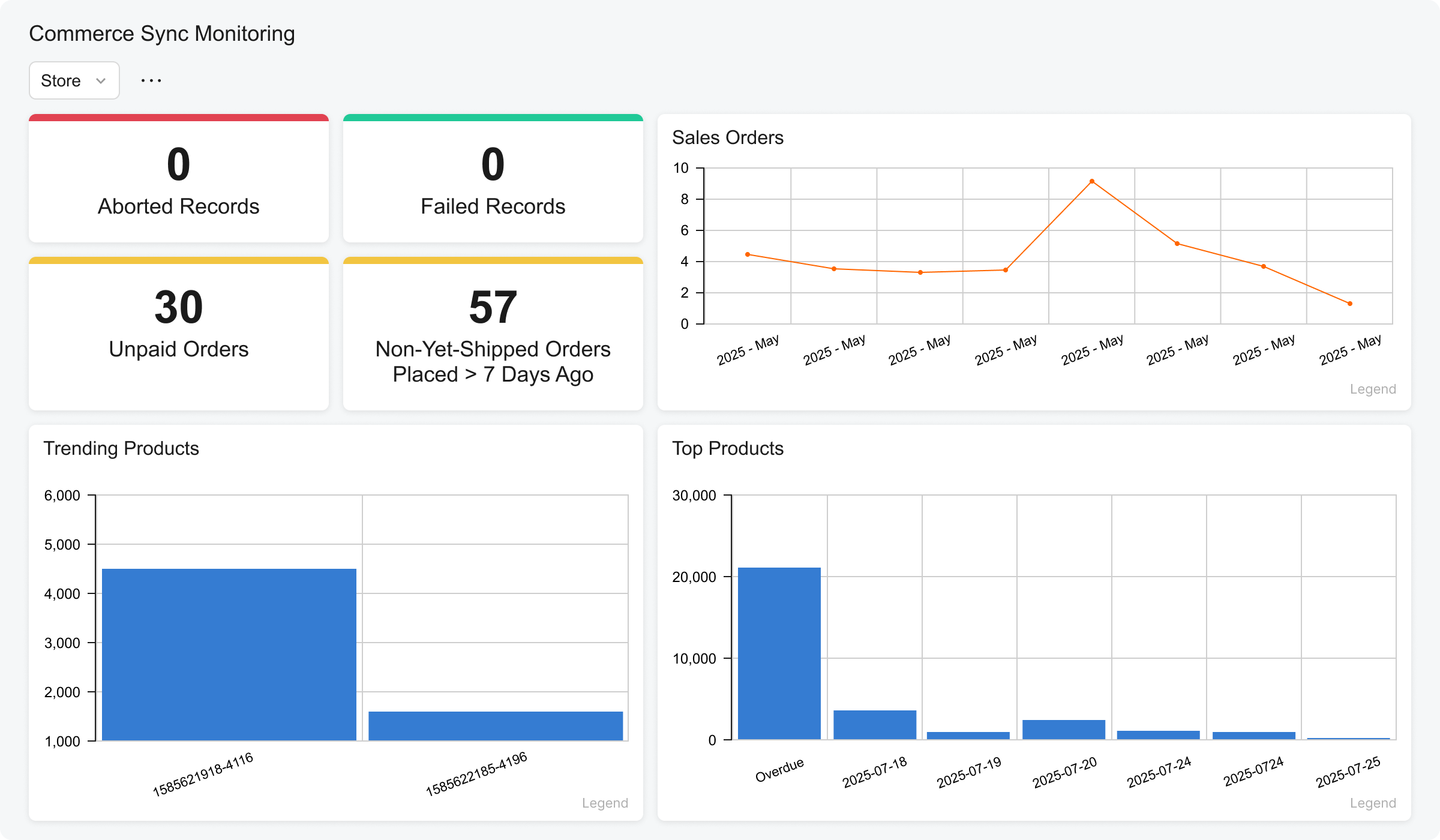 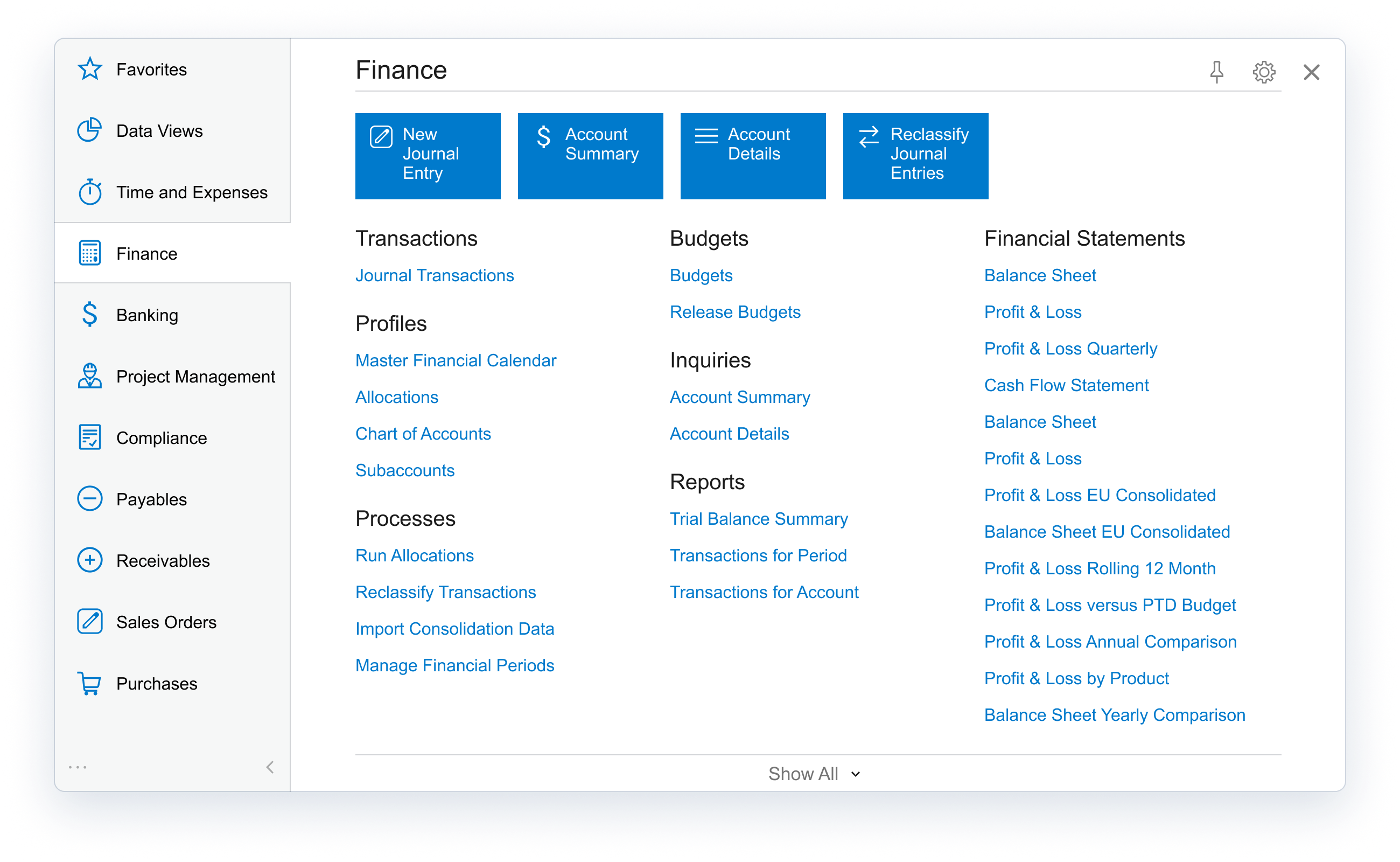 | Zoho Books Screenshots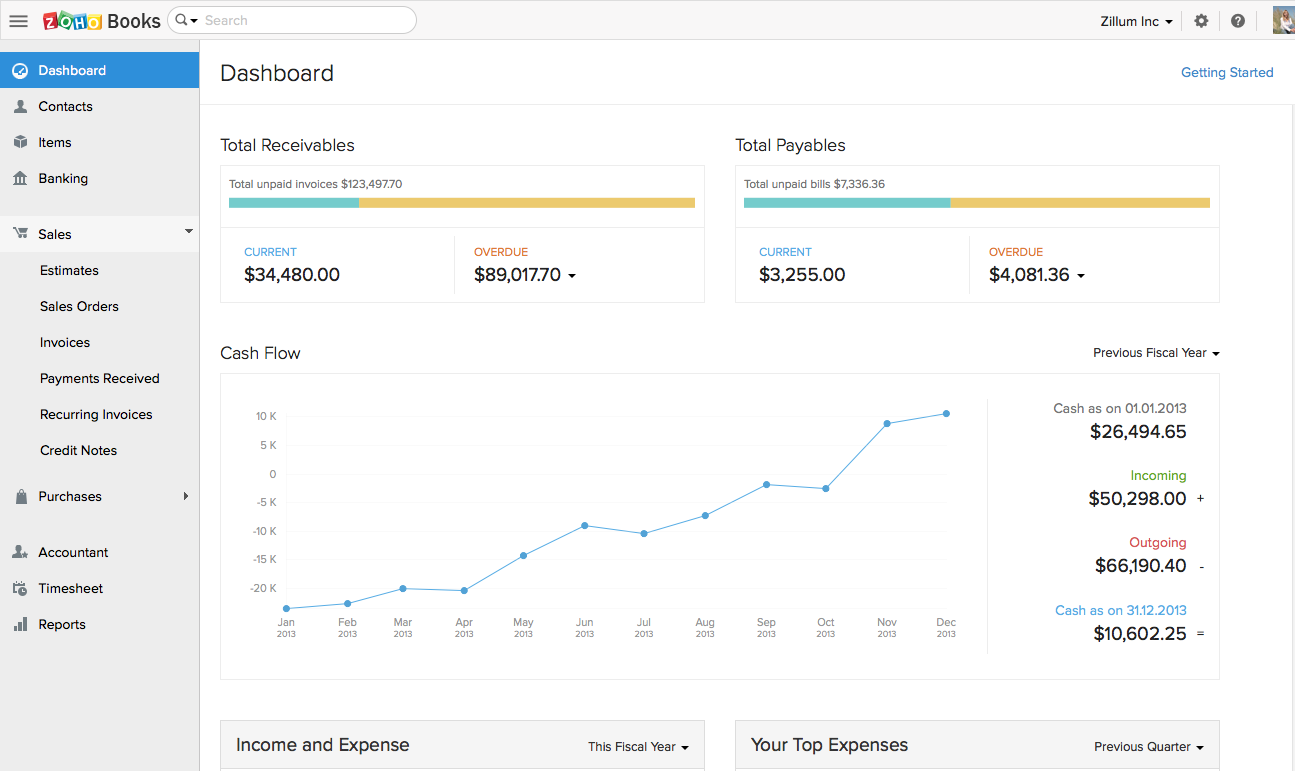    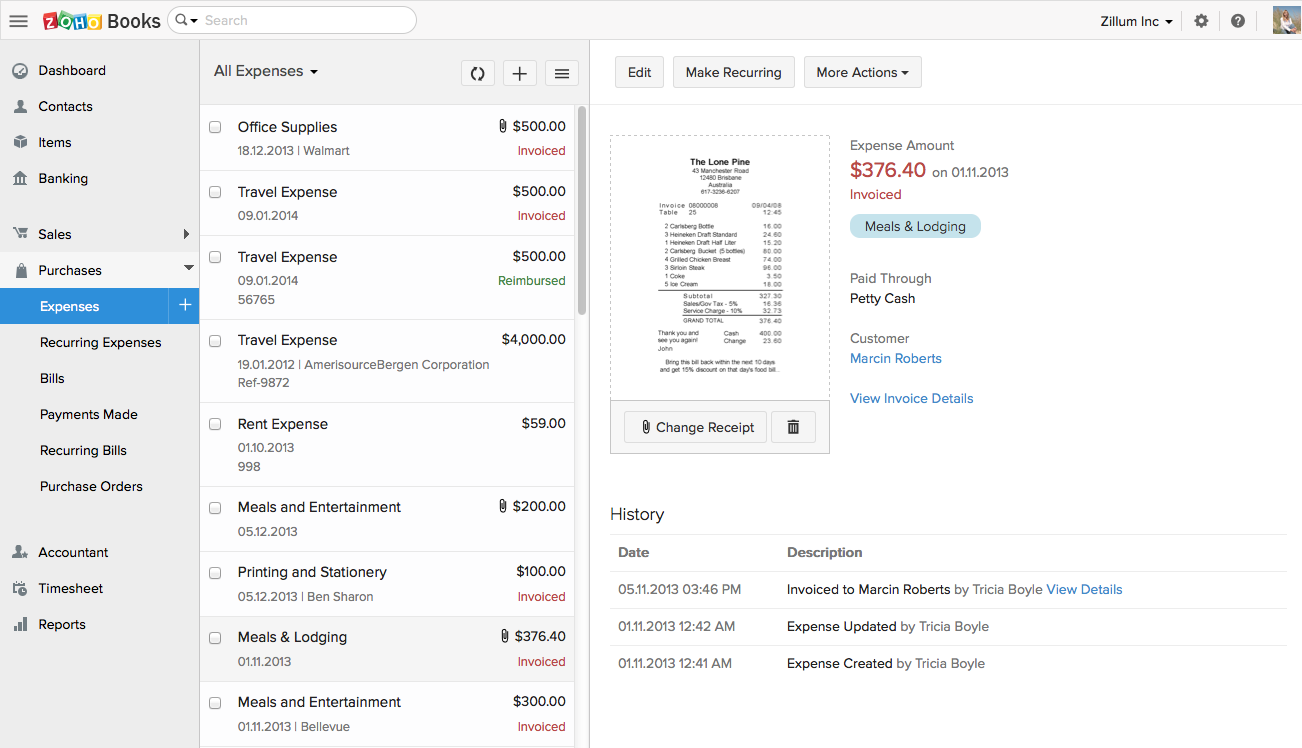  |