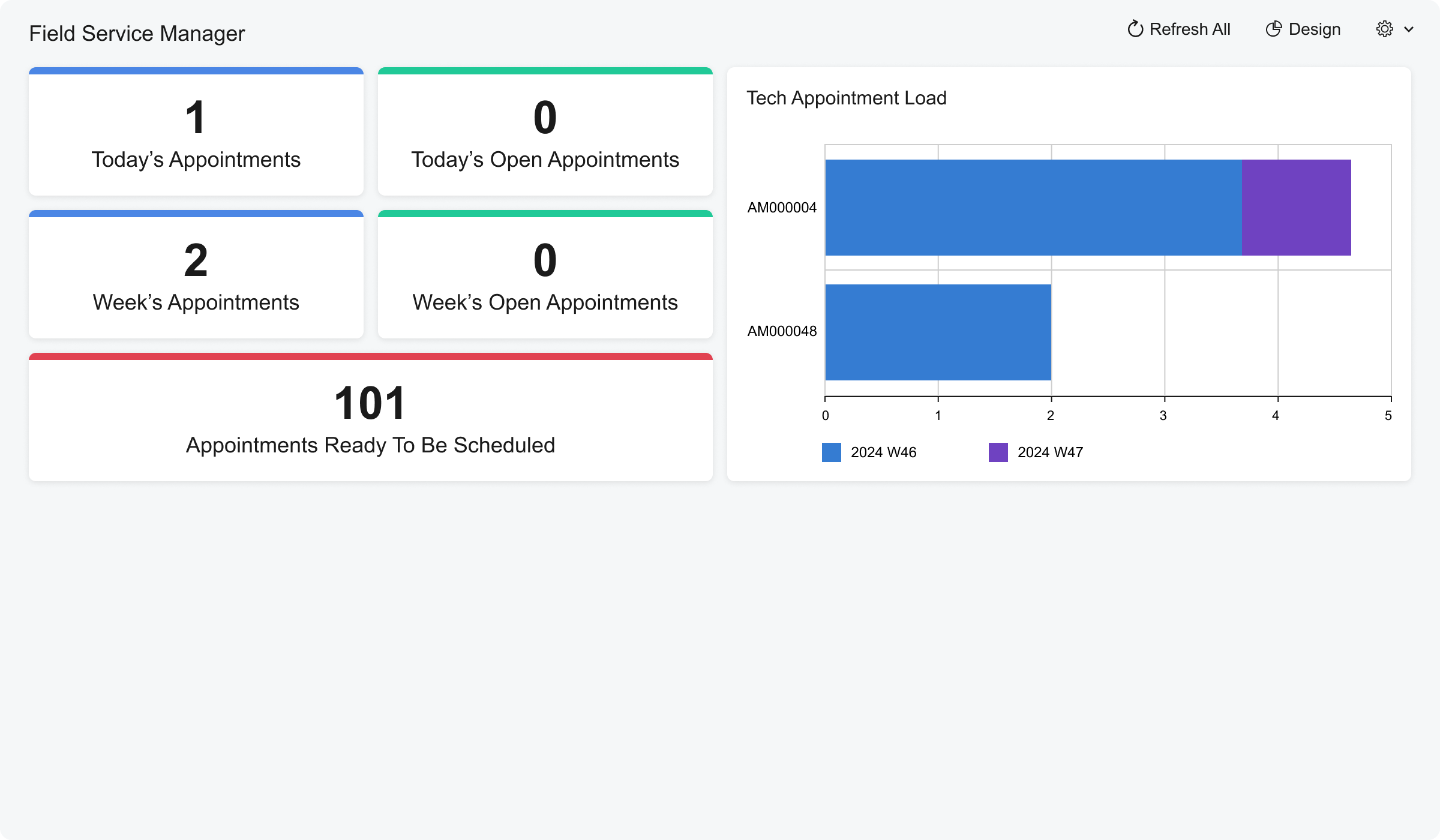
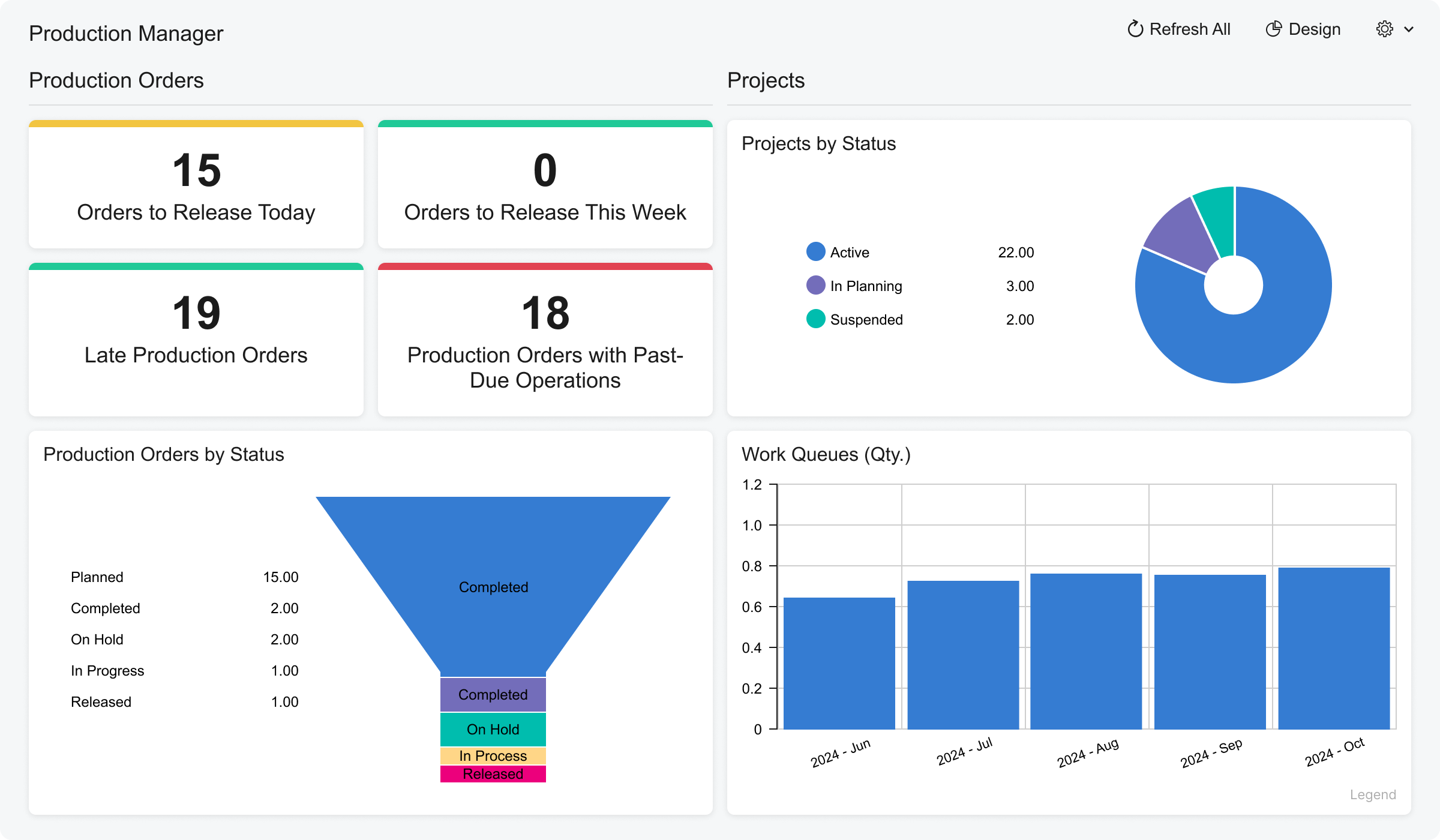
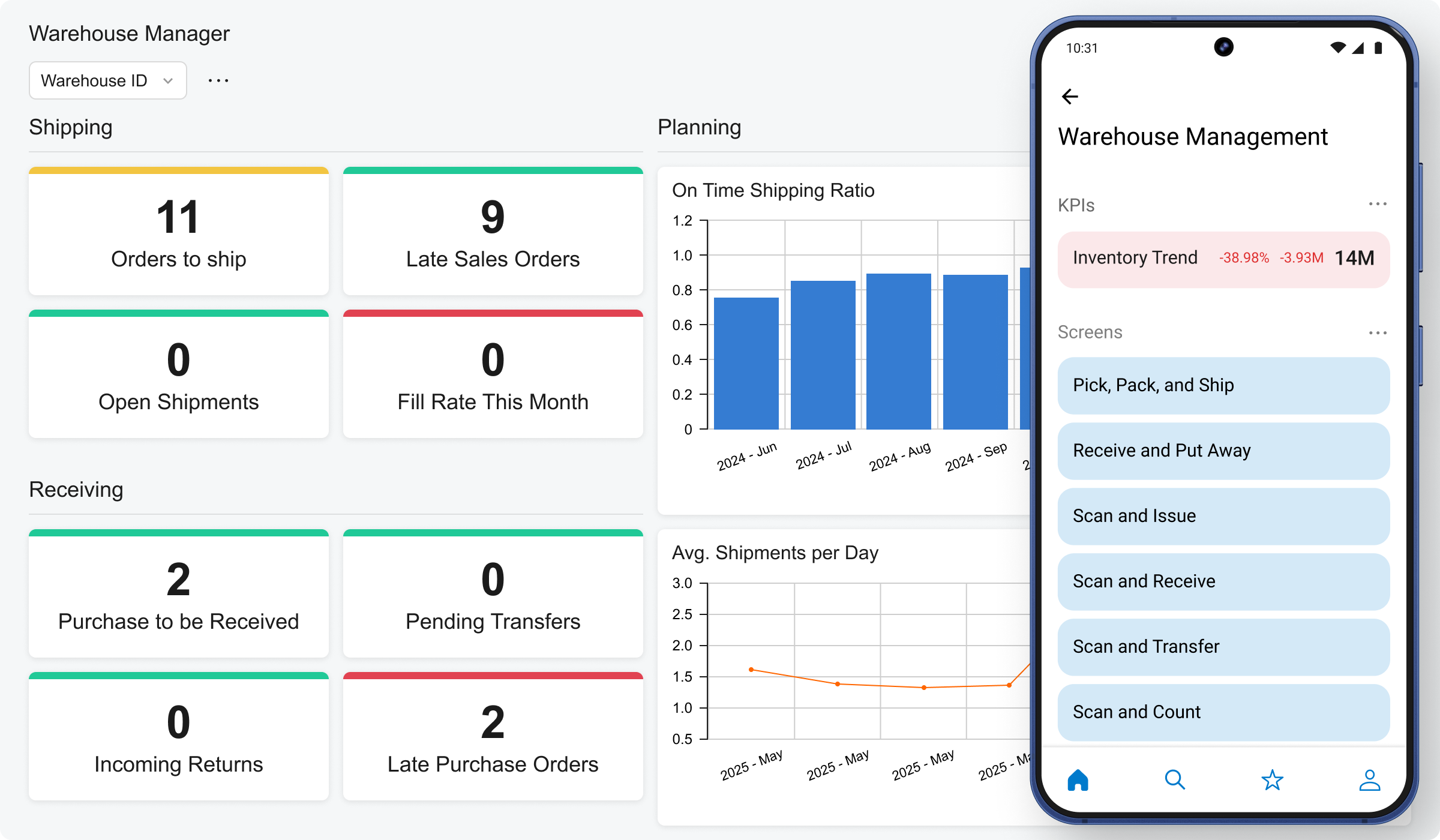
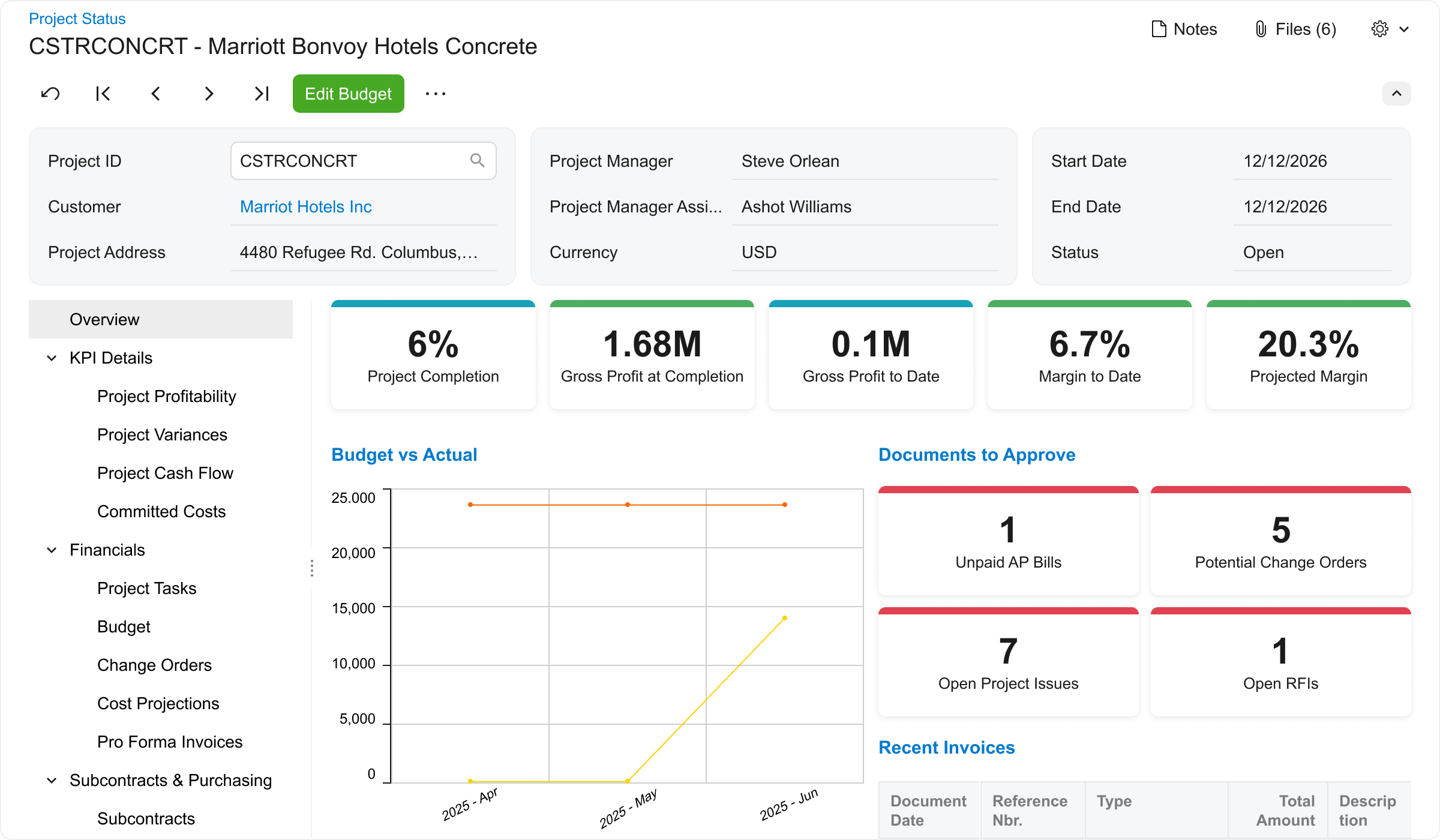
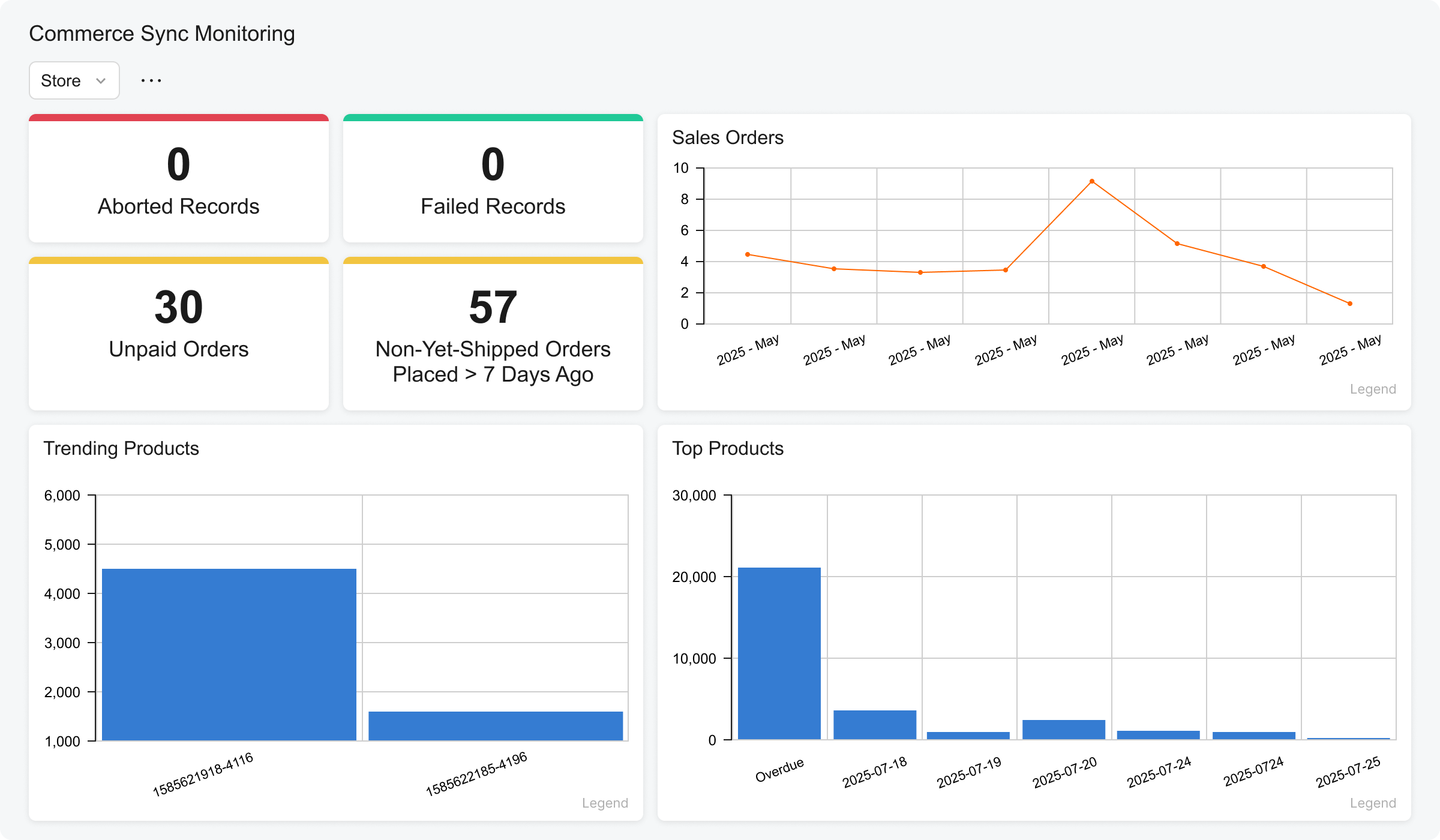
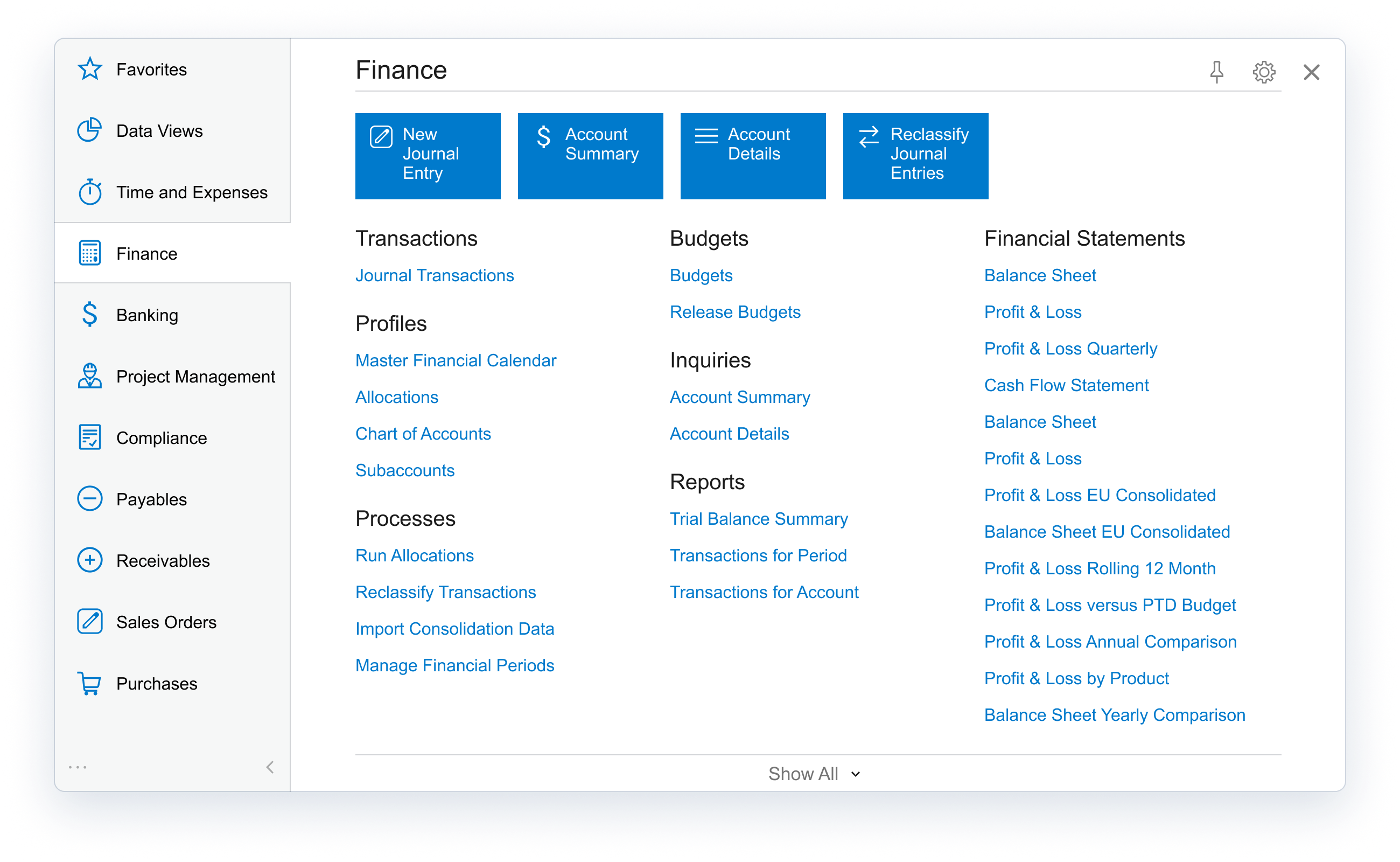
Acumatica delivers a set of cloud-based business software applications with dashboards, reporting tools, integrated document management, centralized security, and customization tools.
$1,000
per year
SAP Business One
Score6.8 out of 10
N/A
SAP Business One is an integrated enterprise resource planning (ERP) solution for small and medium-sized businesses, The product encompasses functionality around sales, customer relationships, inventory, operations, financials and human resources.
$99
per month
Pricing
Acumatica
SAP Business One
Editions & Modules
No answers on this topic
Limited
$99.00
per month
Starter
$110.00
per month
Pro
$132.00
per month
Offerings
Pricing Offerings
Acumatica
SAP Business One
Free Trial
No
No
Free/Freemium Version
No
No
Premium Consulting/Integration Services
Yes
No
Entry-level Setup Fee
No setup fee
No setup fee
Additional Details
Pricing is always consumption-based with no five-year lock-ins or termination penalties.
The Acumatica ERP pricing structure allows adding casual users, suppliers, and customers without paying for additional licenses.
The cost is based on the features and resources utilized, not on the number of users who access the system. An Acumatica partner works with users to understand specific requirements, determine the proper resources and modules for the company, and presents a price for the license.
Consultant in Professional Services at Premier Computing (Professional Training & Coaching, 11-50 employees)
Chose Acumatica
I worked for a partner that sold SAP Business One and ByDesign. The very best thing I would say about Acumatica compared to those platforms is the support team. I have not seen a level of support that is actually able to resolve very difficult issues. Especially when they are …
A de minimis incentive was given to thank the reviewer for their time. The incentive was not used to bias or drive a particular response, nor was the incentive contingent on a positive endorsement. More Info
IT Manager in Information Technology at Amazon (Information Technology & Services, 10,001+ employees)
Chose Acumatica
The basic difference between Acumatica and similar solutions is their complexity and usability. It is less complex and easier to learn, and it is also based on a low-code platform, which makes it more convenient for the end user.
A de minimis incentive was given to thank the reviewer for their time. The incentive was not used to bias or drive a particular response, nor was the incentive contingent on a positive endorsement. More Info
Verified User
Chose Acumatica
Cost. Modern code base and technology stack. Features. Customization and data access
A de minimis incentive was given to thank the reviewer for their time. The incentive was not used to bias or drive a particular response, nor was the incentive contingent on a positive endorsement. TR verified that a representative sample of customers was invited. More Info
Business Analyst in Corporate at High Mowing Organic Seeds (Farming, 11-50 employees)
Chose Acumatica
Acumatica is more flexible. Acumatica gives more control underneath the hood of the ERP, which enables us to meet our requirements out of the box WITHOUT customizations
A de minimis incentive was given to thank the reviewer for their time. The incentive was not used to bias or drive a particular response, nor was the incentive contingent on a positive endorsement. TR verified that a representative sample of customers was invited. More Info
Verified User
Chose Acumatica
Acumatica is more user friendly whilst still providing a high level of customisation to suit our business.
A de minimis incentive was given to thank the reviewer for their time. The incentive was not used to bias or drive a particular response, nor was the incentive contingent on a positive endorsement. TR verified that a representative sample of customers was invited. More Info
A de minimis incentive was given to thank the reviewer for their time. The incentive was not used to bias or drive a particular response, nor was the incentive contingent on a positive endorsement. More Info
Finance Manger in Finance and Accounting at Sun Oil Limited (Oil & Energy, 201-500 employees)
Chose Acumatica
Head and shoulders above them. Acumatica is flexible and that is important for our growing business group. The pricing for Acumatica is affordable and reasonable. We love the support from Acumatica as well. The training and community support is overwhelmingly great.
A de minimis incentive was given to thank the reviewer for their time. The incentive was not used to bias or drive a particular response, nor was the incentive contingent on a positive endorsement. TR verified that a representative sample of customers was invited. More Info
Corporate Controller in Finance and Accounting at Gazelle's Group of Companies Inc. (Oil & Energy, 11-50 employees)
Chose Acumatica
Much more easy to use and more cost effective. Seemed to be a better support network through Acumatica University and our VAR. In general, the look and feel was much better also.
A de minimis incentive was given to thank the reviewer for their time. The incentive was not used to bias or drive a particular response, nor was the incentive contingent on a positive endorsement. More Info
Verified User
Chose Acumatica
They end user experience is where Acumatica really shines, along with the customization ability and additional app connection ease.
A de minimis incentive was given to thank the reviewer for their time. The incentive was not used to bias or drive a particular response, nor was the incentive contingent on a positive endorsement. More Info
A de minimis incentive was given to thank the reviewer for their time. The incentive was not used to bias or drive a particular response, nor was the incentive contingent on a positive endorsement. More Info
A de minimis incentive was given to thank the reviewer for their time. The incentive was not used to bias or drive a particular response, nor was the incentive contingent on a positive endorsement. More Info
Verified User
Chose Acumatica
ACU is far and away a better ERP solution. SAP does a great job at saying what they can do and develop but ACU does what they say to help improve the product. The UI is much prettier and configurable and you can see you data how you want to
A de minimis incentive was given to thank the reviewer for their time. The incentive was not used to bias or drive a particular response, nor was the incentive contingent on a positive endorsement. More Info
Finance Manager in Finance and Accounting at Toffeln Footwear (Apparel & Fashion, 11-50 employees)
Chose Acumatica
NetSuite is much more expensive and is difficult to customise or integrate.
SAP is a more complex and powerful system, but several times more expensive to implement and run.
A de minimis incentive was given to thank the reviewer for their time. The incentive was not used to bias or drive a particular response, nor was the incentive contingent on a positive endorsement. More Info
SAP
Verified User
Chose SAP Business One
As a consultant, SAP Business One has a strong set of core features that will perform well for a multitude of businesses. It is a mature product with lots of documentation and available training online to answer questions and assist users. It also has multitudes of proven …
A de minimis incentive was given to thank the reviewer for their time. The incentive was not used to bias or drive a particular response, nor was the incentive contingent on a positive endorsement. More Info
I would love to recommend it to my friends and colleagues. They have a dedicated storage manager along with some really good cloud capabilities, which helps get the work done efficiently and professionally. We have been using it since 2022, and they are great in this segment.
SAP Business One would be more useful if it contained tools to acommodate the growing need of online sales. A more complete shipping module which handles tracking numbers with the common couriers would be great. A built in warehouse management system would be great designed to be used with barcode scanners
A de minimis incentive was given to thank the reviewer for their time. The incentive was not used to bias or drive a particular response, nor was the incentive contingent on a positive endorsement. More Info
We just went live about two weeks ago, so we are here at Acumatica Summit to see everything it's capable of. One of the things it is capable of is the dashboards and the integration with some of these third-party people to ensure we can get the data we need when we need it, so we're looking forward to getting all that live for us.
A de minimis incentive was given to thank the reviewer for their time. The incentive was not used to bias or drive a particular response, nor was the incentive contingent on a positive endorsement. TR verified that a representative sample of customers was invited. More Info
A de minimis incentive was given to thank the reviewer for their time. The incentive was not used to bias or drive a particular response, nor was the incentive contingent on a positive endorsement. TR verified that a representative sample of customers was invited. More Info
There are a few spots where there is a list of data that we need a total for and we have to extract to Excel to get a total. It would be helpful to see a sum right in Acumatica.
For the first time today I had an interesting glitch - my entire bank reconciliation unchecked the "reconciled" column and needed to be redone for the month. Funky little glitches happen from time to time
Pivot tables don't seem to update as expected by using filters
A de minimis incentive was given to thank the reviewer for their time. The incentive was not used to bias or drive a particular response, nor was the incentive contingent on a positive endorsement. TR verified that a representative sample of customers was invited. More Info
Following a bench mark process - this seems contradicting to flexibility however we have wished we could follow more of an industry benchmark. Our challenge as a small company has been knowing how to properly use the system. We have discovered that we have set up the system wrong based and are using it improperly which has cause a lot work to correct.
Better live reporting options - current we are on prem SQL. Yes SAP is moving to HANA however smaller companies like ourselves are not ready for that. We need to be able to maintain our existing SQL DB. We also have a demand for live BI Reporting. It has been difficult to do this with our current set up.
Error handling - have found it very difficult to troubleshoot. Errors are not always clear and answers are hard to find.
A de minimis incentive was given to thank the reviewer for their time. The incentive was not used to bias or drive a particular response, nor was the incentive contingent on a positive endorsement. More Info
I gave this 10 rating because Acumatica ERP is the backbone of the organization, next to the IT Team. We use this software for many different parts of our business. For example our Retail service stations that utilize the inventory, billing, and financials. Our Distribution company that uses it for Field services, CRM, Sales, Accounts and Financial consolidation of all company financials.
A de minimis incentive was given to thank the reviewer for their time. The incentive was not used to bias or drive a particular response, nor was the incentive contingent on a positive endorsement. More Info
As I said before, it is a first level tool, well developed, and with very strong development support, although the learning curve, its implementation, the cost-benefit ratio, the price and the user experience is not the most suitable for small and medium-sized companies. It is a company with extensive experience, market positioning, technical support and expanded use
A de minimis incentive was given to thank the reviewer for their time. The incentive was not used to bias or drive a particular response, nor was the incentive contingent on a positive endorsement. More Info
I give it an 8 because it is very intuitive and easy to use for day to day work. I find it more difficult to create general inquiries and financial statements than it seems that it should be. It's not very intuitive in those areas.
I would like to give 8 out of 10 rating for SAP Business One because SAP Business One is a good choice for the mostly used business management solutions for the small and medium-sized companies. SAP Business One can help in optimizing the existing business process and enables streamline business processes for the daily activities for all users across the entire organization. The importance realization of SAP Business One implementation is based on the selection of the good reputation partner and its approach for the entire implementation. SAP Business One is a user-friendly and easy to use Enterprise system that the organization can benefit its features and functionalities by utilizing it.
A de minimis incentive was given to thank the reviewer for their time. The incentive was not used to bias or drive a particular response, nor was the incentive contingent on a positive endorsement. More Info
The SAP Business One software is up and running every time you need it as it was planned. In more than 6 years that we have been using the product, it has never been unavailable and if it ever was, it was because of a planned maintenance window scheduled in the company.
A de minimis incentive was given to thank the reviewer for their time. The incentive was not used to bias or drive a particular response, nor was the incentive contingent on a positive endorsement. More Info
A de minimis incentive was given to thank the reviewer for their time. The incentive was not used to bias or drive a particular response, nor was the incentive contingent on a positive endorsement. More Info
SAP Business One performance depends mostly on the speed of your internal servers, should you have the solution on premise as we do. Sometimes the system tends to be a little slower for some users when others are executing really big reports of performing some batch loads, but generally, the performance is acceptable to all the users.
A de minimis incentive was given to thank the reviewer for their time. The incentive was not used to bias or drive a particular response, nor was the incentive contingent on a positive endorsement. More Info
We used Acumatica Support directly for the first year or so. Overall it's pretty good, but sometimes the support staff wasn't educated on the customizations we had, nor was I as the Customer as I couldn't remember which things were customized and which things were out of the box, so when there was an error, there were some misunderstandings.
A de minimis incentive was given to thank the reviewer for their time. The incentive was not used to bias or drive a particular response, nor was the incentive contingent on a positive endorsement. More Info
I rate my experience with SAP Business One's support team as excellent (10). They are easy to contact and effortless to work with on any issue or concern. I like the support SAP provides for any of their products. SAP has a great backing and I would recommend them to any of my colleagues.
A de minimis incentive was given to thank the reviewer for their time. The incentive was not used to bias or drive a particular response, nor was the incentive contingent on a positive endorsement. More Info
The training I get was a consultant level training, so it's basically a 6 weeks training covering every aspect and every module of the system. It covered most common use cases and exercise training so you can get along with the software, as well as examples so there culd be a better understanding.
A de minimis incentive was given to thank the reviewer for their time. The incentive was not used to bias or drive a particular response, nor was the incentive contingent on a positive endorsement. More Info
A de minimis incentive was given to thank the reviewer for their time. The incentive was not used to bias or drive a particular response, nor was the incentive contingent on a positive endorsement. More Info
Over the past two years SAP has added a great deal of new SAP Business One on-line training for version 9.0 and 9.1. Most of the training is very strong, but some is difficult to understand and follow. Additionally, SAP still has a few holes in their on-line training around Production, Bill-of-Materials, MRP and Service.
A de minimis incentive was given to thank the reviewer for their time. The incentive was not used to bias or drive a particular response, nor was the incentive contingent on a positive endorsement. More Info
I'd say the partner selection is critically important. I think the software is very easy to implement. It's very customizable to your business. Finding a partner that will work with you to understand your business and your needs is the critical piece to make sure that the system goes along with it.
A de minimis incentive was given to thank the reviewer for their time. The incentive was not used to bias or drive a particular response, nor was the incentive contingent on a positive endorsement. More Info
These implementations are not easy. Even a standard implementation can be difficult. With a never-been-done-before implementation, the implementation team and the user team need to be thorough with planning, make a decision on key points, and stick to them before any design happens. Our biggest challenge was not from StellarOne, rather it was from the mid-implementation decisions from our internal team. StellarOne did a great job warning us, implementing our decision, and then helping us adjust our SAP to handle the new direction we took.
A de minimis incentive was given to thank the reviewer for their time. The incentive was not used to bias or drive a particular response, nor was the incentive contingent on a positive endorsement. More Info
Acumatica's sales process was much better than that of NetSuites. The NetAtWork team spent much more time with us and showed us how Acumatica really could do everything that we needed it to do, with examples using our data.
A de minimis incentive was given to thank the reviewer for their time. The incentive was not used to bias or drive a particular response, nor was the incentive contingent on a positive endorsement. TR verified that a representative sample of customers was invited. More Info
SAP provides the most robust solution, with modules available for all department managers and even options for customization according to the company's special needs. We especially used the Crystal reports options to provide reports for each module. Overall, even if it's not the least expensive option, it has the best value for money.
A de minimis incentive was given to thank the reviewer for their time. The incentive was not used to bias or drive a particular response, nor was the incentive contingent on a positive endorsement. TR verified that a representative sample of customers was invited. More Info
From my understanding, the P.O. module is not very robust, at least the last time I inquired about it. At the time, it had a one-to-one match, with one invoice for one P.O. and that isn't practical for many businesses. I don't believe it would be an easy system to use for sending out invoices, if we had thousands of retail utility customers. We do a small number of invoices because we sell wholesale power, not retail, so we only Invoice the municipality. Not each utility customer.
For most small businesses, the only way you outgrow SAP Business One is if the nature of your business changes radically. Going from 1 to 50 users is quite easy with SAP B1. Going beyond 50 may require moving to the Hana SAP B1 platform to maintain or improve performance, but the path is there. Add-ons to SAP B1 can also be added as specific needs are encountered that are not closely met by the standard product. These may be required early in the product life because of the nature of your business, or as you expand the use of SAP B1.
A de minimis incentive was given to thank the reviewer for their time. The incentive was not used to bias or drive a particular response, nor was the incentive contingent on a positive endorsement. More Info
They are very responsive and knowledgeable about the product. If the rep doesn't have the ability to solve the issue, they quickly get someone else involved to assist us.
A de minimis incentive was given to thank the reviewer for their time. The incentive was not used to bias or drive a particular response, nor was the incentive contingent on a positive endorsement. TR verified that a representative sample of customers was invited. More Info
Employee efficiency has definitely increased with SAP Business One. This is attributed in a lot of ways to information visibility. Our employees are able to gather the data they need, quickly, and effectively.
Identifying inconsistencies in pricing has also been accomplished through use of reporting off individual tables. Previously, we weren't able to access our data in such a way as to enable us to write custom reports in-house.
We have also benefited greatly from having a single source of all business information. We utilize SAP Business One exclusively in-house. All documentation is attached to specific orders and Business Partners, as well as serialized equipment that has been sold.
A de minimis incentive was given to thank the reviewer for their time. The incentive was not used to bias or drive a particular response, nor was the incentive contingent on a positive endorsement. More Info